AI画像変換ジェネレーター:参照画像を使って編集
参照画像をアップロードし、Best Image AIの画像変換ジェネレーターで変換できます。無料クレジットで始め、自然言語のプロンプトで写真のスタイルを変更し、被写体と構図を保ち、視覚的な細部を編集して、デザイン、マーケティング、商品、クリエイティブワークフロー向けの洗練されたビジュアルを生成できます。
AI画像変換ジェネレーターの主な機能
参照画像に基づく生成、ビジュアル編集、スタイル変換、商品モックアップ、すばやい画像バリエーションに対応し、元画像の重要なディテールを保てる柔軟な画像変換ツールです。
参照画像に基づく生成例
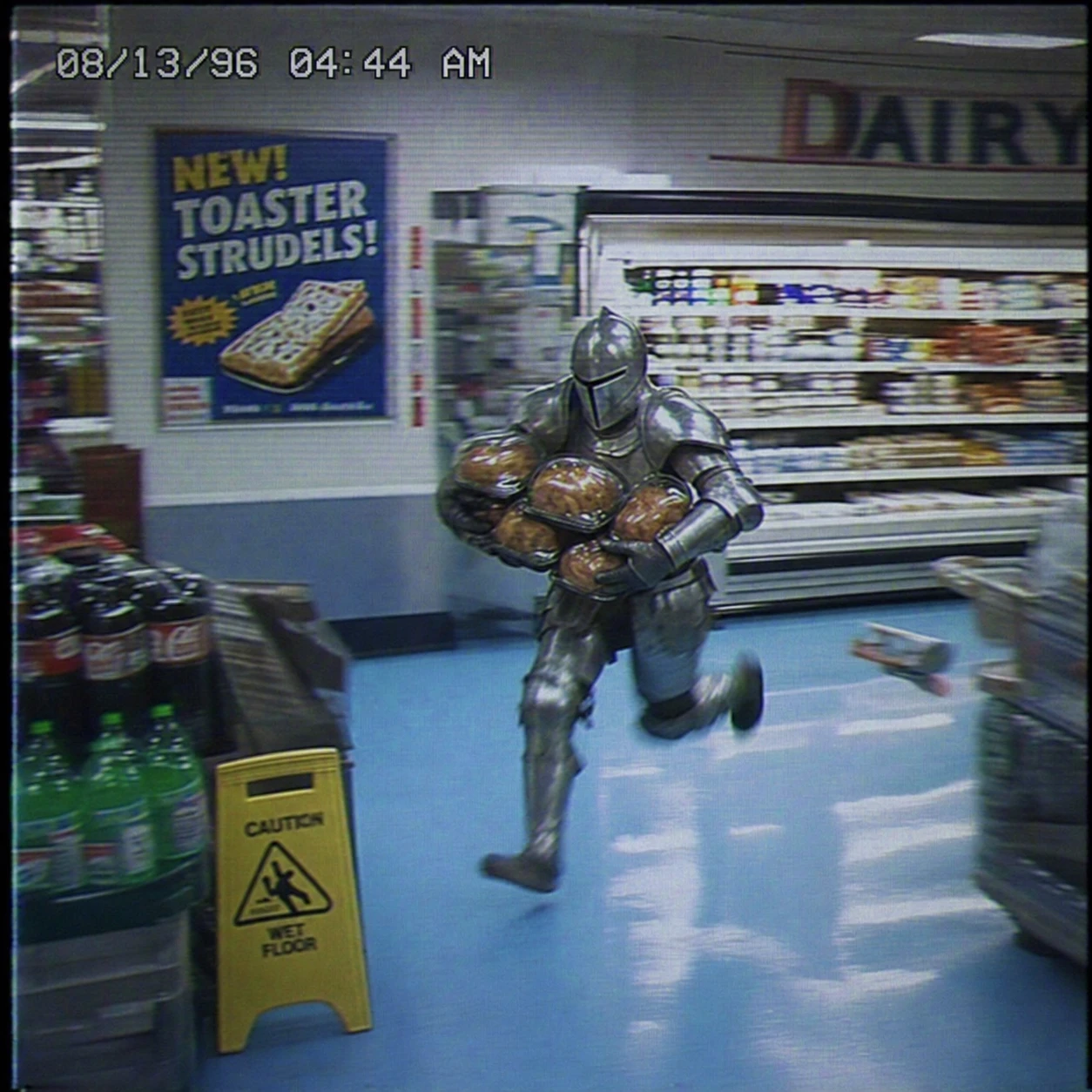
Create a square VHS surveillance still from a 1990s grocery store. A man in full medieval armor sprints through the dairy aisle carrying several rotisserie chickens. Preserve the fluorescent reflections on the armor, baby-blue floor tiles, motion blur, analog color bleed, surveillance noise, timestamp, and vintage food poster to create an absurd, slightly intense low-fidelity moment.
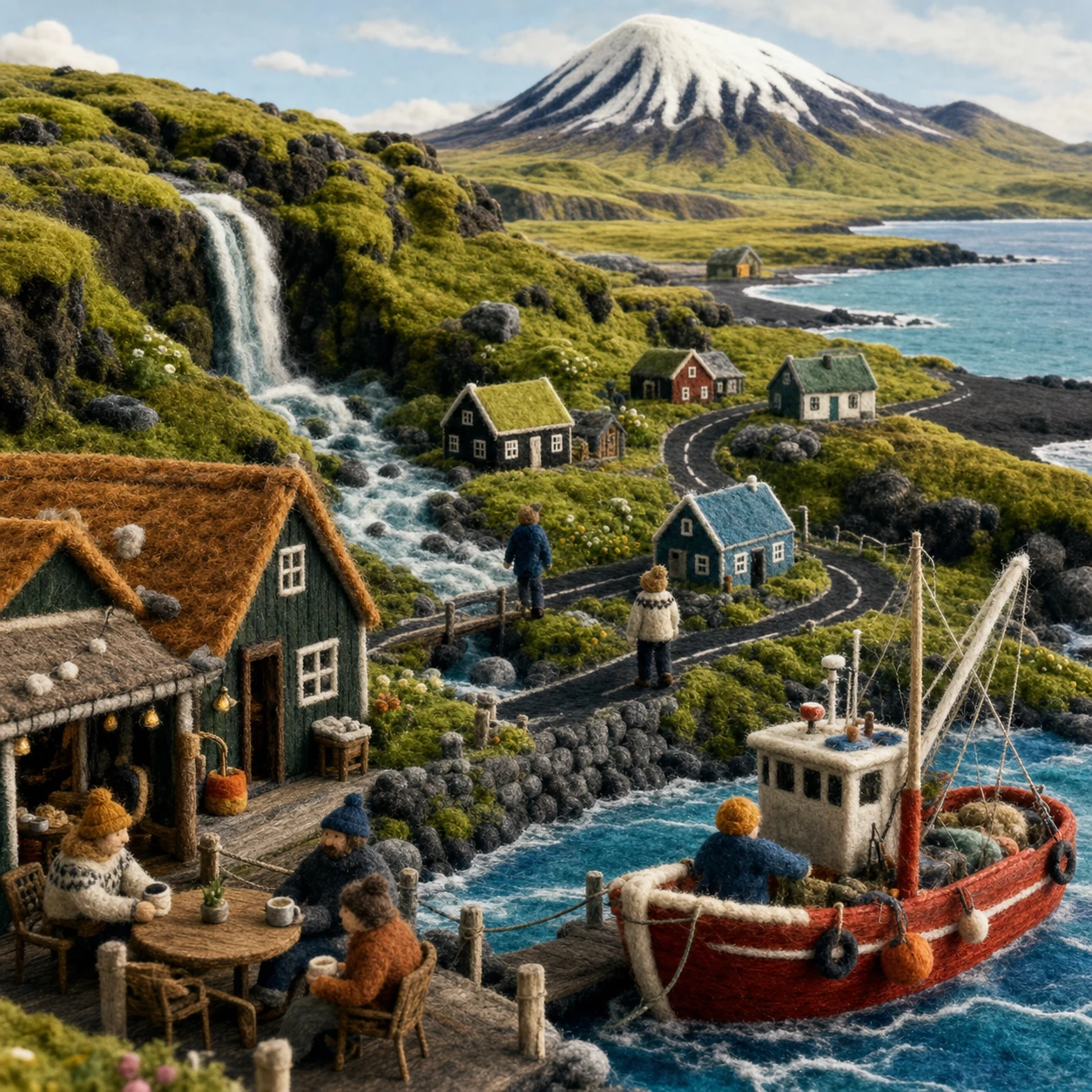
Create a square handmade Icelandic wool-felt miniature world as one cohesive scene. Include a harbor cafe, tiny residents, a red fishing boat, waterfall, tundra, black-sand shoreline, fjord, and snow-capped mountain. Emphasize yarn, needle felt, visible stitching, and tactile fibers. Do not use a collage or typographic layout.
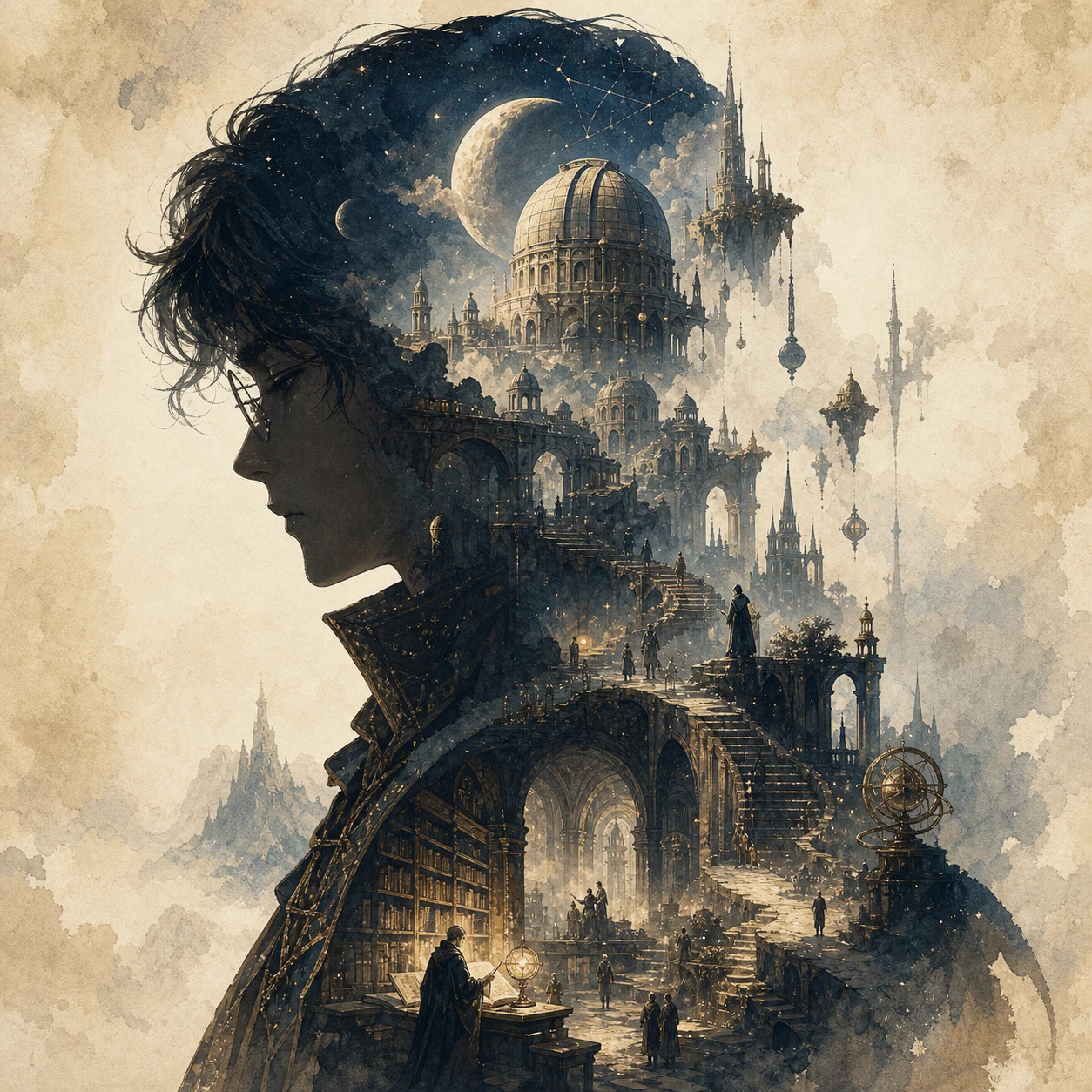
Create a square collector's-edition narrative silhouette poster for an original fantasy theme called "The Celestial Archive." Use the clear side profile of a lone archivist as the outer silhouette, with observatories, floating stairways, bridges, ancient libraries, moons, towers, relics, and distant pilgrims growing naturally inside it. Blend cinematic poster design with dreamy watercolor, paper grain, soft mist, and elegant negative space. Show no text.
画像編集の例
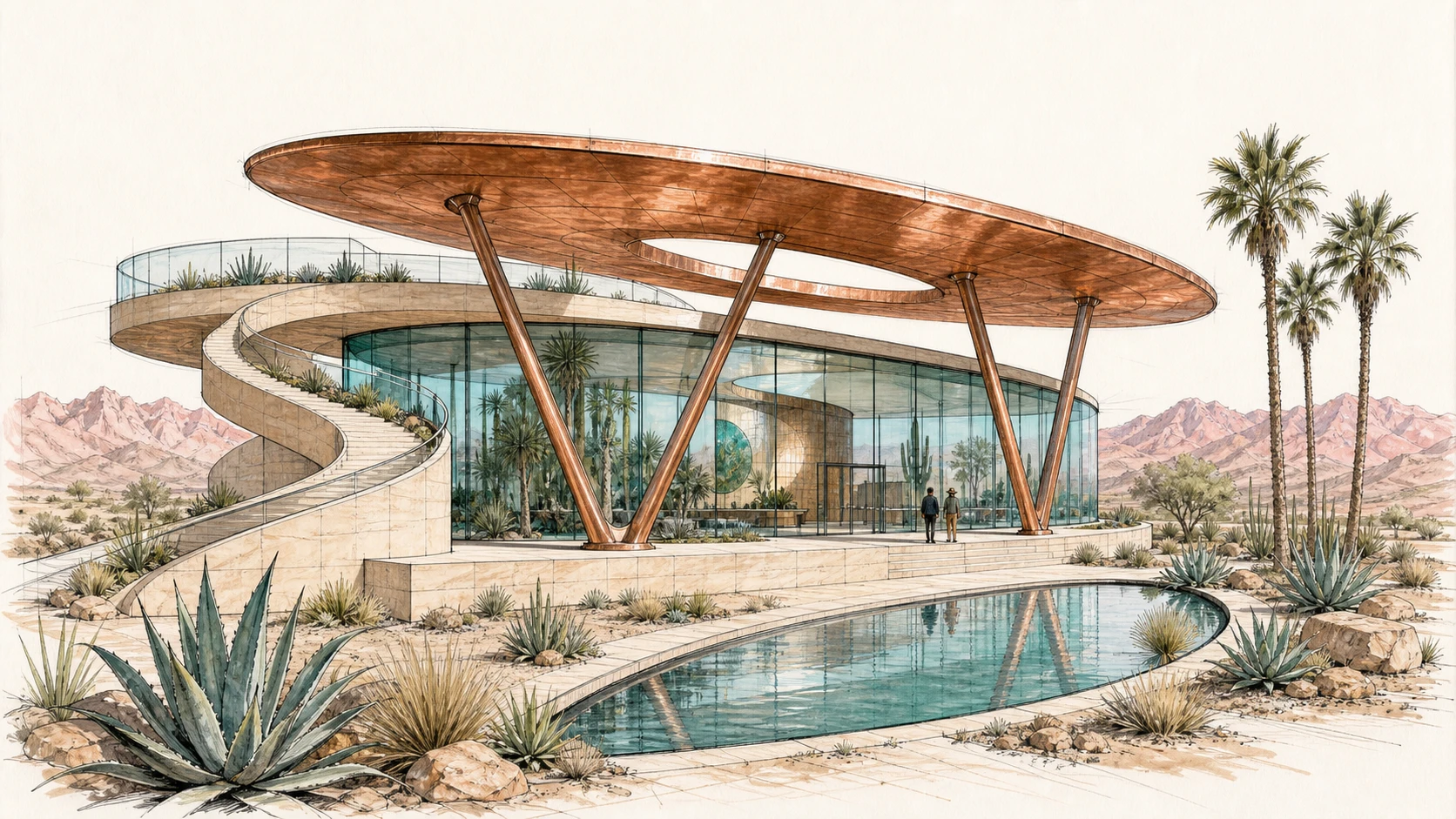
Create a 16:9 architectural concept sketch for a desert botanical observatory from a low three-quarter viewpoint. Keep the oval copper roof, curved glass pavilion, V-shaped supports, spiral ramp on the left, rooftop terrace, crescent reflecting pool, agave plants, palm trees, and distant mountains fully visible. Use graphite, black ink, and restrained copper, turquoise, sage, and blush marker washes.
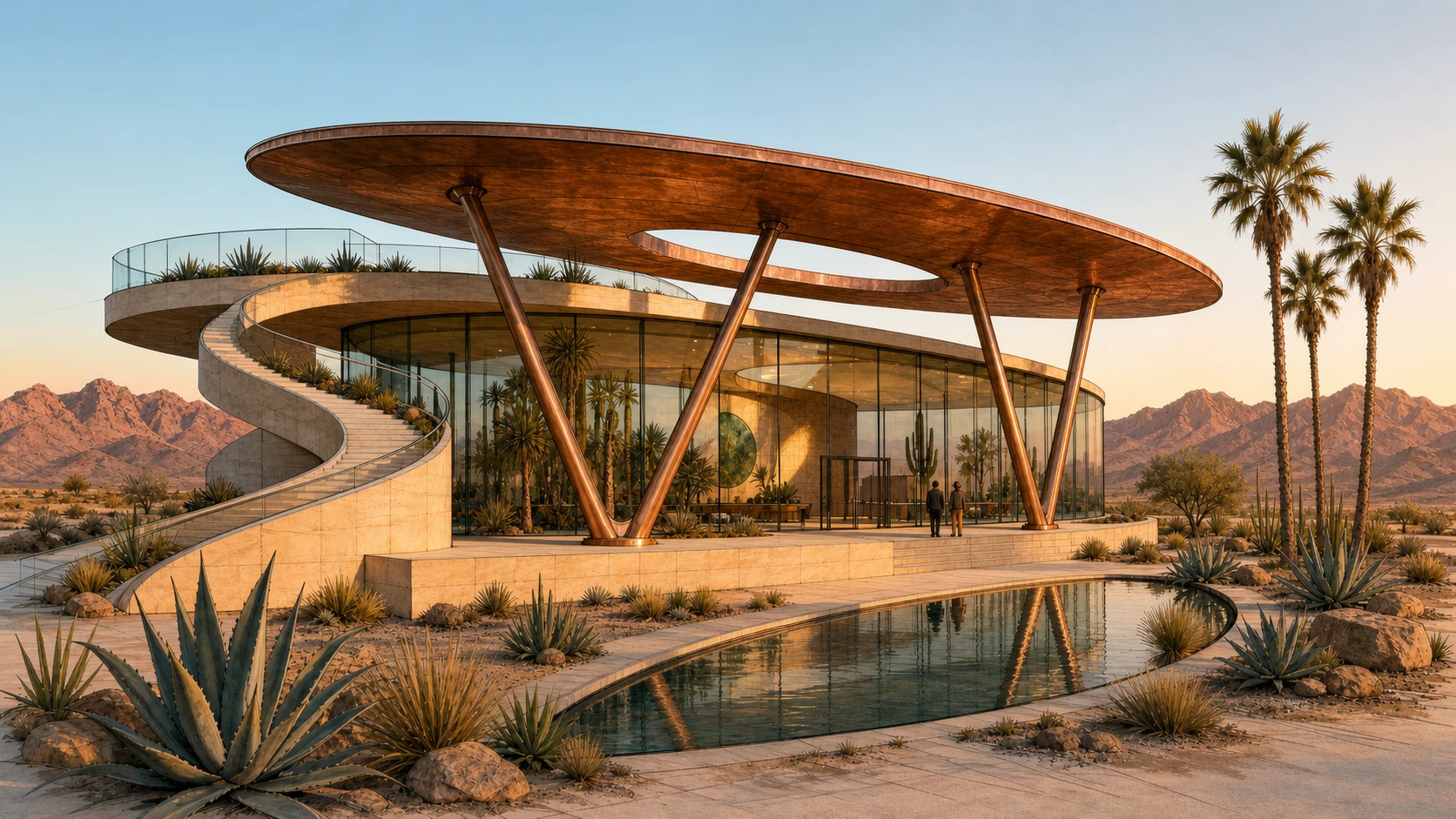
Transform Image 1 into a photorealistic architectural photograph at golden hour. Strictly preserve the camera position, oval roof, curved glass pavilion, V-shaped supports, sandstone plinth, spiral ramp on the left, rooftop terrace, crescent pool, plants, visitors, and mountain horizon. Realize the materials as weathered copper, low-iron glass, and pale sandstone, with physically accurate reflections, long shadows, and warm interior light.
スタイル変換の例
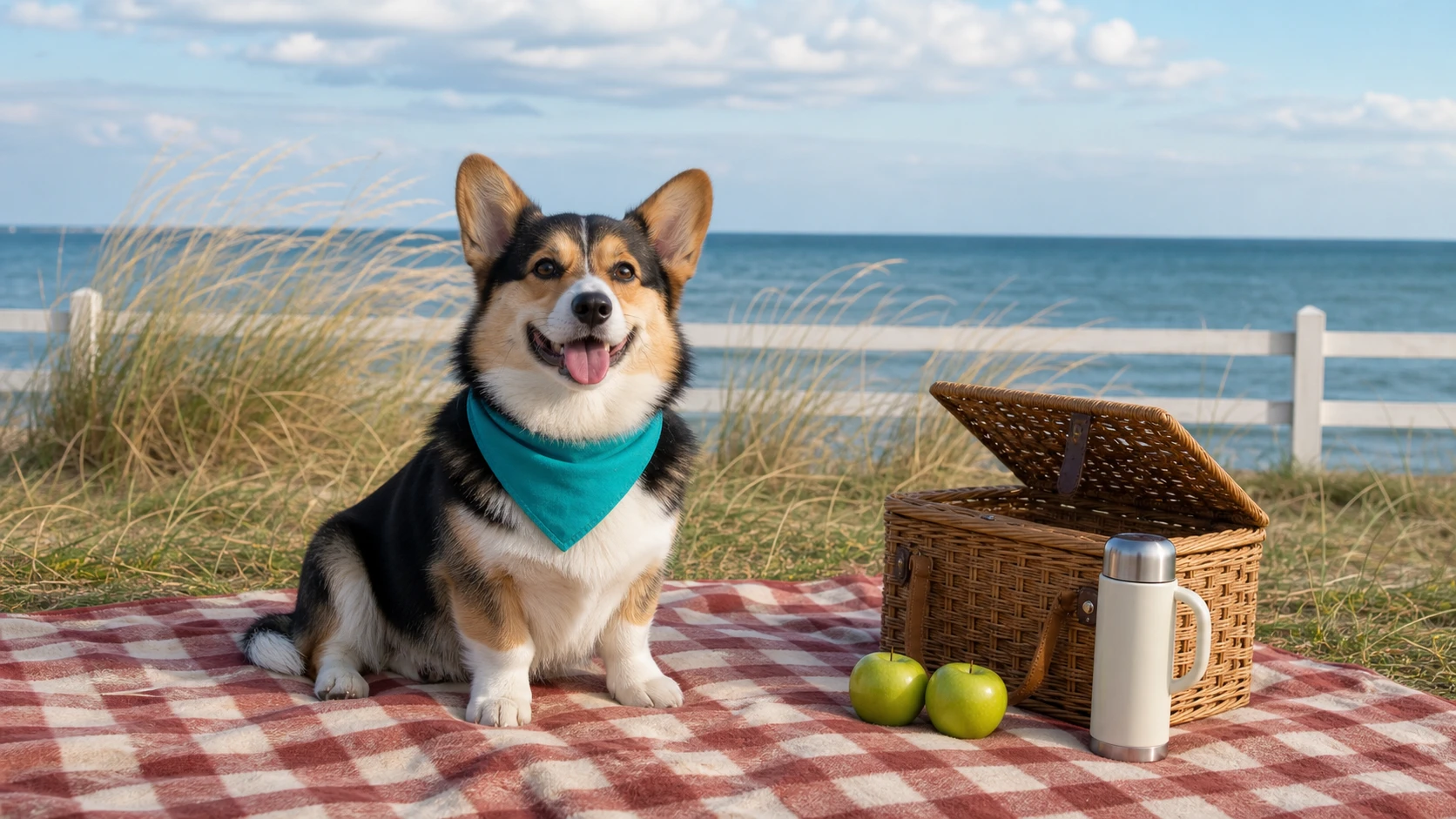
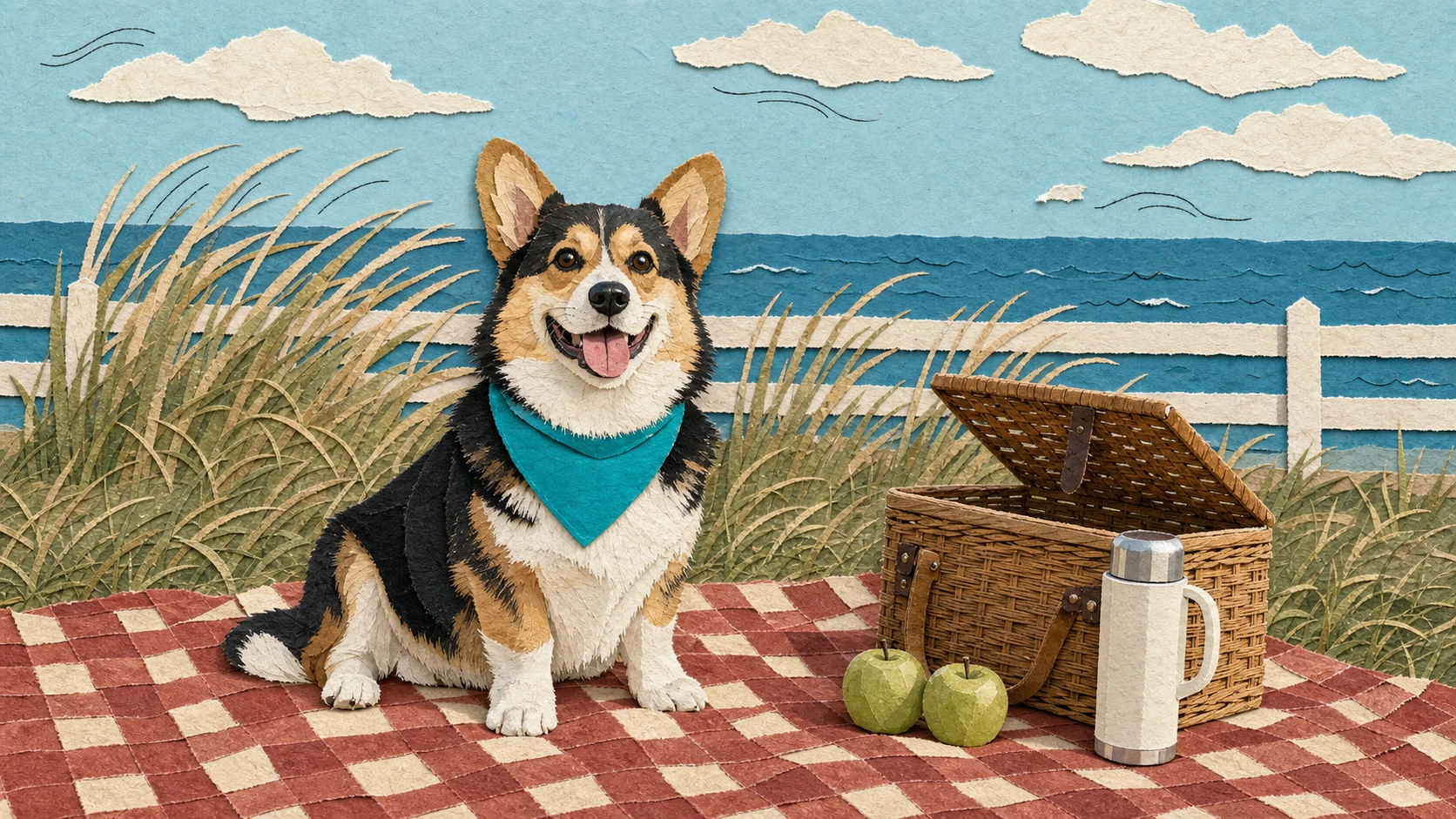
Create a 16:9 seaside lifestyle photograph of a cheerful tricolor corgi wearing a teal bandana and sitting on a red-and-cream checkered picnic blanket. Place a half-open woven basket, two green apples, and a cream thermos on the right. Keep the dune grass, low white fence, and sea horizon visible in the background.
Transform Image 1 into a handmade editorial paper collage. Strictly preserve the corgi's pose, ear shape, tricolor markings, teal bandana, and position, as well as the picnic blanket, basket, two apples, thermos, dune grass, fence, sea horizon, and 16:9 composition. Rebuild the scene with layered matte paper, torn edges, subtle paper shadows, and a few restrained black ink lines suggesting the breeze.
画像変換ジェネレーターの機能
プロンプト制御、参照画像入力、被写体の保持、モデル選択、アスペクト比と解像度のオプション、透明性の高いクレジット見積もりを、1つのオンラインワークフローで利用して既存画像を変換できます。
参照画像に基づく作成
写真、スケッチ、商品画像、キャラクターコンセプト、デザイン案をアップロードし、プロンプトでAIによる画像変換を指示できます。その際、重要な被写体、構造、レイアウトを保つことができます。
自然言語による画像編集
変更、強化、置換、スタイル変更、保持する内容を記述するだけで、手動のデザインツールを使わずに高品質な結果を求めるクリエイターも簡単に画像を編集できます。
複数モデルによるクリエイティブ制御
主要プロバイダーの対応画像変換モデルを選び、ビジュアル品質、プロンプトの再現性、スタイル変換、ディテール保持、料金を比較できます。
透明性の高いクレジット見積もり
生成前に推定クレジット費用を確認できます。無料クレジットと料金は、選択したモデル、画像設定、出力品質、現在の割引ルールに応じて設定されます。
画像変換の活用例
精密な編集、新しいスタイル、商品のバリエーション、コンセプトの強化など、既存画像をもとに結果を作りたいときに、Best Image AIの画像変換ジェネレーターを利用できます。
商品・EC向けビジュアル
商品写真をライフスタイルシーン、キャンペーン画像、すっきりしたモックアップ、パッケージのプレビュー、ビジュアルバリエーションに変換し、クリエイティブテストを効率化できます。
写真のスタイル変更とクリエイティブ編集
重要な被写体のディテールとビジュアル構造を保ちながら、ポートレート、インテリア、ファッション写真、オブジェクト、イラストを新しいスタイルに変換できます。
デザインの反復とコンセプトの洗練
スケッチ、下書き、UIビジュアル、ムードボード画像、レイアウトの参照をアップロードし、レビュー、プレゼンテーション、方向性の探索に使える洗練された代替案を生成できます。
ストーリー、キャラクター、シーンの開発
参照画像と明確なプロンプト指示を使い、キャラクター、環境、小道具、ポスター、映画的なフレームの一貫したバリエーションを作成できます。
画像から新しい画像を生成する方法
参照画像をアップロードし、編集用プロンプトを記述してモデルを選択した後、新しい画像を生成・調整します。
参照画像をアップロード
商品写真、ポートレート、スケッチ、デザイン案、スタイルの参照など、生成結果の指針となる画像を用意します。
変換内容を説明
スタイル、背景、照明、色、構図、被写体のディテール、出力目的など、変更する内容と保持する内容をプロンプトで記述します。
生成して調整
対応モデルと設定を選び、画像を生成して結果をプレビューした後、完成した画像をJPG、PNG、WebPなどの対応形式でダウンロードします。
メディア制作向けのAIモデルをさらに探索
Best Image AIで、画像、動画、チャットの各種モデルをさらに探索できます。各モデルページには、機能、料金情報、APIサンプル、プレイグラウンドへのアクセスが用意されています。


