AI 이미지-이미지 생성기: 참조 이미지로 이미지 편집
참조 이미지를 업로드하고 Best Image AI 이미지-이미지 생성기로 변환하세요. 무료 크레딧으로 시작하고 자연어 프롬프트를 사용해 사진 스타일을 바꾸고, 피사체와 구도를 유지하며, 비주얼 세부 사항을 편집하여 디자인, 마케팅, 제품 및 창작 워크플로에 사용할 완성도 높은 비주얼을 생성할 수 있습니다.
AI 이미지-이미지 생성기의 핵심 기능
참조 기반 생성, 비주얼 편집, 스타일 변환, 제품 목업, 빠른 이미지 변형을 위한 유연한 이미지-이미지 제작 도구로, 원본 이미지의 주요 세부 사항을 유지합니다.
참조 기반 생성 예시
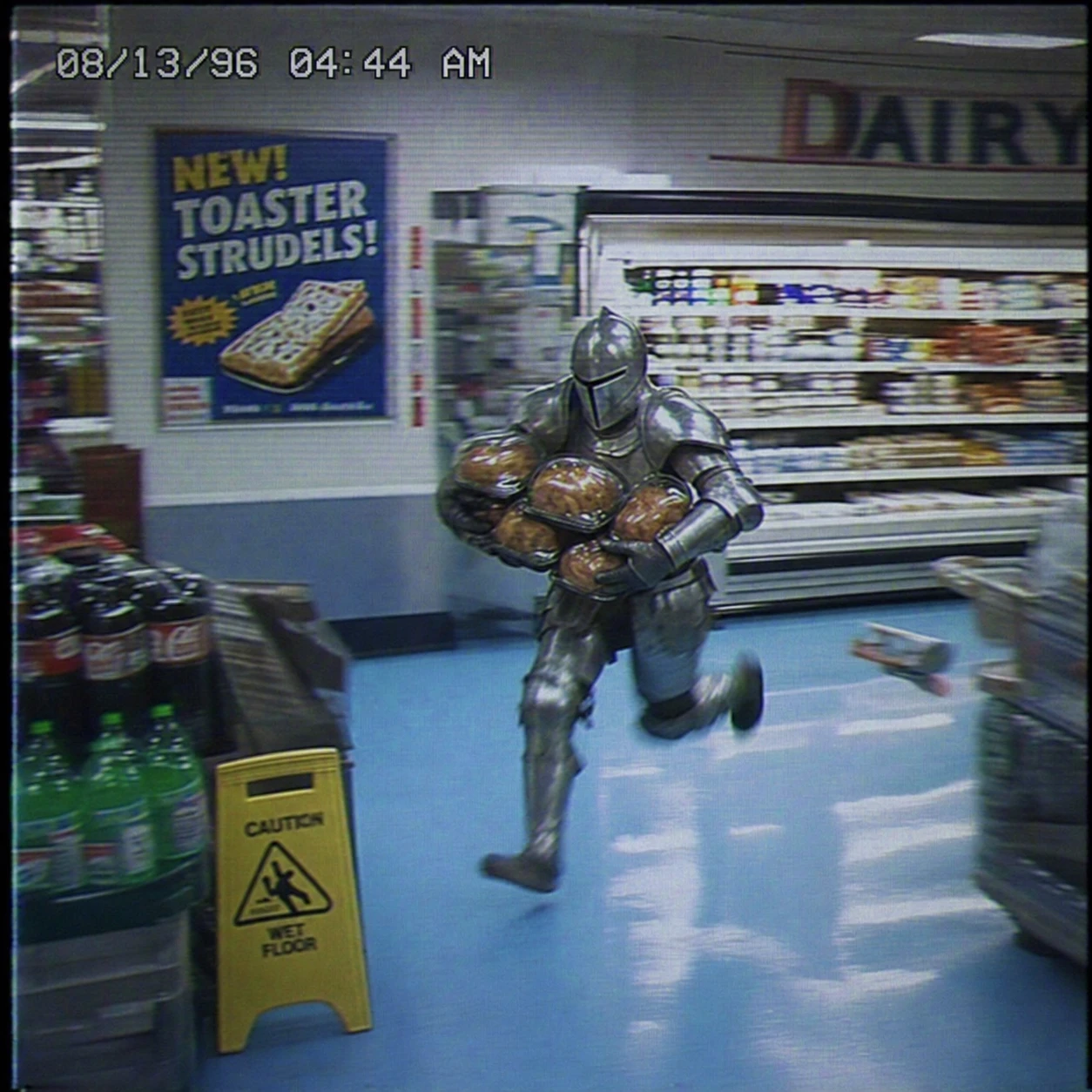
Create a square VHS surveillance still from a 1990s grocery store. A man in full medieval armor sprints through the dairy aisle carrying several rotisserie chickens. Preserve the fluorescent reflections on the armor, baby-blue floor tiles, motion blur, analog color bleed, surveillance noise, timestamp, and vintage food poster to create an absurd, slightly intense low-fidelity moment.
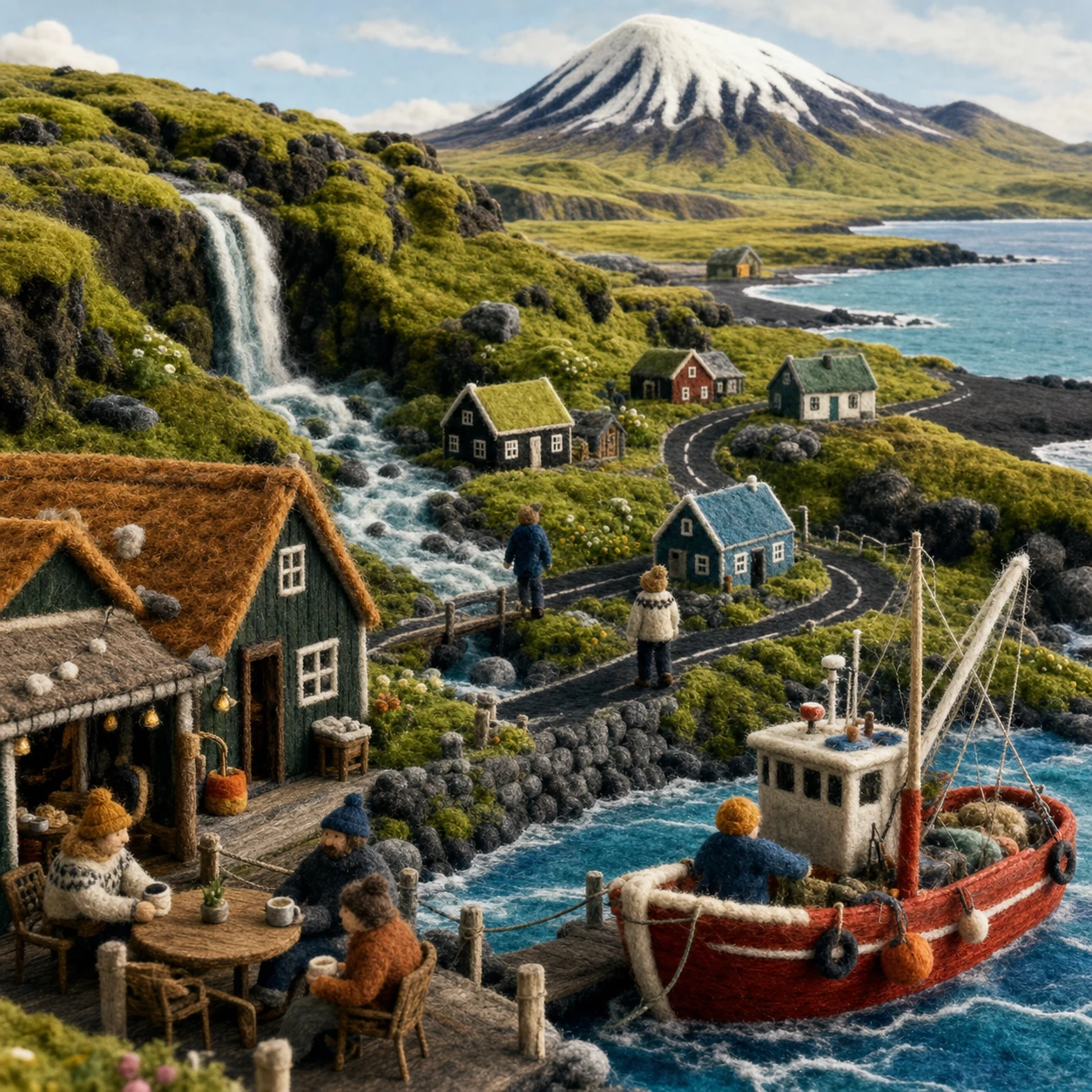
Create a square handmade Icelandic wool-felt miniature world as one cohesive scene. Include a harbor cafe, tiny residents, a red fishing boat, waterfall, tundra, black-sand shoreline, fjord, and snow-capped mountain. Emphasize yarn, needle felt, visible stitching, and tactile fibers. Do not use a collage or typographic layout.
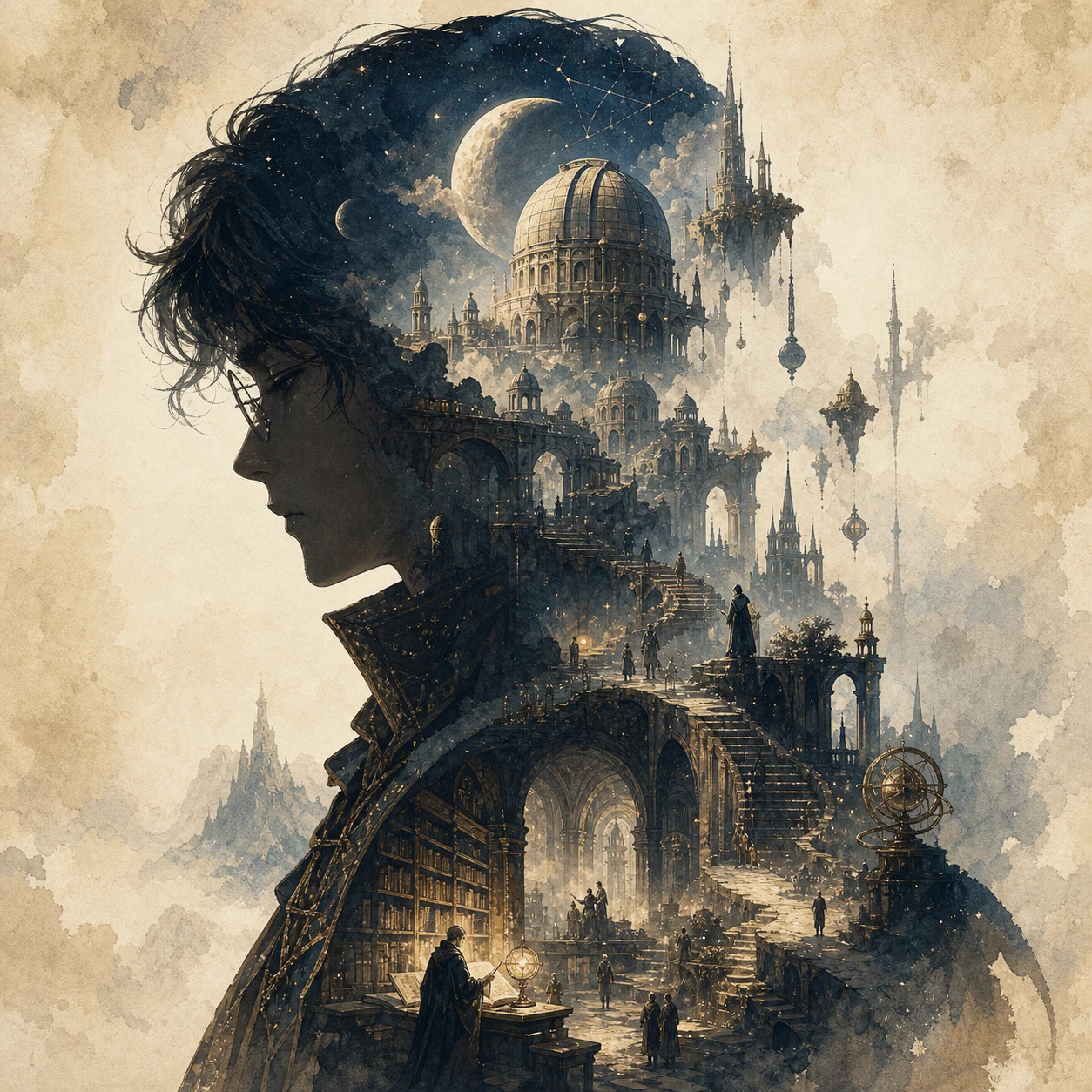
Create a square collector's-edition narrative silhouette poster for an original fantasy theme called "The Celestial Archive." Use the clear side profile of a lone archivist as the outer silhouette, with observatories, floating stairways, bridges, ancient libraries, moons, towers, relics, and distant pilgrims growing naturally inside it. Blend cinematic poster design with dreamy watercolor, paper grain, soft mist, and elegant negative space. Show no text.
이미지 편집 예시
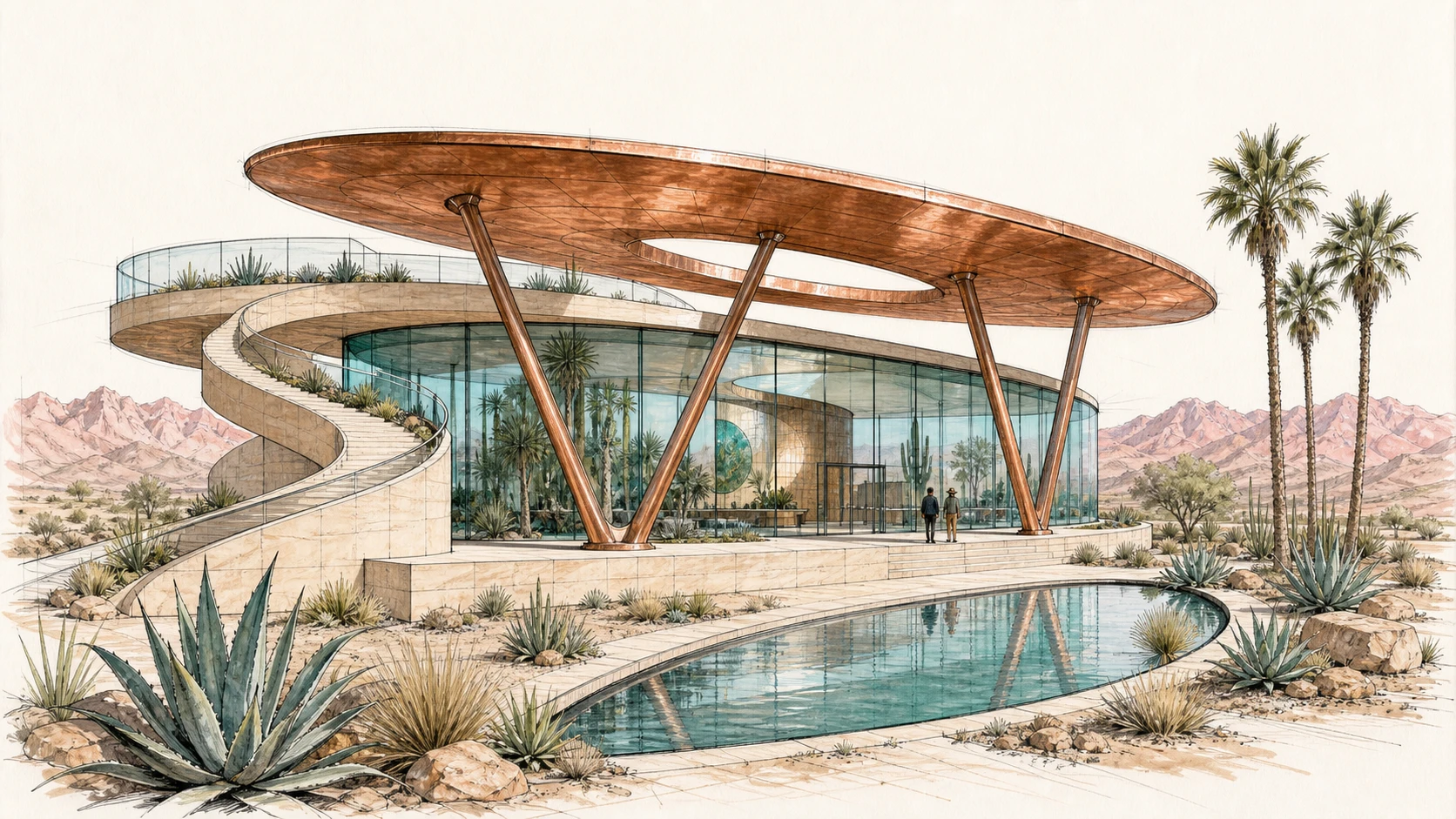
Create a 16:9 architectural concept sketch for a desert botanical observatory from a low three-quarter viewpoint. Keep the oval copper roof, curved glass pavilion, V-shaped supports, spiral ramp on the left, rooftop terrace, crescent reflecting pool, agave plants, palm trees, and distant mountains fully visible. Use graphite, black ink, and restrained copper, turquoise, sage, and blush marker washes.
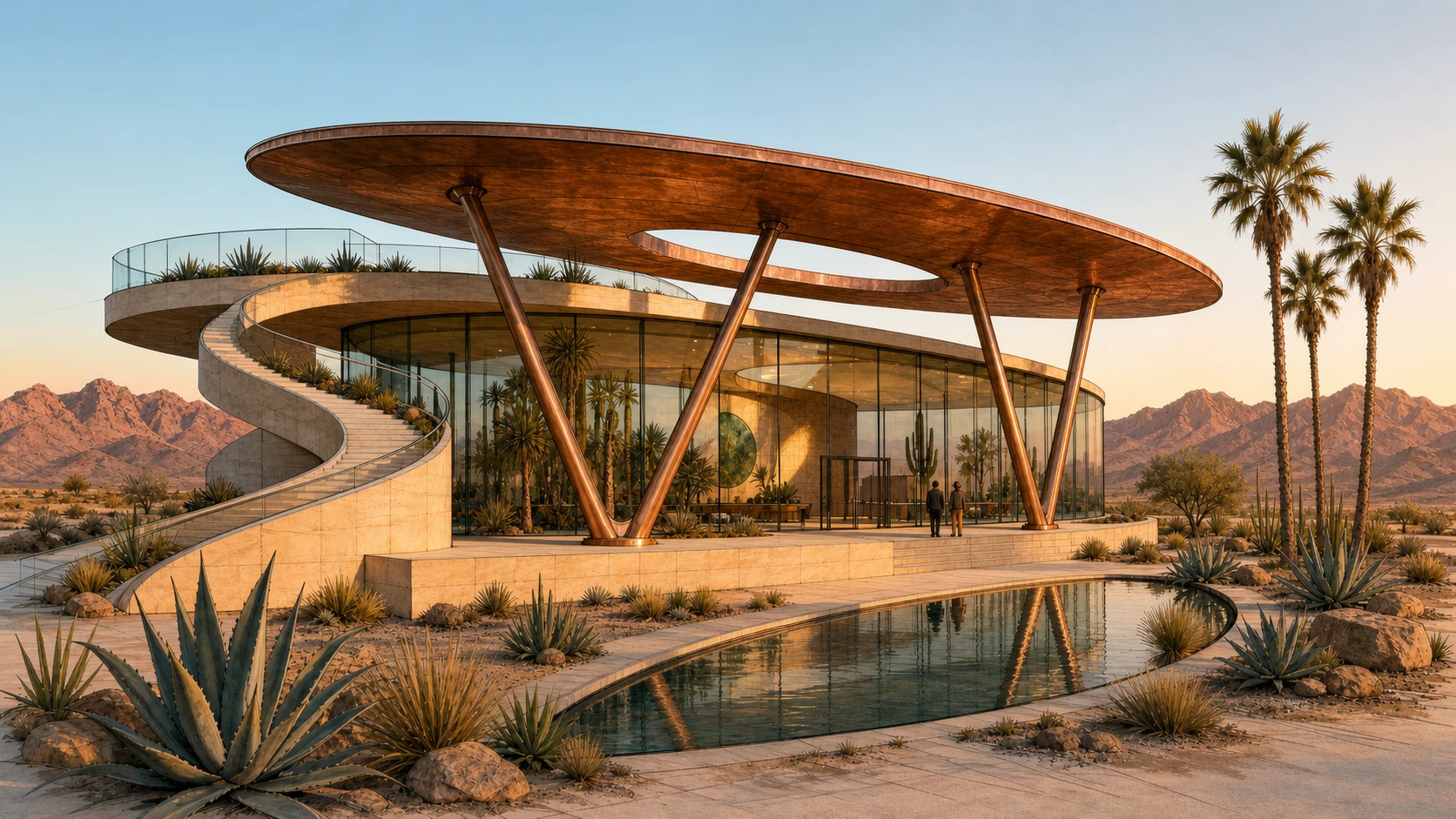
Transform Image 1 into a photorealistic architectural photograph at golden hour. Strictly preserve the camera position, oval roof, curved glass pavilion, V-shaped supports, sandstone plinth, spiral ramp on the left, rooftop terrace, crescent pool, plants, visitors, and mountain horizon. Realize the materials as weathered copper, low-iron glass, and pale sandstone, with physically accurate reflections, long shadows, and warm interior light.
스타일 변환 예시
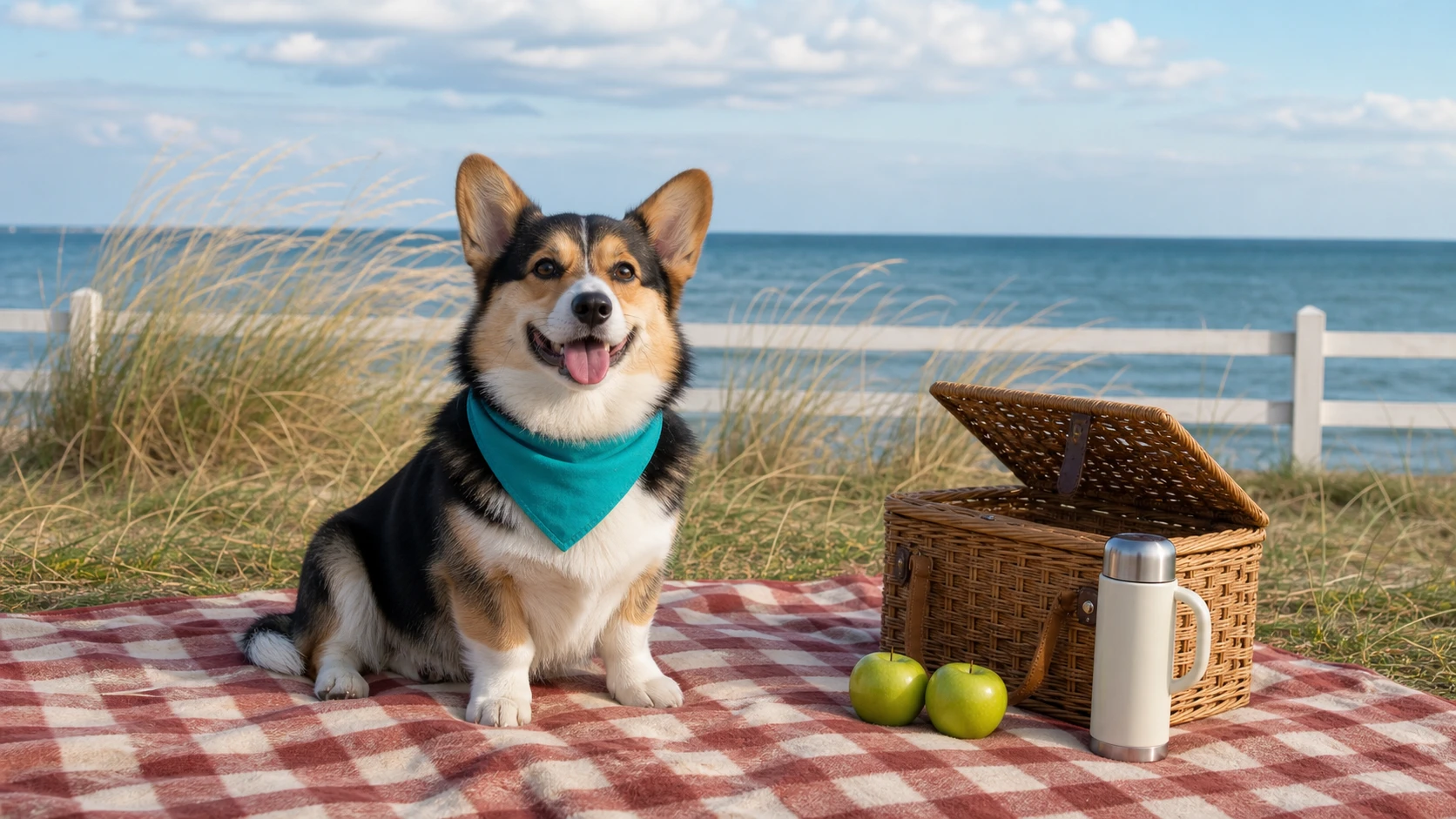
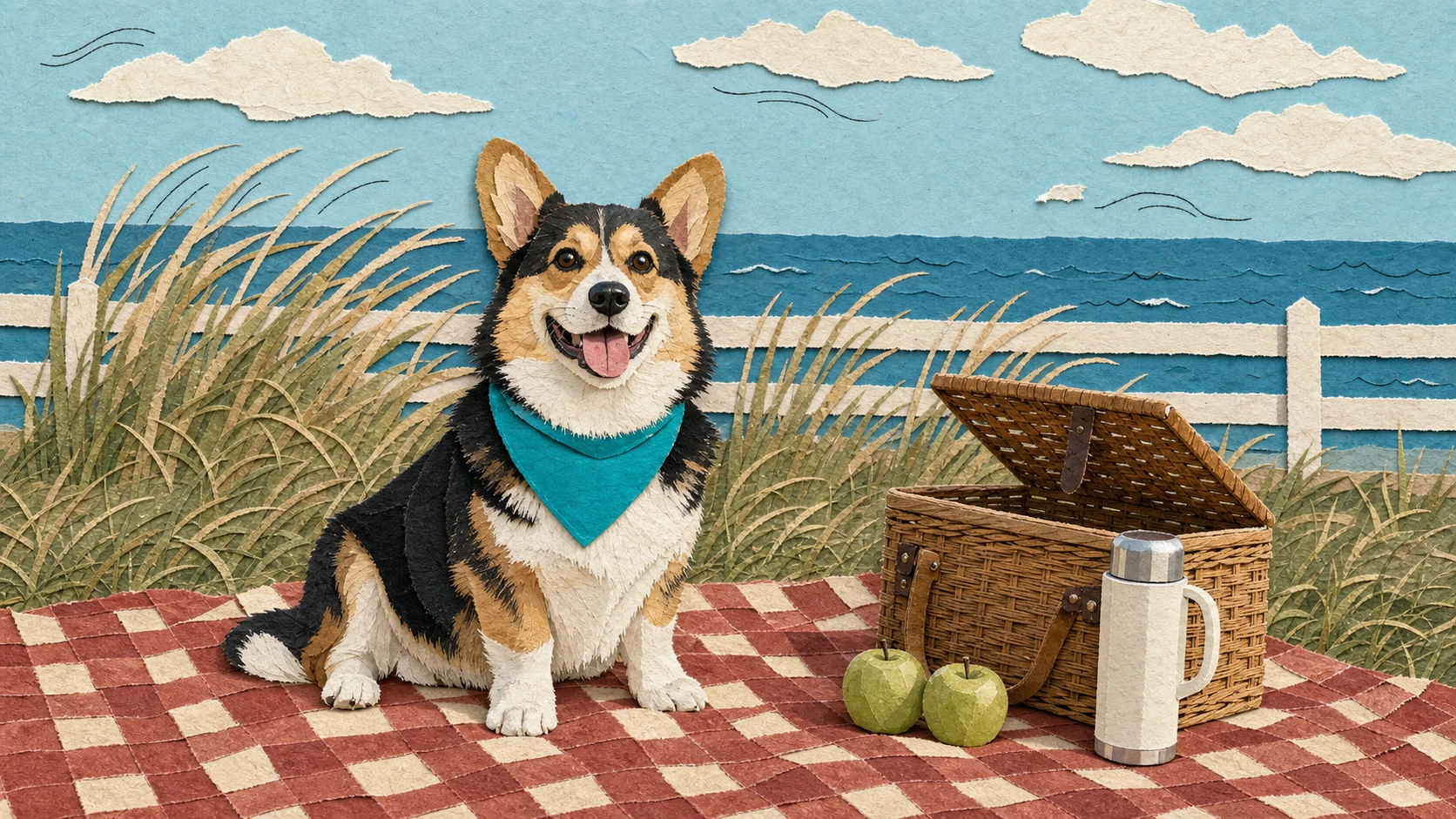
Create a 16:9 seaside lifestyle photograph of a cheerful tricolor corgi wearing a teal bandana and sitting on a red-and-cream checkered picnic blanket. Place a half-open woven basket, two green apples, and a cream thermos on the right. Keep the dune grass, low white fence, and sea horizon visible in the background.
Transform Image 1 into a handmade editorial paper collage. Strictly preserve the corgi's pose, ear shape, tricolor markings, teal bandana, and position, as well as the picnic blanket, basket, two apples, thermos, dune grass, fence, sea horizon, and 16:9 composition. Rebuild the scene with layered matte paper, torn edges, subtle paper shadows, and a few restrained black ink lines suggesting the breeze.
이미지-이미지 생성기 기능
프롬프트 제어, 참조 이미지 입력, 피사체 유지, 모델 선택, 비율 옵션, 해상도 설정, 투명한 크레딧 예상치를 하나의 온라인 워크플로에서 활용하여 기존 이미지를 변환하세요.
참조 이미지 기반 제작
사진, 스케치, 제품 이미지, 캐릭터 콘셉트 또는 디자인 초안을 업로드한 다음 프롬프트를 사용하여 중요한 피사체, 구조 또는 레이아웃을 유지하면서 AI가 이미지를 변환하는 방식을 안내하세요.
자연어 이미지 편집
변경, 개선, 교체, 스타일 변경 또는 유지할 내용을 설명하여 수동 디자인 도구 없이도 뛰어난 결과를 원하는 크리에이터가 이미지를 더 쉽게 편집할 수 있습니다.
멀티 모델 창작 제어
선도적인 제공업체에서 지원하는 이미지-이미지 모델을 선택하여 비주얼 품질, 프롬프트 준수, 스타일 변환, 세부 사항 유지, 가격을 비교하세요.
투명한 크레딧 예상치
생성 전에 예상 크레딧 비용을 확인하세요. 무료 크레딧이 제공되며 선택한 모델, 이미지 설정, 출력 품질, 현재 할인 규칙에 따라 가격이 조정됩니다.
이미지-이미지 활용 사례
세밀한 편집, 새로운 스타일, 제품 변형 또는 콘셉트 개선 등 기존 이미지가 결과를 안내해야 할 때 Best Image AI 이미지-이미지 생성기를 사용하세요.
제품 및 전자상거래 비주얼
제품 사진을 라이프스타일 장면, 캠페인 이미지, 깔끔한 목업, 패키지 미리보기, 비주얼 변형으로 바꿔 창작 아이디어를 더 빠르게 테스트하세요.
사진 스타일 변경 및 창의적 편집
인물 사진, 인테리어, 패션 사진, 사물, 일러스트를 중요한 피사체 세부 사항과 비주얼 구조를 유지하면서 새로운 스타일로 변환하세요.
디자인 반복 및 콘셉트 개선
스케치, 초안, UI 비주얼, 무드보드 이미지 또는 레이아웃 참조를 업로드한 다음 검토, 프레젠테이션, 탐색을 위한 완성도 높은 대안을 생성하세요.
스토리, 캐릭터 및 장면 개발
참조 이미지와 명확한 프롬프트 지시를 사용해 캐릭터, 환경, 소품, 포스터, 영화 같은 프레임의 일관된 변형을 만드세요.
이미지로 이미지를 생성하는 방법
참조 이미지를 업로드하고 편집 프롬프트를 작성하고 모델을 선택한 다음 새 이미지 결과를 생성하고 개선하세요.
참조 이미지 업로드
제품 사진, 인물 사진, 스케치, 디자인 초안, 스타일 참조 또는 생성 결과를 안내해야 하는 이미지로 시작하세요.
변환 내용 설명
스타일, 배경, 조명, 색상, 구도, 피사체 세부 사항, 출력 목표를 포함하여 변경할 내용과 유지할 내용을 프롬프트로 설명하세요.
생성 및 개선
지원되는 모델과 설정을 선택하고 이미지를 생성한 후 결과를 미리 보고 JPG, PNG, WebP 등 지원되는 형식으로 완성된 이미지를 다운로드하세요.
미디어 제작을 위한 더 많은 AI 모델 살펴보기
Best Image AI에서 더 많은 이미지, 비디오, 채팅 모델을 찾아보세요. 각 모델 페이지에서 기능, 가격 정보, API 예시, 플레이그라운드 이용 방법을 확인할 수 있습니다.


