AIテキスト画像生成ツール:プロンプトから画像を作成
Best Image AIのテキスト画像生成ツールを使い、シンプルなテキストプロンプトから高品質なビジュアルを作成できます。無料クレジットで始め、主要な画像モデルを選び、出力設定を細かく調整して、デザイン、マーケティング、ストーリーテリング、教育、クリエイティブ制作向けの洗練された画像を生成できます。
AIテキスト画像生成ツールの主な機能
文章で表現したアイデアを詳細なビジュアルへ変換する強力なAI画像制作ワークフロー。高精度なプロンプト理解、柔軟なモデル選択、整った構図、すばやいクリエイティブ反復に対応します。
テキストから画像を作成する例
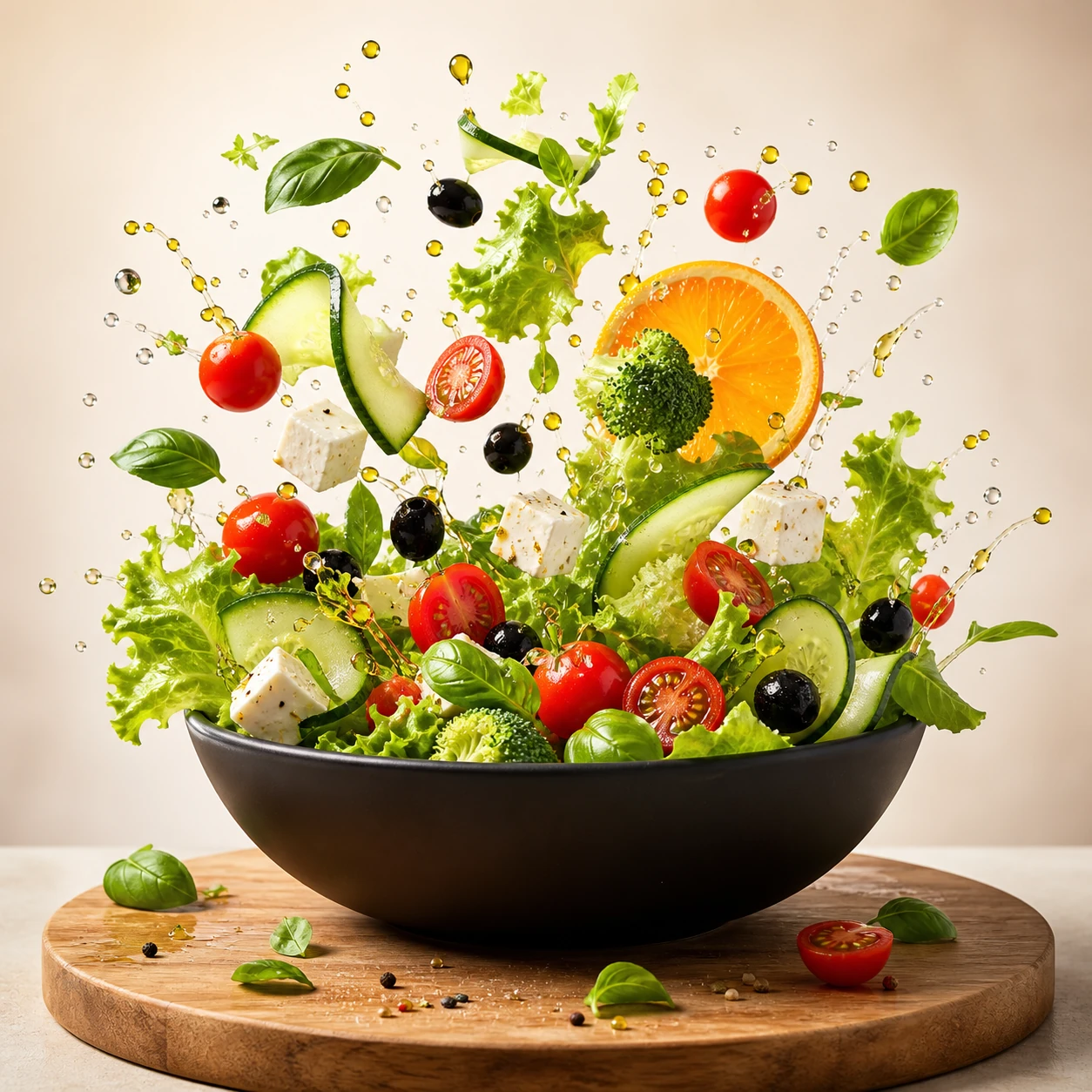
Create a square commercial food photograph of a dynamic salad explosion emerging from a matte-black bowl. Keep every ingredient crisp and recognizable, with suspended water droplets and olive oil against a bright warm-beige studio background. Use cinematic studio lighting and editorial cookbook quality. Do not include people, text, collage elements, or interface graphics.
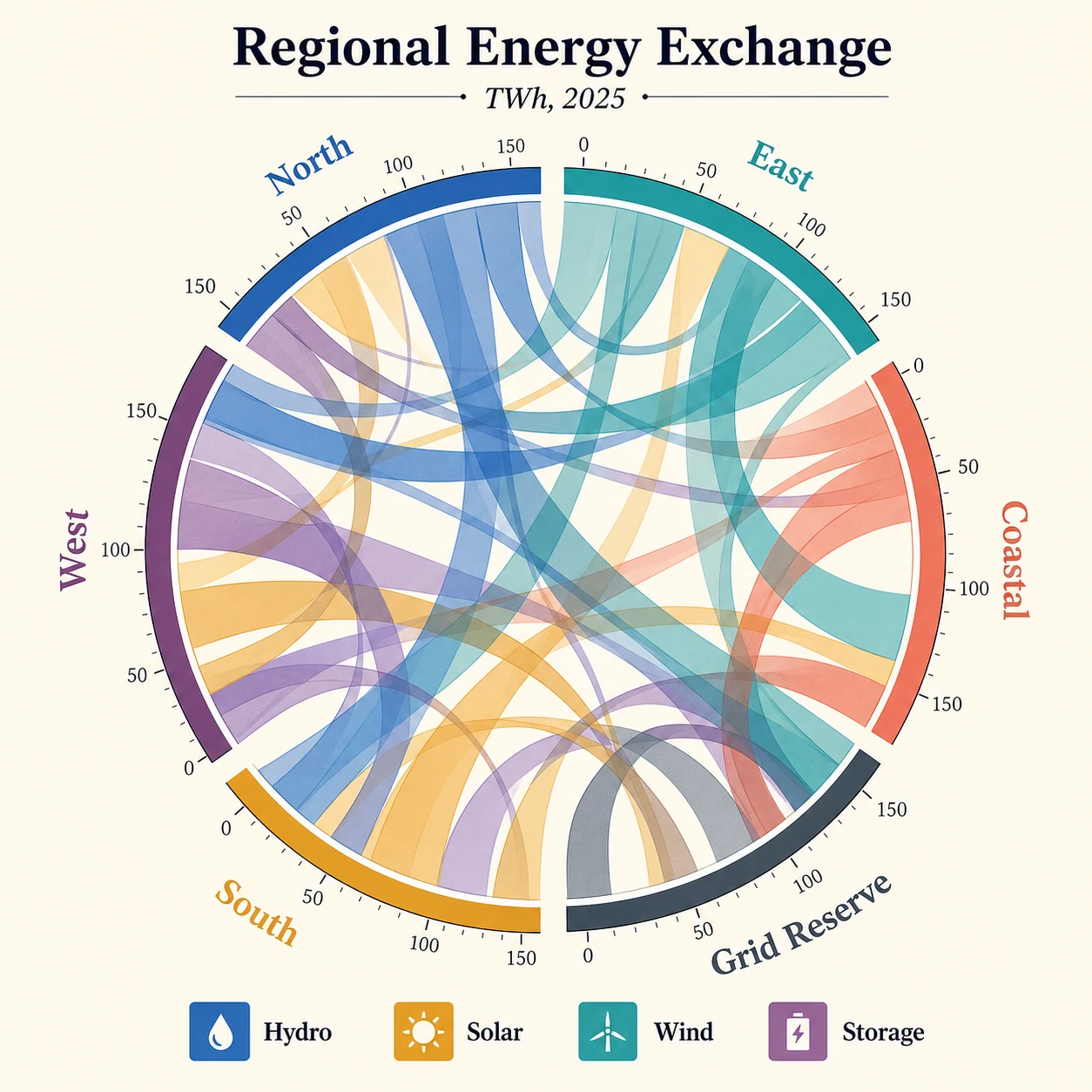
Create a square publication-quality chord diagram on a bright ivory background using cobalt, teal, ochre, coral, plum, and graphite. Accurately render the title "Regional Energy Exchange," subtitle "TWh, 2025," six regional labels, four legend items, and numeric ticks. Use precise arcs, semi-transparent ribbons, crisp typography, clear hierarchy, and balanced white space.
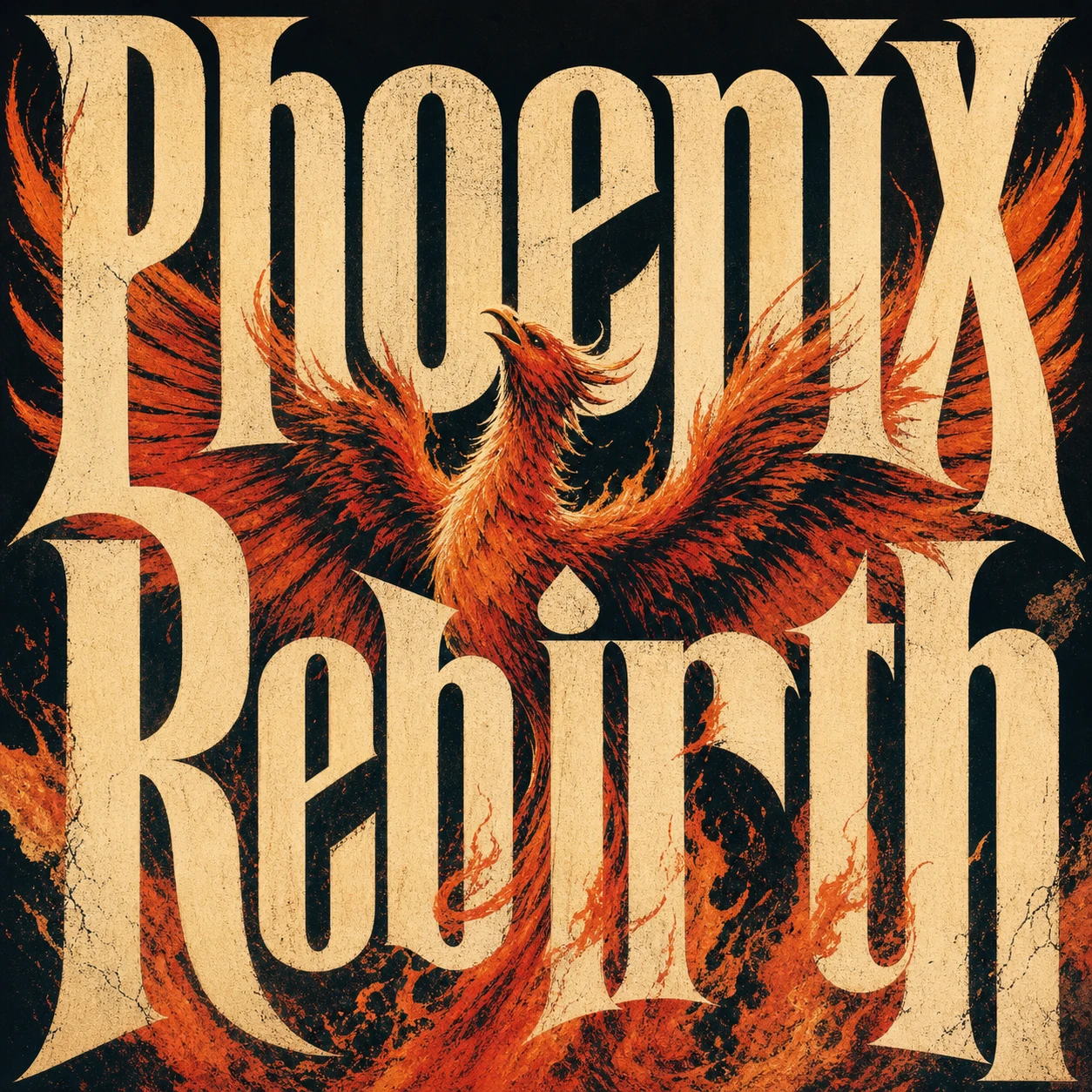
Create a square premium conceptual typography poster for the exact title "Phoenix Rebirth." Make custom letterforms the dominant visual structure and interweave them with a strong visual metaphor for rebirth. Use a restrained four-to-six-color system, silkscreen texture, paper fibers, subtle ink imperfections, bold scale, intelligent negative space, and museum-quality editorial composition. Do not add unrelated text, logos, moodboard panels, or collage labels.
クリエイティブな画像バリエーションの例
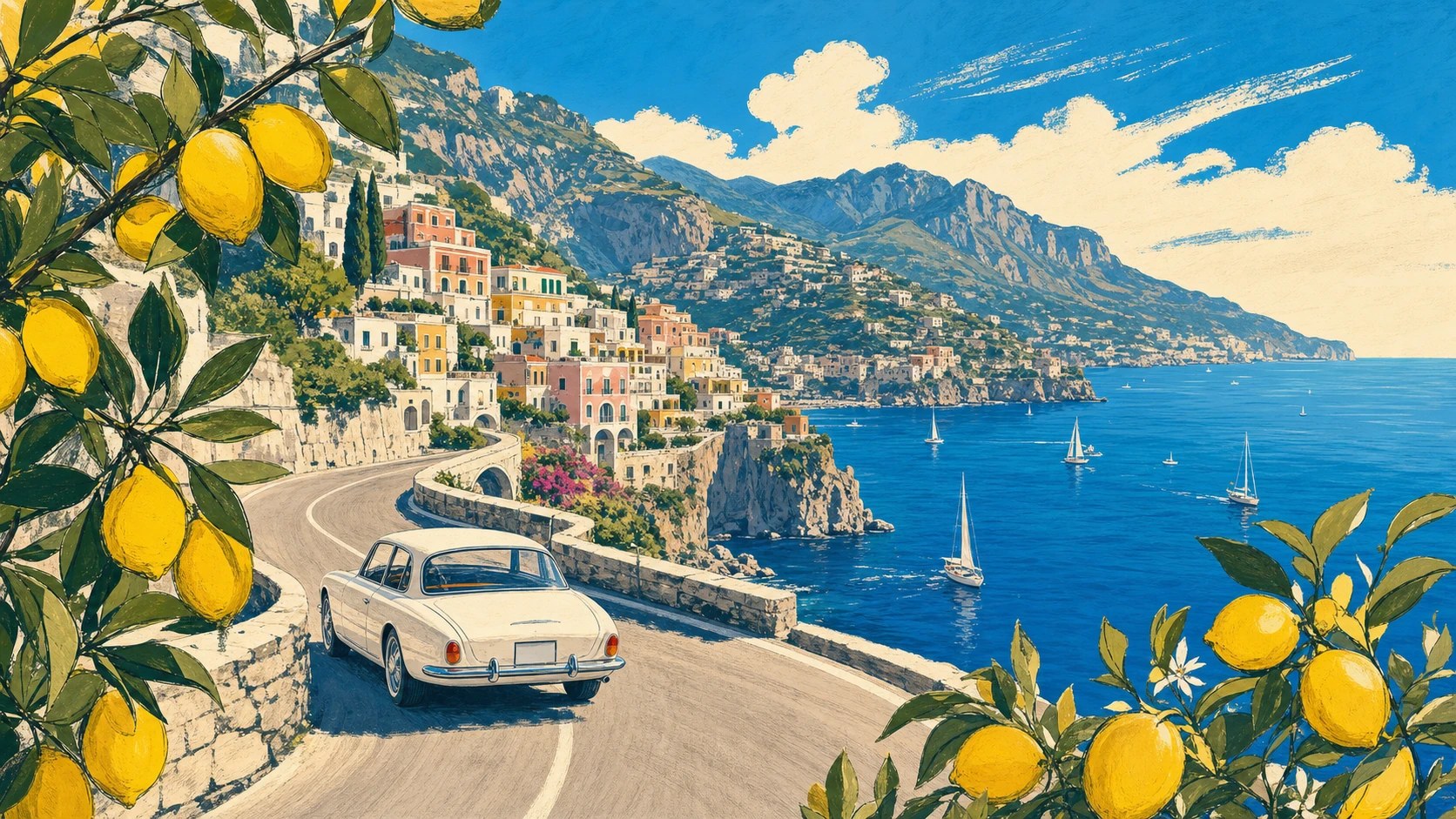
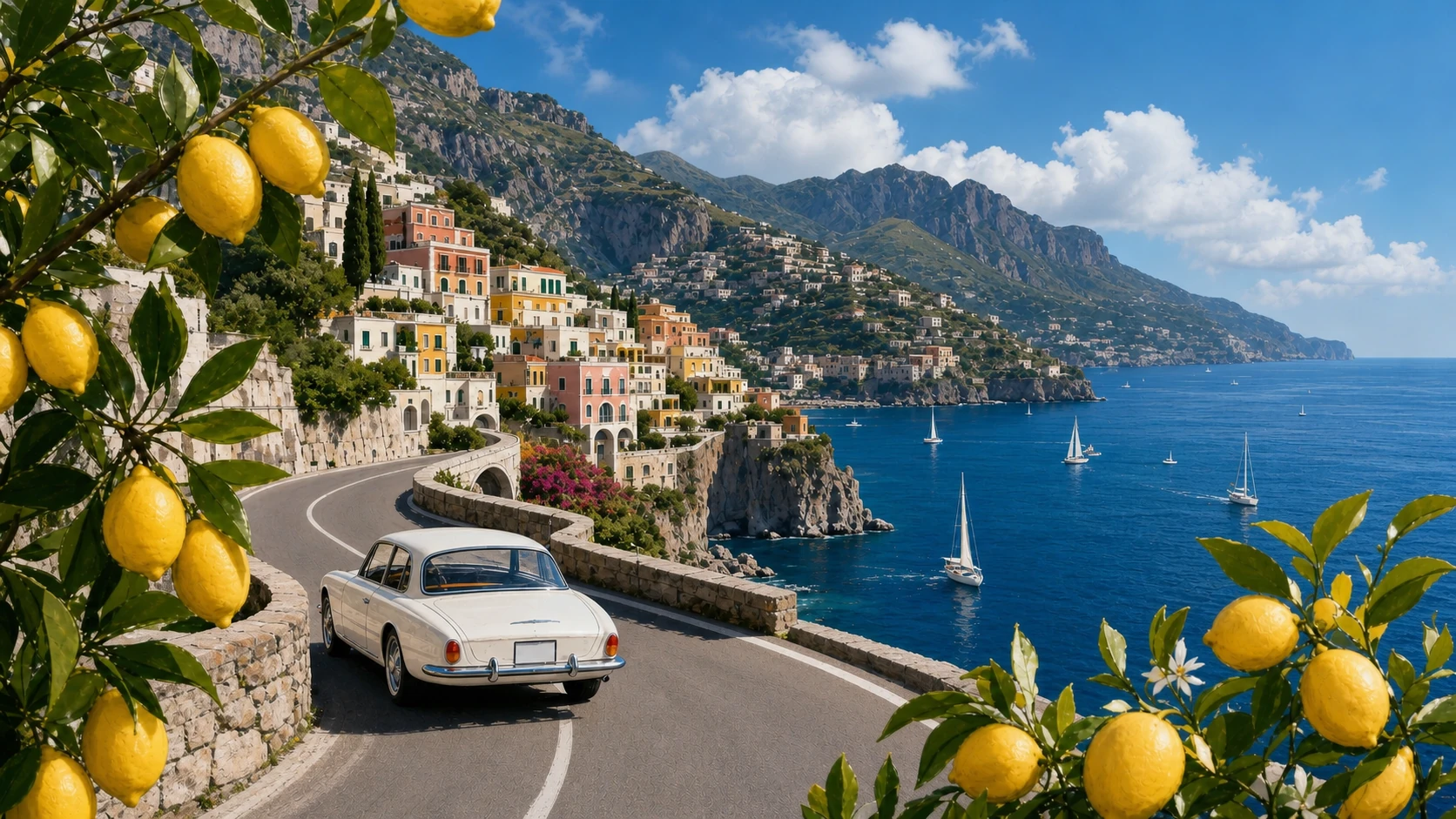
Create a 16:9 vintage travel illustration of the Amalfi Coast. Show a white 1960s car driving along a curved cliffside road, the deep-blue Mediterranean with small sailboats, a colorful pastel hillside village, distant mountains, and lemon branches framing the foreground. Use warm summer light, bold harmonious colors, loose hand-drawn contours, and screen-print texture. Show no text.
Transform Image 1 into a photorealistic travel photograph. Strictly preserve the road curve, white car position and direction, village, mountain ridge, coastline, sailboat distribution, lemon framing on both sides, viewpoint, and 16:9 scene structure. Change only the medium and material realism, with natural Mediterranean light, believable surfaces, atmospheric depth, and physically accurate reflections.
スタイルとレイアウト制御の例
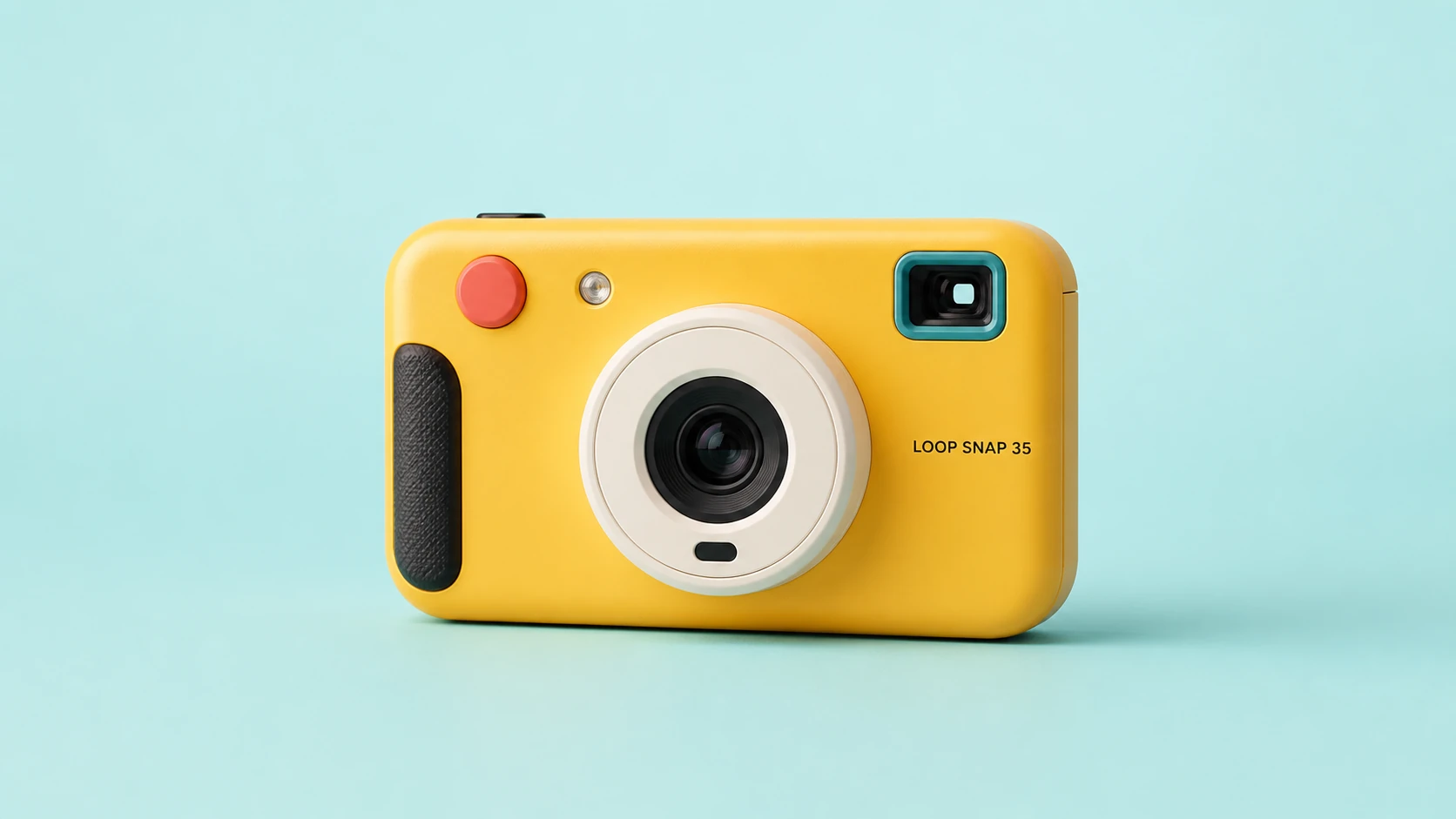
Create a clean 16:9 product photograph of a compact instant camera named "LOOP SNAP 35." The camera is sunflower yellow with an ivory lens barrel, coral shutter button, teal viewfinder, and black grip, placed against a pale aqua studio background. Keep the product unobstructed and fully readable. Do not include props, doodles, extra text, logos beyond the product label, or campaign graphics.
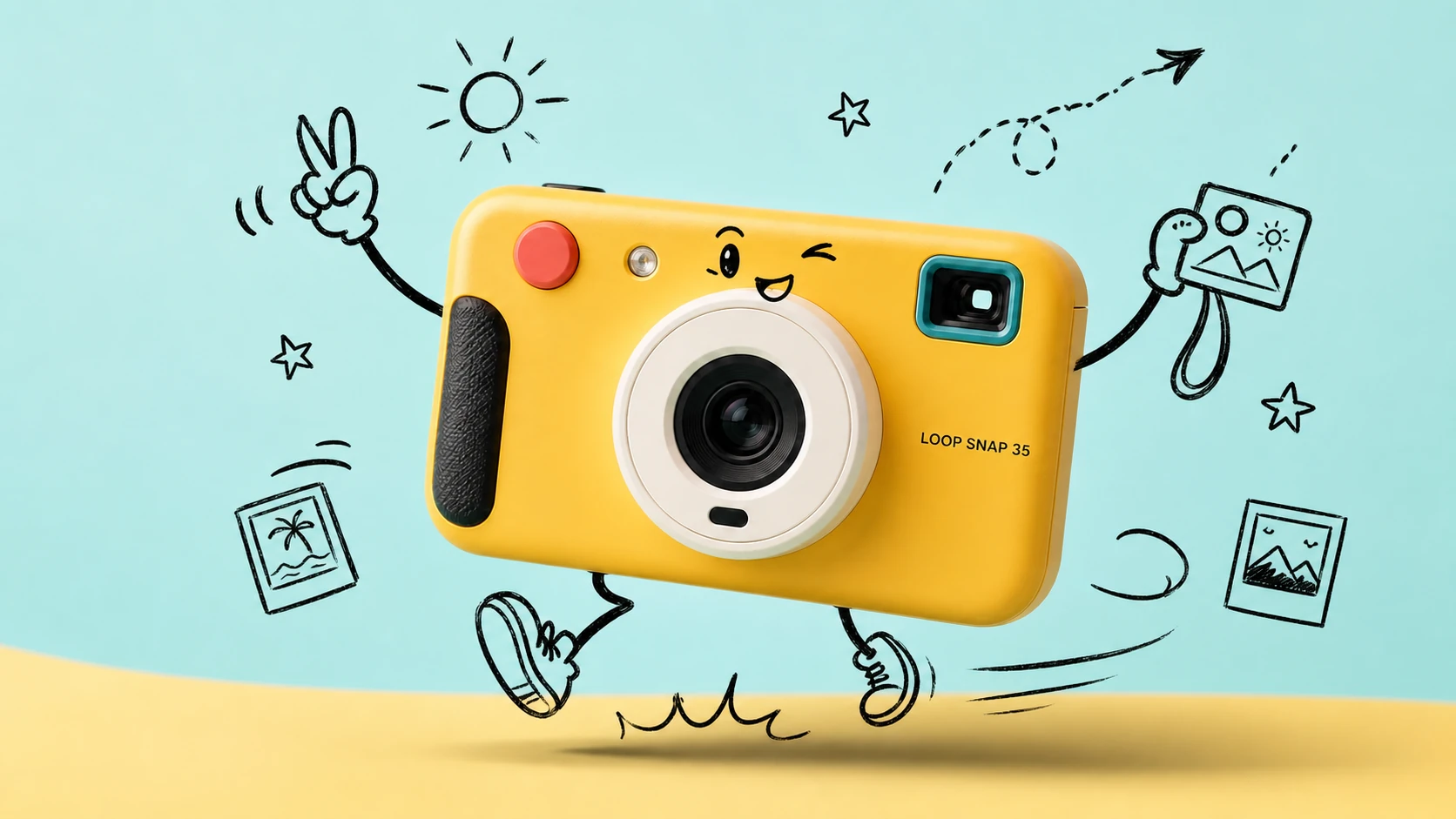
Transform Image 1 into a bright travel-photography commercial advertisement. Strictly preserve the camera's geometry, colors, materials, lens, controls, proportions, reflections, and exact "LOOP SNAP 35" label. Add only consistent loose black-marker doodles around the product: arms, legs, a playful expression, instant photos, a sun, stars, route arrows, and motion lines. Keep the camera photorealistic and unchanged.
テキスト画像生成ツールの機能
自然言語のプロンプト、無料クレジット、複数モデルへのアクセス、アスペクト比の制御、解像度オプション、透明性の高いクレジット見積もりを、1つの制作フローで利用して、プロ品質のAI画像を生成できます。
主要な複数モデルによる画像生成
OpenAI、Google、ByteDance、Alibaba、xAIなどのプロバイダーが提供する対応テキスト画像モデルを切り替え、クリエイティブなタスクごとに最適なビジュアルエンジンを選べます。
プロンプトによるビジュアル制御
被写体、照明、カメラアングル、カラーパレット、雰囲気、テキスト、レイアウト、画像の用途を1つのプロンプトで記述すると、選択したモデルが指示を完成されたビジュアルに変換します。
柔軟なアスペクト比と出力サイズ
モデル固有のアスペクト比と解像度設定を使い、正方形画像、縦長投稿、ポスター、サムネイル、バナー、商品シーン、ワイドスクリーンのコンセプトを作成できます。
生成前にクレジット費用を明確に表示
生成を始める前に、推定費用を確認できます。無料クレジットと料金は、選択したプロバイダー、モデル、品質、解像度、現在の割引ルールに応じて設定されます。
テキスト画像生成の活用例
参照画像の準備や複雑なデザインワークフローの構築なしで、言葉からオリジナル画像が必要なときに、Best Image AIのテキスト画像生成ツールを利用できます。
マーケティングとSNS向けビジュアル
文章でまとめたクリエイティブブリーフから、キャンペーンコンセプト、商品シーン、ローンチ用グラフィック、SNS投稿、サムネイル案、広告バリエーションを直接生成できます。
デザイン案とブランドの方向性探索
ムードボード、ビジュアルの方向性、スタイルメモ、パッケージ案、レイアウトコンセプトを洗練されたデザイン案に変換し、レビューと反復を効率化できます。
教育・プレゼンテーション用画像
抽象的な情報をわかりやすく伝える、授業用ビジュアル、コンセプトイラスト、図解、説明画像、プレゼンテーション素材を作成できます。
ストーリーテリングとコンセプトアート
詳細なテキスト説明から、キャラクター、映画的なフレーム、環境、ポスター、カバー、世界観を構築するシーン、物語性のあるアートを制作できます。
テキストから画像を生成する方法
明確なプロンプトを記述し、モデルを選択して画像設定を調整した後、オンラインで結果を生成・調整します。
画像プロンプトを入力
被写体、設定、スタイル、照明、構図、雰囲気、色、カメラアングル、表示するテキストなど、作成したい画像の内容を記述します。
モデルと設定を選択
クリエイティブな目的に合うプロバイダーとモデルを選び、選択したモデルが対応している場合は、アスペクト比、解像度、品質、シード、プロンプト最適化を設定します。
生成、プレビュー、調整
生成をクリックして画像を確認し、プロンプトや設定を調整した後、完成した画像をJPG、PNG、WebPなどの対応形式でダウンロードします。
メディア制作向けのAIモデルをさらに探索
Best Image AIで、画像、動画、チャットの各種モデルをさらに探索できます。各モデルページには、機能、料金情報、APIサンプル、プレイグラウンドへのアクセスが用意されています。
 seedance-v2.0-image-to-videoimage-to-video
 flux-3.0-image-to-videoimage-to-video
 qwen-image-3.0-protext-to-imageseedream-v5.0-pro-editimage-to-imageseedance-v2.0-mini-image-to-videoimage-to-videoqwen-image-3.0-editimage-to-image
 gemini-omni-1.1-flash-video-editvideo-editveo3.1-text-to-videotext-to-video