AI 텍스트-이미지 생성기: 프롬프트로 이미지 만들기
Best Image AI 텍스트-이미지 생성기로 간단한 텍스트 프롬프트를 고품질 비주얼로 만드세요. 무료 크레딧으로 시작하고, 선도적인 이미지 모델을 선택하고, 출력 설정을 세밀하게 조정하여 디자인, 마케팅, 스토리텔링, 교육, 창작 제작에 사용할 완성도 높은 이미지를 생성할 수 있습니다.
AI 텍스트-이미지 생성기의 핵심 기능
작성한 아이디어를 섬세한 비주얼로 바꾸는 강력한 AI 이미지 생성 워크플로입니다. 뛰어난 프롬프트 이해, 유연한 모델 선택, 깔끔한 구도, 빠른 창작 반복을 지원합니다.
텍스트-이미지 생성 예시
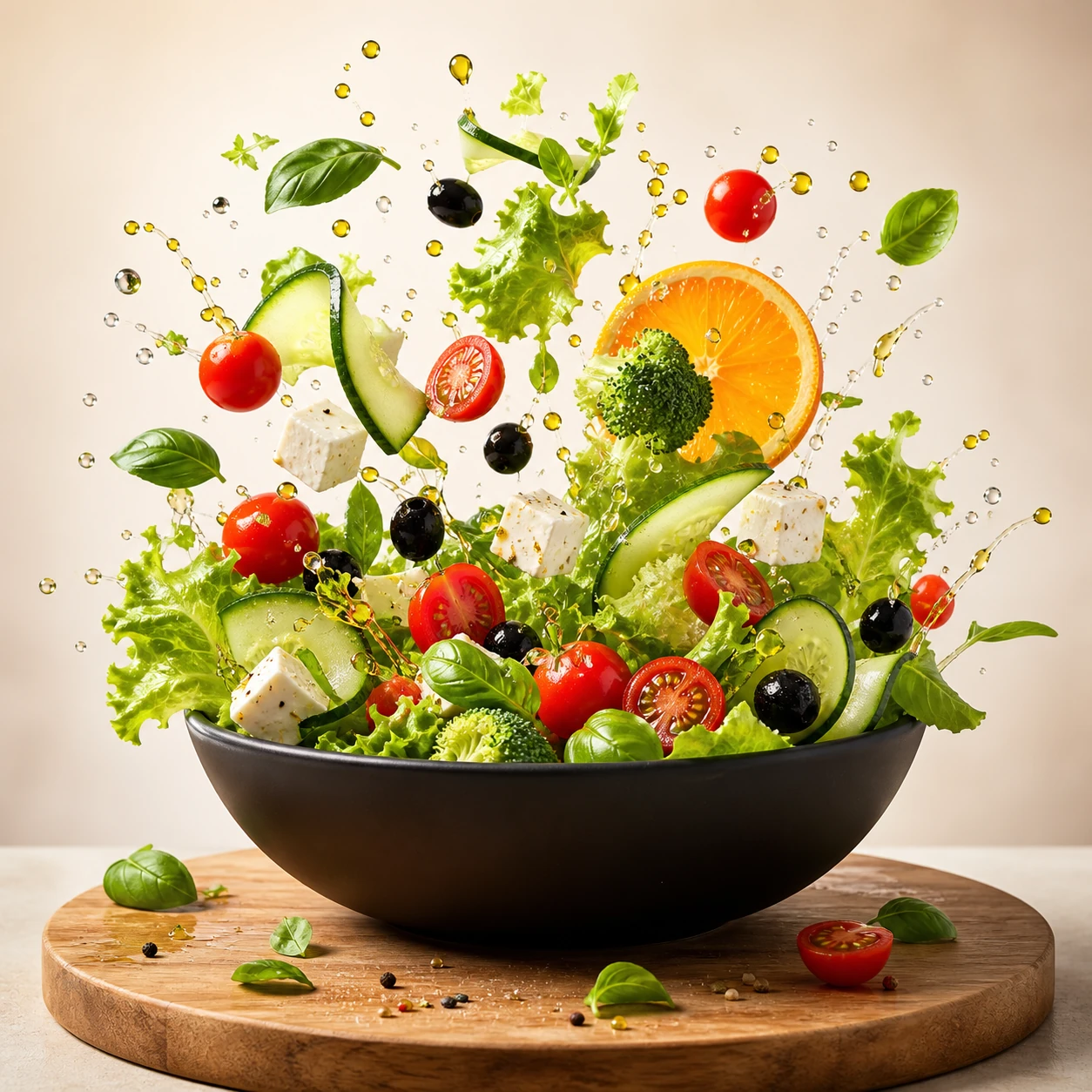
Create a square commercial food photograph of a dynamic salad explosion emerging from a matte-black bowl. Keep every ingredient crisp and recognizable, with suspended water droplets and olive oil against a bright warm-beige studio background. Use cinematic studio lighting and editorial cookbook quality. Do not include people, text, collage elements, or interface graphics.
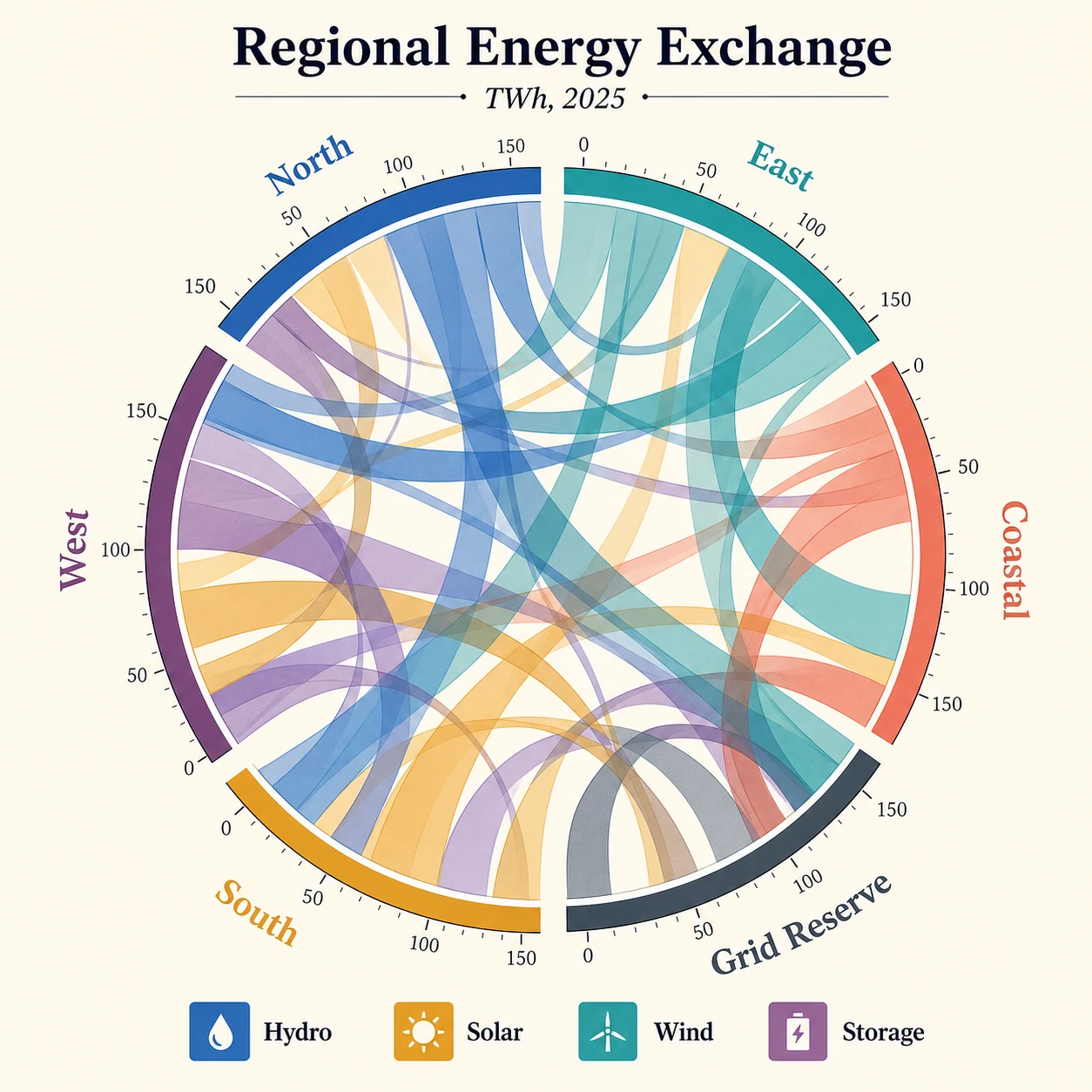
Create a square publication-quality chord diagram on a bright ivory background using cobalt, teal, ochre, coral, plum, and graphite. Accurately render the title "Regional Energy Exchange," subtitle "TWh, 2025," six regional labels, four legend items, and numeric ticks. Use precise arcs, semi-transparent ribbons, crisp typography, clear hierarchy, and balanced white space.
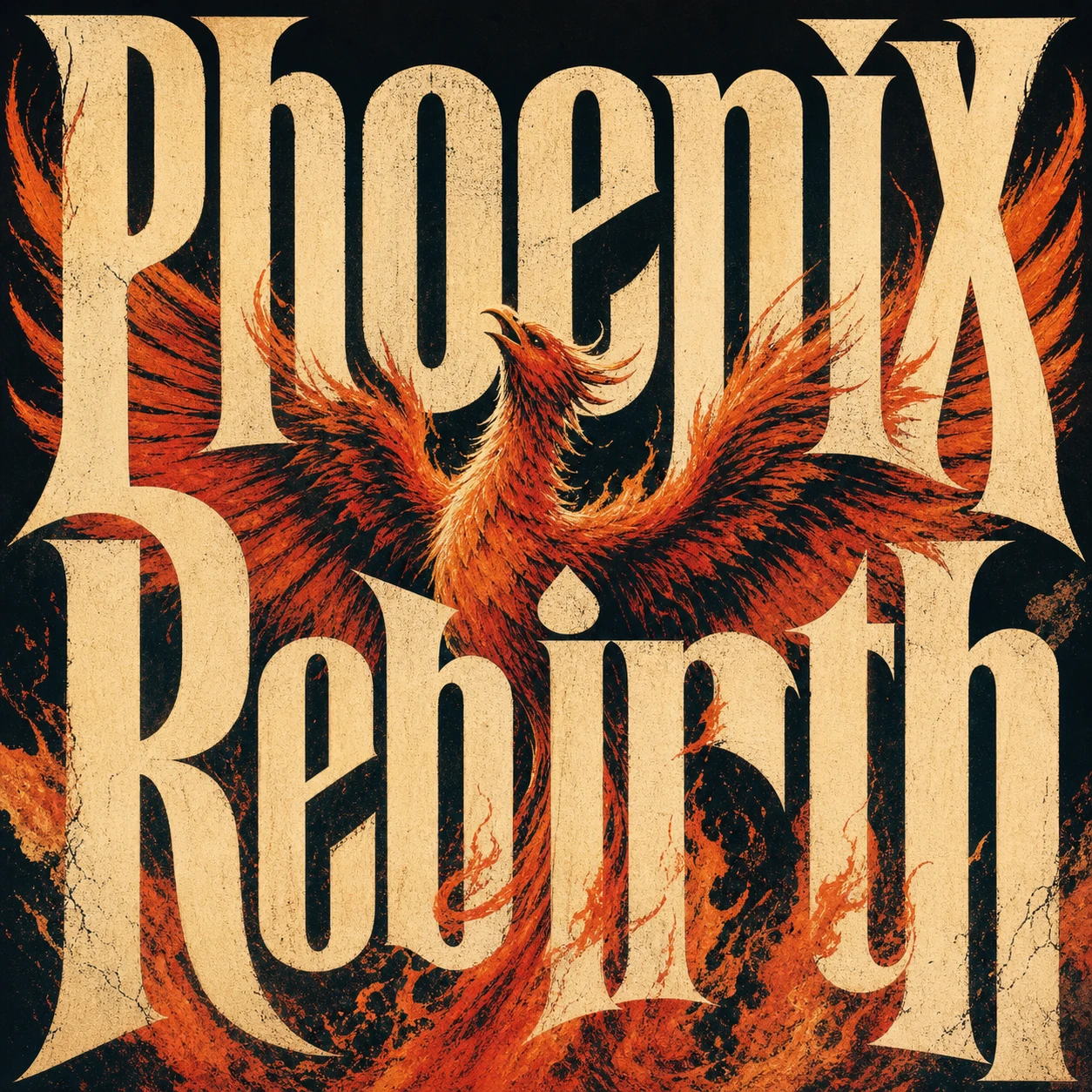
Create a square premium conceptual typography poster for the exact title "Phoenix Rebirth." Make custom letterforms the dominant visual structure and interweave them with a strong visual metaphor for rebirth. Use a restrained four-to-six-color system, silkscreen texture, paper fibers, subtle ink imperfections, bold scale, intelligent negative space, and museum-quality editorial composition. Do not add unrelated text, logos, moodboard panels, or collage labels.
창의적인 이미지 변형 예시
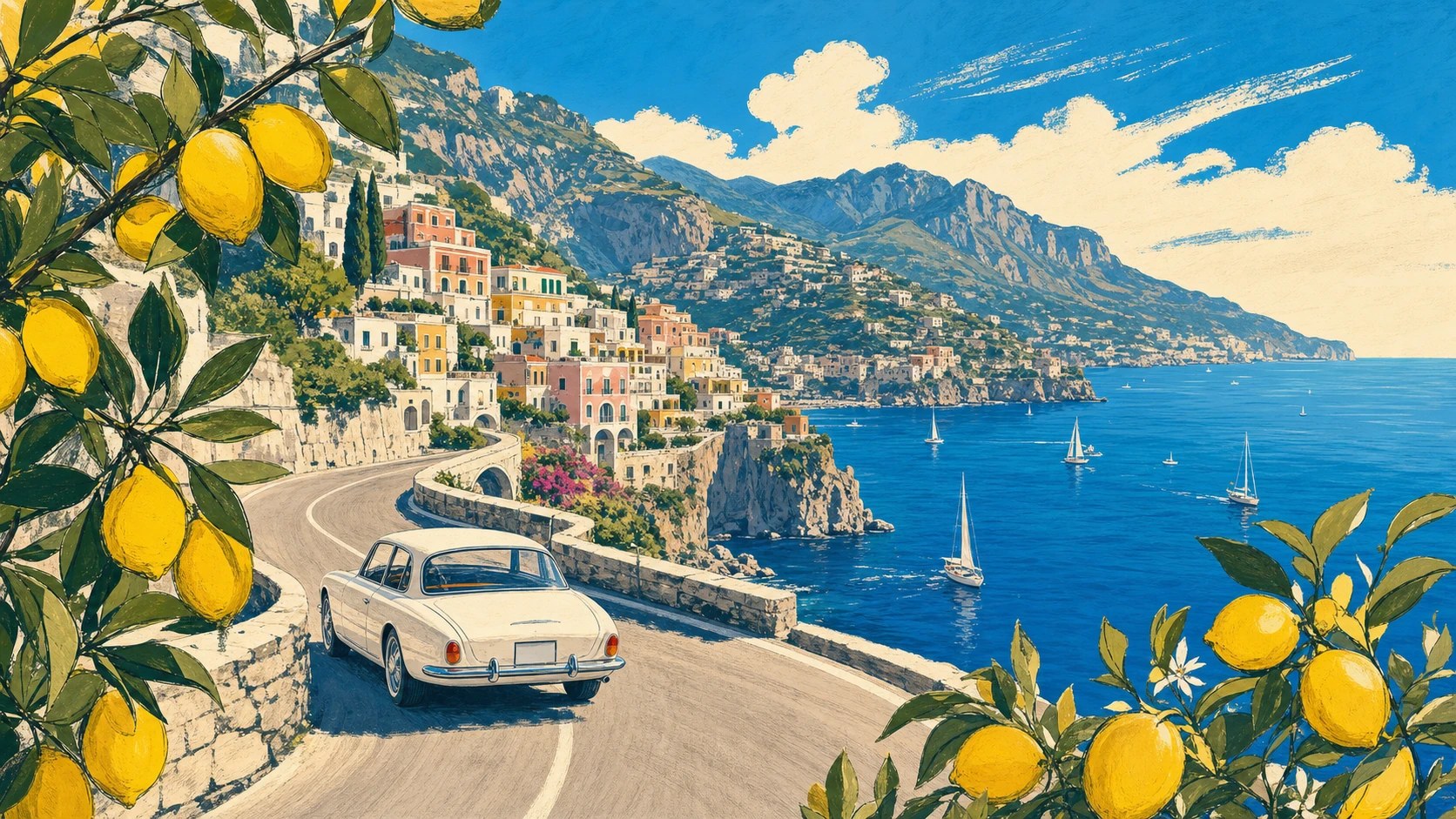
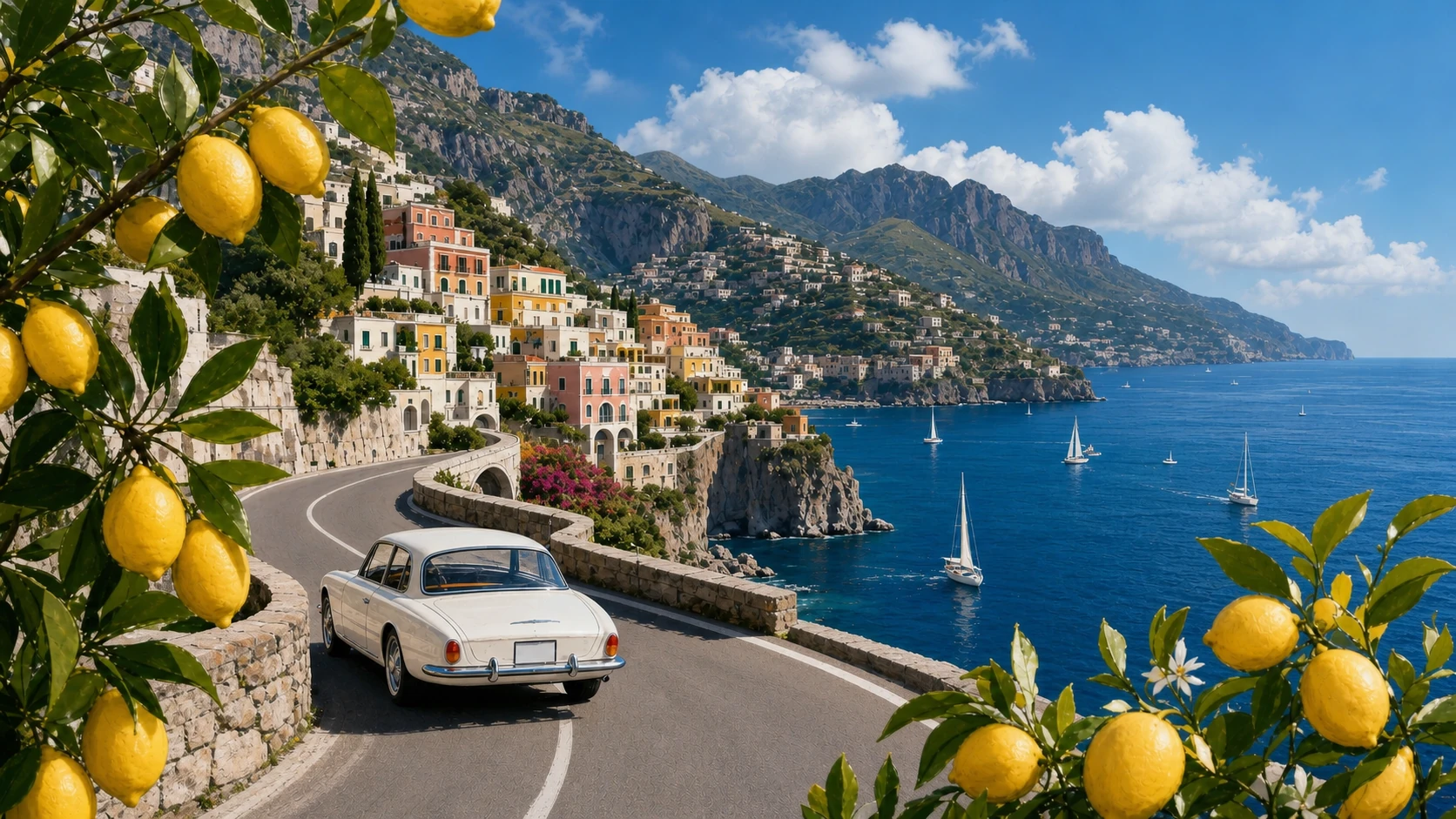
Create a 16:9 vintage travel illustration of the Amalfi Coast. Show a white 1960s car driving along a curved cliffside road, the deep-blue Mediterranean with small sailboats, a colorful pastel hillside village, distant mountains, and lemon branches framing the foreground. Use warm summer light, bold harmonious colors, loose hand-drawn contours, and screen-print texture. Show no text.
Transform Image 1 into a photorealistic travel photograph. Strictly preserve the road curve, white car position and direction, village, mountain ridge, coastline, sailboat distribution, lemon framing on both sides, viewpoint, and 16:9 scene structure. Change only the medium and material realism, with natural Mediterranean light, believable surfaces, atmospheric depth, and physically accurate reflections.
스타일 및 레이아웃 제어 예시
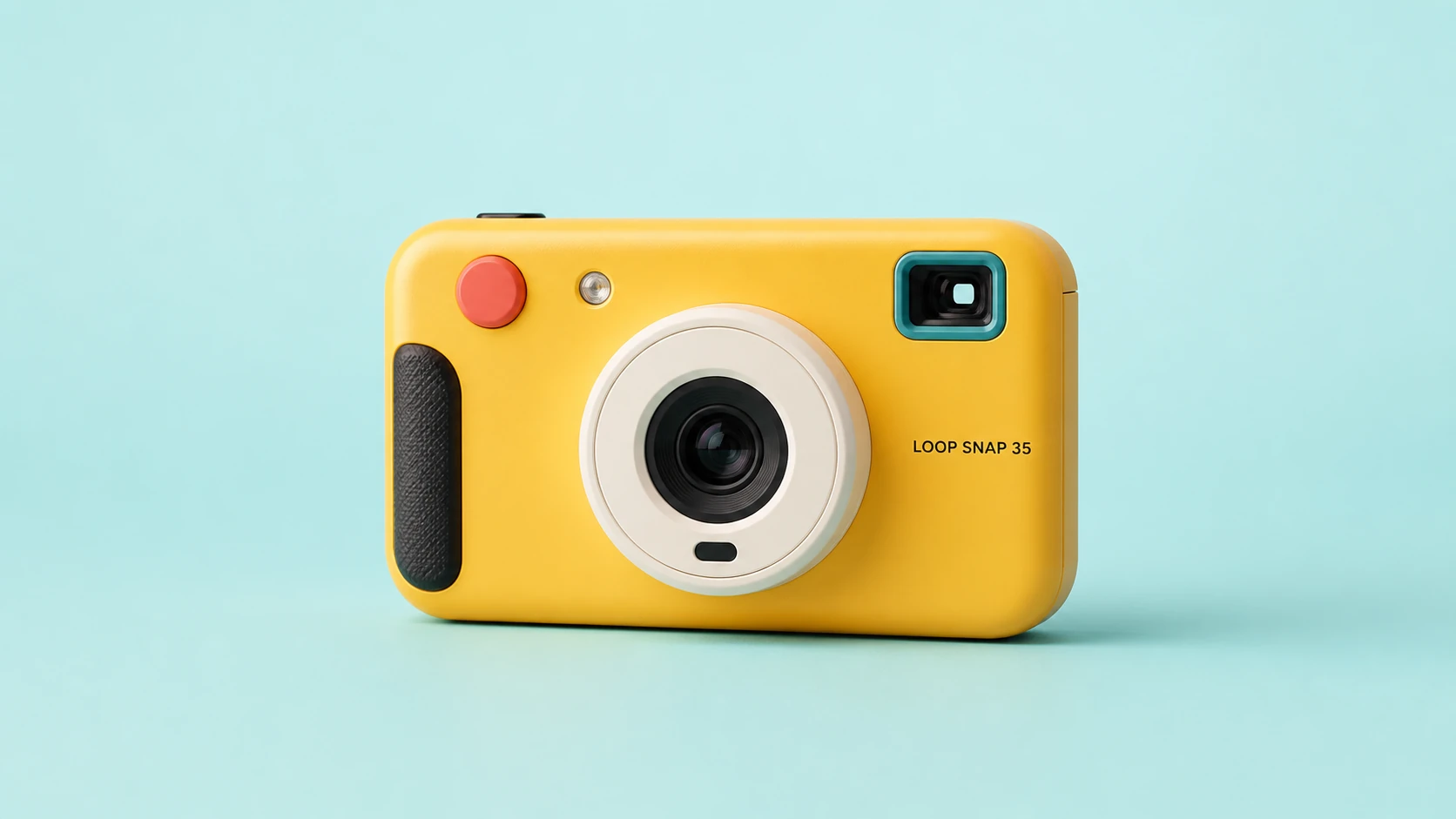
Create a clean 16:9 product photograph of a compact instant camera named "LOOP SNAP 35." The camera is sunflower yellow with an ivory lens barrel, coral shutter button, teal viewfinder, and black grip, placed against a pale aqua studio background. Keep the product unobstructed and fully readable. Do not include props, doodles, extra text, logos beyond the product label, or campaign graphics.
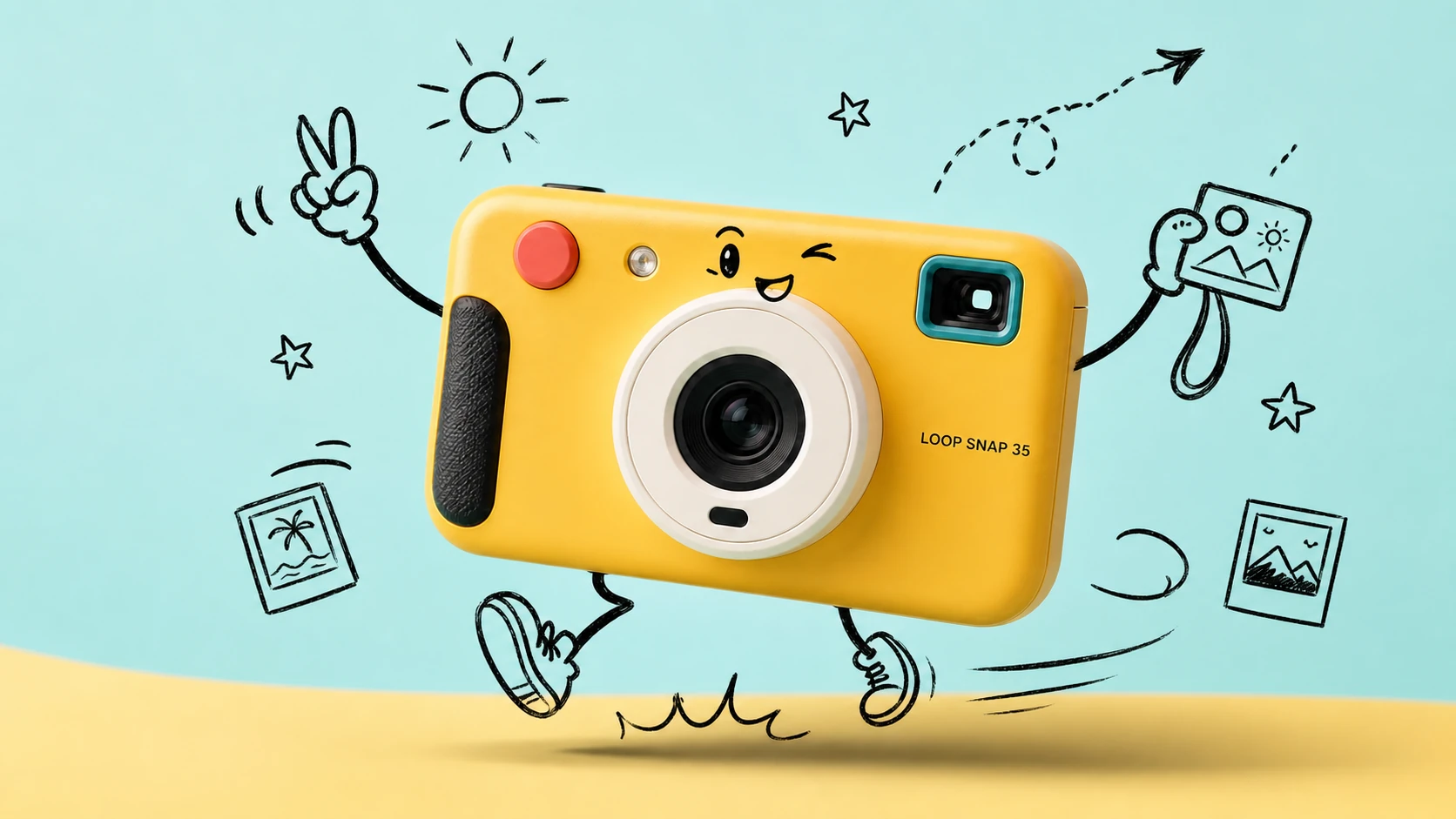
Transform Image 1 into a bright travel-photography commercial advertisement. Strictly preserve the camera's geometry, colors, materials, lens, controls, proportions, reflections, and exact "LOOP SNAP 35" label. Add only consistent loose black-marker doodles around the product: arms, legs, a playful expression, instant photos, a sun, stars, route arrows, and motion lines. Keep the camera photorealistic and unchanged.
텍스트-이미지 생성기 기능
자연어 프롬프트, 무료 크레딧, 멀티 모델 접근, 화면 비율 제어, 해상도 옵션, 투명한 크레딧 예상치를 하나의 생성 흐름에서 활용하여 전문가 수준의 AI 이미지를 생성하세요.
선도적인 멀티 모델 이미지 생성
OpenAI, Google, ByteDance, Alibaba, xAI 등의 제공업체에서 지원하는 텍스트-이미지 모델을 전환하여 각 창작 작업에 적합한 비주얼 엔진을 선택하세요.
프롬프트 기반 비주얼 제어
하나의 프롬프트에 피사체, 조명, 카메라 각도, 색상 팔레트, 분위기, 텍스트, 레이아웃, 이미지 용도를 설명하면 선택한 모델이 지시를 완성된 비주얼로 구현합니다.
유연한 비율 및 출력 크기
모델별 화면 비율 및 해상도 설정으로 정사각형 이미지, 세로 게시물, 포스터, 썸네일, 배너, 제품 장면, 와이드스크린 콘셉트를 생성하세요.
생성 전 명확한 크레딧 비용
시작하기 전에 예상 생성 비용을 확인하세요. 무료 크레딧이 제공되며 선택한 제공업체, 모델, 품질, 해상도, 현재 할인 규칙에 따라 가격이 조정됩니다.
텍스트-이미지 활용 사례
참조 이미지를 준비하거나 복잡한 디자인 워크플로를 구축하지 않고도 단어에서 독창적인 이미지가 필요할 때 Best Image AI 텍스트-이미지 생성기를 사용하세요.
마케팅 및 소셜 비주얼
작성한 크리에이티브 브리프에서 캠페인 콘셉트, 제품 장면, 출시 그래픽, 소셜 미디어 게시물, 썸네일 아이디어, 광고 변형을 바로 생성하세요.
디자인 초안 및 브랜드 탐색
무드보드, 비주얼 방향, 스타일 메모, 패키지 아이디어, 레이아웃 콘셉트를 완성도 높은 초안으로 바꿔 더 빠르게 검토하고 반복하세요.
교육 및 프레젠테이션 이미지
추상적인 정보를 더 쉽게 이해할 수 있도록 수업용 비주얼, 콘셉트 일러스트, 다이어그램, 설명 이미지, 프레젠테이션 자료를 만드세요.
스토리텔링 및 콘셉트 아트
자세한 텍스트 설명으로 캐릭터, 영화 같은 프레임, 환경, 포스터, 표지, 세계관 장면, 서사적 아트워크를 개발하세요.
텍스트로 이미지를 생성하는 방법
명확한 프롬프트를 작성하고 모델을 선택하고 이미지 설정을 조정한 다음 온라인에서 결과를 생성하고 개선하세요.
이미지 프롬프트 입력
피사체, 배경, 스타일, 조명, 구도, 분위기, 색상, 카메라 각도, 표시할 텍스트를 포함하여 원하는 이미지를 설명하세요.
모델 및 설정 선택
창작 목표에 맞는 제공업체와 모델을 선택한 다음, 선택한 모델이 지원하는 경우 비율, 해상도, 품질, 시드 또는 프롬프트 최적화를 설정하세요.
생성, 미리보기 및 개선
생성을 클릭하고 이미지 결과를 검토한 뒤 프롬프트나 설정을 조정하고 JPG, PNG, WebP 등 지원되는 형식으로 완성된 이미지를 다운로드하세요.
미디어 제작을 위한 더 많은 AI 모델 살펴보기
Best Image AI에서 더 많은 이미지, 비디오, 채팅 모델을 찾아보세요. 각 모델 페이지에서 기능, 가격 정보, API 예시, 플레이그라운드 이용 방법을 확인할 수 있습니다.
 seedance-v2.0-image-to-videoimage-to-video
 flux-3.0-image-to-videoimage-to-video
 qwen-image-3.0-protext-to-imageseedream-v5.0-pro-editimage-to-imageseedance-v2.0-mini-image-to-videoimage-to-videoqwen-image-3.0-editimage-to-image
 gemini-omni-1.1-flash-video-editvideo-editveo3.1-text-to-videotext-to-video