Generator Teks ke Gambar AI: Buat Gambar dari Prompt
Buat visual berkualitas tinggi dari prompt teks sederhana dengan Generator Teks ke Gambar Best Image AI. Mulai dengan kredit gratis, pilih model gambar terkemuka, sesuaikan pengaturan output, dan hasilkan gambar berkualitas untuk desain, pemasaran, penceritaan, pendidikan, serta produksi kreatif.
Fitur Utama Generator Teks ke Gambar AI
Alur kerja pembuatan gambar AI yang canggih untuk mengubah ide tertulis menjadi visual mendetail, dengan pemahaman prompt yang kuat, pilihan model fleksibel, komposisi yang rapi, dan iterasi kreatif yang cepat.
Contoh Pembuatan Teks ke Gambar
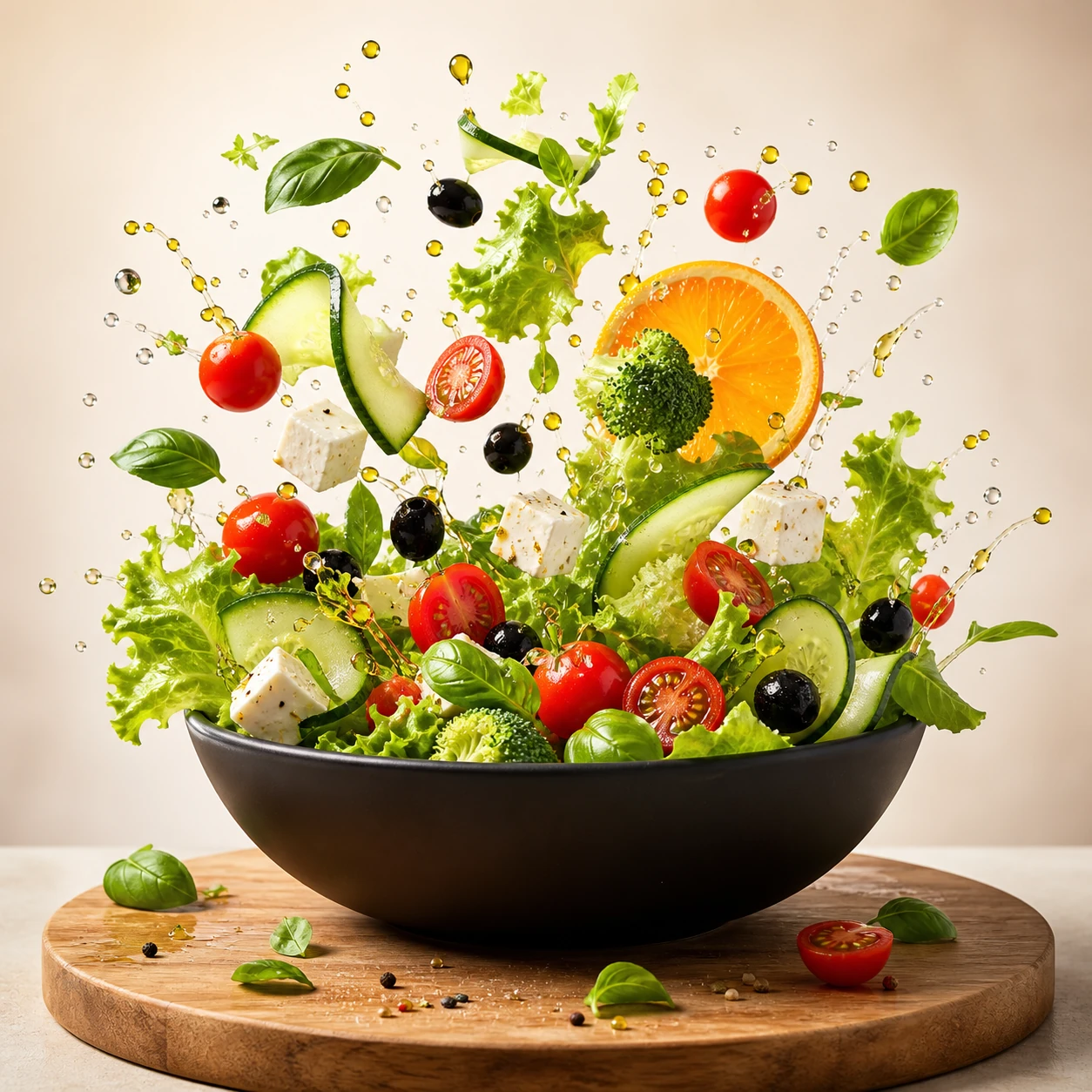
Create a square commercial food photograph of a dynamic salad explosion emerging from a matte-black bowl. Keep every ingredient crisp and recognizable, with suspended water droplets and olive oil against a bright warm-beige studio background. Use cinematic studio lighting and editorial cookbook quality. Do not include people, text, collage elements, or interface graphics.
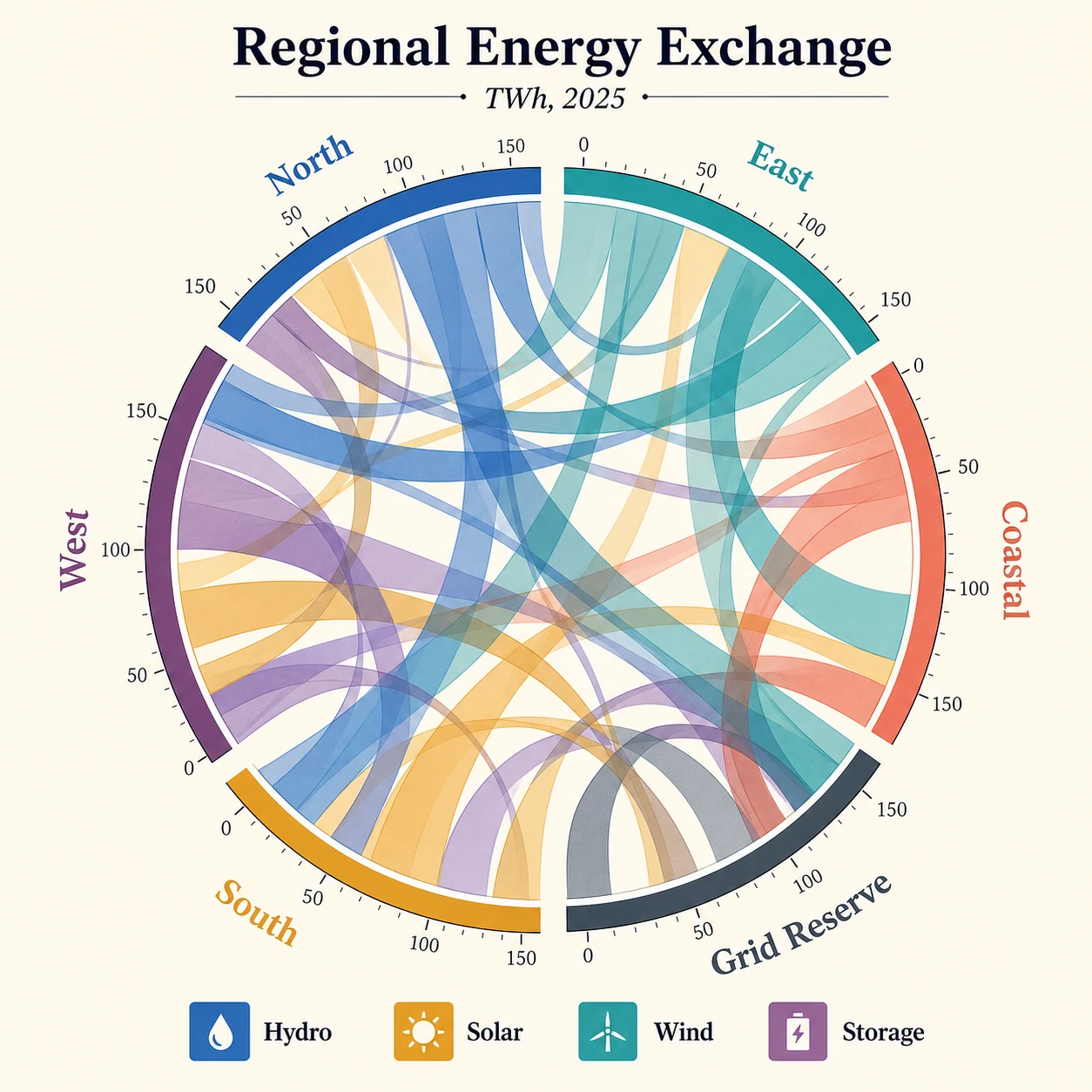
Create a square publication-quality chord diagram on a bright ivory background using cobalt, teal, ochre, coral, plum, and graphite. Accurately render the title "Regional Energy Exchange," subtitle "TWh, 2025," six regional labels, four legend items, and numeric ticks. Use precise arcs, semi-transparent ribbons, crisp typography, clear hierarchy, and balanced white space.
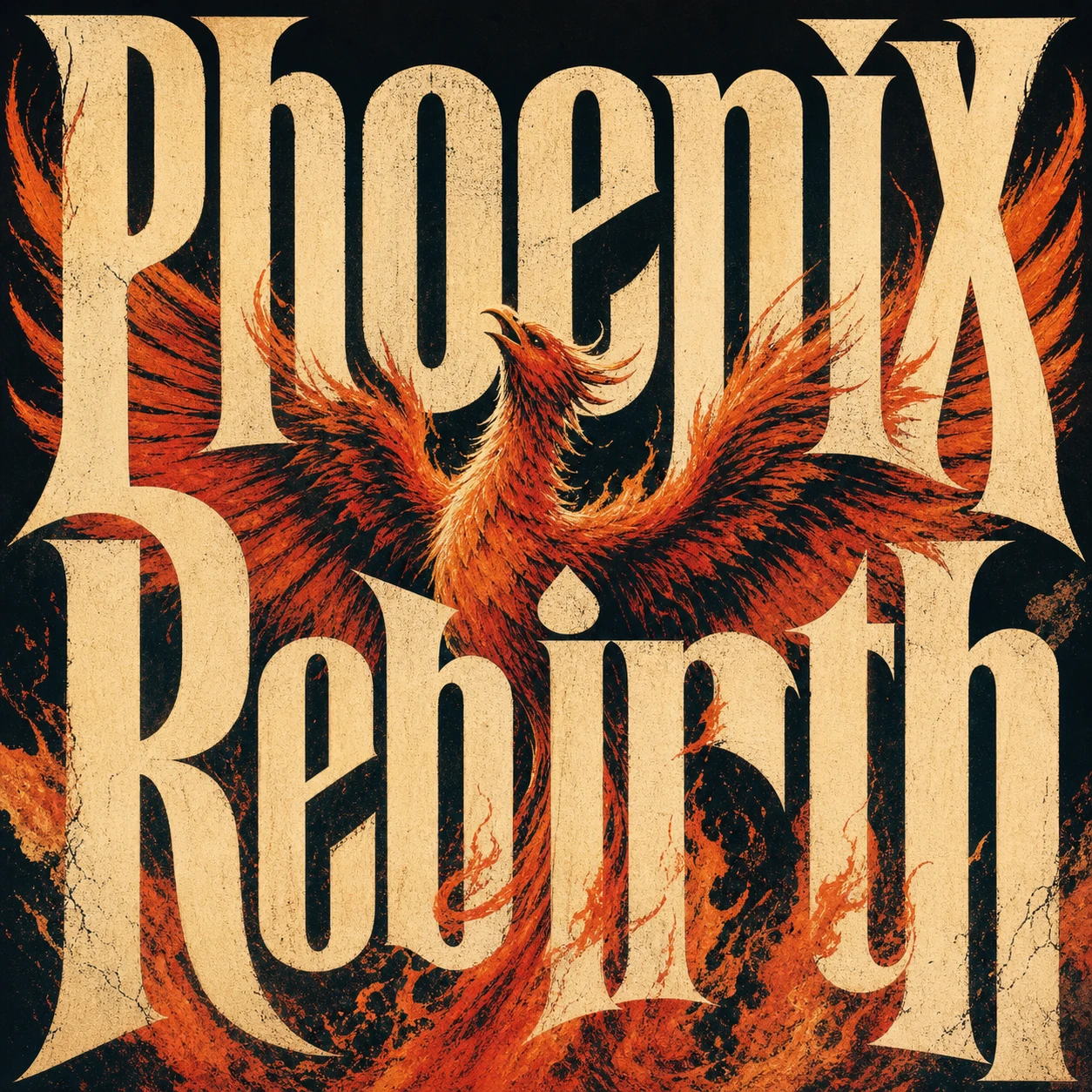
Create a square premium conceptual typography poster for the exact title "Phoenix Rebirth." Make custom letterforms the dominant visual structure and interweave them with a strong visual metaphor for rebirth. Use a restrained four-to-six-color system, silkscreen texture, paper fibers, subtle ink imperfections, bold scale, intelligent negative space, and museum-quality editorial composition. Do not add unrelated text, logos, moodboard panels, or collage labels.
Contoh Variasi Gambar Kreatif
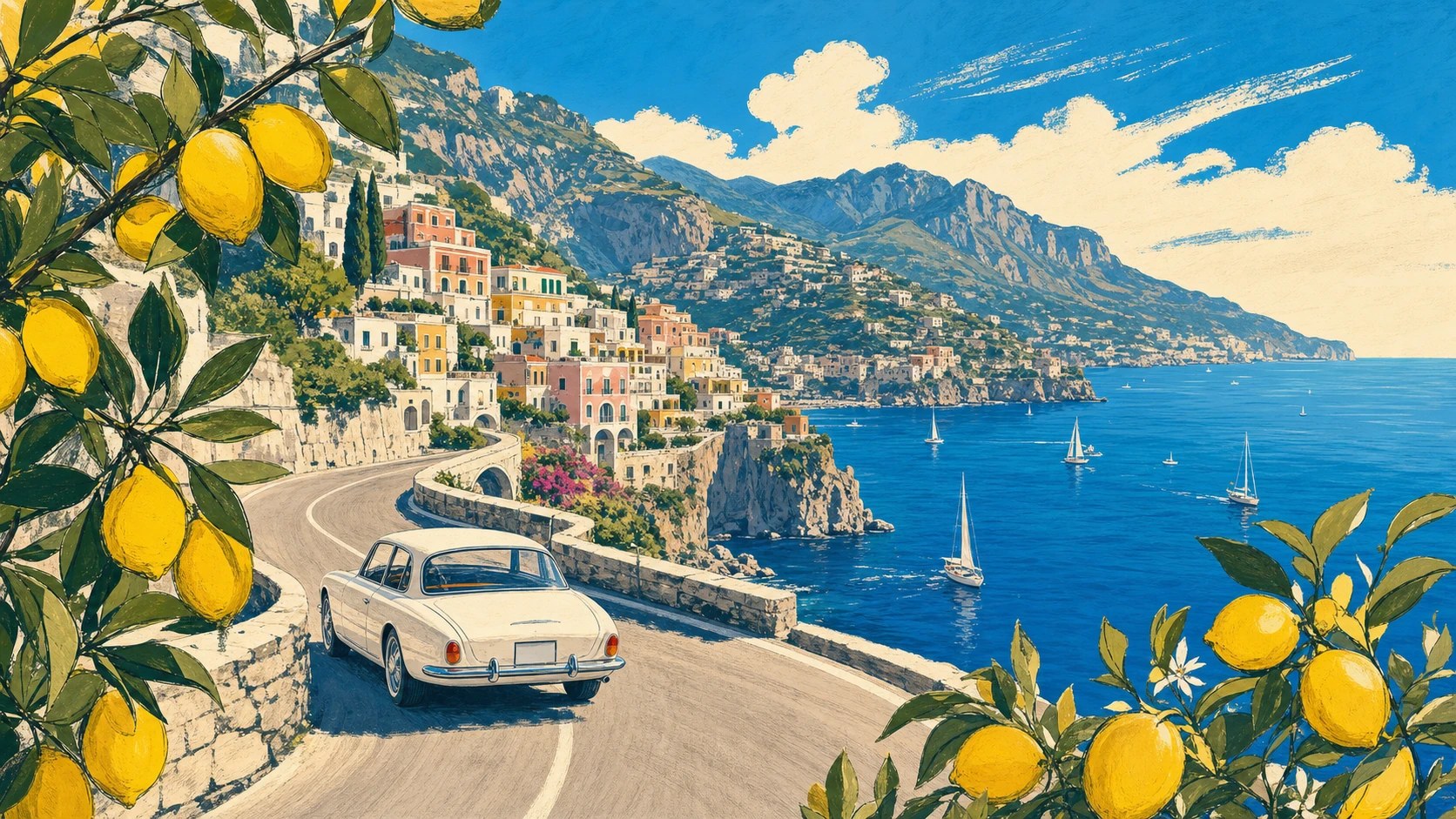
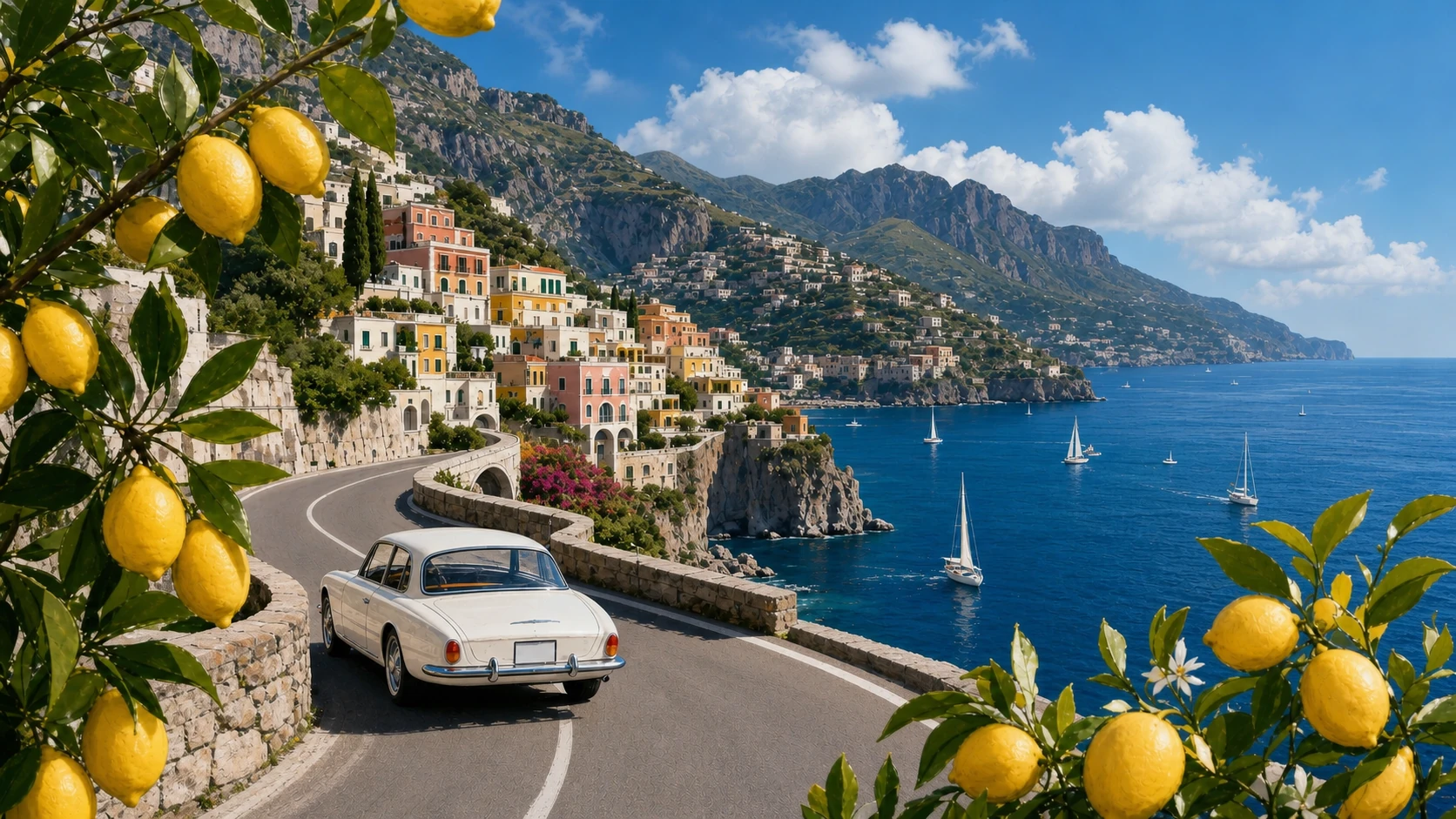
Create a 16:9 vintage travel illustration of the Amalfi Coast. Show a white 1960s car driving along a curved cliffside road, the deep-blue Mediterranean with small sailboats, a colorful pastel hillside village, distant mountains, and lemon branches framing the foreground. Use warm summer light, bold harmonious colors, loose hand-drawn contours, and screen-print texture. Show no text.
Transform Image 1 into a photorealistic travel photograph. Strictly preserve the road curve, white car position and direction, village, mountain ridge, coastline, sailboat distribution, lemon framing on both sides, viewpoint, and 16:9 scene structure. Change only the medium and material realism, with natural Mediterranean light, believable surfaces, atmospheric depth, and physically accurate reflections.
Contoh Kontrol Gaya dan Tata Letak
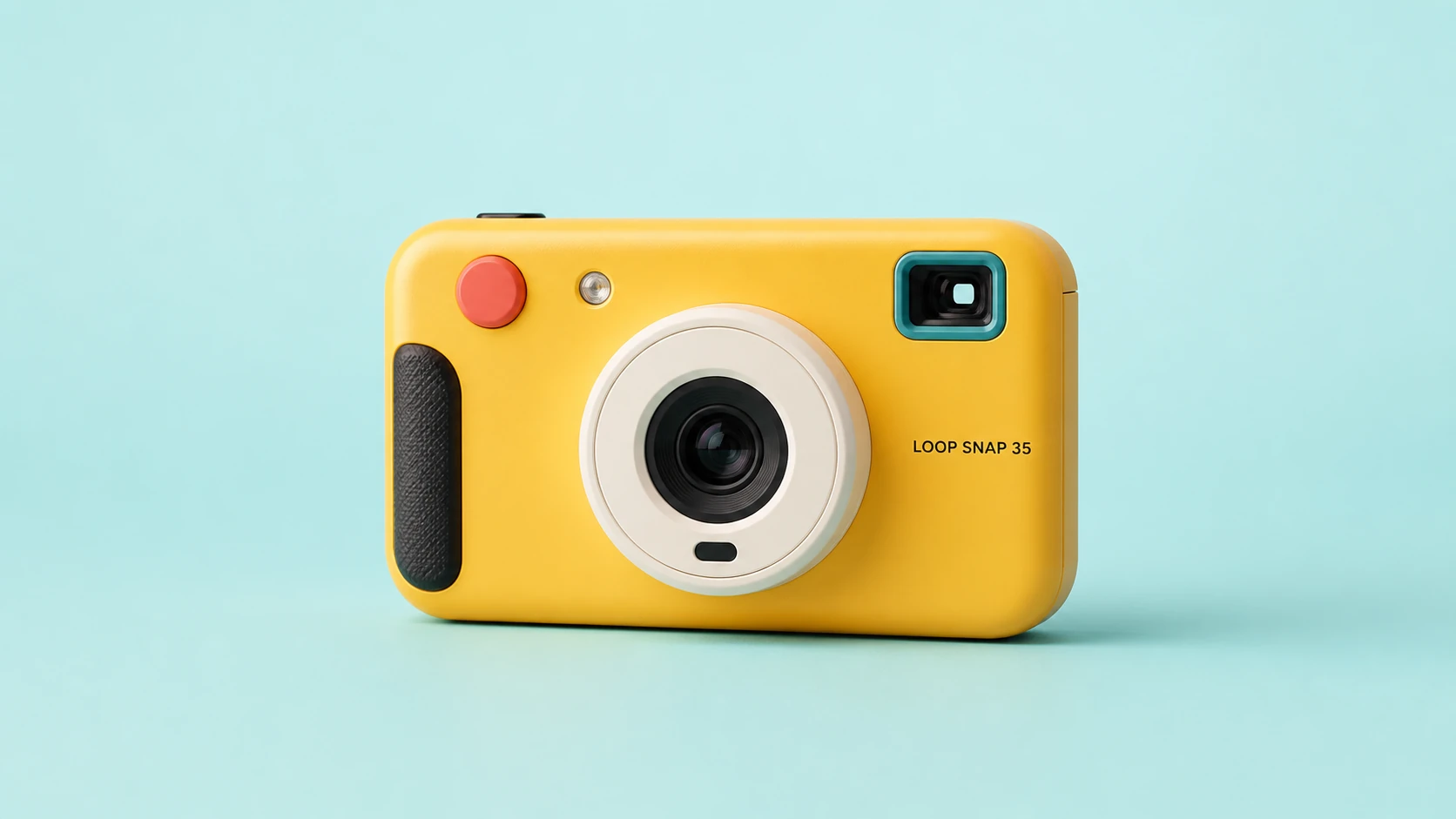
Create a clean 16:9 product photograph of a compact instant camera named "LOOP SNAP 35." The camera is sunflower yellow with an ivory lens barrel, coral shutter button, teal viewfinder, and black grip, placed against a pale aqua studio background. Keep the product unobstructed and fully readable. Do not include props, doodles, extra text, logos beyond the product label, or campaign graphics.
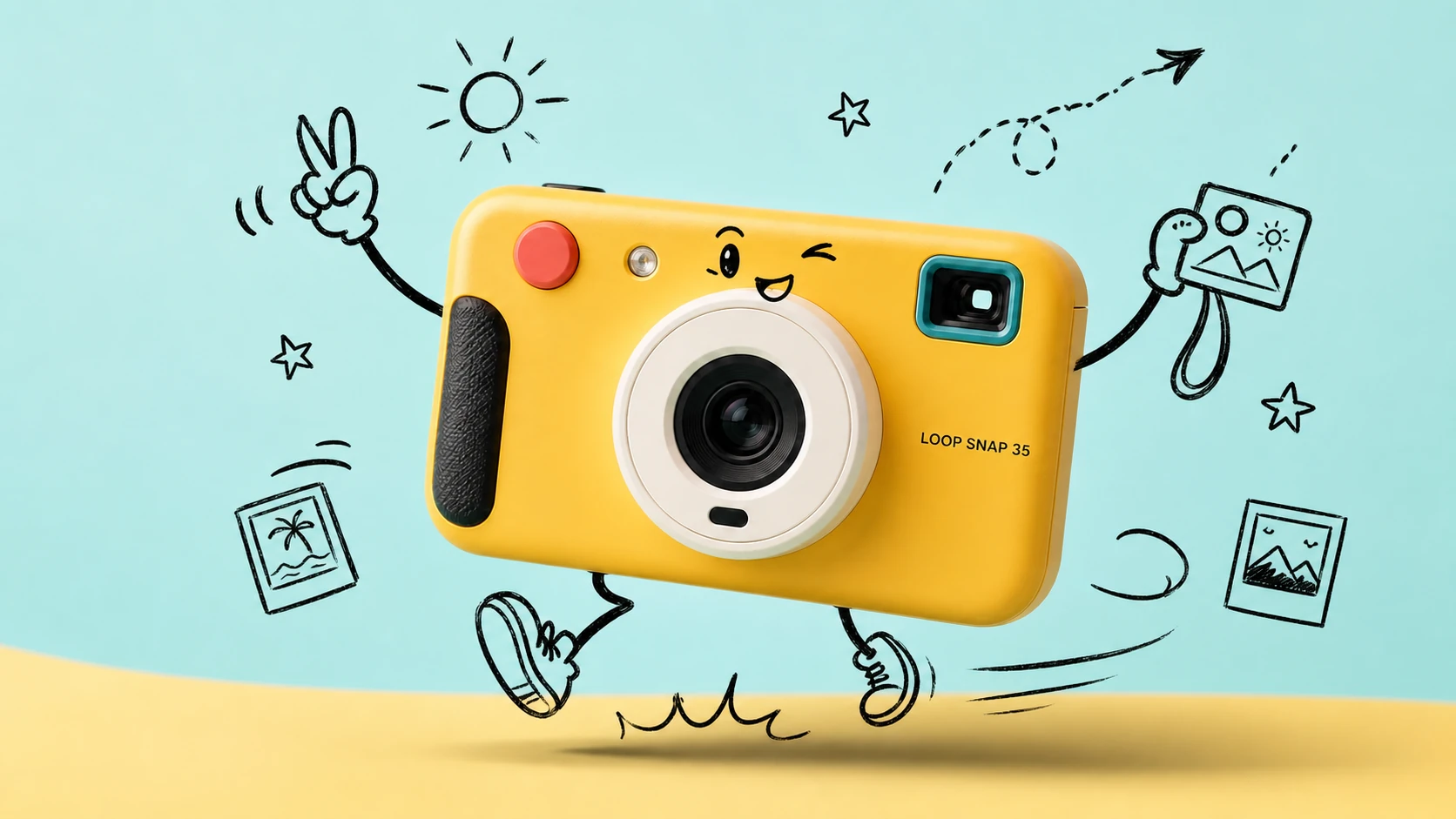
Transform Image 1 into a bright travel-photography commercial advertisement. Strictly preserve the camera's geometry, colors, materials, lens, controls, proportions, reflections, and exact "LOOP SNAP 35" label. Add only consistent loose black-marker doodles around the product: arms, legs, a playful expression, instant photos, a sun, stars, route arrows, and motion lines. Keep the camera photorealistic and unchanged.
Fitur Generator Teks ke Gambar
Hasilkan gambar AI kelas profesional dengan prompt bahasa alami, kredit gratis, akses multi-model, kontrol rasio aspek, opsi resolusi, dan perkiraan kredit transparan dalam satu alur pembuatan.
Pembuatan Gambar Multi-Model Terkemuka
Beralih di antara model teks ke gambar yang didukung dari penyedia seperti OpenAI, Google, ByteDance, Alibaba, dan xAI untuk memasangkan setiap tugas kreatif dengan mesin visual yang tepat.
Kontrol Visual Terpandu Prompt
Jelaskan subjek, pencahayaan, sudut kamera, palet warna, suasana, teks, tata letak, dan tujuan gambar dalam satu prompt, lalu biarkan model yang dipilih menerjemahkan arahan Anda menjadi visual akhir.
Rasio dan Ukuran Output Fleksibel
Buat gambar persegi, postingan vertikal, poster, thumbnail, banner, adegan produk, dan konsep layar lebar dengan pengaturan rasio aspek serta resolusi khusus model.
Biaya Kredit yang Jelas Sebelum Pembuatan
Tinjau perkiraan biaya pembuatan sebelum memulai, dengan kredit gratis dan harga yang disesuaikan berdasarkan penyedia, model, kualitas, resolusi, serta aturan diskon saat ini.
Kasus Penggunaan Teks ke Gambar
Gunakan Generator Teks ke Gambar Best Image AI saat Anda membutuhkan gambar orisinal dari kata-kata tanpa menyiapkan gambar referensi atau membangun alur kerja desain yang rumit.
Visual Pemasaran dan Media Sosial
Hasilkan konsep kampanye, adegan produk, grafis peluncuran, postingan media sosial, ide thumbnail, dan variasi iklan langsung dari brief kreatif tertulis.
Penyusunan Desain dan Eksplorasi Merek
Ubah moodboard, arahan visual, catatan gaya, ide kemasan, dan konsep tata letak menjadi draf berkualitas agar peninjauan dan iterasi lebih cepat.
Gambar Pendidikan dan Presentasi
Buat visual kelas, ilustrasi konsep, diagram, gambar penjelasan, dan aset presentasi yang membuat informasi abstrak lebih mudah dipahami.
Penceritaan dan Seni Konsep
Kembangkan karakter, frame sinematik, lingkungan, poster, sampul, adegan pembangunan dunia, dan karya seni naratif dari deskripsi teks mendetail.
Cara Menghasilkan Gambar dari Teks
Tulis prompt yang jelas, pilih model, sesuaikan pengaturan gambar, lalu hasilkan dan sempurnakan hasil Anda secara online.
Masukkan Prompt Gambar Anda
Jelaskan gambar yang Anda inginkan, termasuk subjek, latar, gaya, pencahayaan, komposisi, suasana, warna, sudut kamera, dan teks apa pun yang harus muncul.
Pilih Model dan Pengaturan
Pilih penyedia dan model untuk tujuan kreatif Anda, lalu atur rasio, resolusi, kualitas, seed, atau pengoptimalan prompt jika didukung oleh model yang dipilih.
Buat, Pratinjau, dan Sempurnakan
Klik buat, tinjau hasil gambar, sesuaikan prompt atau pengaturan Anda, lalu unduh gambar akhir dalam format yang didukung seperti JPG, PNG, atau WebP.
Jelajahi Lebih Banyak Model AI untuk Kreasi Media
Temukan lebih banyak model gambar, video, dan chat di Best Image AI, dengan halaman model yang mencakup kemampuan, detail harga, contoh API, dan akses playground.
 seedance-v2.0-image-to-videoimage-to-video
 flux-3.0-image-to-videoimage-to-video
 qwen-image-3.0-protext-to-imageseedream-v5.0-pro-editimage-to-imageseedance-v2.0-mini-image-to-videoimage-to-videoqwen-image-3.0-editimage-to-image
 gemini-omni-1.1-flash-video-editvideo-editveo3.1-text-to-videotext-to-video