AI 文字生成圖像工具:根據提示詞建立圖像
使用簡單的文字提示詞和 Best Image AI 文字生成圖像工具建立高品質視覺素材。從免費點數開始,選擇領先的圖像模型,微調輸出設定,為設計、行銷、故事創作、教育和創意製作生成精美圖像。
AI 文字生成圖像工具的核心功能
強大的 AI 圖像創作工作流程,可將文字創意轉化為細節豐富的視覺素材,具備出色的提示詞理解能力、彈性的模型選擇、清晰的構圖和快速的創意迭代。
文字生成圖像創作範例
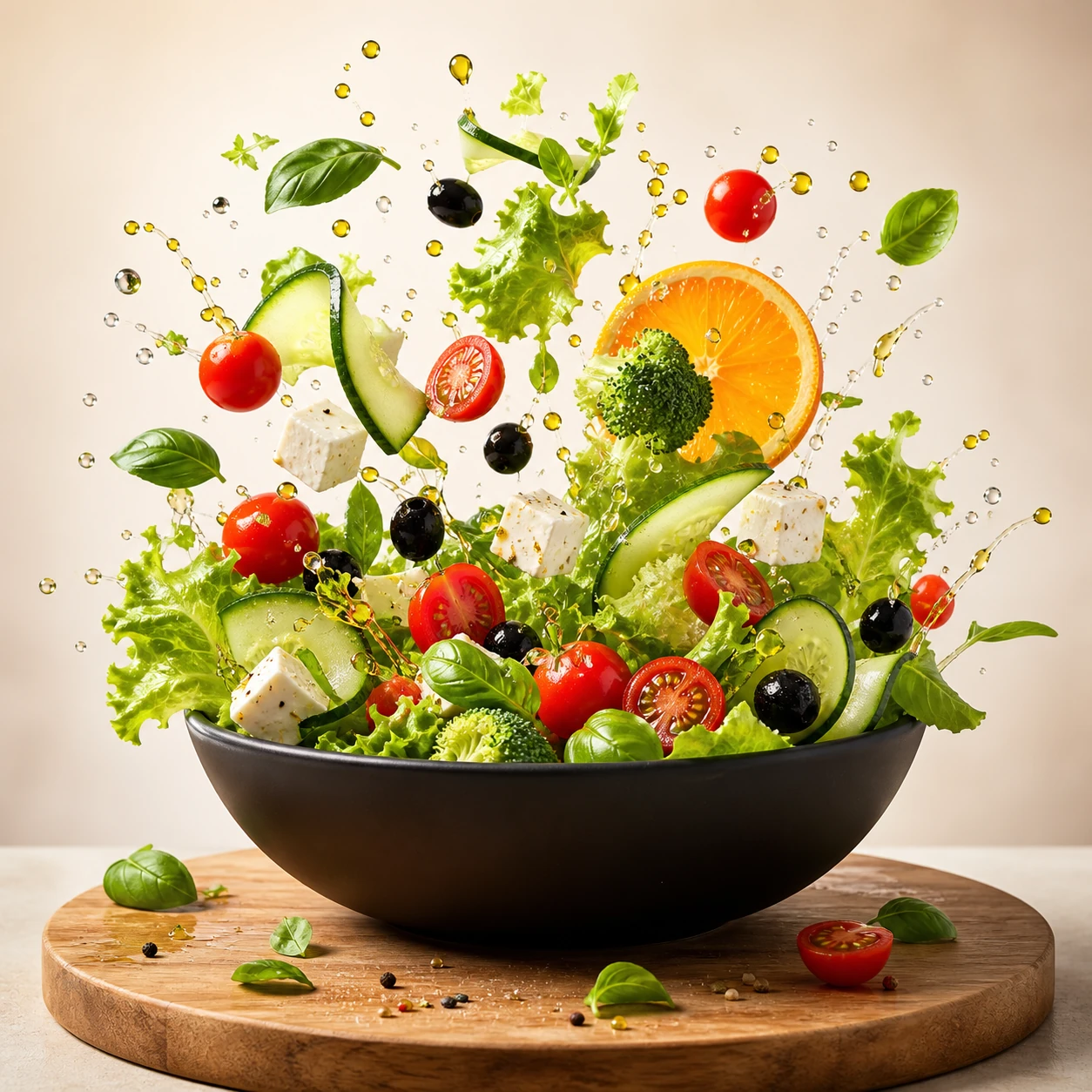
Create a square commercial food photograph of a dynamic salad explosion emerging from a matte-black bowl. Keep every ingredient crisp and recognizable, with suspended water droplets and olive oil against a bright warm-beige studio background. Use cinematic studio lighting and editorial cookbook quality. Do not include people, text, collage elements, or interface graphics.
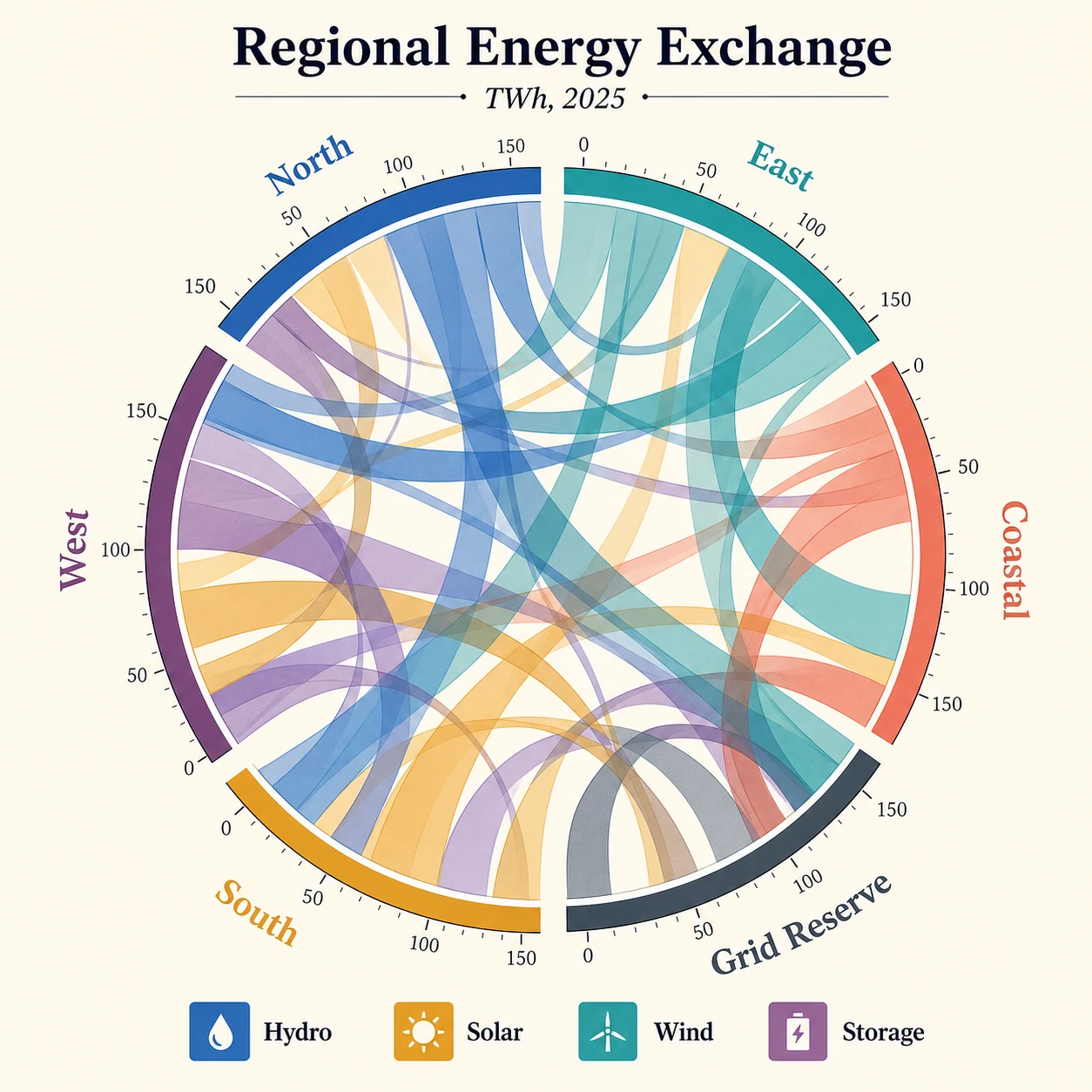
Create a square publication-quality chord diagram on a bright ivory background using cobalt, teal, ochre, coral, plum, and graphite. Accurately render the title "Regional Energy Exchange," subtitle "TWh, 2025," six regional labels, four legend items, and numeric ticks. Use precise arcs, semi-transparent ribbons, crisp typography, clear hierarchy, and balanced white space.
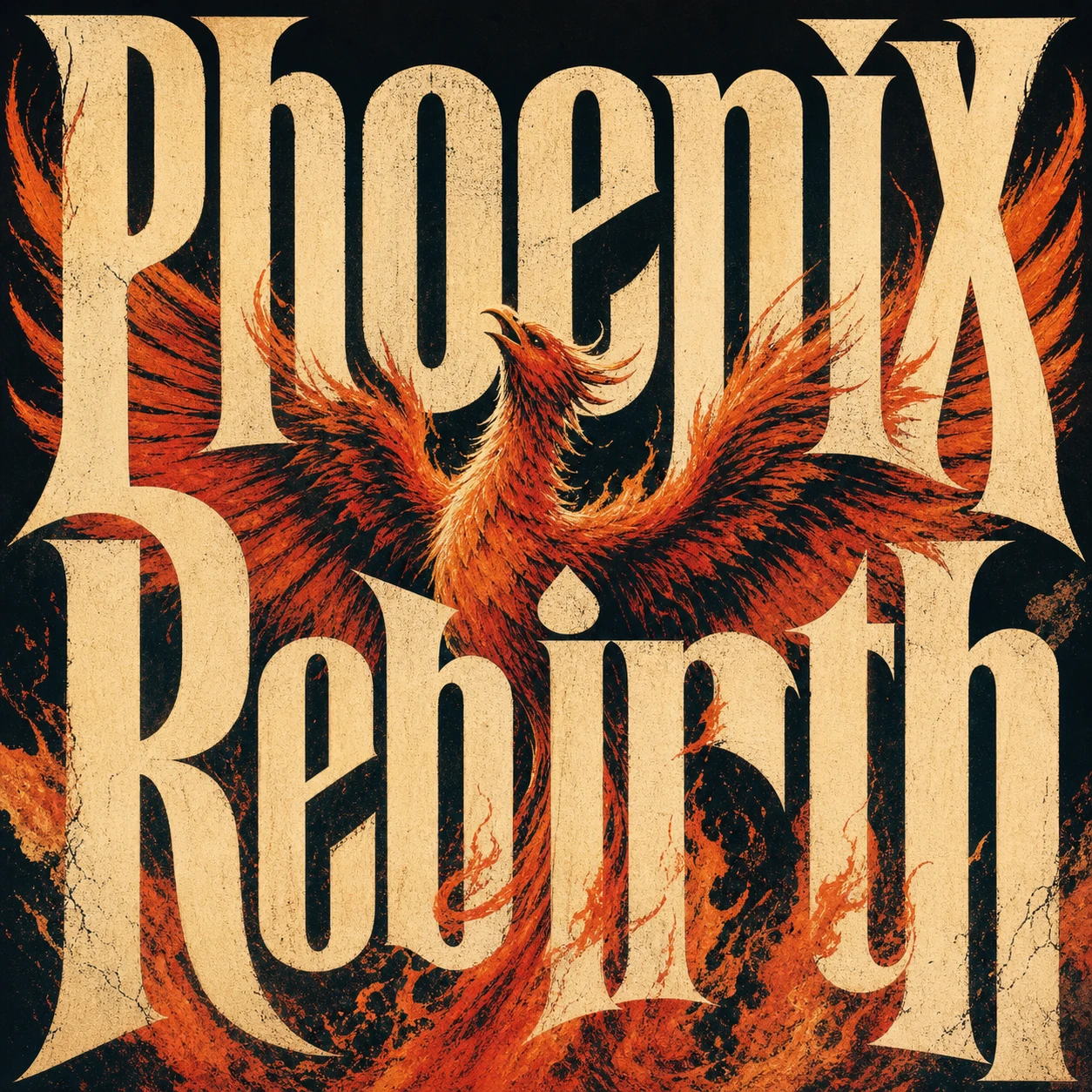
Create a square premium conceptual typography poster for the exact title "Phoenix Rebirth." Make custom letterforms the dominant visual structure and interweave them with a strong visual metaphor for rebirth. Use a restrained four-to-six-color system, silkscreen texture, paper fibers, subtle ink imperfections, bold scale, intelligent negative space, and museum-quality editorial composition. Do not add unrelated text, logos, moodboard panels, or collage labels.
創意圖像變體範例
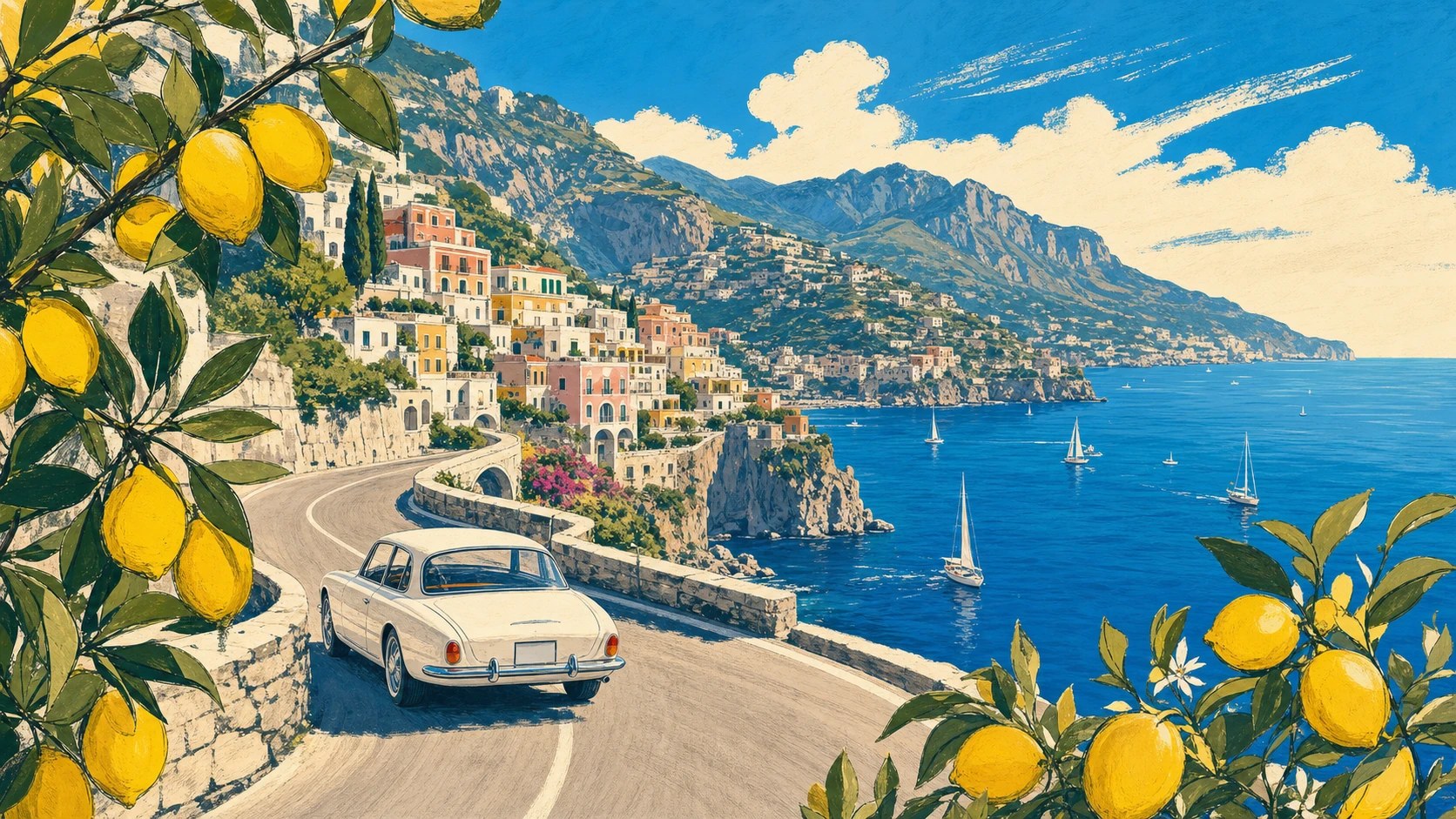
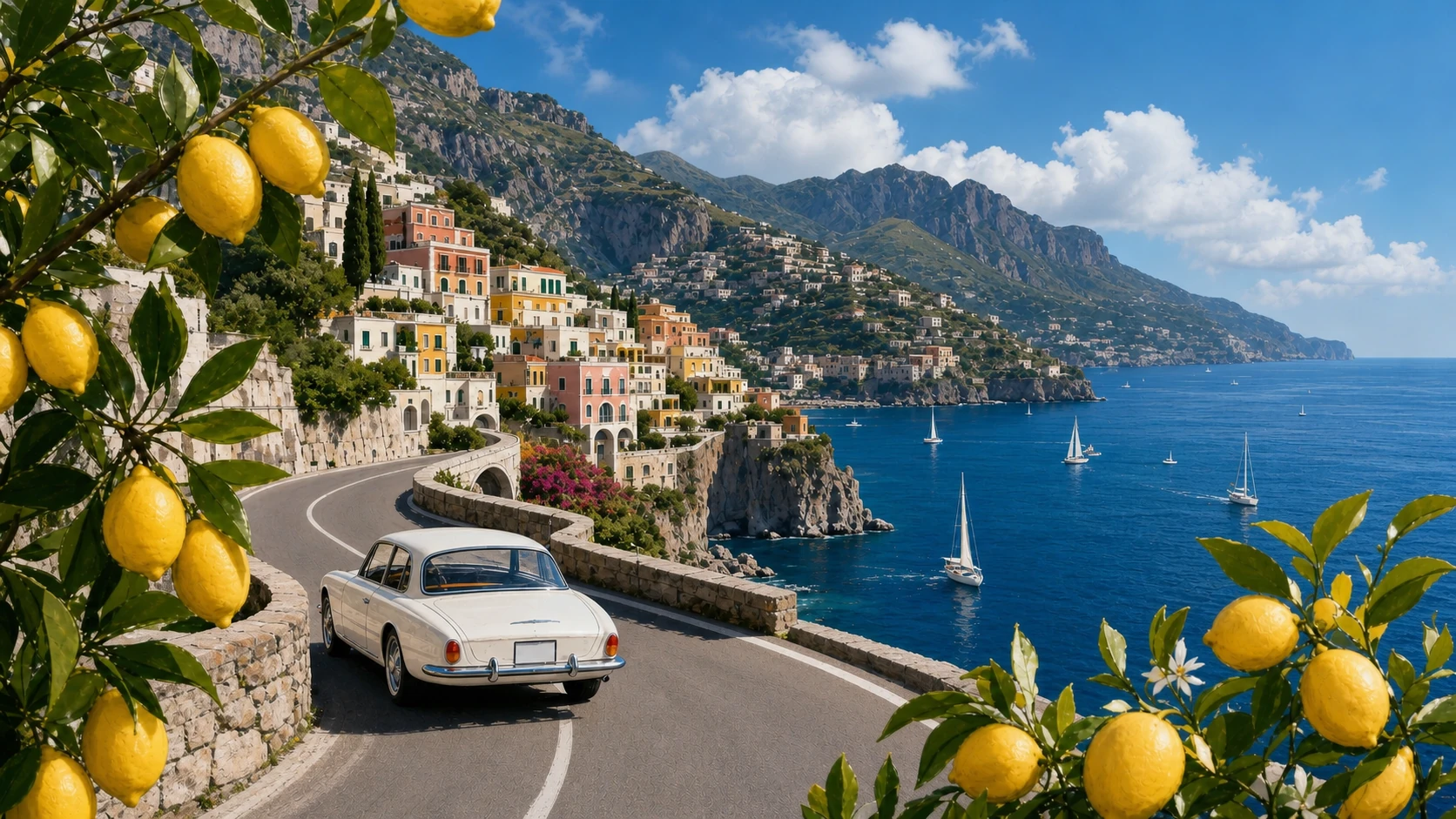
Create a 16:9 vintage travel illustration of the Amalfi Coast. Show a white 1960s car driving along a curved cliffside road, the deep-blue Mediterranean with small sailboats, a colorful pastel hillside village, distant mountains, and lemon branches framing the foreground. Use warm summer light, bold harmonious colors, loose hand-drawn contours, and screen-print texture. Show no text.
Transform Image 1 into a photorealistic travel photograph. Strictly preserve the road curve, white car position and direction, village, mountain ridge, coastline, sailboat distribution, lemon framing on both sides, viewpoint, and 16:9 scene structure. Change only the medium and material realism, with natural Mediterranean light, believable surfaces, atmospheric depth, and physically accurate reflections.
風格和版面控制範例
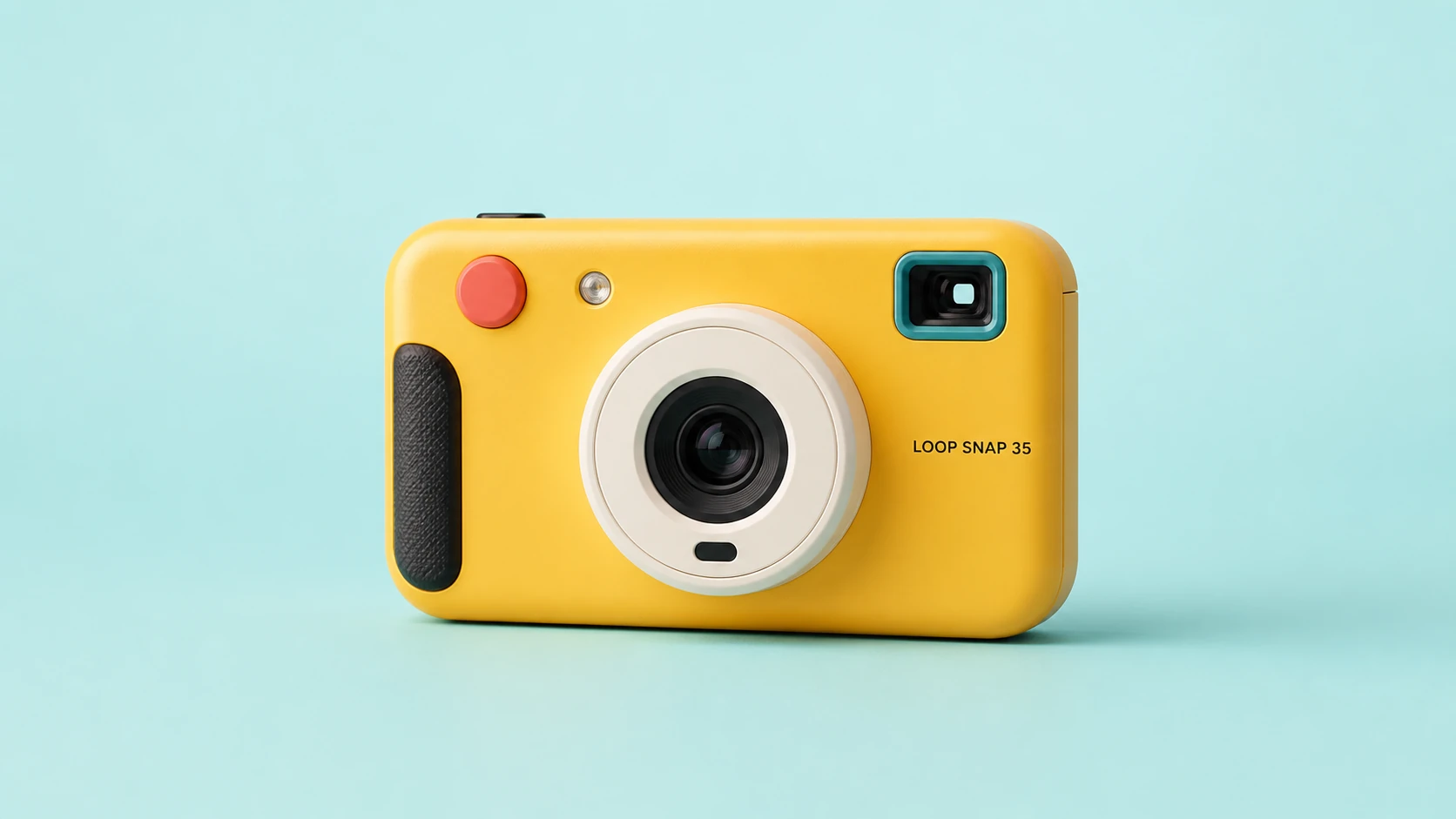
Create a clean 16:9 product photograph of a compact instant camera named "LOOP SNAP 35." The camera is sunflower yellow with an ivory lens barrel, coral shutter button, teal viewfinder, and black grip, placed against a pale aqua studio background. Keep the product unobstructed and fully readable. Do not include props, doodles, extra text, logos beyond the product label, or campaign graphics.
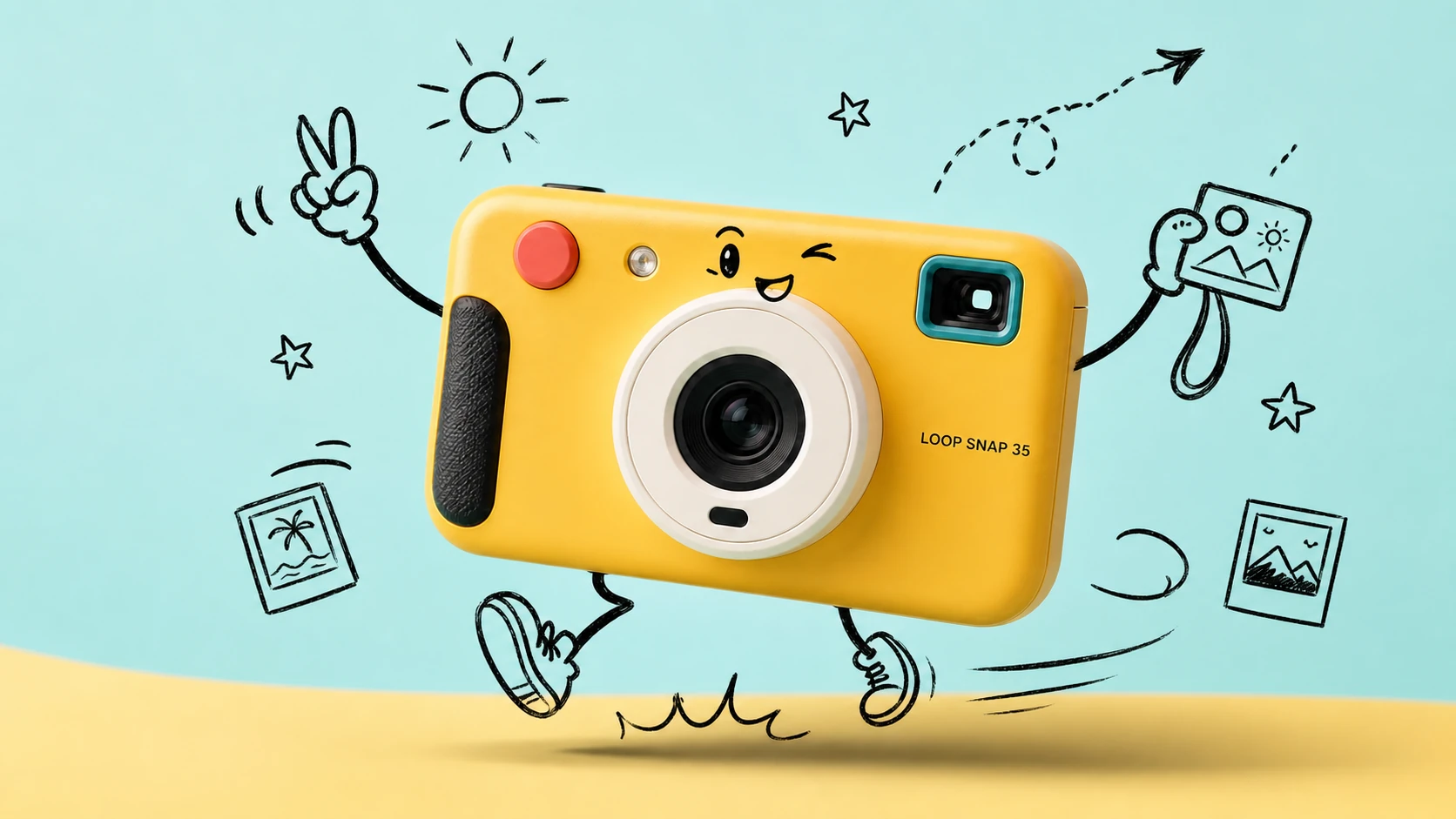
Transform Image 1 into a bright travel-photography commercial advertisement. Strictly preserve the camera's geometry, colors, materials, lens, controls, proportions, reflections, and exact "LOOP SNAP 35" label. Add only consistent loose black-marker doodles around the product: arms, legs, a playful expression, instant photos, a sun, stars, route arrows, and motion lines. Keep the camera photorealistic and unchanged.
文字生成圖像工具功能
在同一創作工作流程中,透過自然語言提示詞、免費點數、多模型選擇、寬高比控制、解析度選項和透明的點數費用估算,生成專業級 AI 圖像。
領先的多模型圖像生成
在 OpenAI、Google、ByteDance、Alibaba 和 xAI 等供應商支援的文字生成圖像模型之間切換,為每項創意任務搭配合適的視覺引擎。
提示詞驅動的視覺控制
在一條提示詞中描述主體、光線、相機角度、配色、氛圍、文字、版面和圖像用途,然後由所選模型將你的構想轉化為完整視覺作品。
彈性的寬高比和輸出尺寸
透過各模型專屬的寬高比和解析度設定,建立方形圖像、直式貼文、海報、縮圖、橫幅、產品場景和寬螢幕概念圖。
生成前明確顯示點數費用
開始前查看預估生成費用,並根據所選供應商、模型、品質、解析度和目前優惠規則使用免費點數及相應定價。
文字生成圖像使用情境
當你需要根據文字創作原創圖像,又不想準備參考圖像或建立複雜設計工作流程時,可使用 Best Image AI 文字生成圖像工具。
行銷和社群媒體視覺素材
根據書面創意簡報直接生成行銷活動概念、產品場景、發表宣傳圖、社群媒體貼文、縮圖創意和廣告變體。
設計草稿和品牌探索
將情緒板、視覺方向、風格說明、包裝創意和版面概念轉化為精美草稿,加快審核和迭代。
教育和簡報圖像
建立課堂視覺素材、概念插圖、圖表、解說圖像和簡報素材,讓抽象資訊更容易理解。
故事創作和概念藝術
根據詳細的文字描述設計角色、電影畫面、環境、海報、封面、世界觀場景和敘事藝術作品。
如何根據文字生成圖像
撰寫清晰的提示詞,選擇模型,調整圖像設定,然後在線上生成並最佳化結果。
輸入圖像提示詞
描述你想要的圖像,包括主體、環境、風格、光線、構圖、氛圍、顏色、相機角度以及需要顯示的任何文字。
選擇模型和設定
根據創作目標選擇供應商和模型;如果所選模型支援,還可設定寬高比、解析度、品質、種子或提示詞最佳化。
生成、預覽和最佳化
點擊生成,查看圖像結果,調整提示詞或設定,然後以 JPG、PNG 或 WebP 等支援的格式下載完成的圖像。
探索更多媒體創作 AI 模型
在 Best Image AI 上探索更多圖像、影片和聊天模型;模型頁面包含功能、定價詳情、API 範例和試用入口。
 seedance-v2.0-image-to-videoimage-to-video
 flux-3.0-image-to-videoimage-to-video
 qwen-image-3.0-protext-to-imageseedream-v5.0-pro-editimage-to-imageseedance-v2.0-mini-image-to-videoimage-to-videoqwen-image-3.0-editimage-to-image
 gemini-omni-1.1-flash-video-editvideo-editveo3.1-text-to-videotext-to-video