

Văn bản thành hình ảnh
Tạo hình ảnh AI từ câu lệnh văn bản
Định hướng video bằng ảnh, clip hoặc âm thanh trên Best Image AI với Seedance 2.5 Flash API của ByteDance. Dùng ảnh làm mẫu cho diện mạo hoặc bản âm thanh để dẫn dắt hành động.
Seedance 2.5 Flash Reference-to-Video là mô hình của ByteDance có thể gọi qua API trên Best Image AI để tạo cảnh quay mới từ câu lệnh và tư liệu tùy chọn. Dùng hình ảnh để định hướng diện mạo, video để định hướng chuyển động hoặc âm thanh để căn thời điểm. Bạn có thể kết hợp nhiều loại tư liệu trong một yêu cầu hoặc chỉ dùng âm thanh làm tham chiếu.
Trước khi gửi, hãy kiểm tra các định dạng được hỗ trợ, kích thước tệp và giới hạn tổng thời lượng riêng cho video và âm thanh.
Lưu ý Phí được tính theo độ phân giải đầu ra đã chọn. Nếu có video tham chiếu, hệ thống cộng thời lượng của tất cả các video này rồi làm tròn đến giây gần nhất (2,4 giây tính là 2 giây, 2,5 giây tính là 3 giây). Sau đó, hệ thống cộng thêm thời lượng đầu ra. Nếu không có video tham chiếu, chỉ thời lượng đầu ra được tính phí. Câu lệnh và tư liệu tham chiếu phải tuân thủ hướng dẫn an toàn nội dung của ByteDance.
Khám phá nhiều công cụ sáng tạo AI cho quy trình hình ảnh và video nhanh ngay trong trình duyệt, sau đó mở rộng các ý tưởng thành công bằng API mô hình sẵn sàng cho sản xuất của Best Image AI. Best Image AI cung cấp một lớp API thống nhất cho mọi mô hình, giúp bạn dễ dàng sử dụng và mở rộng quy trình.
Tạo hình ảnh AI từ câu lệnh văn bản

Tạo hình ảnh AI từ hình ảnh và câu lệnh văn bản
Tạo video AI từ câu lệnh văn bản
Biến hình ảnh thành video AI
Tạo hình ảnh và video AI trong một không gian làm việc hợp nhất
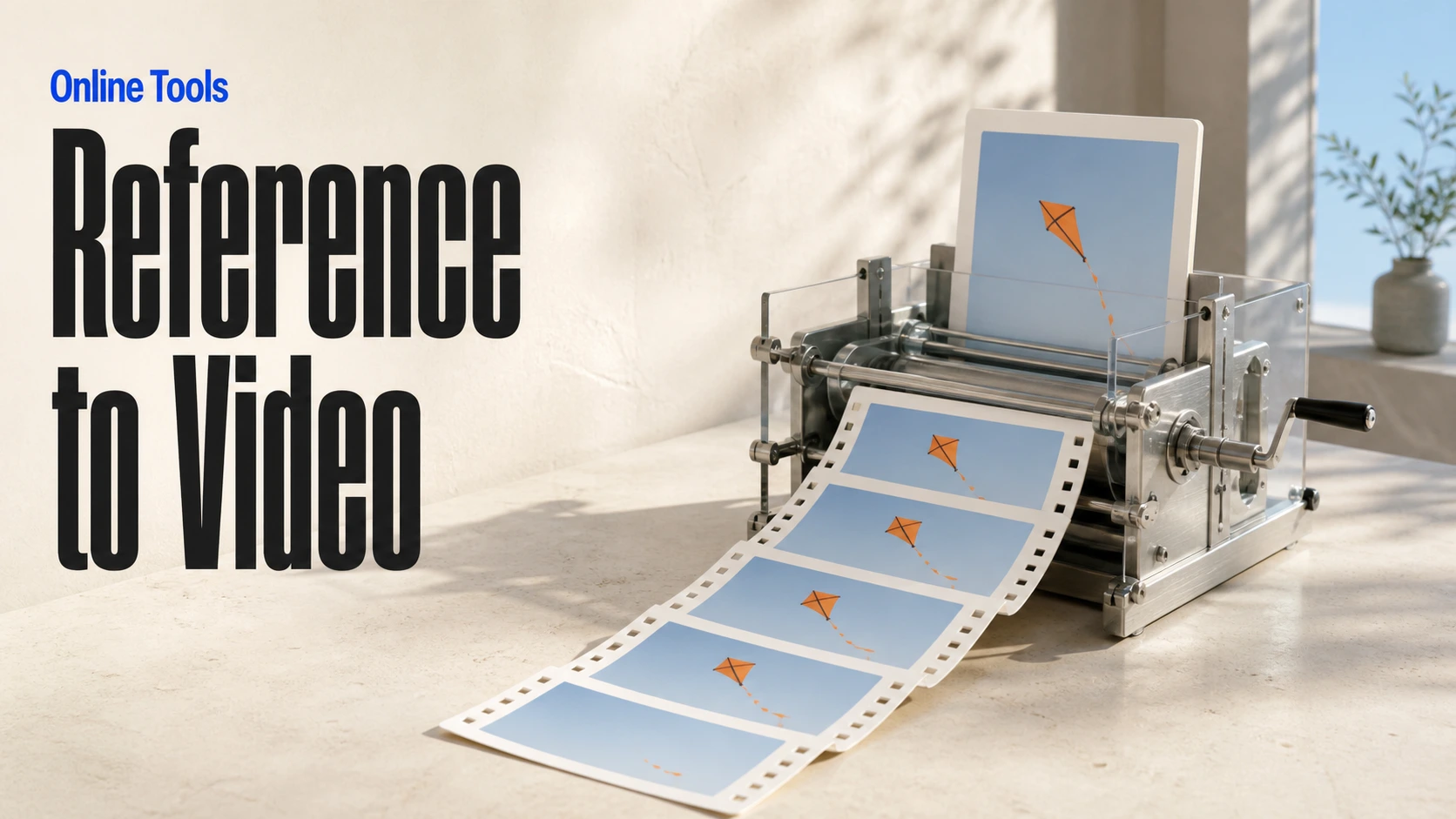
Tạo video nhất quán từ phương tiện tham chiếu
Xây dựng quy trình hình ảnh và video AI trực quan trên canvas vô hạn
// Step 1: Submit generation request
const response = await fetch('https://api.flaq.ai/api/v1/video/task', {
  method: 'POST',
  headers: {
    'Content-Type': 'application/json',
    'Authorization': 'Bearer YOUR_API_KEY'
  },
  body: JSON.stringify({
    model_name: 'seedance-v2.5-flash-reference-to-video',
    prompt: 'Use image one for the subject, video one for the movement, and audio one for the atmosphere',
    resolution: '720p',
    duration: 8,
    aspect_ratio: '16:9',
    sound: true,
    images: ['https://example.com/subject-reference.jpg'],
    videos: ['https://example.com/motion-reference.mp4'],
    audios: ['https://example.com/atmosphere-reference.mp3']
  })
});

const { data } = await response.json();
const taskId = data.task_id;

// Use the @ (AT) reference feature in prompt through <<<...>>> placeholders.
// Placeholder numbering is 1-based for each media array:
// <<<image_1>>> = images[0], <<<image_2>>> = images[1]
// <<<video_1>>> = videos[0], <<<audio_1>>> = audios[0]
const mediaReferenceResponse = await fetch('https://api.flaq.ai/api/v1/video/task', {
  method: 'POST',
  headers: {
    'Content-Type': 'application/json',
    'Authorization': 'Bearer YOUR_API_KEY'
  },
  body: JSON.stringify({
    model_name: 'seedance-v2.5-flash-reference-to-video',
    prompt: 'Place the explorer from <<<image_1>>> in the environment from <<<image_2>>>, following the camera movement in <<<video_1>>> and speaking with the reference voice from <<<audio_1>>>',
    resolution: '720p',
    duration: 10,
    aspect_ratio: '16:9',
    sound: true,
    images: [
      'https://example.com/explorer-reference.jpg',
      'https://example.com/environment-reference.png'
    ],
    videos: ['https://example.com/camera-movement-reference.mp4'],
    audios: ['https://example.com/voice-reference.mp3']
  })
});

const { data: mediaReferenceData } = await mediaReferenceResponse.json();
const mediaReferenceTaskId = mediaReferenceData.task_id;
// Step 2: Poll for results
const taskId = data.task_id;

const pollResult = async (taskId) => {
  const res = await fetch(`https://api.flaq.ai/api/v1/video/${taskId}`, {
    headers: { 'Authorization': 'Bearer YOUR_API_KEY' }
  });
  return res.json();
};

while (true) {
  const pollResultData = await pollResult(taskId);
  const status = pollResultData.data.task_status;

  if (status === 'succeed') {
    console.log(pollResultData.data.task_result.videos[].);
    ;
  }

   (status === ) {
    .(pollResultData..);
    ;
  }

    ( (resolve, ));
}
# Step 1: Submit generation request
import requests

response = requests.post(
    'https://api.flaq.ai/api/v1/video/task',
    headers={
        'Content-Type': 'application/json',
        'Authorization': 'Bearer YOUR_API_KEY'
    },
    json={
        'model_name': ,
        : ,
        : ,
        : ,
        : ,
        : ,
        : [],
        : [],
        : []
    }
)

result = response.json()
task_id = result[][]


media_reference_response = requests.post(
    ,
    headers={
        : ,
        :
    },
    json={
        : ,
        : ,
        : ,
        : ,
        : ,
        : ,
        : [
            ,

        ],
        : [],
        : []
    }
)

media_reference_result = media_reference_response.json()
media_reference_task_id = media_reference_result[][]
# Step 1: Submit generation request
curl -X POST https://api.flaq.ai/api/v1/video/task \
  -H "Content-Type: application/json" \
  -H "Authorization: Bearer YOUR_API_KEY" \
  -d '{
    "model_name": "seedance-v2.5-flash-reference-to-video",
    "prompt": "Use image one for the subject, video one for the movement, and audio one for the atmosphere",
    "resolution": "720p",
    "duration": 8,
    "aspect_ratio": "16:9",
    "sound": true,
    "images": ["https://example.com/subject-reference.jpg"],
    "videos": ["https://example.com/motion-reference.mp4"],
    "audios": ["https://example.com/atmosphere-reference.mp3"]
  }'

# Use the @ (AT) reference feature in prompt through <<<...>>> placeholders.
# Placeholder numbering is 1-based for each media array:


curl -X POST https://api.flaq.ai/api/v1/video/task \
  -H  \
  -H  \
  -d
# Step 2: Poll for results
task_id = response.json()['data']['task_id']
poll_url = f"https://api.flaq.ai/api/v1/video/{task_id}"

while True:
    poll_result = requests.get(poll_url, headers={'Authorization': 'Bearer YOUR_API_KEY'}).json()
    status = poll_result['data']['task_status']
    if status == 'succeed':
        print(poll_result['data']['task_result']['videos'][0]['url'])
        break
    if status == 'failed':
        print(poll_result['data']['task_status_msg'])
        break
    time.sleep(10)
# Step 2: Poll for results
# Replace {task_id} with the task_id returned from the submit response
curl -X GET "https://api.flaq.ai/api/v1/video/{task_id}" \
  -H "Authorization: Bearer YOUR_API_KEY"