

تحويل النص إلى صورة
إنشاء صور بالذكاء الاصطناعي من المطالبات النصية
وجّه إنشاء الفيديو على Best Image AI بالصور أو المقاطع أو الصوت باستخدام Seedance 2.5 Flash API من ByteDance. استخدم صورة مرجعية للمظهر أو مسارًا صوتيًا لتوجيه الحركة.
Seedance 2.5 Flash Reference-to-Video هو نموذج من ByteDance متاح عبر واجهة برمجة التطبيقات على Best Image AI لتوليد لقطات جديدة من وصف نصي ووسائط اختيارية. استخدم الصور لتحديد المظهر، ومقاطع الفيديو لتوجيه الحركة، والصوت لضبط التوقيت. يمكنك الجمع بين أنواع مختلفة من الوسائط في طلب واحد أو الاكتفاء بالصوت مرجعًا وحيدًا.
قبل الإرسال، تحقّق من صيغ الوسائط المدعومة وأحجام الملفات والحد الأقصى للمدة الإجمالية لكل من الفيديو والصوت على حدة.
ملاحظة تُحسب التكلفة وفق دقة الفيديو الناتج التي اخترتها. عند إرفاق مقاطع فيديو مرجعية، تُجمع مددها أولًا ثم يُقرّب المجموع إلى أقرب ثانية (فتُحسب 2.4 ثانية على أنها ثانيتان، و2.5 ثانية على أنها ثلاث ثوانٍ). بعد ذلك تُضاف مدة الفيديو الناتج. عند عدم إرفاق فيديو مرجعي، تُحسب تكلفة مدة الفيديو الناتج فقط. احرص على التزام الوصف النصي والوسائط المرجعية بإرشادات ByteDance لسلامة المحتوى.
استكشف العديد من أدوات الإنشاء بالذكاء الاصطناعي لسير عمل سريع للصور والفيديو في متصفحك، ثم وسّع نطاق الأفكار الناجحة باستخدام واجهات API الجاهزة للإنتاج من Best Image AI. يوفّر Best Image AI طبقة API موحّدة لجميع النماذج، مما يسهّل استخدام سير عملك وتوسيع نطاقه.
إنشاء صور بالذكاء الاصطناعي من المطالبات النصية

إنشاء صور بالذكاء الاصطناعي من الصور والمطالبات النصية
إنشاء فيديوهات بالذكاء الاصطناعي من المطالبات النصية
تحريك الصور وتحويلها إلى فيديوهات بالذكاء الاصطناعي
أنشئ صورًا ومقاطع فيديو بالذكاء الاصطناعي في مساحة عمل موحّدة
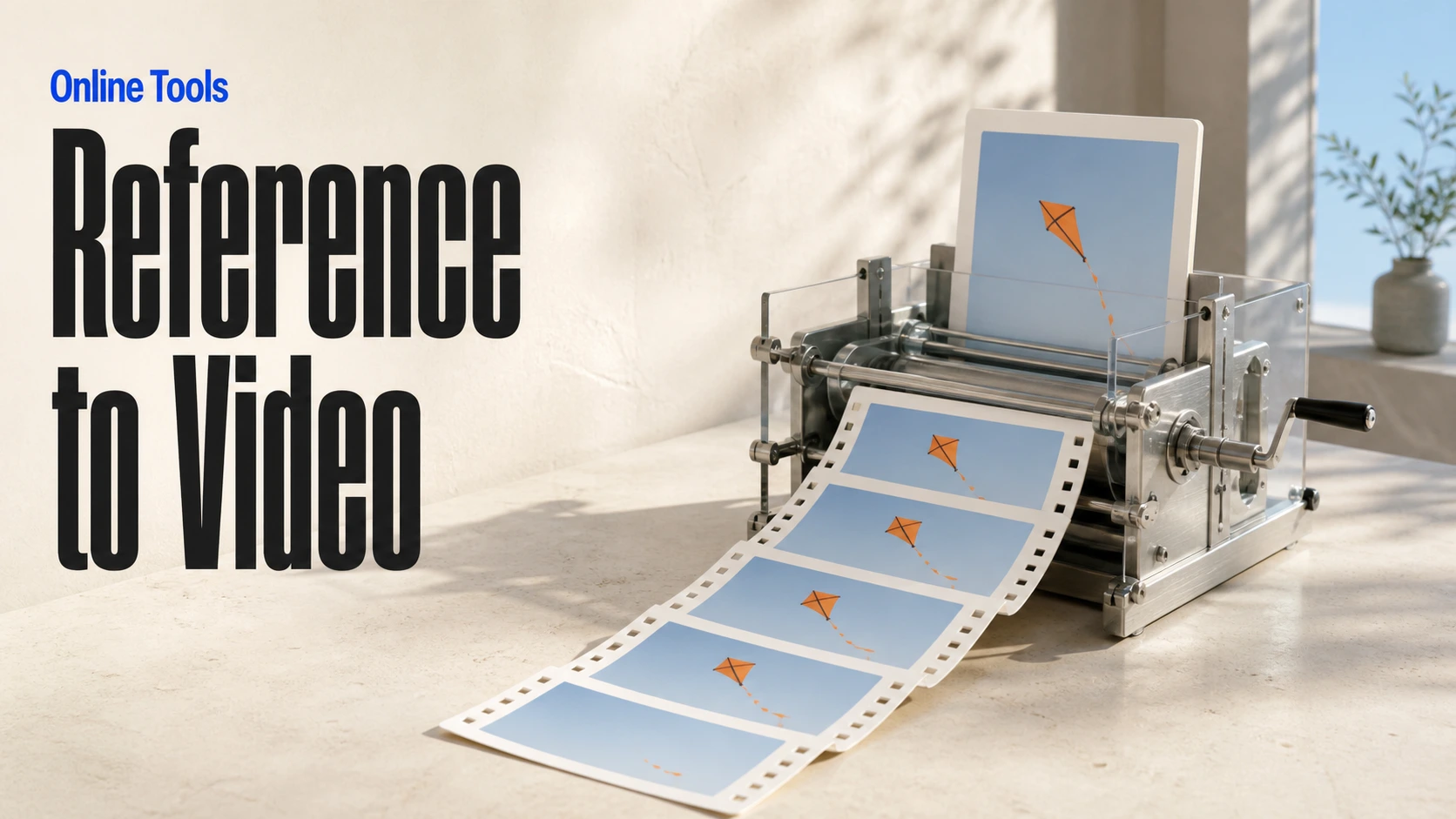
أنشئ مقاطع فيديو متسقة من الوسائط المرجعية
أنشئ سير عمل مرئيًا للصور والفيديو بالذكاء الاصطناعي على لوحة لا نهائية
// Step 1: Submit generation request
const response = await fetch('https://api.flaq.ai/api/v1/video/task', {
  method: 'POST',
  headers: {
    'Content-Type': 'application/json',
    'Authorization': 'Bearer YOUR_API_KEY'
  },
  body: JSON.stringify({
    model_name: 'seedance-v2.5-flash-reference-to-video',
    prompt: 'Use image one for the subject, video one for the movement, and audio one for the atmosphere',
    resolution: '720p',
    duration: 8,
    aspect_ratio: '16:9',
    sound: true,
    images: ['https://example.com/subject-reference.jpg'],
    videos: ['https://example.com/motion-reference.mp4'],
    audios: ['https://example.com/atmosphere-reference.mp3']
  })
});

const { data } = await response.json();
const taskId = data.task_id;

// Use the @ (AT) reference feature in prompt through <<<...>>> placeholders.
// Placeholder numbering is 1-based for each media array:
// <<<image_1>>> = images[0], <<<image_2>>> = images[1]
// <<<video_1>>> = videos[0], <<<audio_1>>> = audios[0]
const mediaReferenceResponse = await fetch('https://api.flaq.ai/api/v1/video/task', {
  method: 'POST',
  headers: {
    'Content-Type': 'application/json',
    'Authorization': 'Bearer YOUR_API_KEY'
  },
  body: JSON.stringify({
    model_name: 'seedance-v2.5-flash-reference-to-video',
    prompt: 'Place the explorer from <<<image_1>>> in the environment from <<<image_2>>>, following the camera movement in <<<video_1>>> and speaking with the reference voice from <<<audio_1>>>',
    resolution: '720p',
    duration: 10,
    aspect_ratio: '16:9',
    sound: true,
    images: [
      'https://example.com/explorer-reference.jpg',
      'https://example.com/environment-reference.png'
    ],
    videos: ['https://example.com/camera-movement-reference.mp4'],
    audios: ['https://example.com/voice-reference.mp3']
  })
});

const { data: mediaReferenceData } = await mediaReferenceResponse.json();
const mediaReferenceTaskId = mediaReferenceData.task_id;
// Step 2: Poll for results
const taskId = data.task_id;

const pollResult = async (taskId) => {
  const res = await fetch(`https://api.flaq.ai/api/v1/video/${taskId}`, {
    headers: { 'Authorization': 'Bearer YOUR_API_KEY' }
  });
  return res.json();
};

while (true) {
  const pollResultData = await pollResult(taskId);
  const status = pollResultData.data.task_status;

  if (status === 'succeed') {
    console.log(pollResultData.data.task_result.videos[].);
    ;
  }

   (status === ) {
    .(pollResultData..);
    ;
  }

    ( (resolve, ));
}
# Step 1: Submit generation request
import requests

response = requests.post(
    'https://api.flaq.ai/api/v1/video/task',
    headers={
        'Content-Type': 'application/json',
        'Authorization': 'Bearer YOUR_API_KEY'
    },
    json={
        'model_name': ,
        : ,
        : ,
        : ,
        : ,
        : ,
        : [],
        : [],
        : []
    }
)

result = response.json()
task_id = result[][]


media_reference_response = requests.post(
    ,
    headers={
        : ,
        :
    },
    json={
        : ,
        : ,
        : ,
        : ,
        : ,
        : ,
        : [
            ,

        ],
        : [],
        : []
    }
)

media_reference_result = media_reference_response.json()
media_reference_task_id = media_reference_result[][]
# Step 1: Submit generation request
curl -X POST https://api.flaq.ai/api/v1/video/task \
  -H "Content-Type: application/json" \
  -H "Authorization: Bearer YOUR_API_KEY" \
  -d '{
    "model_name": "seedance-v2.5-flash-reference-to-video",
    "prompt": "Use image one for the subject, video one for the movement, and audio one for the atmosphere",
    "resolution": "720p",
    "duration": 8,
    "aspect_ratio": "16:9",
    "sound": true,
    "images": ["https://example.com/subject-reference.jpg"],
    "videos": ["https://example.com/motion-reference.mp4"],
    "audios": ["https://example.com/atmosphere-reference.mp3"]
  }'

# Use the @ (AT) reference feature in prompt through <<<...>>> placeholders.
# Placeholder numbering is 1-based for each media array:


curl -X POST https://api.flaq.ai/api/v1/video/task \
  -H  \
  -H  \
  -d
# Step 2: Poll for results
task_id = response.json()['data']['task_id']
poll_url = f"https://api.flaq.ai/api/v1/video/{task_id}"

while True:
    poll_result = requests.get(poll_url, headers={'Authorization': 'Bearer YOUR_API_KEY'}).json()
    status = poll_result['data']['task_status']
    if status == 'succeed':
        print(poll_result['data']['task_result']['videos'][0]['url'])
        break
    if status == 'failed':
        print(poll_result['data']['task_status_msg'])
        break
    time.sleep(10)
# Step 2: Poll for results
# Replace {task_id} with the task_id returned from the submit response
curl -X GET "https://api.flaq.ai/api/v1/video/{task_id}" \
  -H "Authorization: Bearer YOUR_API_KEY"