


Text to Image
Create AI images from text prompts
Guide videos with the Seedance 2.5 Flash API by ByteDance on Best Image AI using images, clips, or audio. Reference an image for the look or an audio track to guide the action.
Seedance 2.5 Flash Reference-to-Video is ByteDance's API model for generating new footage from a prompt and optional media on Best Image AI. Use images for appearance, videos for movement, or audio for timing. You can combine media types in one request or use audio as the sole reference.
Check the supported media formats, file sizes, and separate total duration limits for video and audio before submitting.
Note Billing uses the selected output resolution. With reference videos, their durations are added together and rounded to the nearest second (2.4 seconds counts as 2, and 2.5 as 3). The output duration is then added. Without reference videos, only the output duration is billed. Keep prompts and reference media within ByteDance's content safety guidelines.
Explore several AI creation tools for quick image and video workflows in your browser, then scale successful ideas with Best Image AI's production-ready model APIs. Best Image AI provides a unified API layer for all models, making it easy to use and scale your workflows.
Create AI images from text prompts

Create AI images from images and text prompts
Create AI videos from text prompts
Animate images into AI videos
Create AI images and videos in one unified workspace
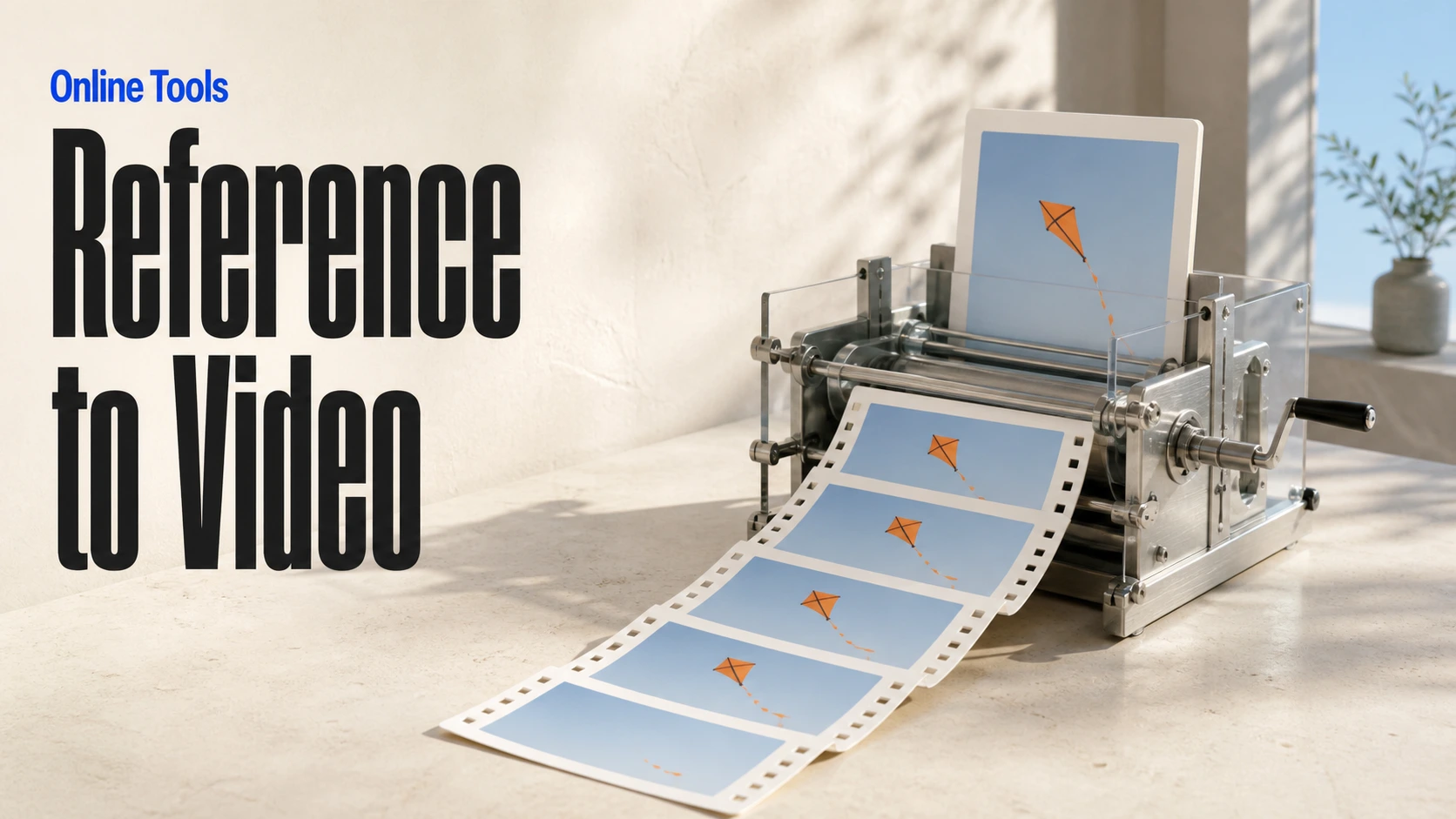
Create consistent videos from reference media

Build visual AI image and video workflows on an infinite canvas
// Step 1: Submit generation request
const response = await fetch('https://api.flaq.ai/api/v1/video/task', {
  method: 'POST',
  headers: {
    'Content-Type': 'application/json',
    'Authorization': 'Bearer YOUR_API_KEY'
  },
  body: JSON.stringify({
    model_name: 'seedance-v2.5-flash-reference-to-video',
    prompt: 'Use image one for the subject, video one for the movement, and audio one for the atmosphere',
    resolution: '720p',
    duration: 8,
    aspect_ratio: '16:9',
    sound: true,
    images: ['https://example.com/subject-reference.jpg'],
    videos: ['https://example.com/motion-reference.mp4'],
    audios: ['https://example.com/atmosphere-reference.mp3']
  })
});

const { data } = await response.json();
const taskId = data.task_id;

// Use the @ (AT) reference feature in prompt through <<<...>>> placeholders.
// Placeholder numbering is 1-based for each media array:
// <<<image_1>>> = images[0], <<<image_2>>> = images[1]
// <<<video_1>>> = videos[0], <<<audio_1>>> = audios[0]
const mediaReferenceResponse = await fetch('https://api.flaq.ai/api/v1/video/task', {
  method: 'POST',
  headers: {
    'Content-Type': 'application/json',
    'Authorization': 'Bearer YOUR_API_KEY'
  },
  body: JSON.stringify({
    model_name: 'seedance-v2.5-flash-reference-to-video',
    prompt: 'Place the explorer from <<<image_1>>> in the environment from <<<image_2>>>, following the camera movement in <<<video_1>>> and speaking with the reference voice from <<<audio_1>>>',
    resolution: '720p',
    duration: 10,
    aspect_ratio: '16:9',
    sound: true,
    images: [
      'https://example.com/explorer-reference.jpg',
      'https://example.com/environment-reference.png'
    ],
    videos: ['https://example.com/camera-movement-reference.mp4'],
    audios: ['https://example.com/voice-reference.mp3']
  })
});

const { data: mediaReferenceData } = await mediaReferenceResponse.json();
const mediaReferenceTaskId = mediaReferenceData.task_id;
// Step 2: Poll for results
const taskId = data.task_id;

const pollResult = async (taskId) => {
  const res = await fetch(`https://api.flaq.ai/api/v1/video/${taskId}`, {
    headers: { 'Authorization': 'Bearer YOUR_API_KEY' }
  });
  return res.json();
};

while (true) {
  const pollResultData = await pollResult(taskId);
  const status = pollResultData.data.task_status;

  if (status === 'succeed') {
    console.log(pollResultData.data.task_result.videos[].);
    ;
  }

   (status === ) {
    .(pollResultData..);
    ;
  }

    ( (resolve, ));
}
# Step 1: Submit generation request
import requests

response = requests.post(
    'https://api.flaq.ai/api/v1/video/task',
    headers={
        'Content-Type': 'application/json',
        'Authorization': 'Bearer YOUR_API_KEY'
    },
    json={
        'model_name': ,
        : ,
        : ,
        : ,
        : ,
        : ,
        : [],
        : [],
        : []
    }
)

result = response.json()
task_id = result[][]


media_reference_response = requests.post(
    ,
    headers={
        : ,
        :
    },
    json={
        : ,
        : ,
        : ,
        : ,
        : ,
        : ,
        : [
            ,

        ],
        : [],
        : []
    }
)

media_reference_result = media_reference_response.json()
media_reference_task_id = media_reference_result[][]
# Step 1: Submit generation request
curl -X POST https://api.flaq.ai/api/v1/video/task \
  -H "Content-Type: application/json" \
  -H "Authorization: Bearer YOUR_API_KEY" \
  -d '{
    "model_name": "seedance-v2.5-flash-reference-to-video",
    "prompt": "Use image one for the subject, video one for the movement, and audio one for the atmosphere",
    "resolution": "720p",
    "duration": 8,
    "aspect_ratio": "16:9",
    "sound": true,
    "images": ["https://example.com/subject-reference.jpg"],
    "videos": ["https://example.com/motion-reference.mp4"],
    "audios": ["https://example.com/atmosphere-reference.mp3"]
  }'

# Use the @ (AT) reference feature in prompt through <<<...>>> placeholders.
# Placeholder numbering is 1-based for each media array:


curl -X POST https://api.flaq.ai/api/v1/video/task \
  -H  \
  -H  \
  -d
# Step 2: Poll for results
task_id = response.json()['data']['task_id']
poll_url = f"https://api.flaq.ai/api/v1/video/{task_id}"

while True:
    poll_result = requests.get(poll_url, headers={'Authorization': 'Bearer YOUR_API_KEY'}).json()
    status = poll_result['data']['task_status']
    if status == 'succeed':
        print(poll_result['data']['task_result']['videos'][0]['url'])
        break
    if status == 'failed':
        print(poll_result['data']['task_status_msg'])
        break
    time.sleep(10)
# Step 2: Poll for results
# Replace {task_id} with the task_id returned from the submit response
curl -X GET "https://api.flaq.ai/api/v1/video/{task_id}" \
  -H "Authorization: Bearer YOUR_API_KEY"