


ข้อความเป็นรูปภาพ
สร้างรูปภาพ AI จากพรอมต์ข้อความ
กำหนดวิดีโอด้วยภาพ คลิป หรือเสียงผ่าน Seedance 2.5 Flash API จาก ByteDance บน Best Image AI ใช้ภาพกำหนดลุคหรือแทร็กเสียงกำกับแอ็กชัน
Seedance 2.5 Flash Reference-to-Video คือโมเดลของ ByteDance ที่เรียกใช้ผ่าน API บน Best Image AI เพื่อสร้างฟุตเทจใหม่จากพรอมต์และสื่ออ้างอิงที่เลือกแนบได้ ใช้ภาพเพื่อกำหนดรูปลักษณ์ ใช้วิดีโอเพื่อกำกับการเคลื่อนไหว หรือใช้เสียงเพื่อกำหนดจังหวะเวลา คุณสามารถใช้สื่อหลายประเภท ร่วมกันในคำขอเดียว หรือใช้เพียงเสียงเป็นสื่ออ้างอิงก็ได้
ก่อนส่งคำขอ ให้ตรวจสอบรูปแบบสื่อที่รองรับ ขนาดไฟล์ และขีดจำกัดความยาวรวมของวิดีโอและเสียง ซึ่งกำหนดแยกกัน
หมายเหตุ ค่าบริการขึ้นอยู่กับความละเอียดที่เลือกสำหรับวิดีโอผลลัพธ์ หากแนบวิดีโออ้างอิง ระบบจะรวมความยาวของวิดีโออ้างอิงทั้งหมด แล้วปัดเป็นจำนวนวินาทีเต็มที่ใกล้ที่สุด (2.4 วินาทีคิดเป็น 2 วินาที และ 2.5 วินาทีคิดเป็น 3 วินาที) จากนั้นจึงบวกความยาวของวิดีโอผลลัพธ์ หากไม่มีวิดีโออ้างอิง ระบบจะคิดค่าบริการเฉพาะความยาวของวิดีโอผลลัพธ์ พรอมต์และสื่ออ้างอิงต้องเป็นไปตามแนวทางความปลอดภัยด้านเนื้อหาของ ByteDance
สำรวจเครื่องมือสร้างสรรค์ด้วย AI หลายรายการสำหรับเวิร์กโฟลว์รูปภาพและวิดีโอที่รวดเร็วในเบราว์เซอร์ แล้วขยายแนวคิดที่ประสบความสำเร็จด้วย API โมเดลที่พร้อมใช้งานจริงจาก Best Image AI โดย Best Image AI มีชั้น API แบบรวมสำหรับทุกโมเดล ทำให้ใช้และขยายเวิร์กโฟลว์ได้ง่าย
สร้างรูปภาพ AI จากพรอมต์ข้อความ

สร้างรูปภาพ AI จากรูปภาพและพรอมต์ข้อความ
สร้างวิดีโอ AI จากพรอมต์ข้อความ
ทำให้รูปภาพเคลื่อนไหวเป็นวิดีโอ AI
สร้างรูปภาพและวิดีโอ AI ในพื้นที่ทำงานเดียว
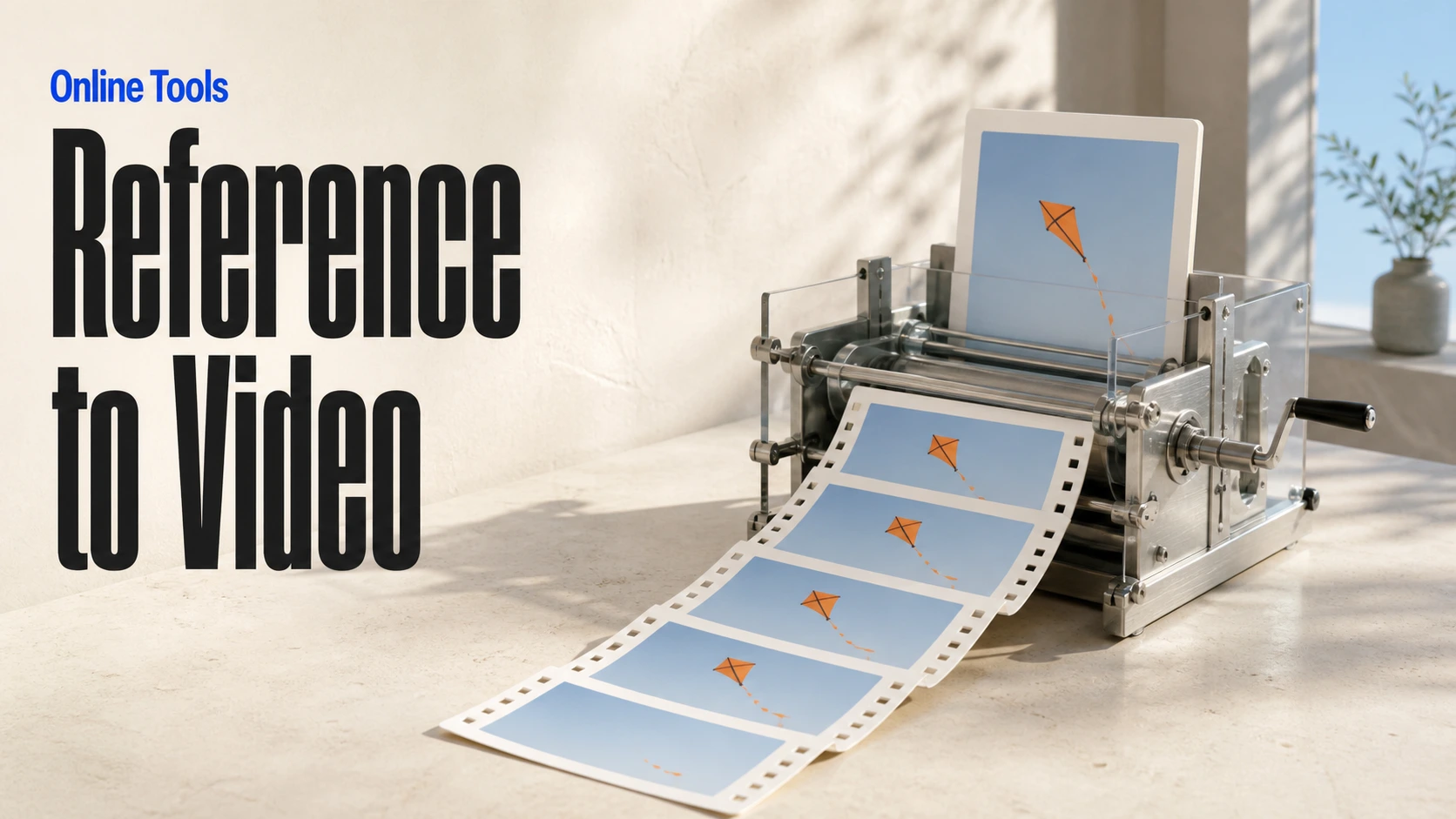
สร้างวิดีโอที่สอดคล้องกันจากสื่ออ้างอิง

สร้างเวิร์กโฟลว์ภาพและวิดีโอ AI แบบภาพบนแคนวาสไร้ขอบเขต
// Step 1: Submit generation request
const response = await fetch('https://api.flaq.ai/api/v1/video/task', {
  method: 'POST',
  headers: {
    'Content-Type': 'application/json',
    'Authorization': 'Bearer YOUR_API_KEY'
  },
  body: JSON.stringify({
    model_name: 'seedance-v2.5-flash-reference-to-video',
    prompt: 'Use image one for the subject, video one for the movement, and audio one for the atmosphere',
    resolution: '720p',
    duration: 8,
    aspect_ratio: '16:9',
    sound: true,
    images: ['https://example.com/subject-reference.jpg'],
    videos: ['https://example.com/motion-reference.mp4'],
    audios: ['https://example.com/atmosphere-reference.mp3']
  })
});

const { data } = await response.json();
const taskId = data.task_id;

// Use the @ (AT) reference feature in prompt through <<<...>>> placeholders.
// Placeholder numbering is 1-based for each media array:
// <<<image_1>>> = images[0], <<<image_2>>> = images[1]
// <<<video_1>>> = videos[0], <<<audio_1>>> = audios[0]
const mediaReferenceResponse = await fetch('https://api.flaq.ai/api/v1/video/task', {
  method: 'POST',
  headers: {
    'Content-Type': 'application/json',
    'Authorization': 'Bearer YOUR_API_KEY'
  },
  body: JSON.stringify({
    model_name: 'seedance-v2.5-flash-reference-to-video',
    prompt: 'Place the explorer from <<<image_1>>> in the environment from <<<image_2>>>, following the camera movement in <<<video_1>>> and speaking with the reference voice from <<<audio_1>>>',
    resolution: '720p',
    duration: 10,
    aspect_ratio: '16:9',
    sound: true,
    images: [
      'https://example.com/explorer-reference.jpg',
      'https://example.com/environment-reference.png'
    ],
    videos: ['https://example.com/camera-movement-reference.mp4'],
    audios: ['https://example.com/voice-reference.mp3']
  })
});

const { data: mediaReferenceData } = await mediaReferenceResponse.json();
const mediaReferenceTaskId = mediaReferenceData.task_id;
// Step 2: Poll for results
const taskId = data.task_id;

const pollResult = async (taskId) => {
  const res = await fetch(`https://api.flaq.ai/api/v1/video/${taskId}`, {
    headers: { 'Authorization': 'Bearer YOUR_API_KEY' }
  });
  return res.json();
};

while (true) {
  const pollResultData = await pollResult(taskId);
  const status = pollResultData.data.task_status;

  if (status === 'succeed') {
    console.log(pollResultData.data.task_result.videos[].);
    ;
  }

   (status === ) {
    .(pollResultData..);
    ;
  }

    ( (resolve, ));
}
# Step 1: Submit generation request
import requests

response = requests.post(
    'https://api.flaq.ai/api/v1/video/task',
    headers={
        'Content-Type': 'application/json',
        'Authorization': 'Bearer YOUR_API_KEY'
    },
    json={
        'model_name': ,
        : ,
        : ,
        : ,
        : ,
        : ,
        : [],
        : [],
        : []
    }
)

result = response.json()
task_id = result[][]


media_reference_response = requests.post(
    ,
    headers={
        : ,
        :
    },
    json={
        : ,
        : ,
        : ,
        : ,
        : ,
        : ,
        : [
            ,

        ],
        : [],
        : []
    }
)

media_reference_result = media_reference_response.json()
media_reference_task_id = media_reference_result[][]
# Step 1: Submit generation request
curl -X POST https://api.flaq.ai/api/v1/video/task \
  -H "Content-Type: application/json" \
  -H "Authorization: Bearer YOUR_API_KEY" \
  -d '{
    "model_name": "seedance-v2.5-flash-reference-to-video",
    "prompt": "Use image one for the subject, video one for the movement, and audio one for the atmosphere",
    "resolution": "720p",
    "duration": 8,
    "aspect_ratio": "16:9",
    "sound": true,
    "images": ["https://example.com/subject-reference.jpg"],
    "videos": ["https://example.com/motion-reference.mp4"],
    "audios": ["https://example.com/atmosphere-reference.mp3"]
  }'

# Use the @ (AT) reference feature in prompt through <<<...>>> placeholders.
# Placeholder numbering is 1-based for each media array:


curl -X POST https://api.flaq.ai/api/v1/video/task \
  -H  \
  -H  \
  -d
# Step 2: Poll for results
task_id = response.json()['data']['task_id']
poll_url = f"https://api.flaq.ai/api/v1/video/{task_id}"

while True:
    poll_result = requests.get(poll_url, headers={'Authorization': 'Bearer YOUR_API_KEY'}).json()
    status = poll_result['data']['task_status']
    if status == 'succeed':
        print(poll_result['data']['task_result']['videos'][0]['url'])
        break
    if status == 'failed':
        print(poll_result['data']['task_status_msg'])
        break
    time.sleep(10)
# Step 2: Poll for results
# Replace {task_id} with the task_id returned from the submit response
curl -X GET "https://api.flaq.ai/api/v1/video/{task_id}" \
  -H "Authorization: Bearer YOUR_API_KEY"