

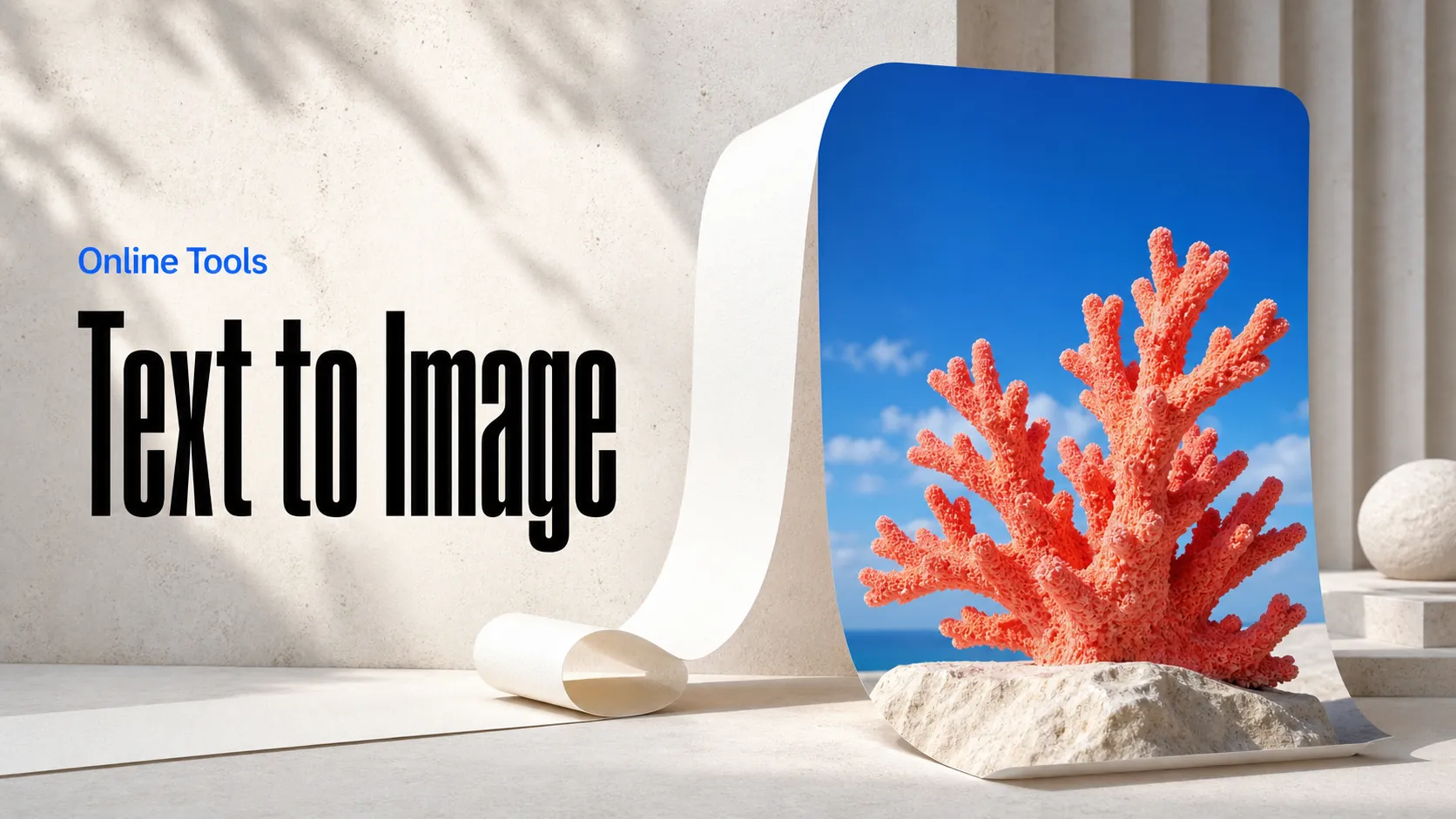
Da testo a immagine
Crea immagini IA da prompt testuali
Guida i video con immagini, clip o audio usando l’API Seedance 2.5 Flash di ByteDance su Best Image AI. Usa un’immagine per lo stile o l’audio per guidare l’azione.
Seedance 2.5 Flash Reference-to-Video è il modello di ByteDance disponibile tramite API su Best Image AI per generare nuove riprese a partire da un prompt e da contenuti multimediali facoltativi. Usa le immagini per definire l’aspetto, i video per guidare i movimenti o l’audio per scandire i tempi. Puoi combinare più tipi di contenuti in una richiesta o usare l’audio come unico riferimento.
Prima dell’invio, verifica i formati multimediali e le dimensioni dei file ammessi, oltre ai limiti di durata totale previsti separatamente per video e audio.
Nota La fatturazione dipende dalla risoluzione di uscita selezionata. Se usi video di riferimento, le loro durate vengono sommate e il totale viene arrotondato al secondo più vicino (2,4 secondi contano come 2 e 2,5 come 3). Si aggiunge poi la durata del video generato. Senza video di riferimento viene addebitata solo la durata del video generato. I prompt e i contenuti multimediali di riferimento devono rispettare le linee guida di ByteDance sulla sicurezza dei contenuti.
Esplora vari strumenti di creazione IA per flussi di lavoro rapidi di immagini e video nel browser, poi amplia le idee di successo con le API dei modelli di Best Image AI pronte per la produzione. Best Image AI offre un livello API unificato per tutti i modelli, semplificando l'uso e la scalabilità dei flussi di lavoro.
Crea immagini IA da prompt testuali
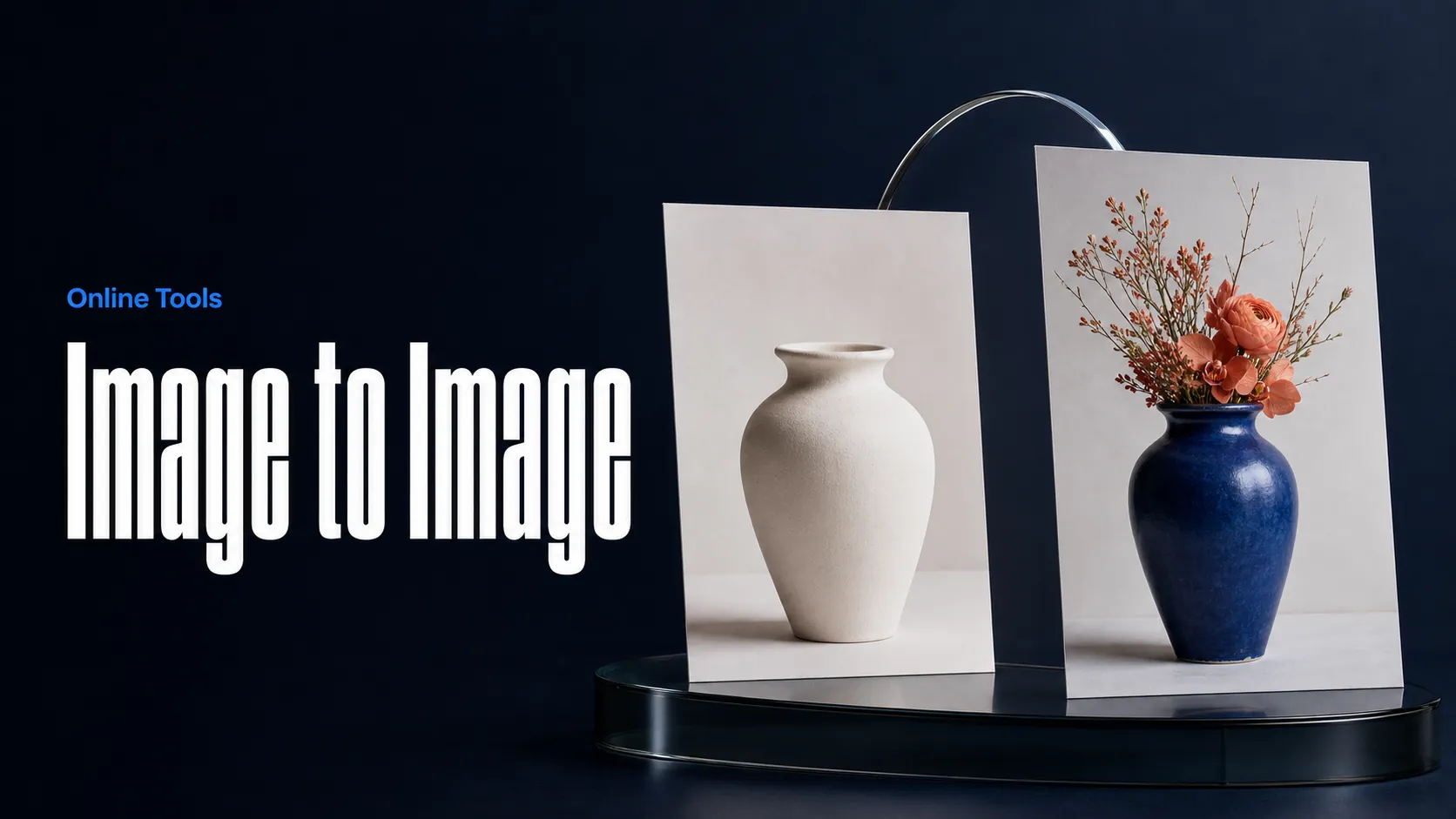
Crea immagini IA da immagini e prompt testuali
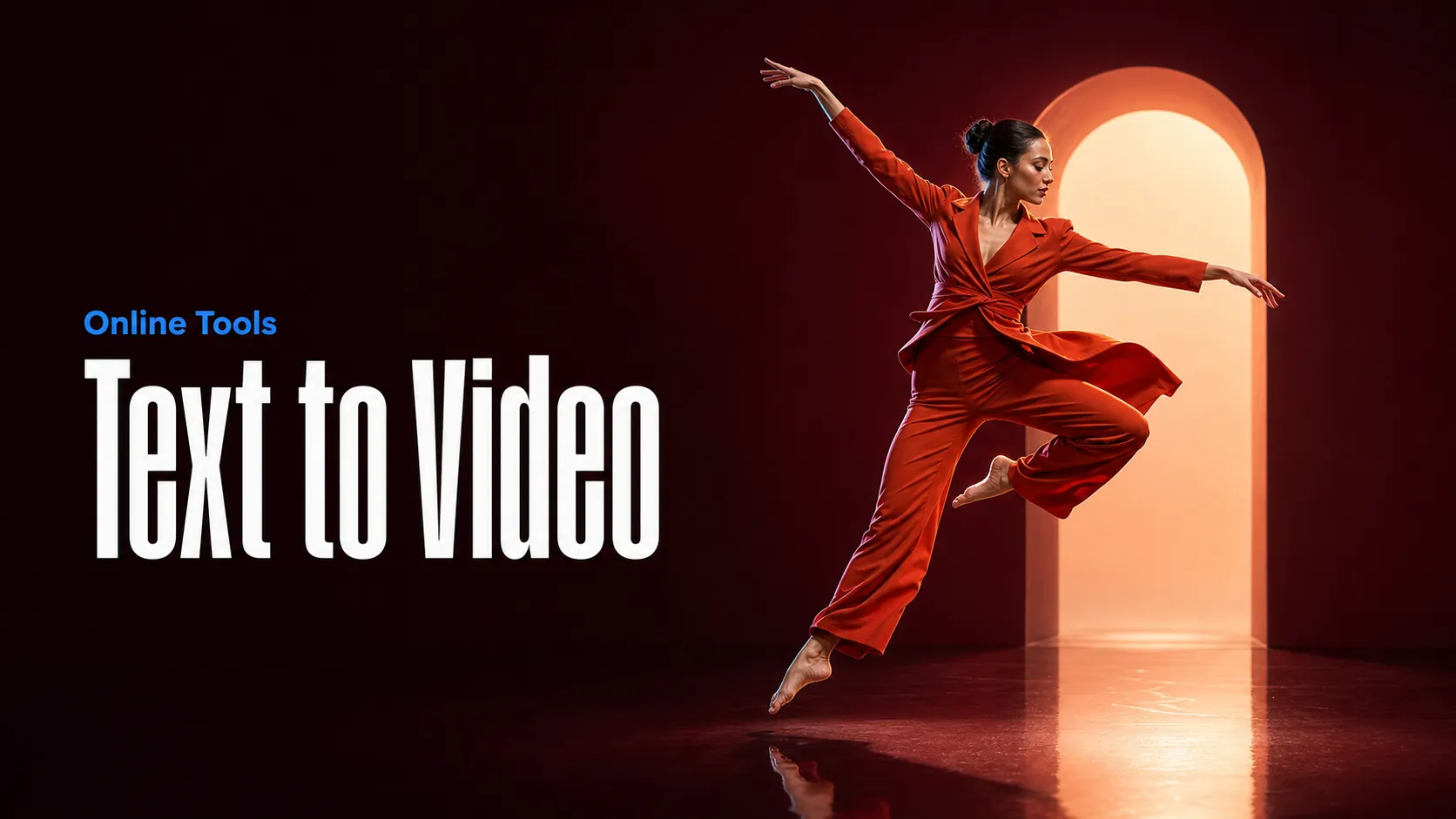
Crea video IA da prompt testuali
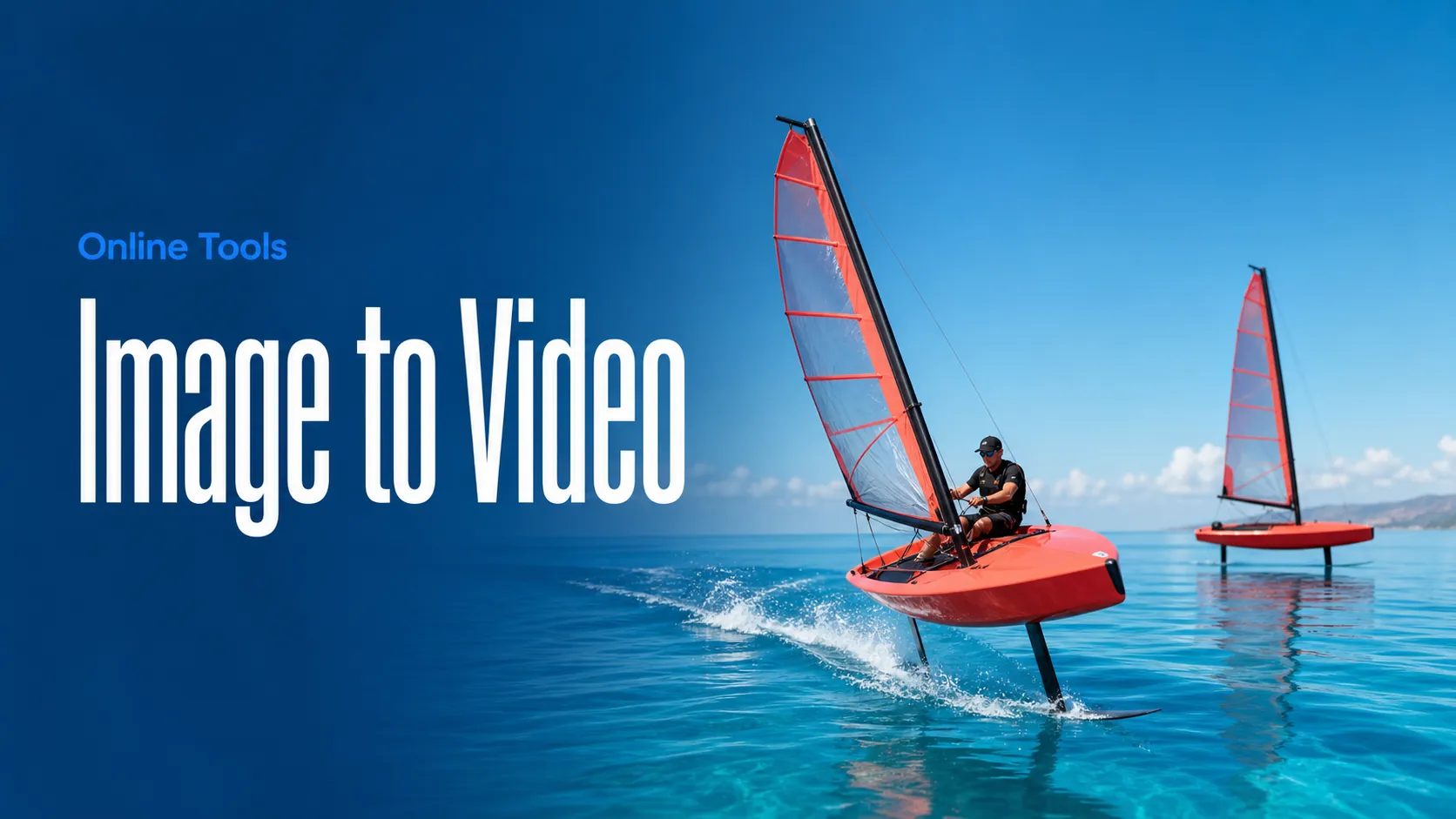
Anima le immagini trasformandole in video IA
Crea immagini e video AI in un unico spazio di lavoro
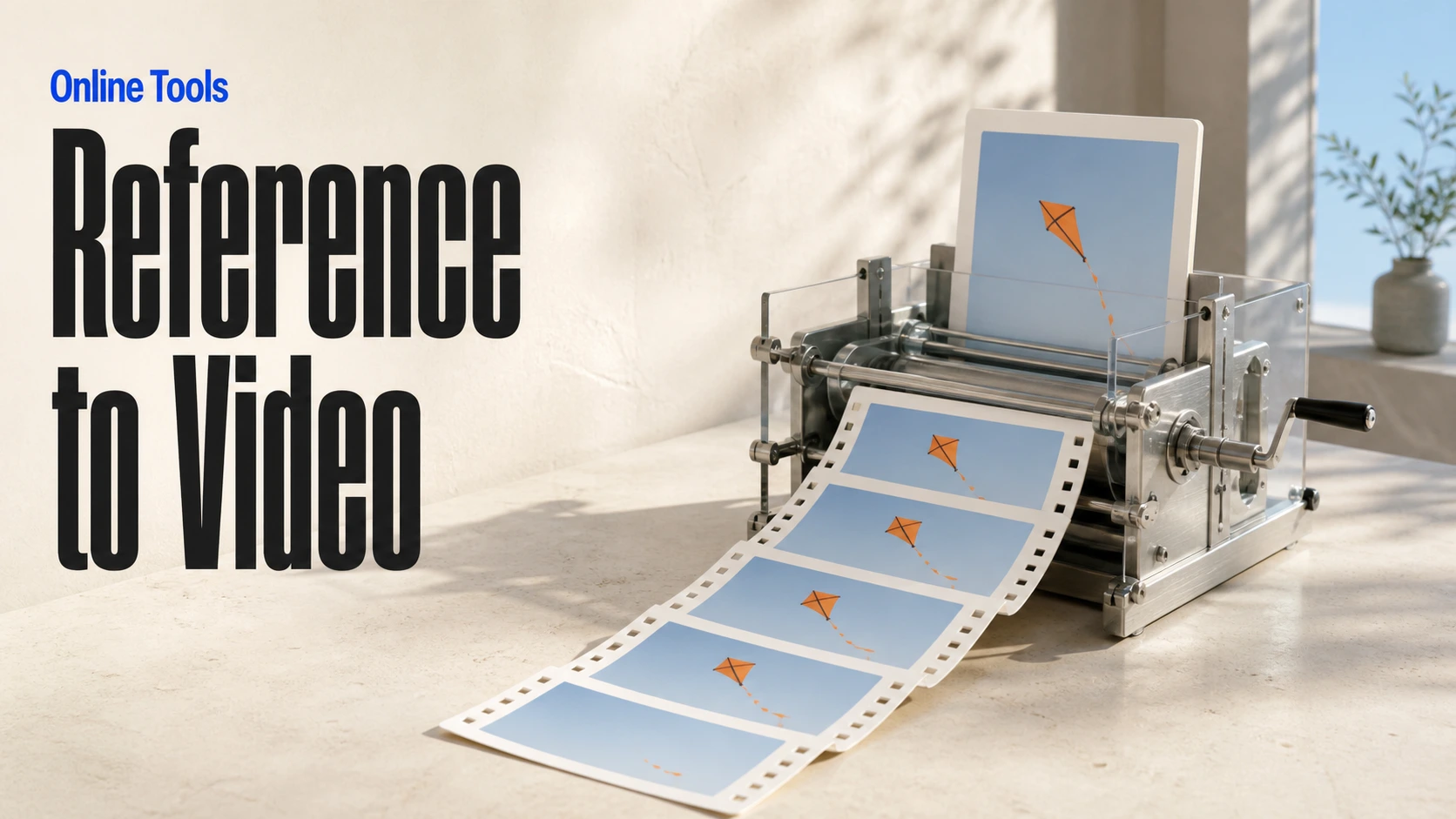
Crea video coerenti a partire da media di riferimento
Crea flussi visivi di immagini e video IA su una tela infinita
// Step 1: Submit generation request
const response = await fetch('https://api.flaq.ai/api/v1/video/task', {
  method: 'POST',
  headers: {
    'Content-Type': 'application/json',
    'Authorization': 'Bearer YOUR_API_KEY'
  },
  body: JSON.stringify({
    model_name: 'seedance-v2.5-flash-reference-to-video',
    prompt: 'Use image one for the subject, video one for the movement, and audio one for the atmosphere',
    resolution: '720p',
    duration: 8,
    aspect_ratio: '16:9',
    sound: true,
    images: ['https://example.com/subject-reference.jpg'],
    videos: ['https://example.com/motion-reference.mp4'],
    audios: ['https://example.com/atmosphere-reference.mp3']
  })
});

const { data } = await response.json();
const taskId = data.task_id;

// Use the @ (AT) reference feature in prompt through <<<...>>> placeholders.
// Placeholder numbering is 1-based for each media array:
// <<<image_1>>> = images[0], <<<image_2>>> = images[1]
// <<<video_1>>> = videos[0], <<<audio_1>>> = audios[0]
const mediaReferenceResponse = await fetch('https://api.flaq.ai/api/v1/video/task', {
  method: 'POST',
  headers: {
    'Content-Type': 'application/json',
    'Authorization': 'Bearer YOUR_API_KEY'
  },
  body: JSON.stringify({
    model_name: 'seedance-v2.5-flash-reference-to-video',
    prompt: 'Place the explorer from <<<image_1>>> in the environment from <<<image_2>>>, following the camera movement in <<<video_1>>> and speaking with the reference voice from <<<audio_1>>>',
    resolution: '720p',
    duration: 10,
    aspect_ratio: '16:9',
    sound: true,
    images: [
      'https://example.com/explorer-reference.jpg',
      'https://example.com/environment-reference.png'
    ],
    videos: ['https://example.com/camera-movement-reference.mp4'],
    audios: ['https://example.com/voice-reference.mp3']
  })
});

const { data: mediaReferenceData } = await mediaReferenceResponse.json();
const mediaReferenceTaskId = mediaReferenceData.task_id;
// Step 2: Poll for results
const taskId = data.task_id;

const pollResult = async (taskId) => {
  const res = await fetch(`https://api.flaq.ai/api/v1/video/${taskId}`, {
    headers: { 'Authorization': 'Bearer YOUR_API_KEY' }
  });
  return res.json();
};

while (true) {
  const pollResultData = await pollResult(taskId);
  const status = pollResultData.data.task_status;

  if (status === 'succeed') {
    console.log(pollResultData.data.task_result.videos[].);
    ;
  }

   (status === ) {
    .(pollResultData..);
    ;
  }

    ( (resolve, ));
}
# Step 1: Submit generation request
import requests

response = requests.post(
    'https://api.flaq.ai/api/v1/video/task',
    headers={
        'Content-Type': 'application/json',
        'Authorization': 'Bearer YOUR_API_KEY'
    },
    json={
        'model_name': ,
        : ,
        : ,
        : ,
        : ,
        : ,
        : [],
        : [],
        : []
    }
)

result = response.json()
task_id = result[][]


media_reference_response = requests.post(
    ,
    headers={
        : ,
        :
    },
    json={
        : ,
        : ,
        : ,
        : ,
        : ,
        : ,
        : [
            ,

        ],
        : [],
        : []
    }
)

media_reference_result = media_reference_response.json()
media_reference_task_id = media_reference_result[][]
# Step 1: Submit generation request
curl -X POST https://api.flaq.ai/api/v1/video/task \
  -H "Content-Type: application/json" \
  -H "Authorization: Bearer YOUR_API_KEY" \
  -d '{
    "model_name": "seedance-v2.5-flash-reference-to-video",
    "prompt": "Use image one for the subject, video one for the movement, and audio one for the atmosphere",
    "resolution": "720p",
    "duration": 8,
    "aspect_ratio": "16:9",
    "sound": true,
    "images": ["https://example.com/subject-reference.jpg"],
    "videos": ["https://example.com/motion-reference.mp4"],
    "audios": ["https://example.com/atmosphere-reference.mp3"]
  }'

# Use the @ (AT) reference feature in prompt through <<<...>>> placeholders.
# Placeholder numbering is 1-based for each media array:


curl -X POST https://api.flaq.ai/api/v1/video/task \
  -H  \
  -H  \
  -d
# Step 2: Poll for results
task_id = response.json()['data']['task_id']
poll_url = f"https://api.flaq.ai/api/v1/video/{task_id}"

while True:
    poll_result = requests.get(poll_url, headers={'Authorization': 'Bearer YOUR_API_KEY'}).json()
    status = poll_result['data']['task_status']
    if status == 'succeed':
        print(poll_result['data']['task_result']['videos'][0]['url'])
        break
    if status == 'failed':
        print(poll_result['data']['task_status_msg'])
        break
    time.sleep(10)
# Step 2: Poll for results
# Replace {task_id} with the task_id returned from the submit response
curl -X GET "https://api.flaq.ai/api/v1/video/{task_id}" \
  -H "Authorization: Bearer YOUR_API_KEY"