


Text to Image
Create AI images from text prompts
Free to try ByteDance Seedream 5.0 Pro API for polished text-to-image generation, flexible aspect ratios, scene composition, and stable creative workflows.
Try the AI Image Generator now
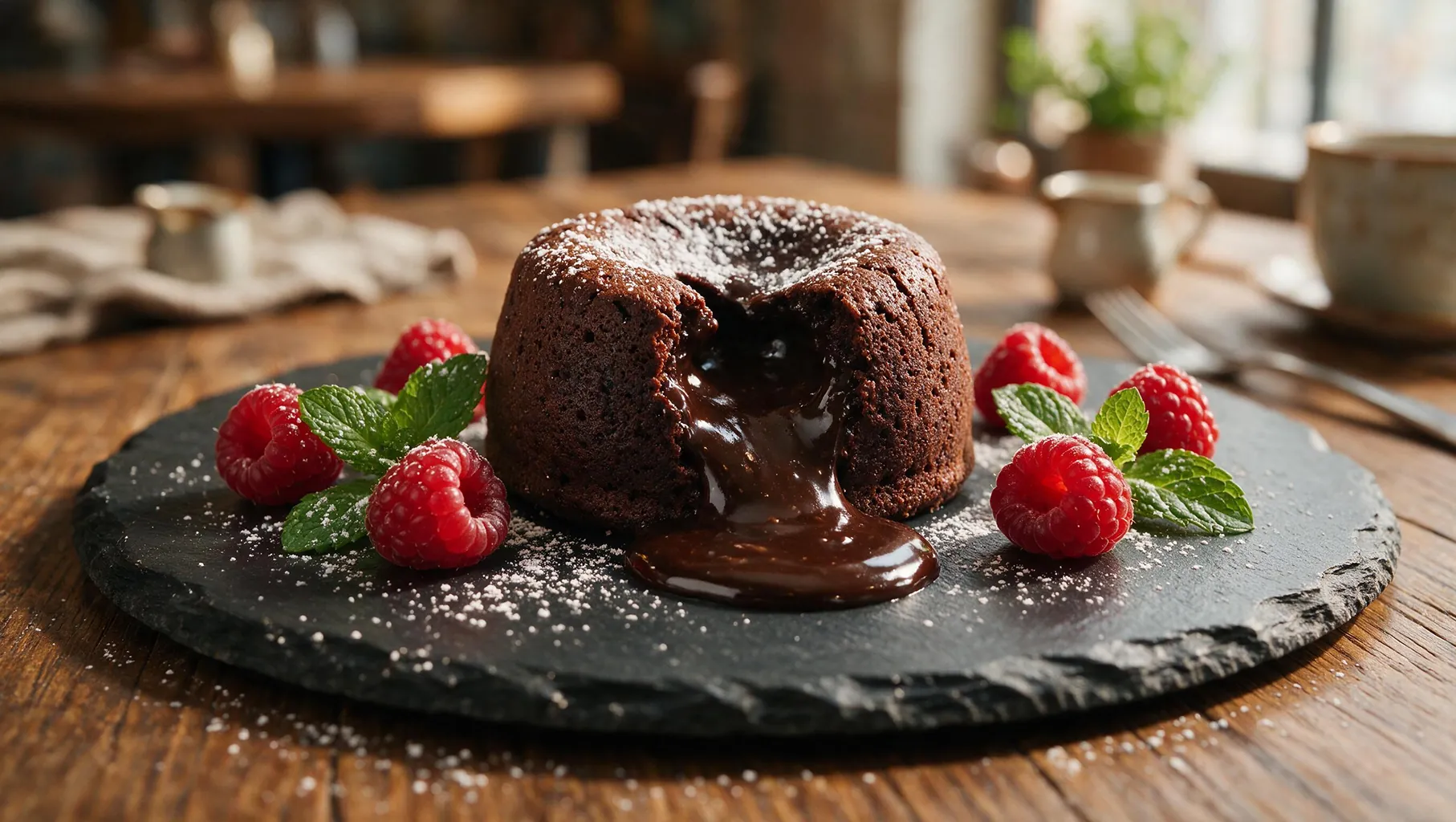

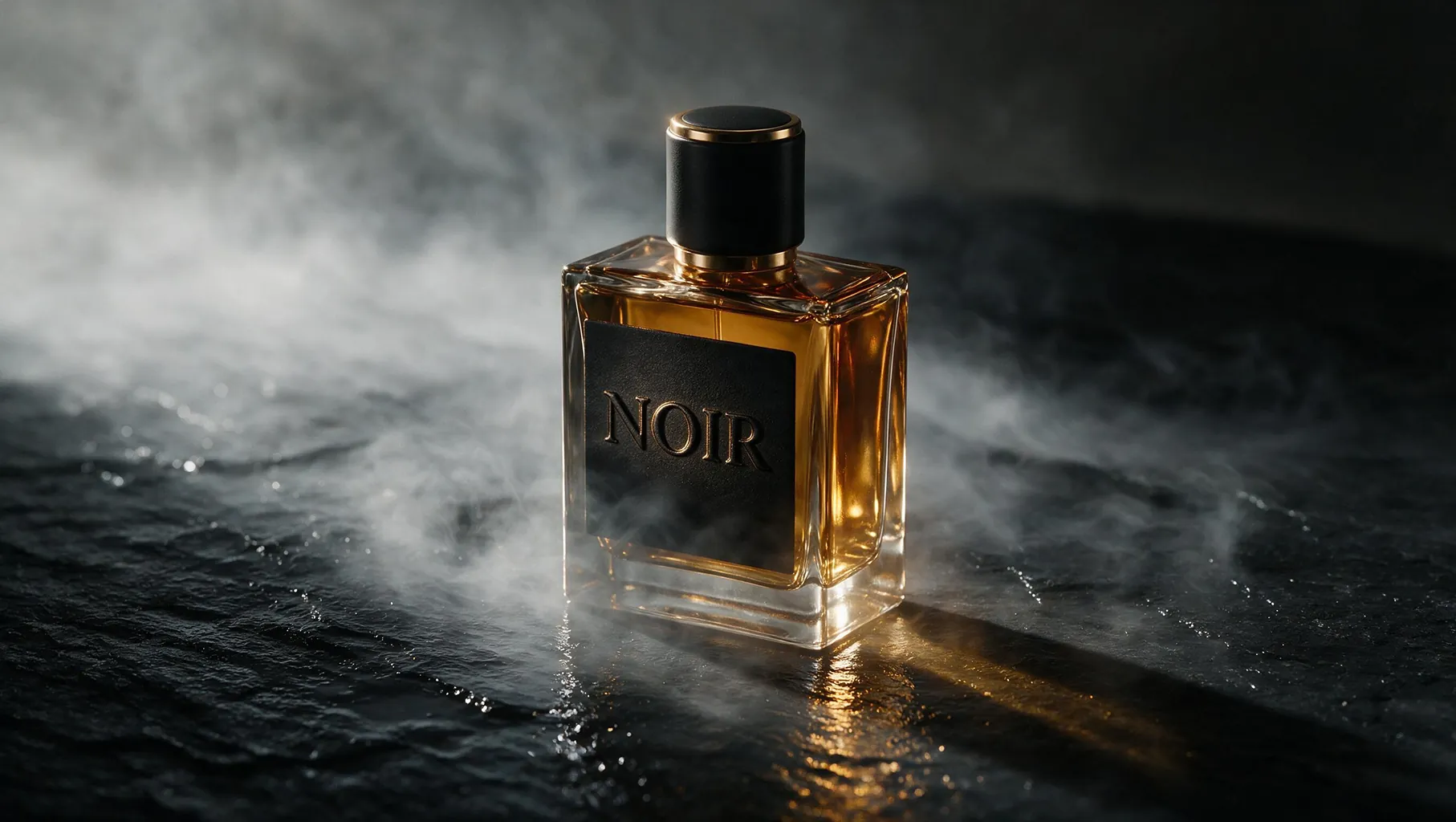
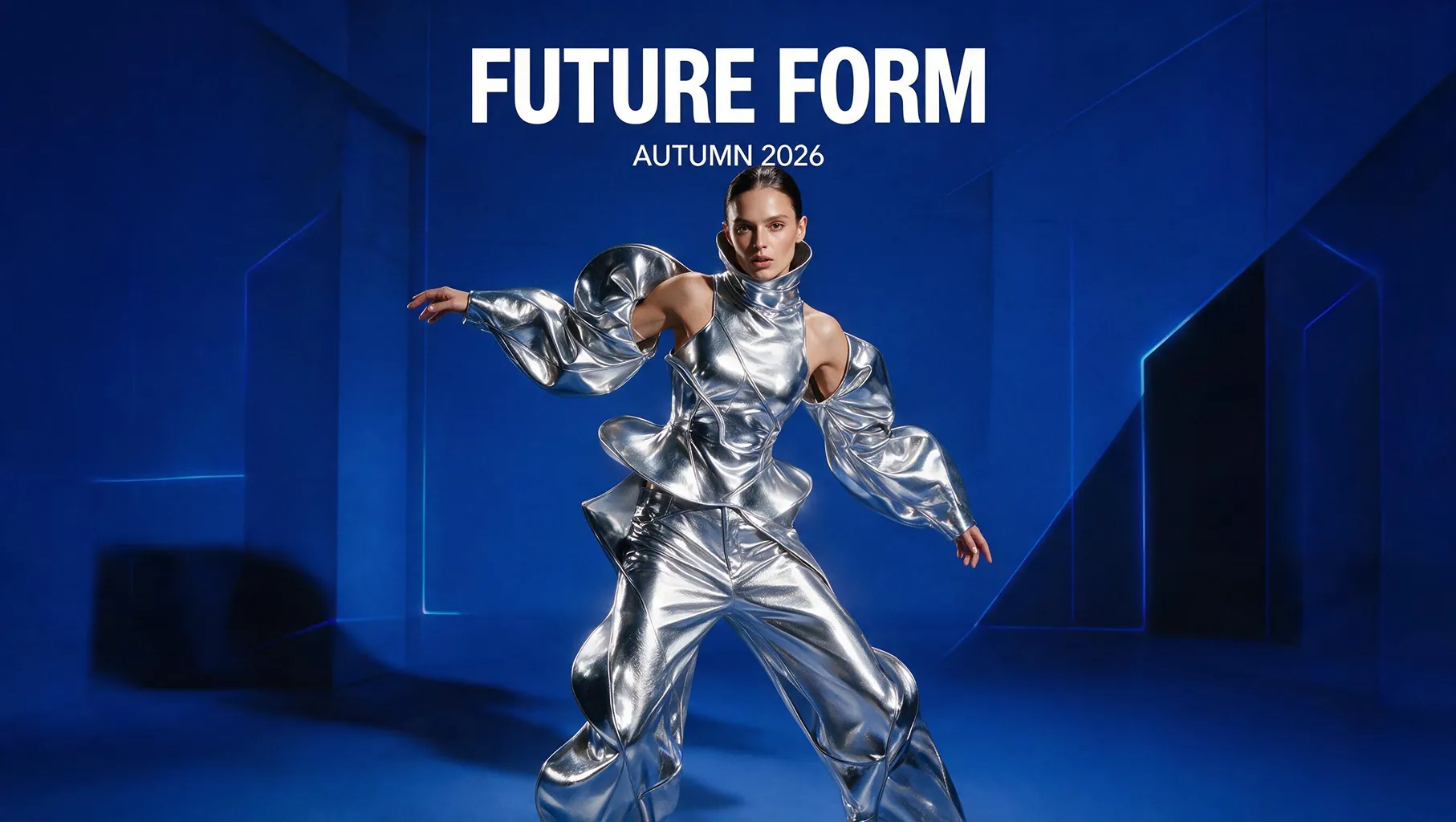
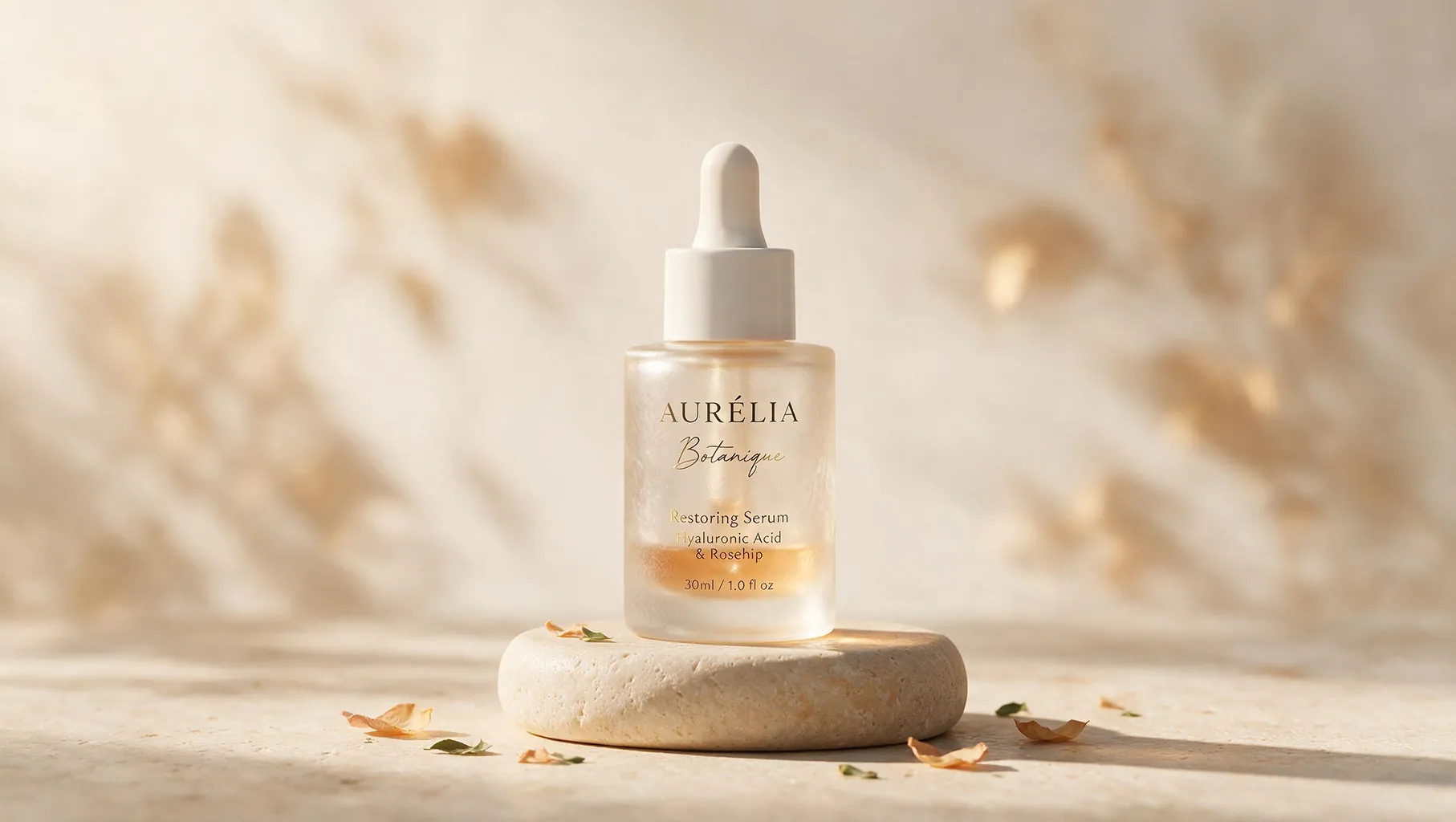

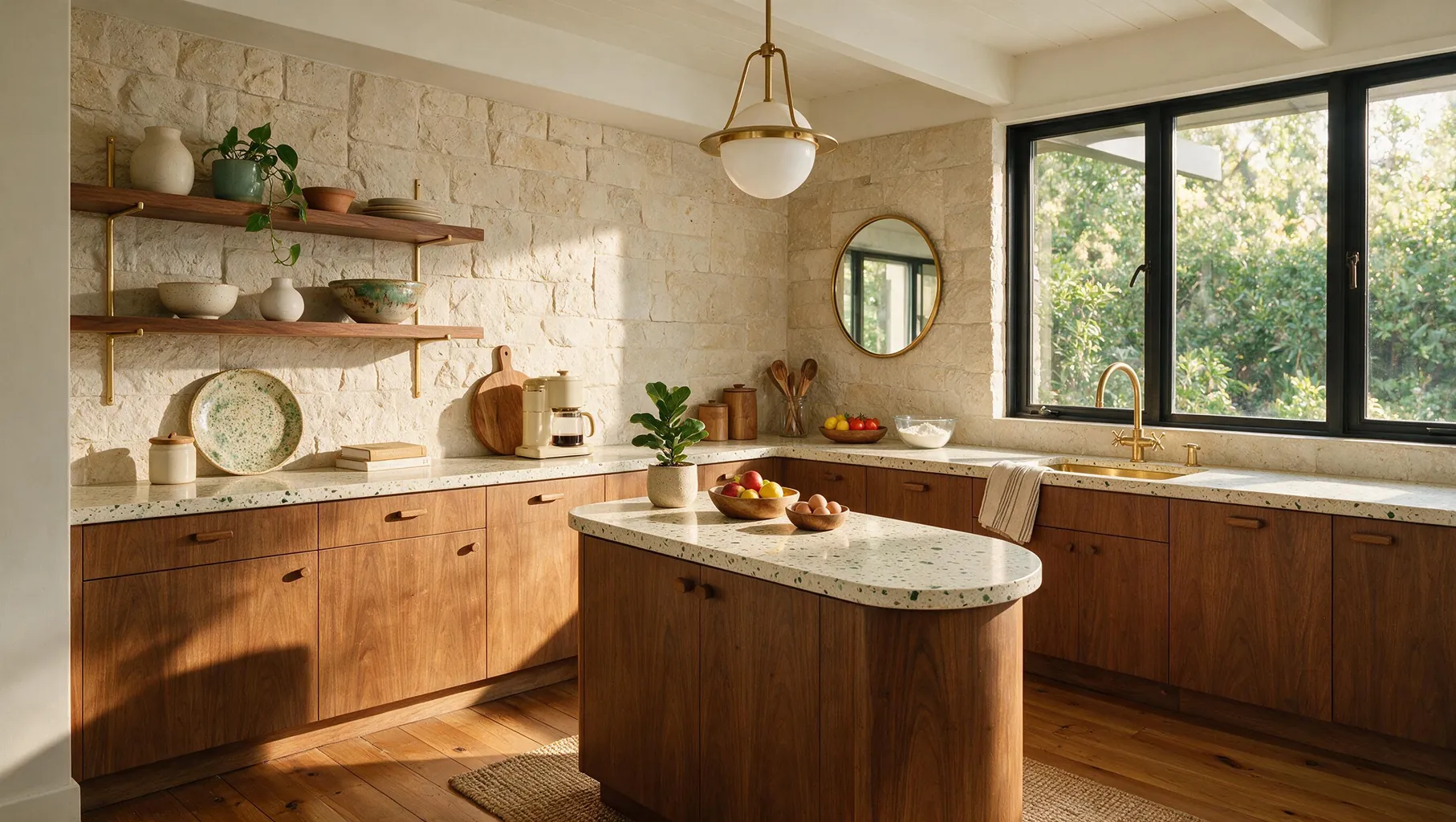
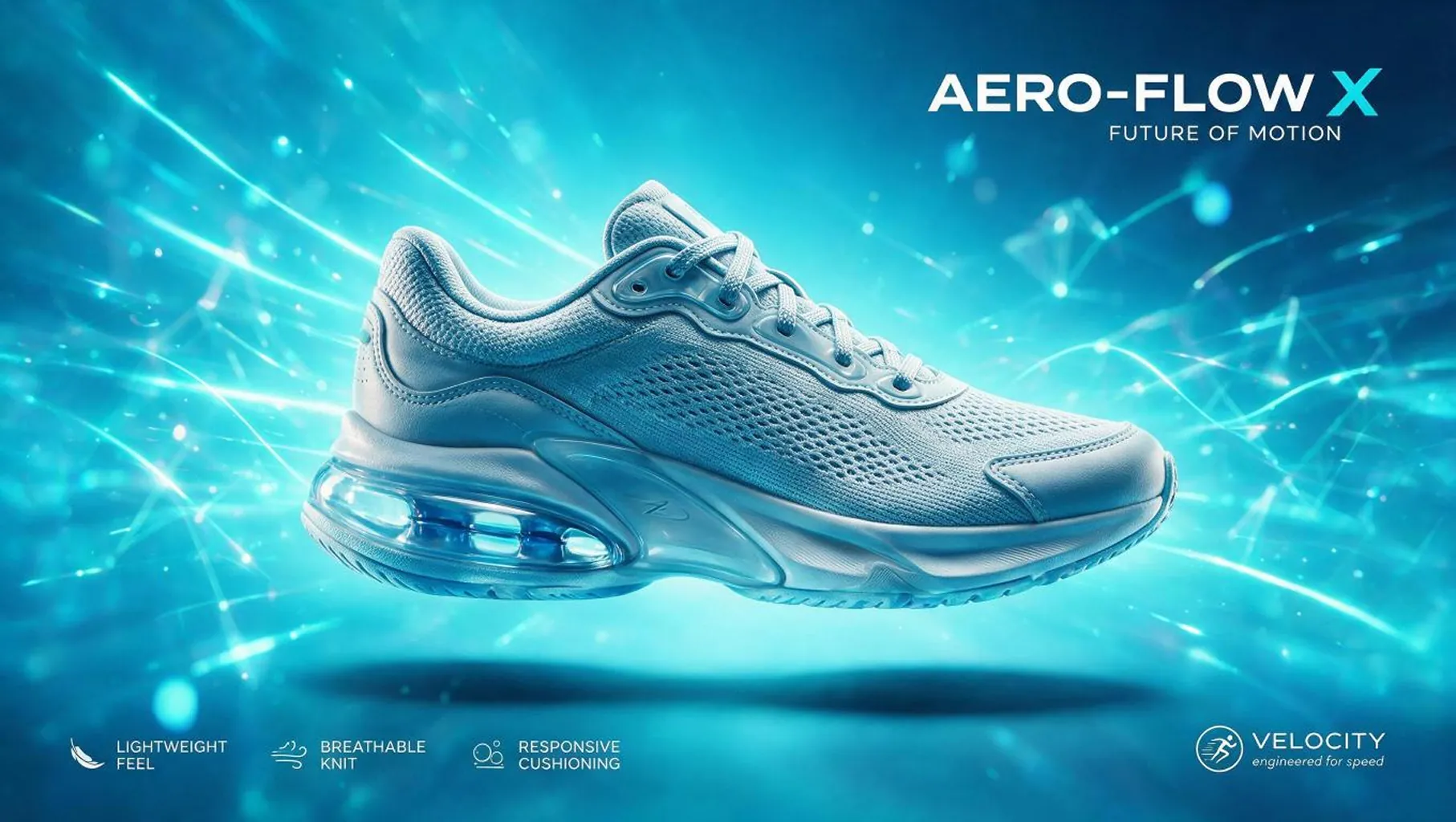
ByteDance Seedream 5.0 Pro API on Best Image AI provides production-ready text-to-image generation for developers and creative teams. This professional Seedream API integration transforms natural-language prompts into polished visual outputs while giving applications direct control over composition, subject, lighting, style, and output format. With flexible aspect ratios and a stable generation workflow, teams can build image creation features for marketing, design, product, and content production without managing model infrastructure.
Note Please ensure your prompts comply with ByteDance's safety guidelines. If an error occurs, review the prompt for restricted content, adjust it, and try again.
Seedream 5.0 Pro vs. Seedream 5.0
Seedream 5.0 provides versatile image generation for everyday creative workflows. Seedream 5.0 Pro is positioned for teams seeking a professional text-to-image option within the same Seedream family and Best Image AI integration.
Seedream 5.0 Pro vs. Nano Banana 2
Nano Banana 2 emphasizes fast and affordable image generation through Google's Gemini ecosystem. Seedream 5.0 Pro offers a ByteDance alternative for prompt-driven creative production and professional visual workflows.
Seedream 5.0 Pro vs. GPT Image 2
GPT Image 2 supports broad image creation through the OpenAI ecosystem. Seedream 5.0 Pro gives developers another production-ready choice for text-to-image generation with flexible output formats.
Seedream 5.0 Pro vs. Qwen Image 2.0
Qwen Image 2.0 provides Alibaba's approach to image generation and editing. Seedream 5.0 Pro is suited to teams building text-to-image experiences around ByteDance's Seedream model family.
Seedream 5.0 Pro vs. FLUX Models
FLUX models are widely used for configurable image generation and varied deployment workflows. Seedream 5.0 Pro offers managed API access for teams that want prompt-driven production without operating model infrastructure.
Explore several AI creation tools for quick image and video workflows in your browser, then scale successful ideas with Best Image AI's production-ready model APIs. Best Image AI provides a unified API layer for all models, making it easy to use and scale your workflows.
Create AI images from text prompts

Create AI images from images and text prompts

Create AI videos from text prompts

Animate images into AI videos

Create AI images and videos in one unified workspace

Create consistent videos from reference media

Build visual AI image and video workflows on an infinite canvas
const response = await fetch('https://api.flaq.ai/api/v1/image/task', {
  method: 'POST',
  headers: {
    'Content-Type': 'application/json',
    'Authorization': 'Bearer YOUR_API_KEY'
  },
  body: JSON.stringify({
    model_name: 'seedream-v5.0-pro',
    prompt: 'Editorial fashion portrait, soft window light, muted palette',
    resolution: '1k',
    width: 16,
    height: 9
  })
});

const { data } = await response.json();
const taskId = data.task_id;
// Step 2: Poll for results
const taskId = data.task_id;

const pollResult = async (taskId) => {
  const res = await fetch(`https://api.flaq.ai/api/v1/image/${taskId}`, {
    headers: { 'Authorization': 'Bearer YOUR_API_KEY' }
  });
  return res.json();
};

while (true) {
  const pollResultData = await pollResult(taskId);
  const status = pollResultData.data.task_status;

  if (status === 'succeed') {
    console.log(pollResultData.data.task_result.images[0].url);
    break;
  }

  if (status === 'failed') {
    console.error(pollResultData.data.task_status_msg);
    break;
  }

  await new Promise(resolve => setTimeout(resolve, ));
}
import requests

response = requests.post(
    'https://api.flaq.ai/api/v1/image/task',
    headers={
        'Content-Type': 'application/json',
        'Authorization': 'Bearer YOUR_API_KEY'
    },
    json={
        'model_name': 'seedream-v5.0-pro',
        'prompt': 'Editorial fashion portrait, soft window light, muted palette',
        'resolution': '1k',
        'width': 16,
        'height': 9
    }
)

task_id = response.json()['data']['task_id']
curl -X POST https://api.flaq.ai/api/v1/image/task \
  -H "Content-Type: application/json" \
  -H "Authorization: Bearer YOUR_API_KEY" \
  -d '{
    "model_name": "seedream-v5.0-pro",
    "prompt": "Editorial fashion portrait, soft window light, muted palette",
    "resolution": "1k",
    "width": 16,
    "height": 9
  }'
# Step 2: Poll for results
# Replace {task_id} with the task_id returned from the submit response
curl -X GET "https://api.flaq.ai/api/v1/image/{task_id}" \
  -H "Authorization: Bearer YOUR_API_KEY"
# Step 2: Poll for results
task_id = response.json()['data']['task_id']
poll_url = f"https://api.flaq.ai/api/v1/image/{task_id}"

while True:
    poll_result = requests.get(poll_url, headers={'Authorization': 'Bearer YOUR_API_KEY'}).json()
    status = poll_result['data']['task_status']
    if status == 'succeed':
        print(poll_result['data']['task_result']['images'][0]['url'])
        break
    if status == 'failed':
        print(poll_result['data']['task_status_msg'])
        break
    time.sleep(10)