Seedance 2.5 Prompts
Explore structured Seedance 2.5 video prompts for cinematic scenes, advertising, animation, UGC, and controlled image-to-video workflows.
Browse product showcases and everyday scenes made with Free AI Video Generator, using descriptive prompts or reference images to guide the result.
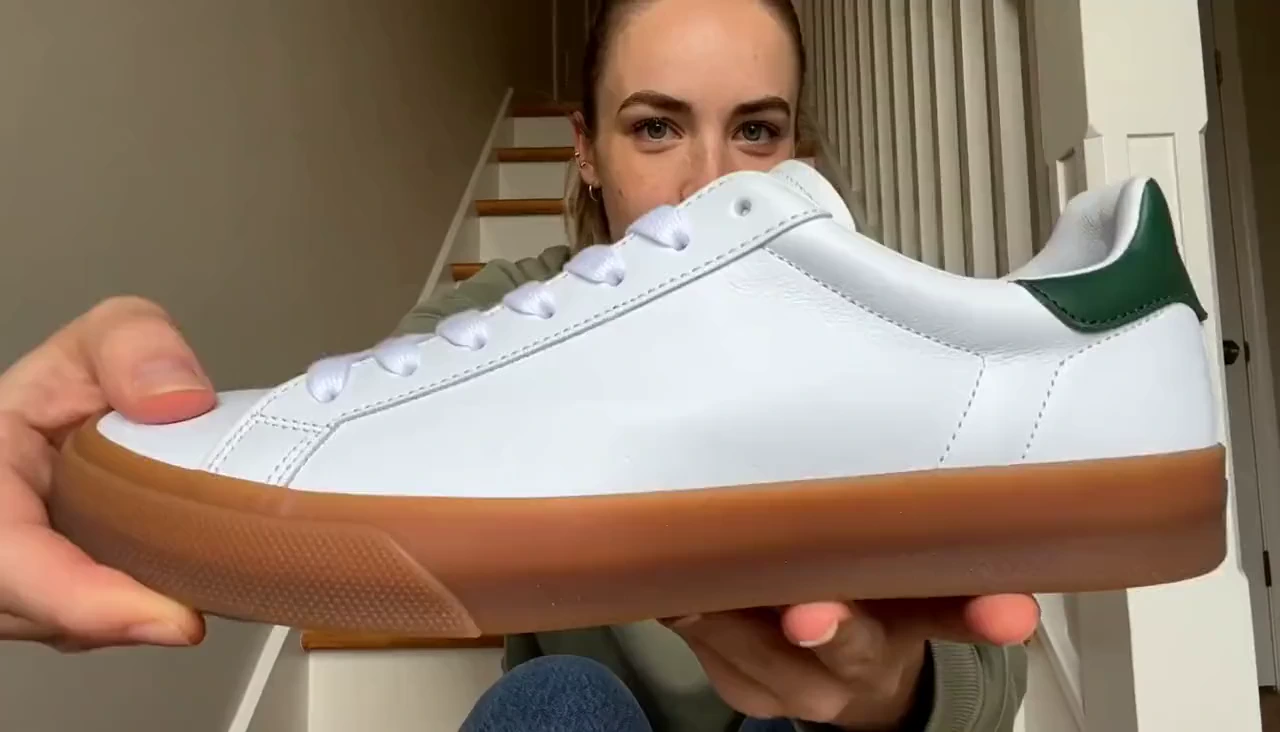
Make a 10-second landscape sneaker try-on video filmed on a phone by a beautiful 20-year-old European woman with a sandy-blonde ponytail, a green sweatshirt, and straight-leg jeans. Set it in her real apartment entryway with a tile floor. The featured pair is white leather with a forest-green heel tab and a gum sole. 0–3s: Seated on the bottom stair, she brings one sneaker close to the lens and bends the toe slightly with her thumb. The leather creases. Lowering the shoe reveals her face as she says, “Wait till you hear them on this floor.” 3–7s: Hard cut to a low phone angle. Now wearing both shoes, she steps from the entry mat onto the tile, shifts her weight, and pivots on one forefoot. The gum sole makes one short, distinct squeak. 7–10s: She crouches into the top of the frame, grins at the sound, and gives the sole one more little twist. This one is quieter. Use close phone-mic sound, a slightly scuffed floor, and natural indoor light. Match the shoe design across both shots. No music or text.
Explore a video idea from a written prompt or a pair of reference frames.
Create for free · Earn as an affiliate
Join the Bestimage.ai affiliate program, share your referral link with creators who need reliable AI tools, and earn commissions through your referrals.
Join the Affiliate ProgramStart with practical image and video prompt examples, open a complete prompt collection, or browse its maintained GitHub library.
Explore structured Seedance 2.5 video prompts for cinematic scenes, advertising, animation, UGC, and controlled image-to-video workflows.
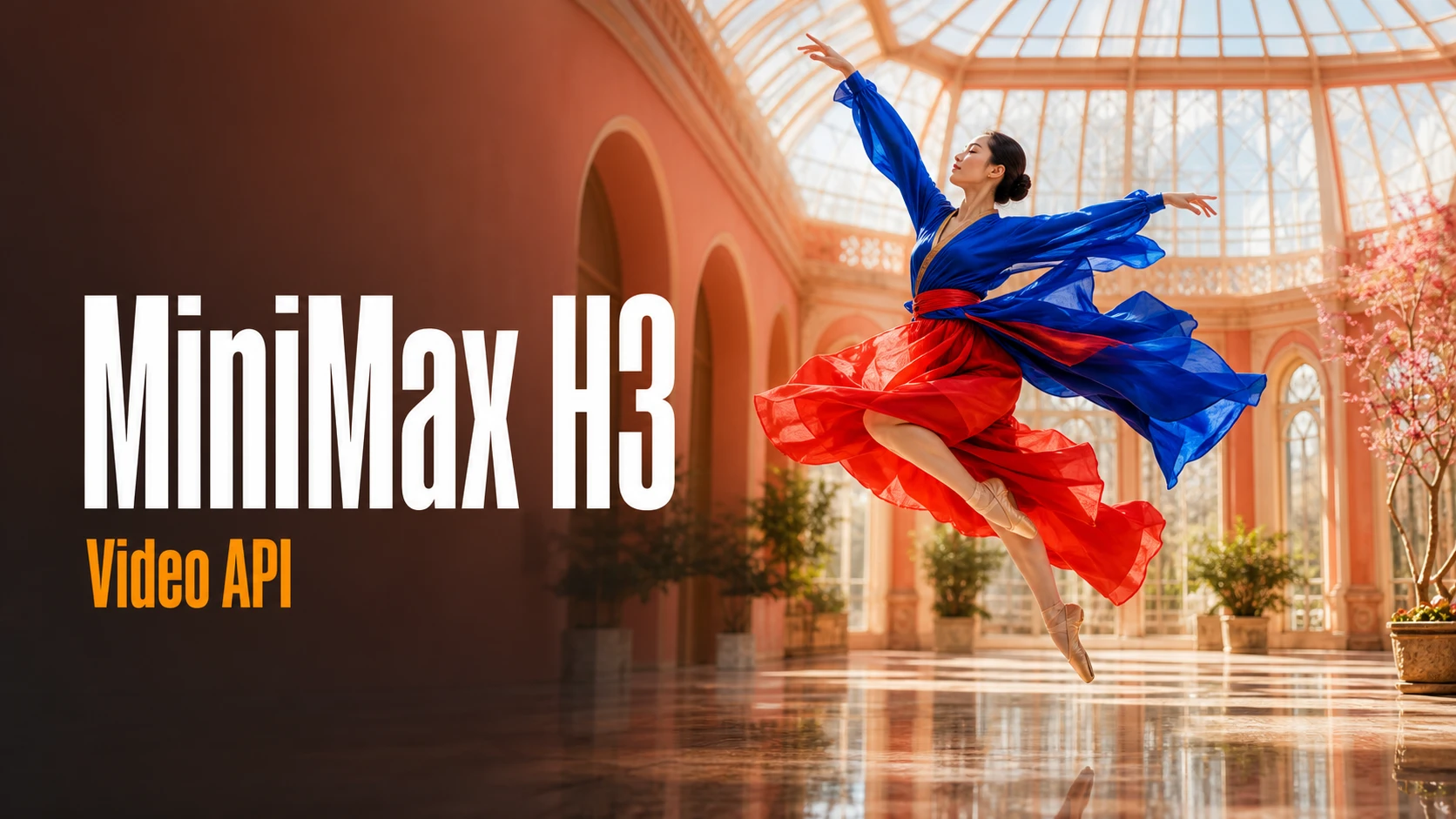
Browse production-oriented MiniMax H3 prompts for brand films, product videos, social campaigns, storytelling, and audiovisual creation.
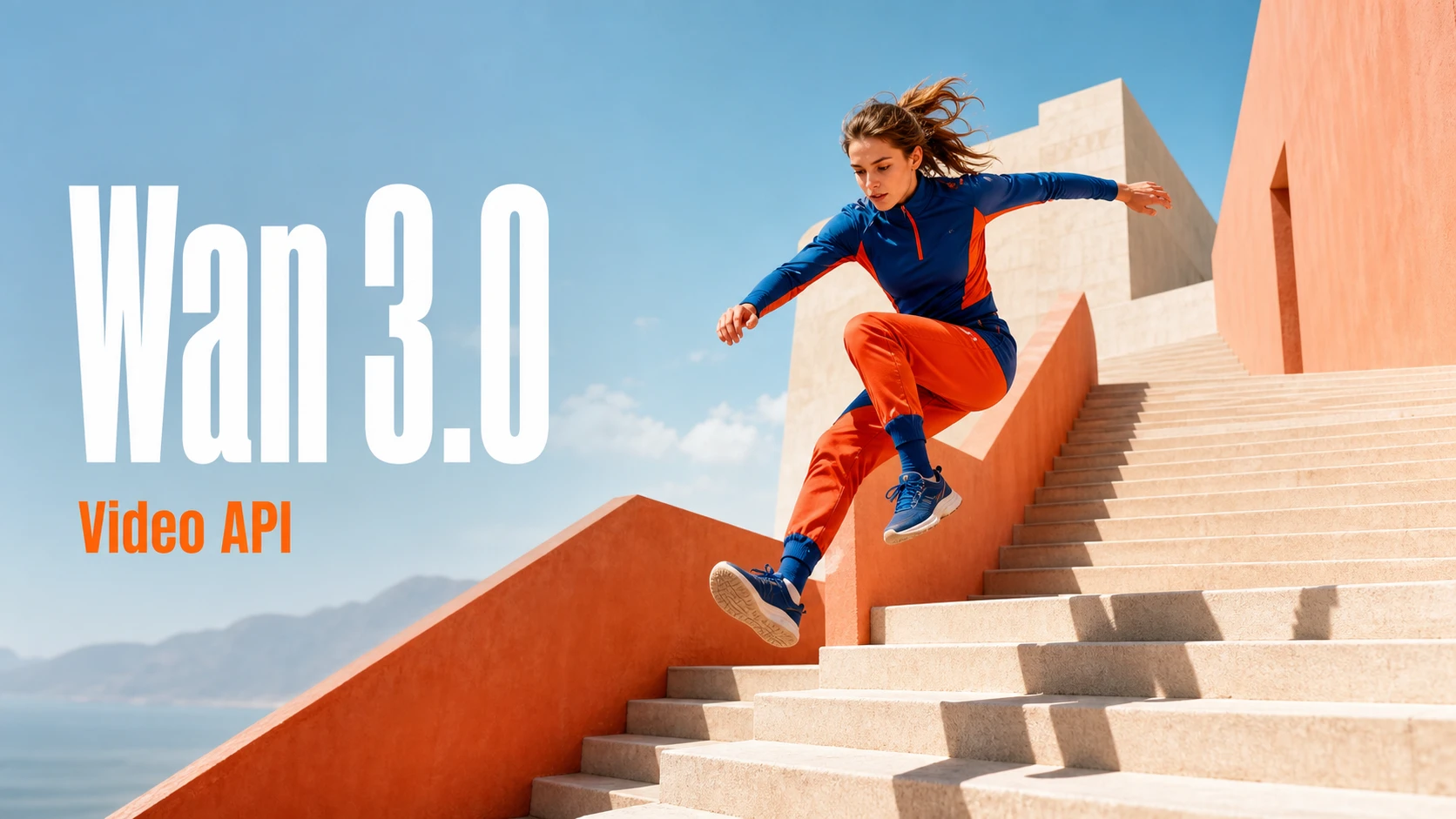
Discover Wan 3.0 prompt ideas for cinematic storytelling, transitions, product videos, action, animation, and professional video direction.
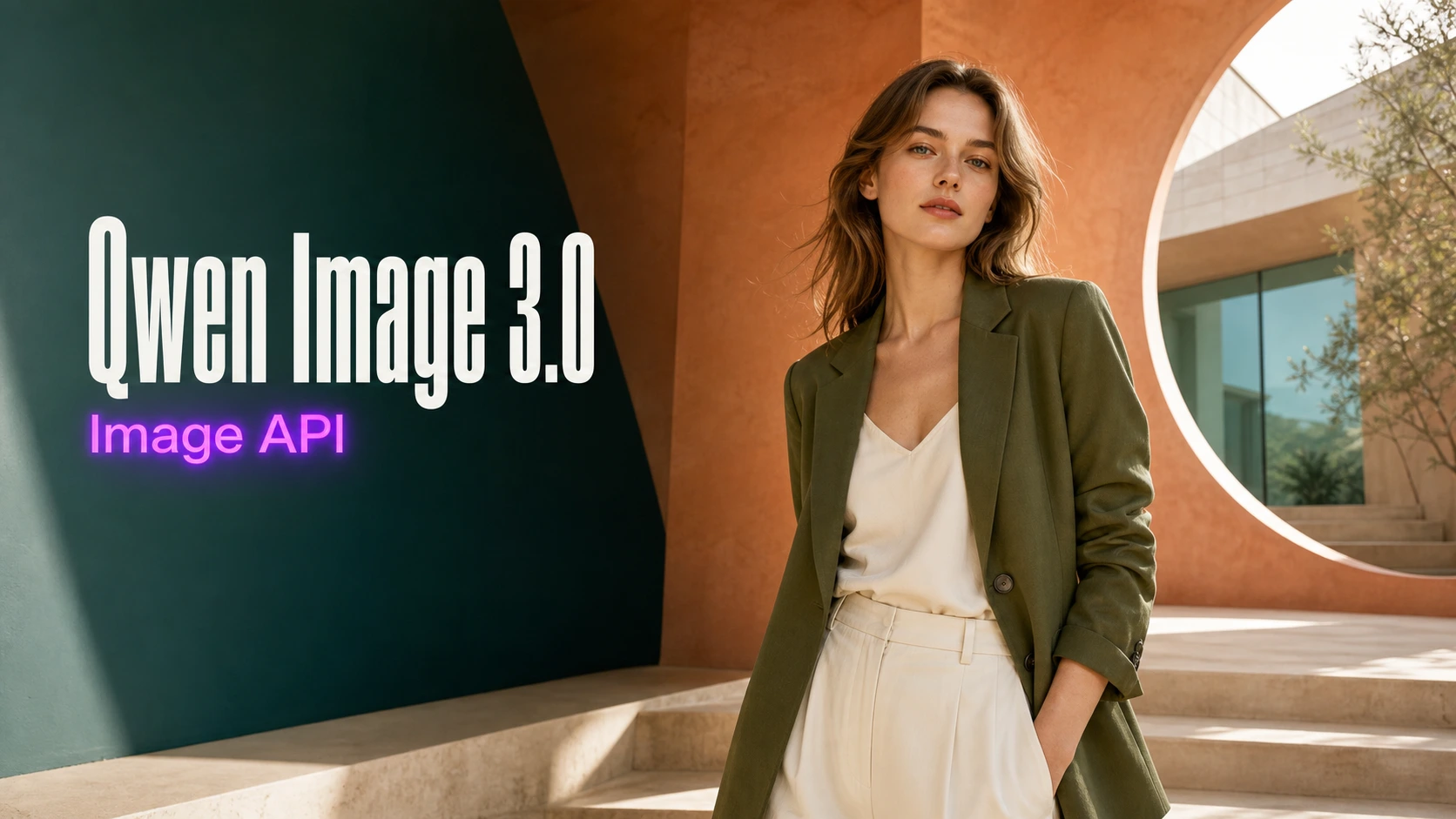
Find detailed Qwen Image 3.0 prompts for posters, product visuals, social content, editorial design, typography, and image production.
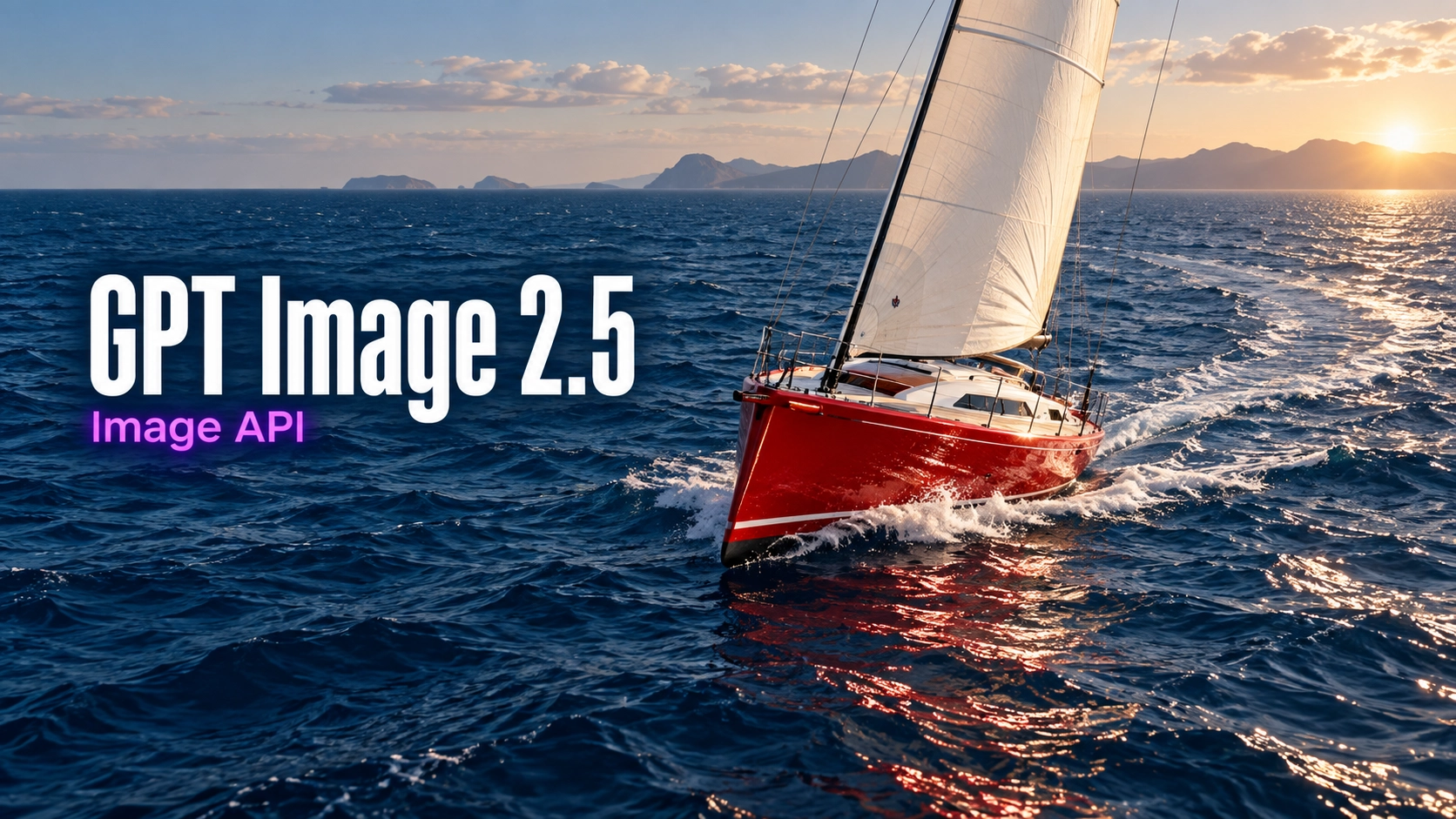
Explore image prompts for product visuals, editorial design, portraits, typography, and controlled reference-based editing.
Explore several AI creation tools for quick image and video workflows in your browser, then scale successful ideas with Best Image AI's production-ready model APIs. Best Image AI provides a unified API layer for all models, making it easy to use and scale your workflows.
Create AI images from text prompts
Create AI images from images and text prompts
Create AI videos from text prompts
Animate images into AI videos
Create AI images and videos in one unified workspace
Create consistent videos from reference media
Build visual AI image and video workflows on an infinite canvas
Explore prompt-to-video and dual-frame image animation in one place, with synchronized audio and free generation for your visual ideas.
Generate motion directly from a descriptive prompt, or upload a start image and an end image to control how the scene begins and finishes.
Guide the action, lighting mood, shot size, and camera movement directly in your prompt text, whether starting from words or images.
Create video and matching ambient sound effects together so movement, atmosphere, and audio support the same prompt-driven scene.
Test different prompts, frame compositions, and visual directions for free, then download your clips or scale winning concepts into production.
Create individual AI-generated motion shots for social content, product ideation, visual storytelling, presentations, and production planning.
Generate an opening shot, visual hook, or compact scene for vertical posts, creator content, and campaign experiments.
Describe a product reveal, dynamic camera move, or material effect to explore an advertising direction before committing production budget.
Visualize character actions, environments, and camera setups as moving reference clips for storyboards, pitch decks, and creative treatments.
Create supporting motion concepts for pitch decks, explainers, tutorials, mood reels, and creative planning.
Describe your scene, choose whether to use frame images, and generate a short video with built-in audio.
Leave both frame slots empty to generate from text alone, or upload both a start image and an end image for guided motion.
Write what should happen in the scene, add camera direction, and choose a landscape (16:9), vertical (9:16), or square (1:1) layout.
Submit the prompt, preview the result with audio, adjust your action or camera direction for another free run, or download the video.
Explore representative AI image and video models for production-ready creative workflows, with model pages, API access, pricing details, and discounts through Best Image AI's unified model platform.
 gpt-image-2.6-flaretext-to-image
 gemini-omni-1.1-flash-text-to-videotext-to-video
 seedance-v2.5-reference-to-videoreference-to-video
 kling-v4.0-video-editvideo-edit
 flux-3.0-video-extendvideo-editgemini-omni-1.2-flash-text-to-videotext-to-videogpt-image-2-editimage-to-imagegpt-image-2.6-sunburst-editimage-to-image