
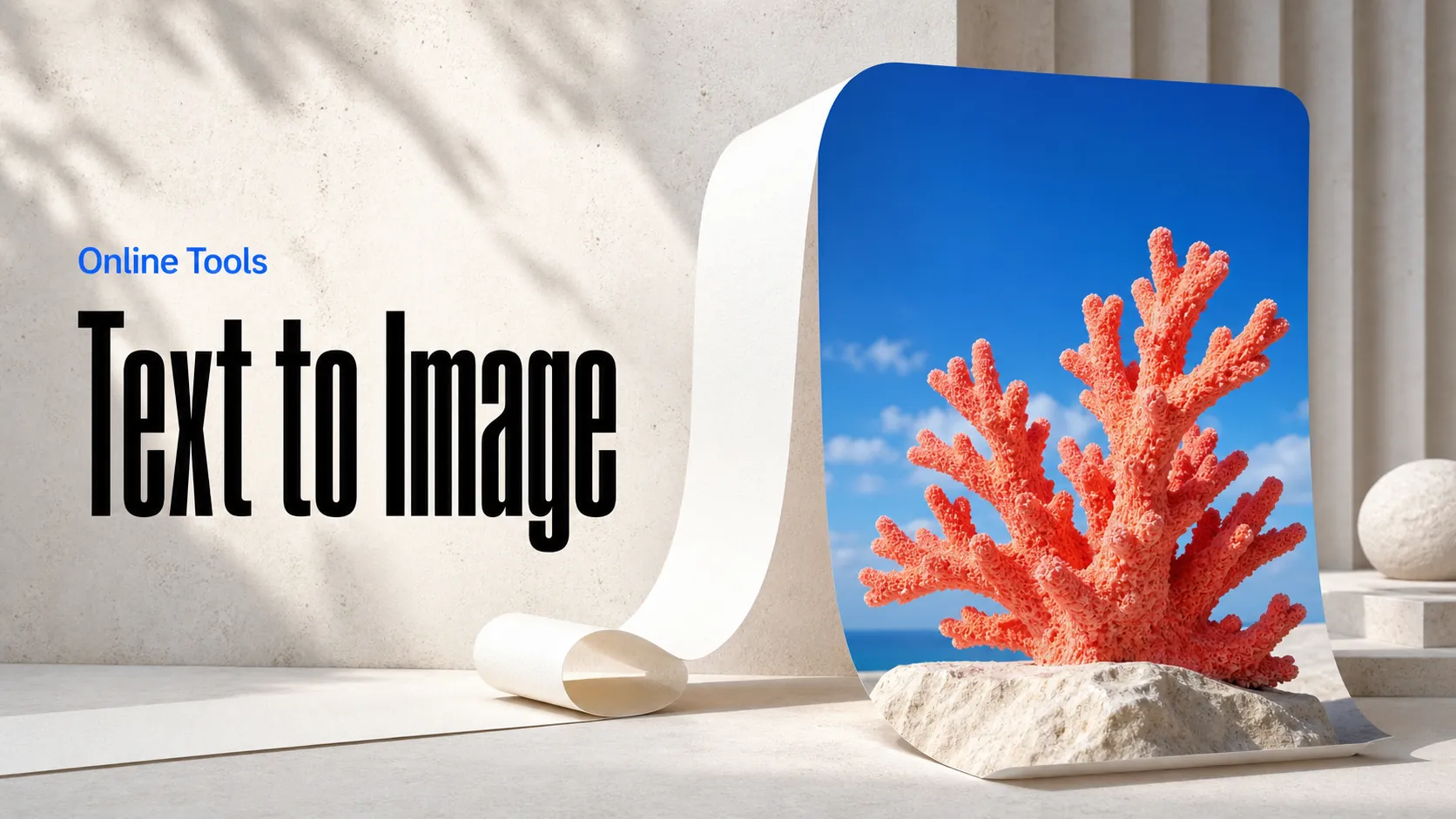
Text to Image
Create AI images from text prompts
Turn text into product photos and poster concepts with the ChatGPT Images 2.6 Flare API. Compare layouts, colors, and art direction for your next campaign. Create drafts fast.
ChatGPT Images 2.6 Flare is coming soon. When it launches, you can try it here right away and explore the latest generation experience.
Try the AI Image Generator now
ChatGPT Images 2.6 Flare API gives developers access to OpenAI text-to-image generation through Best Image AI. It is the speed-focused upgrade in the ChatGPT Images 2.6 family: OpenAI reports Images 2.6 generates about 50% faster than before, and with quality set to low Flare can produce images in as little as six seconds under OpenAI's published test conditions. Pair that speed with stronger poster and product layout quality when you need quick, production-ready stills for marketing and catalog work.
Faster Text-to-Image Creation: Describe the subject, composition, lighting, and visual style you want. OpenAI positions Images 2.6 as about 50% faster than the prior generation, with Flare reaching as little as six seconds at low quality under official test conditions.
Poster and Product Layout Strength: Prefer Flare when the brief calls for polished posters, product imagery, and other professional layouts that need clear hierarchy and readable composition.
Flexible Output Resolution: Choose among 1K, 2K, and 4K output resolutions suited to concept exploration, digital publishing, or larger visual assets.
Adjustable Quality: Select medium, low, high, xhigh, or max quality for each request. Low quality favors the fastest Flare path; raise quality when the still needs more detail.
Multiple Aspect Ratios: Create square, landscape, and portrait images across the supported ratio set for product pages, campaign layouts, and social channels.
Series Creative Controls: Images 2.6 also introduces image markup, SVG export, and a complexity control for how much planning goes into a scene.
Shared API Integration: Submit image tasks and retrieve completed output through the existing Best Image AI image endpoints.
Input: A natural-language prompt describing the image you want to create.
Output: Generated images returned as image URLs after the task completes.
Aspect Ratios: Flexible square, portrait, and landscape formats selected through width and height ratio values.
Capabilities: Fast text-to-image generation with resolution and quality controls, oriented toward poster and product layouts.
Product Visuals: Build product presentation concepts with prompts that emphasize setting, composition, and clean merchandise layout.
Marketing Assets: Prepare campaign posters, promotional layouts, and creative reviews when turnaround speed matters as much as polish.
Social Media Content: Choose output proportions for posts, stories, banners, and other publishing formats that need quick iteration.
Coherent Action Frames: Generate sequential stills with fixed framing and incremental motion that creative teams can sequence into looping animations.
Creative Applications: Integrate image generation into a task-based application with progress tracking and result retrieval.
Note Please ensure your prompts comply with OpenAI's usage policies. If an error occurs, review your prompt for restricted content, adjust it, and try again.
ChatGPT Images 2.6 Flare vs. ChatGPT Images 2.6 Sunburst
Choose Flare when speed and poster or product layout quality lead the brief. Choose Sunburst when medium or high quality detail and precision matter more than the fastest path.
ChatGPT Images 2.6 Flare vs. ChatGPT Images 2.5 Flare
ChatGPT Images 2.6 Flare is the same-series upgrade over 2.5 Flare: OpenAI reports about 50% faster generation, low-quality Flare as fast as six seconds under official test conditions, and stronger layout quality for posters and product imagery, while retaining flexible resolution, quality, and aspect ratio controls on Best Image AI.
ChatGPT Images 2.6 Flare vs. ChatGPT Images 2.5 Client
The Client variant currently offers a fixed output resolution. ChatGPT Images 2.6 Flare exposes multiple resolution and quality settings through the same image-task API workflow, with the 2.6 speed and layout gains.
ChatGPT Images 2.6 Flare vs. GPT Image 2
Both support text-to-image generation with resolution and quality controls. ChatGPT Images 2.6 Flare adds extra-high and maximum quality choices plus the Images 2.6 speed and layout focus; compare outputs for your intended use case.
Explore several AI creation tools for quick image and video workflows in your browser, then scale successful ideas with Best Image AI's production-ready model APIs. Best Image AI provides a unified API layer for all models, making it easy to use and scale your workflows.
Create AI images from text prompts
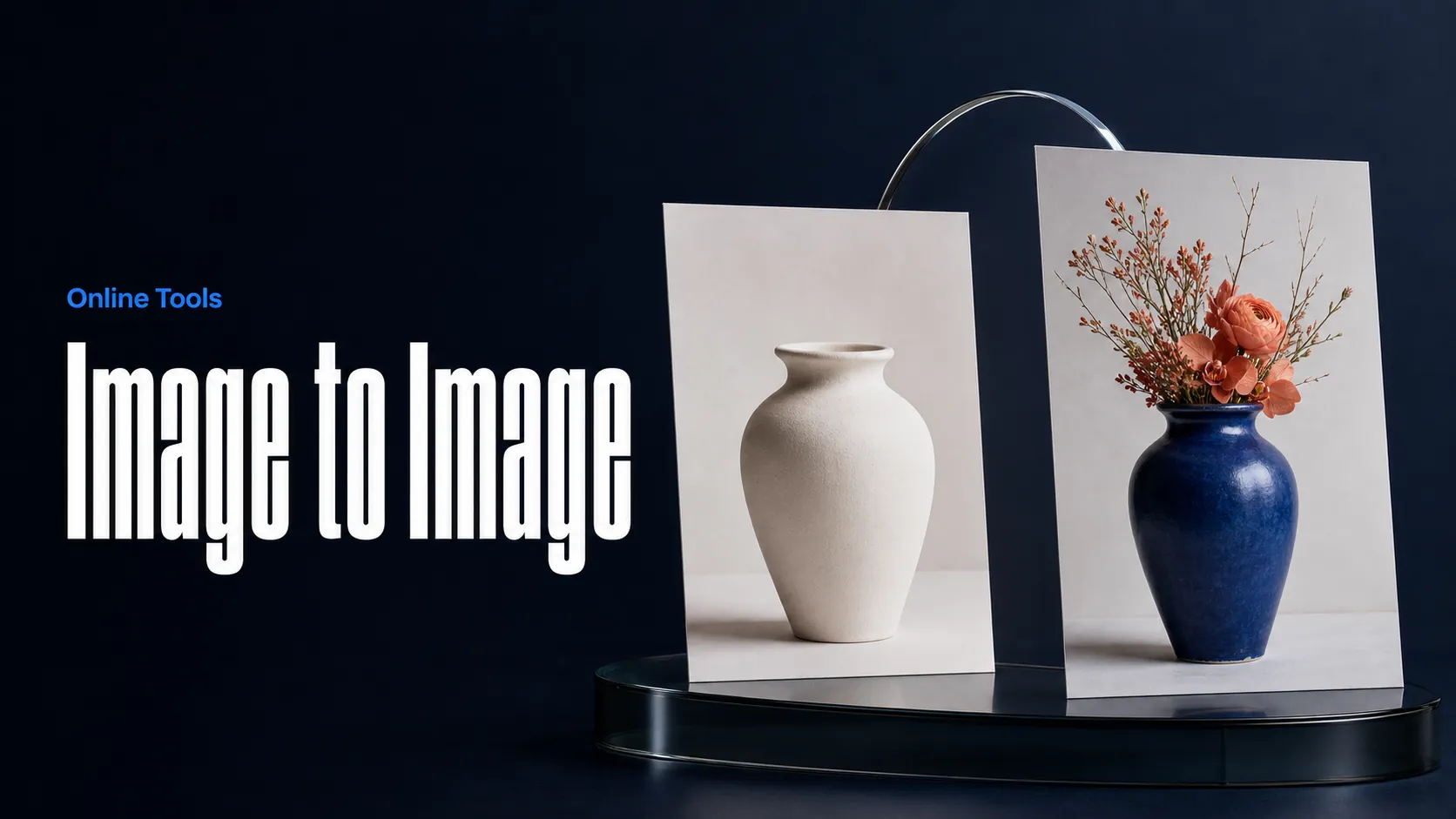
Create AI images from images and text prompts
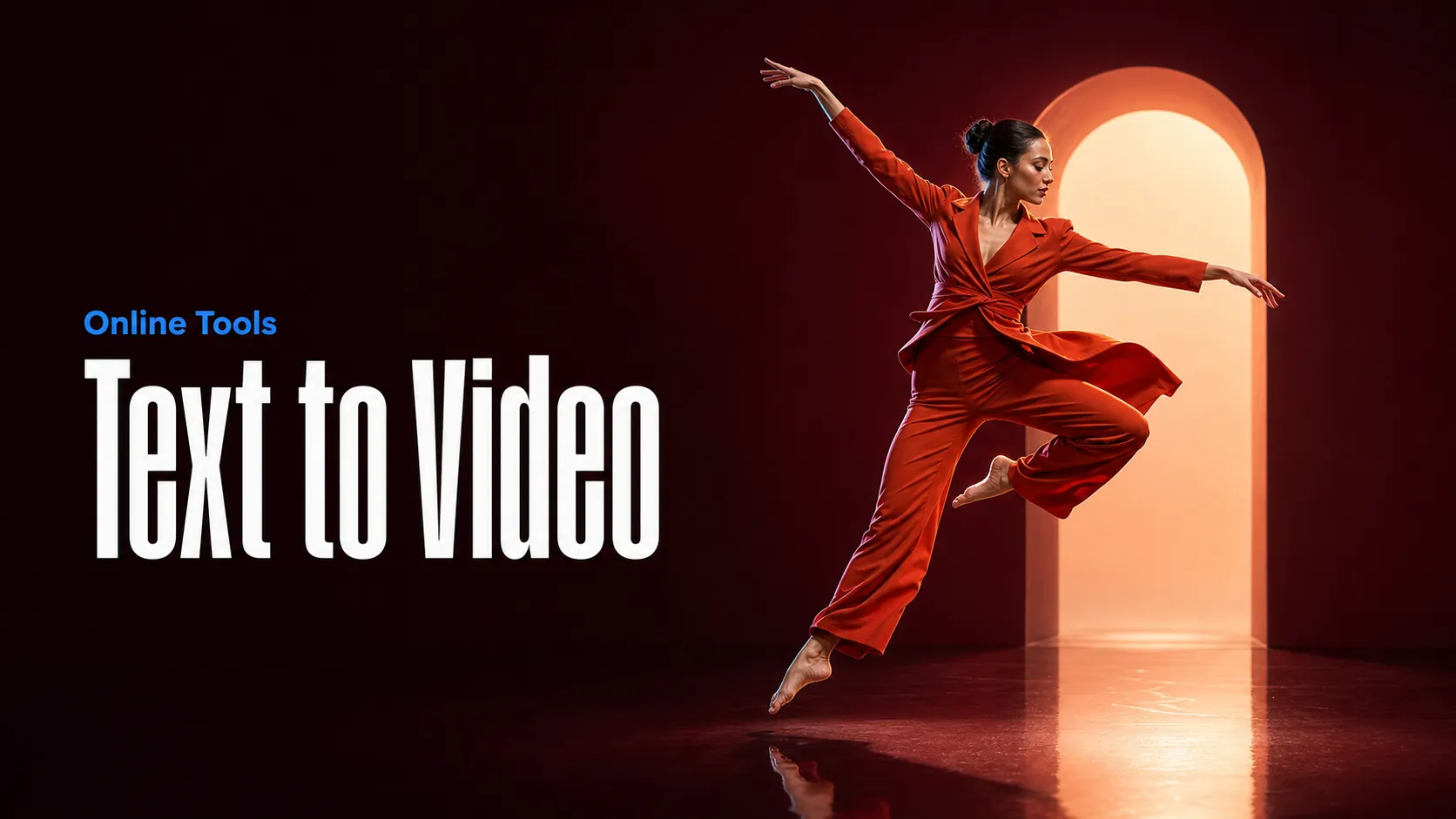
Create AI videos from text prompts
Animate images into AI videos
Create AI images and videos in one unified workspace
Create consistent videos from reference media
Build visual AI image and video workflows on an infinite canvas
API examples for this model are coming soon.