


Text to Image
Create AI images from text prompts
Generate high-precision images with OpenAI GPT Image 2 API. Get strong prompt following, clean text rendering, flexible quality controls, and stable output.
Try the AI Image Generator now
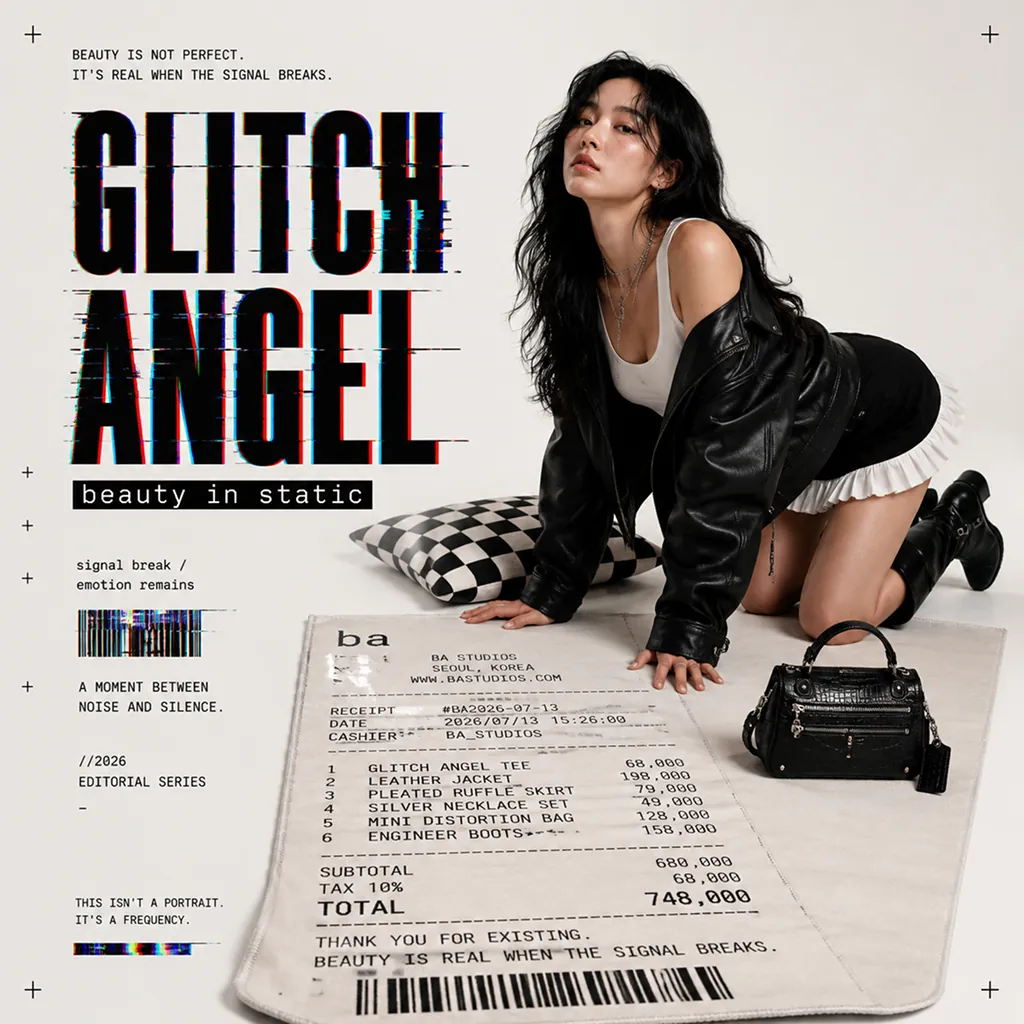
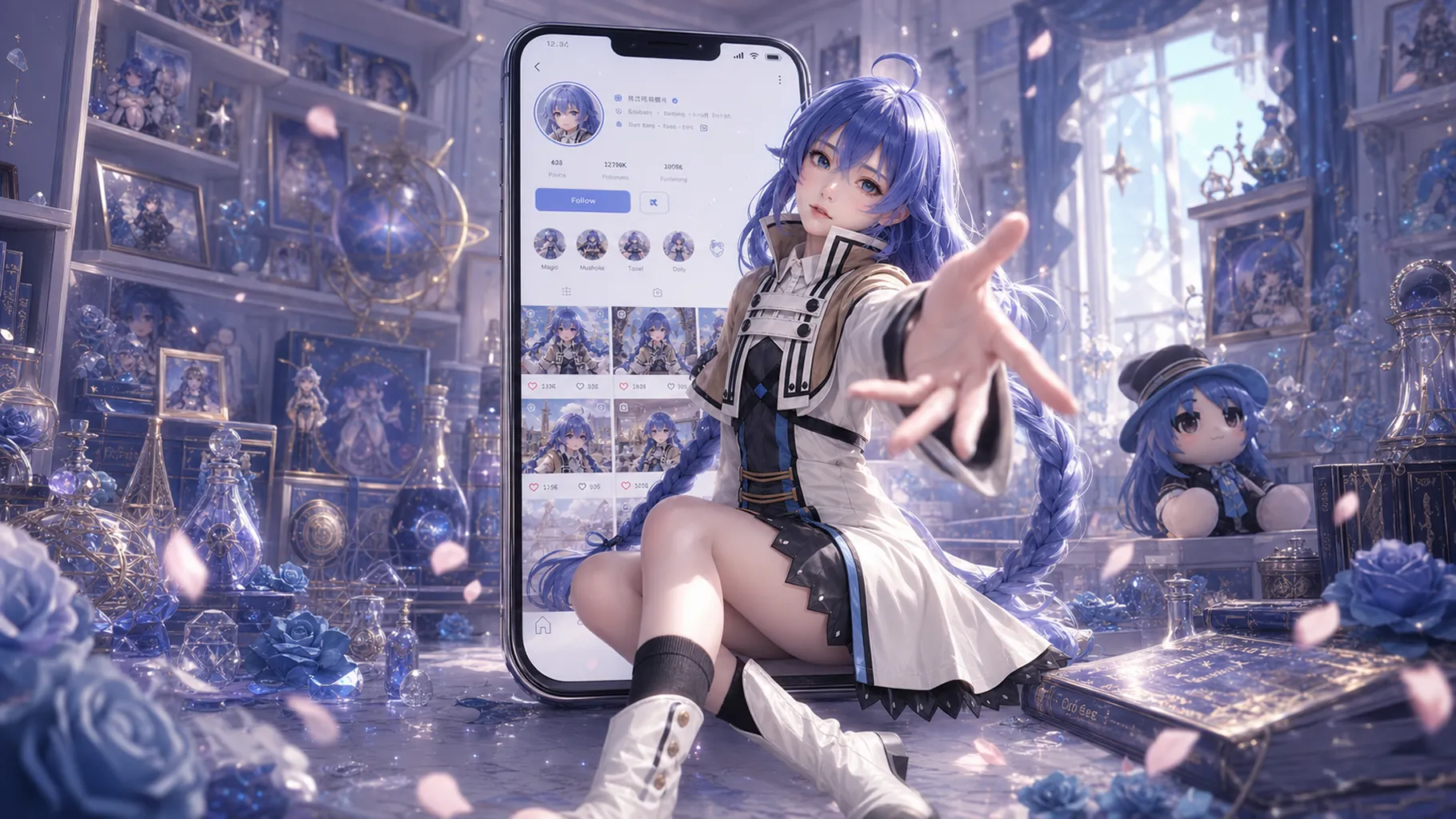
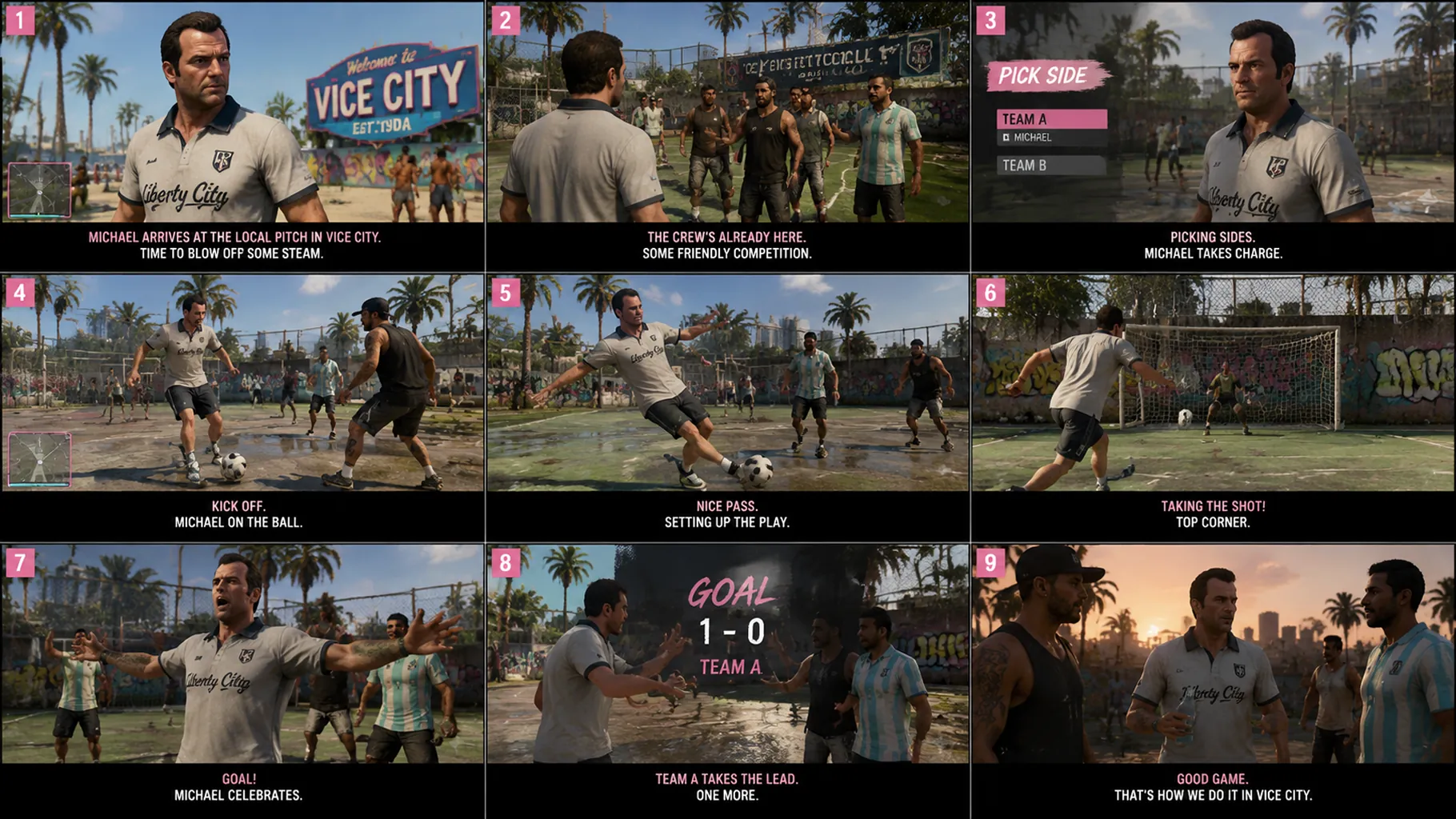
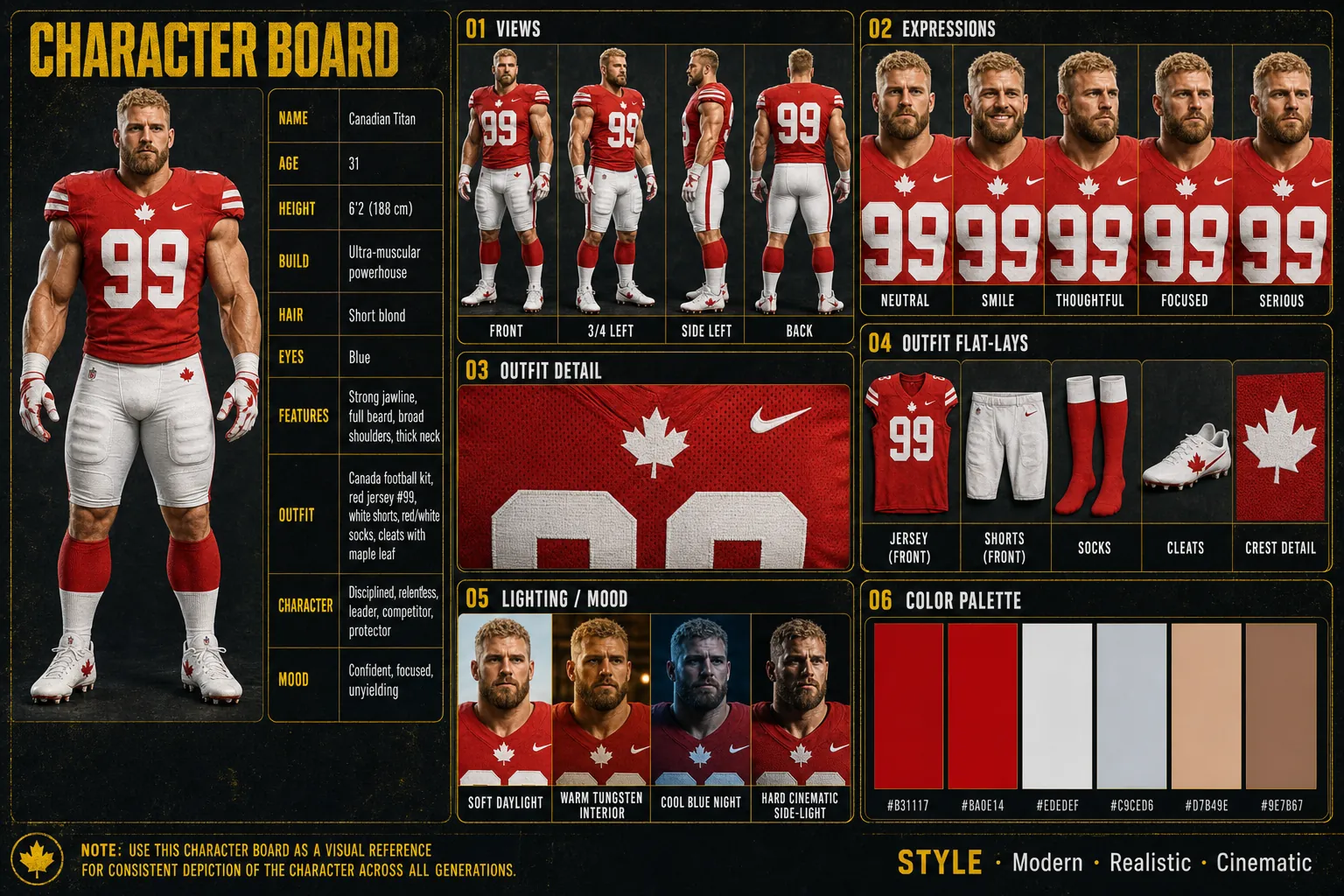
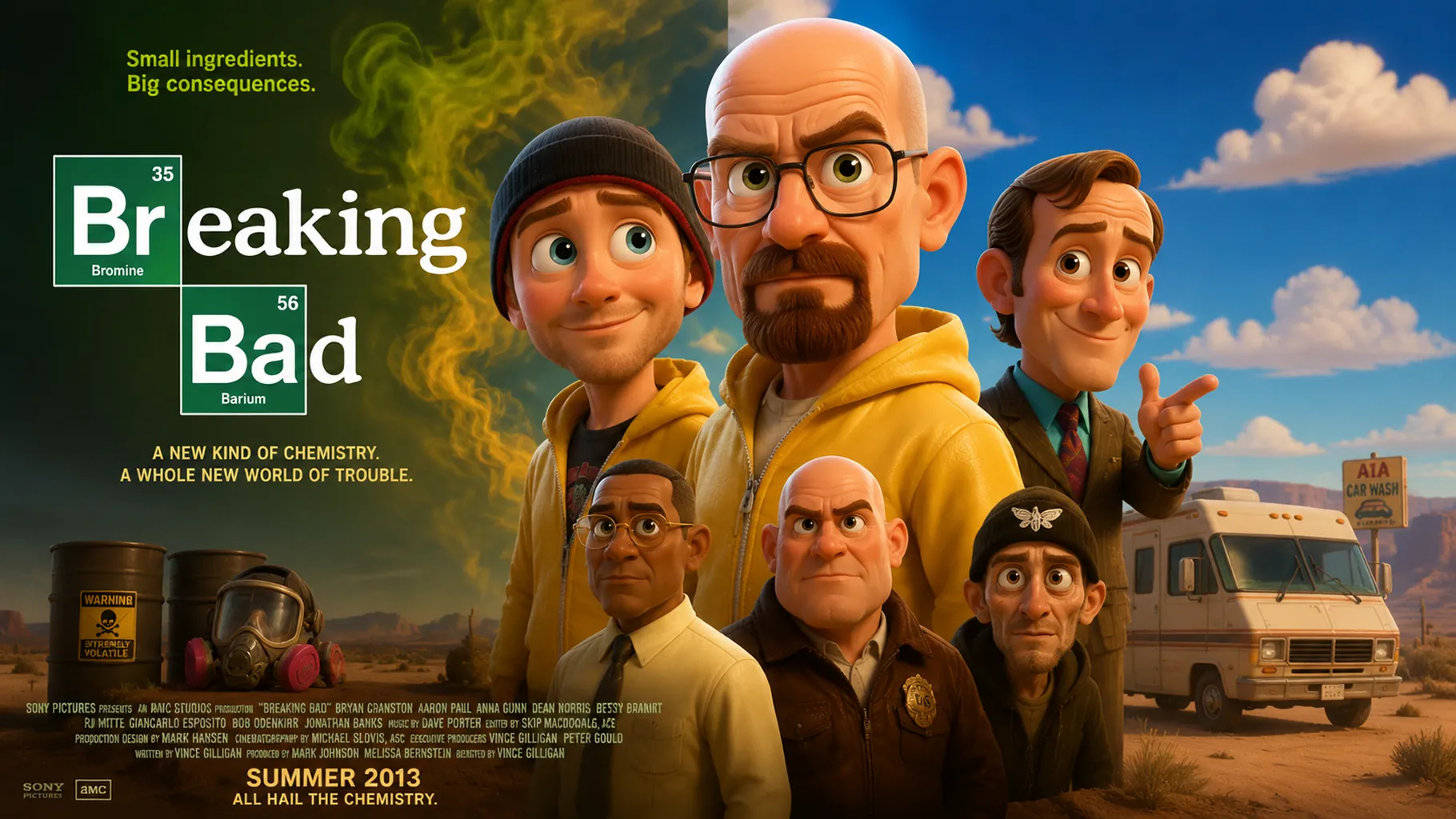
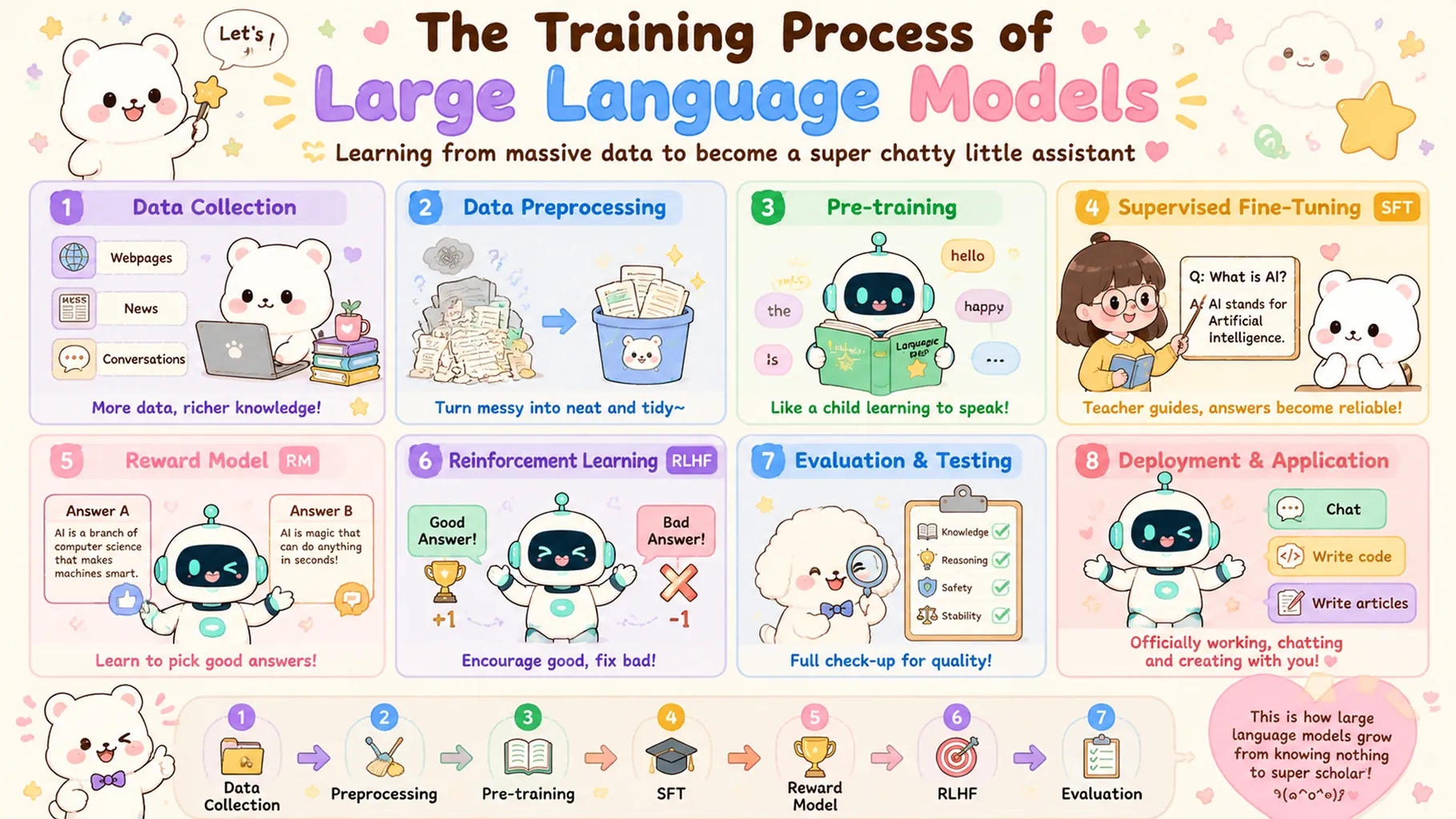


GPT Image 2 API from OpenAI delivers high-quality, cost-effective AI image generation for developers and creative teams. This professional text-to-image API integration helps you turn natural-language prompts into polished visuals with strong instruction following, flexible quality controls, and reliable output consistency. Built on OpenAI's latest GPT image generation stack, GPT Image 2 combines semantic prompt understanding with production-ready API integration for scalable creative workflows on Best Image AI.
Note Please ensure your prompts comply with OpenAI's usage policies. If an error occurs, review your prompt for restricted content, adjust it, and try again.
GPT Image 2 vs. GPT Image 2 Client
GPT Image 2 Client offers the same core text-to-image capabilities with a very affordable access path for teams optimizing around cost efficiency. GPT Image 2 maintains the same strong prompt adherence, text rendering, and production-ready workflow fit, making both variants suitable for professional creative applications depending on budget priorities.
GPT Image 2 vs. Runway Gen-4 Image
Runway Gen-4 Image emphasizes cinematic aesthetics and reference-aware creative workflows. GPT Image 2 API differentiates with strong text rendering, dependable instruction following, and clean API integration for scalable text-to-image production.
GPT Image 2 vs. Stable Diffusion 3.5
Stable Diffusion 3.5 offers open-model flexibility and customization opportunities. GPT Image 2 provides hassle-free API integration, better out-of-the-box prompt adherence, and less operational overhead for teams that want production-ready image generation immediately.
GPT Image 2 vs. Qwen Image 2.0
Qwen Image 2.0 is a strong value-oriented image model with multilingual strengths. GPT Image 2 API stands out with OpenAI's polished instruction following, reliable text-in-image rendering, and a streamlined professional workflow for global creative teams.
GPT Image 2 vs. Seedream 5.0
Seedream 5.0 excels at high-end realism and premium visual detail. GPT Image 2 offers strong prompt control, clean typography handling, and efficient API-based integration for practical production use across a broad range of creative workflows.
Explore several AI creation tools for quick image and video workflows in your browser, then scale successful ideas with Best Image AI's production-ready model APIs. Best Image AI provides a unified API layer for all models, making it easy to use and scale your workflows.
Create AI images from text prompts

Create AI images from images and text prompts

Create AI videos from text prompts

Animate images into AI videos

Create AI images and videos in one unified workspace

Create consistent videos from reference media

Build visual AI image and video workflows on an infinite canvas
// Step 1: Submit generation request
const response = await fetch('https://api.flaq.ai/api/v1/image/task', {
  method: 'POST',
  headers: {
    'Content-Type': 'application/json',
    'Authorization': 'Bearer YOUR_API_KEY'
  },
  body: JSON.stringify({
    model_name: 'gpt-image-2',
    prompt: 'A minimalist product shot of a ceramic mug on marble, soft studio light',
    width: 1,
    height: 1,
    resolution: '1k',
    quality: 'medium'
  })
});

const { data } = await response.json();
const taskId = data.task_id;
// Step 2: Poll for results
const taskId = data.task_id;

const pollResult = async (taskId) => {
  const res = await fetch(`https://api.flaq.ai/api/v1/image/${taskId}`, {
    headers: { 'Authorization': 'Bearer YOUR_API_KEY' }
  });
  return res.json();
};

while (true) {
  const pollResultData = await pollResult(taskId);
  const status = pollResultData.data.task_status;

  if (status === 'succeed') {
    console.log(pollResultData.data.task_result.images[].);
    ;
  }

   (status === ) {
    .(pollResultData..);
    ;
  }

    ( (resolve, ));
}
# Step 1: Submit generation request
import requests

response = requests.post(
    'https://api.flaq.ai/api/v1/image/task',
    headers={
        'Content-Type': 'application/json',
        'Authorization': 'Bearer YOUR_API_KEY'
    },
    json={
        'model_name': 'gpt-image-2',
        'prompt': 'A minimalist product shot of a ceramic mug on marble, soft studio light',
        'width': 1,
        'height': 1,
        'resolution': '1k',
        'quality': 'medium'
    }
)

task_id = response.json()['data']['task_id']
# Step 1: Submit generation request
curl -X POST https://api.flaq.ai/api/v1/image/task \
  -H "Content-Type: application/json" \
  -H "Authorization: Bearer YOUR_API_KEY" \
  -d '{
    "model_name": "gpt-image-2",
    "prompt": "A minimalist product shot of a ceramic mug on marble, soft studio light",
    "width": 1,
    "height": 1,
    "resolution": "1k",
    "quality": "medium"
  }'
# Step 2: Poll for results
# Replace {task_id} with the task_id returned from the submit response
curl -X GET "https://api.flaq.ai/api/v1/image/{task_id}" \
  -H "Authorization: Bearer YOUR_API_KEY"
# Step 2: Poll for results
task_id = response.json()['data']['task_id']
poll_url = f"https://api.flaq.ai/api/v1/image/{task_id}"

while True:
    poll_result = requests.get(poll_url, headers={'Authorization': 'Bearer YOUR_API_KEY'}).json()
    status = poll_result['data']['task_status']
    if status == 'succeed':
        print(poll_result['data']['task_result']['images'][0]['url'])
        break
    if status == 'failed':
        print(poll_result['data']['task_status_msg'])
        break
    time.sleep(10)