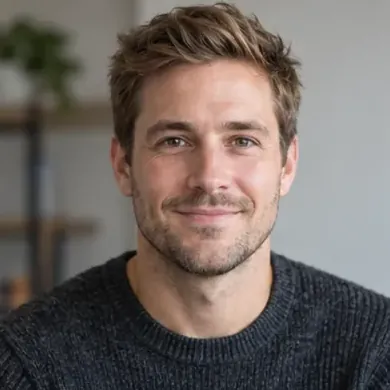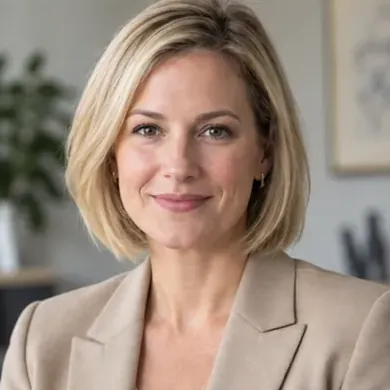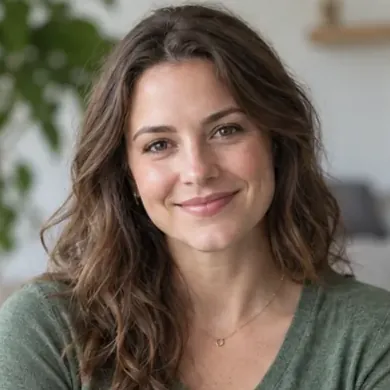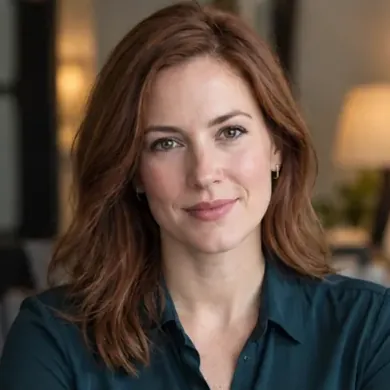

Text to Image
Create AI images from text prompts
 Best Image AI: Unified AI Image & Video Generation API Platform
Explore leading AI image and video models, test outputs online, compare pricing, and integrate media generation workflows through Best Image AI's unified API.
With Best Image AI's unified API, you can quickly access the world's leading image and video generation models, supporting custom parameter adjustment and high-concurrency real-time generation.
For high-precision creative design and multidimensional visual presentation, Best Image AI integrates top-tier diffusion models for images, supporting ultra-high-resolution, highly artistic static imagery from text descriptions or draft concepts.
Nano Banana 2.1 API
Create product images, campaign artwork, and social graphics with Google Nano Banana 2.1 API, using optional web and image search to support your creative direction.
components.models.image-api.chatgpt-images-2-6.title
components.models.image-api.chatgpt-images-2-6.description
ChatGPT Images 2.5 API
ChatGPT Images 2.5 API provides OpenAI text-to-image generation with flexible aspect ratios for product visuals, marketing assets, and creative workflows.
GPT Image 2 API
OpenAI image generation and editing model with strong prompt following, clean text rendering, flexible quality controls, and production-ready output.
Nano Banana Pro API
A flagship model engineered for high-fidelity, ultra-fast image creation. Supports advanced prompt comprehension and artistic style transfer.
Seedream 5.0 Pro API
Seedream 5.0 Pro API provides ByteDance text-to-image generation with flexible aspect ratios, strong prompt understanding, and high-quality visual output for professional creative workflows.
Flux Kontext Max
Flux Kontext Max is a specialized model for high-fidelity single-image transformation. It intelligently merges prompt instructions with deep image understanding to enhance, reimagine, or evolve visuals with unparalleled quality and semantic stability.
Flux Kontext Pro
Flux Kontext Pro is an advanced multimodal model that unifies text-to-image generation with instruction-based editing. It excels at iterative refinement, maintaining exceptional character consistency and visual style while allowing for precise modifications without complex descriptions.
Qwen Image 3.0 Pro API
Qwen Image 3.0 Pro API provides Alibaba text-to-image generation with seven aspect ratios and optional seed control for flexible, reproducible creative workflows.
Seedream 4.5 API
A new-generation super-realistic vision model, leading the industry in lighting effects, composition logic, and text rendering.
For short video creation and dynamic vision, Best Image AI integrates high-performance diffusion models for video, supporting high-frame-rate generation from text or images.
Gemini Omni 1.1 Flash
Generate videos with Gemini Omni 1.1 Flash API
Seedance 2.5 API
A ByteDance video model for text, image, and reference-to-video generation with 4–30 second duration, optional sound, and 480p or 720p output.
Kling 4.0 API
Generate videos with Kling 4.0 API
MiniMax H3
Generate videos with MiniMax H3 API
Wan 3.0
Generate videos with Wan 3.0 API
FLUX 3 API
Generate videos with FLUX 3 API
Veo 3.1 API
A cinematic-level video generation model supporting up to 60-second HD sequences with exceptional creative expressiveness.
Wan 2.6 API
A high-efficiency video model adept at complex physical coherency and smooth transitions, ideal for social media and advertising creatives.
Seedance 2.0 API
A ByteDance video model for realistic human scenes, image animation, reference-guided creation, built-in sound, and fast production workflows.
Seedance 2.0 Mini
Generate videos with Seedance 2.0 Mini API
Explore several AI creation tools for quick image and video workflows in your browser, then scale successful ideas with Best Image AI's production-ready model APIs. Best Image AI provides a unified API layer for all models, making it easy to use and scale your workflows.
Create AI images from text prompts

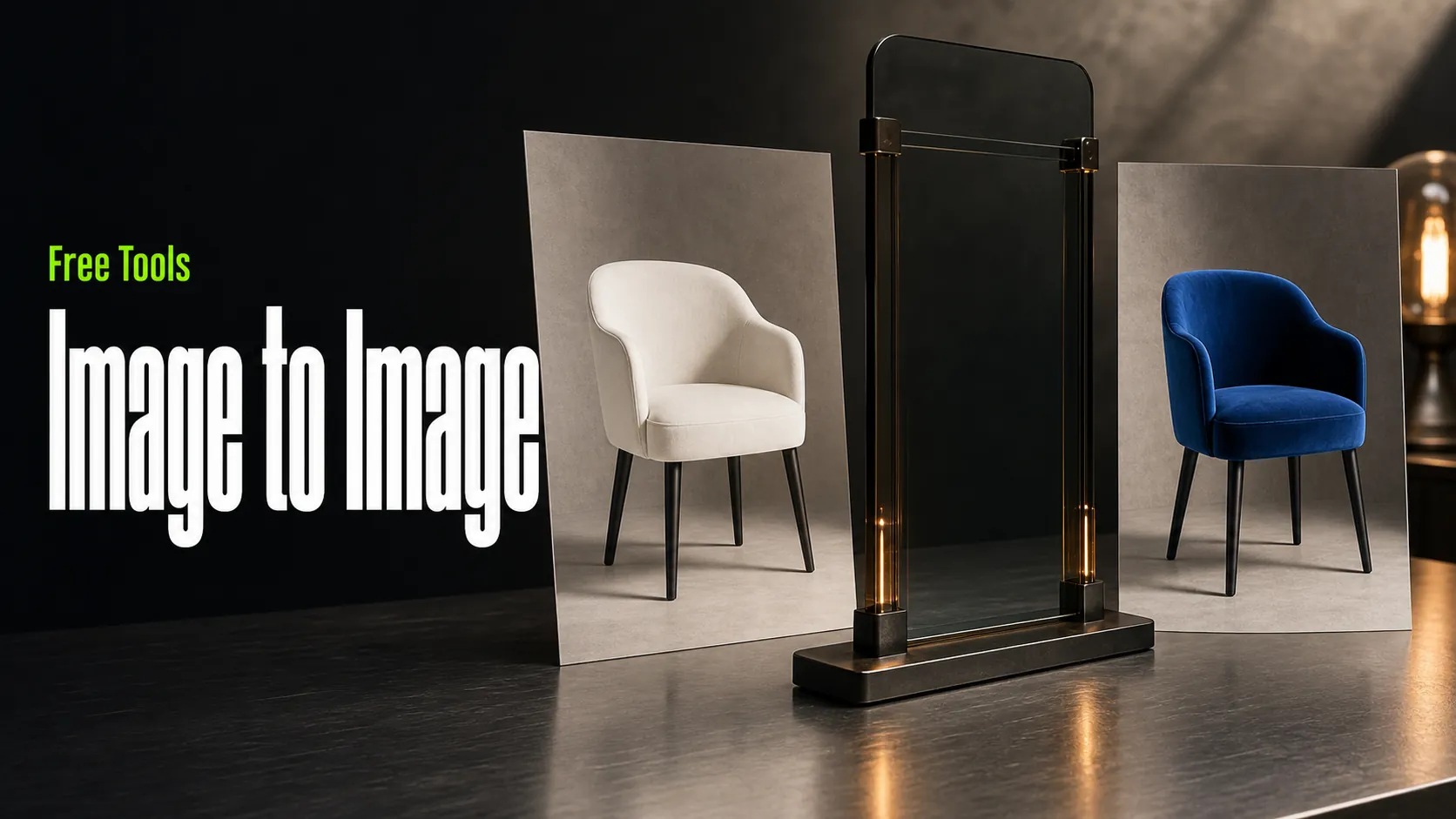
Create AI images from images and text prompts

Create AI videos from text prompts

Animate images into AI videos

Create AI images and videos in one unified workspace

Create consistent videos from reference media

Build visual AI image and video workflows on an infinite canvas
Use free tools for image conversion, prompt generation, image-to-prompt analysis, upscaling, and quick model testing before moving into full AI media generation workflows.
Create and edit images with ChatGPT Images 2.5. Turn prompts into visuals or use reference images to explore new styles, product concepts, and creative variations.
Create AI videos with MiniMax H3 from text prompts or reference images. Explore motion, storytelling, and product ideas directly in your browser.
Try Nano Banana image generation directly in your browser. Quickly turn ideas into visuals, test prompts, and explore whether this model fits your creative or API workflow.
Create and edit detailed visuals with GPT Image 2. Generate images from text prompts or upload reference images for edits, redesigns, product concepts, and social media graphics.
Free to transform uploaded visuals with a free Image to Image generator and AI image editor. Use reference images to guide edits, redesigns, style changes, product concepts, and creative variations without signup or a credit card.
Create and edit detailed visuals with GPT Image 2. Generate images from text prompts or upload reference images for edits, redesigns, product concepts, and social media graphics.
Quickly convert WebP, PNG, and JPEG images directly in your browser. Conversions are processed locally, ensuring complete privacy.
Enhance your input with professional details and artistic elements, making it easier and faster to create strong prompts for AI image models.
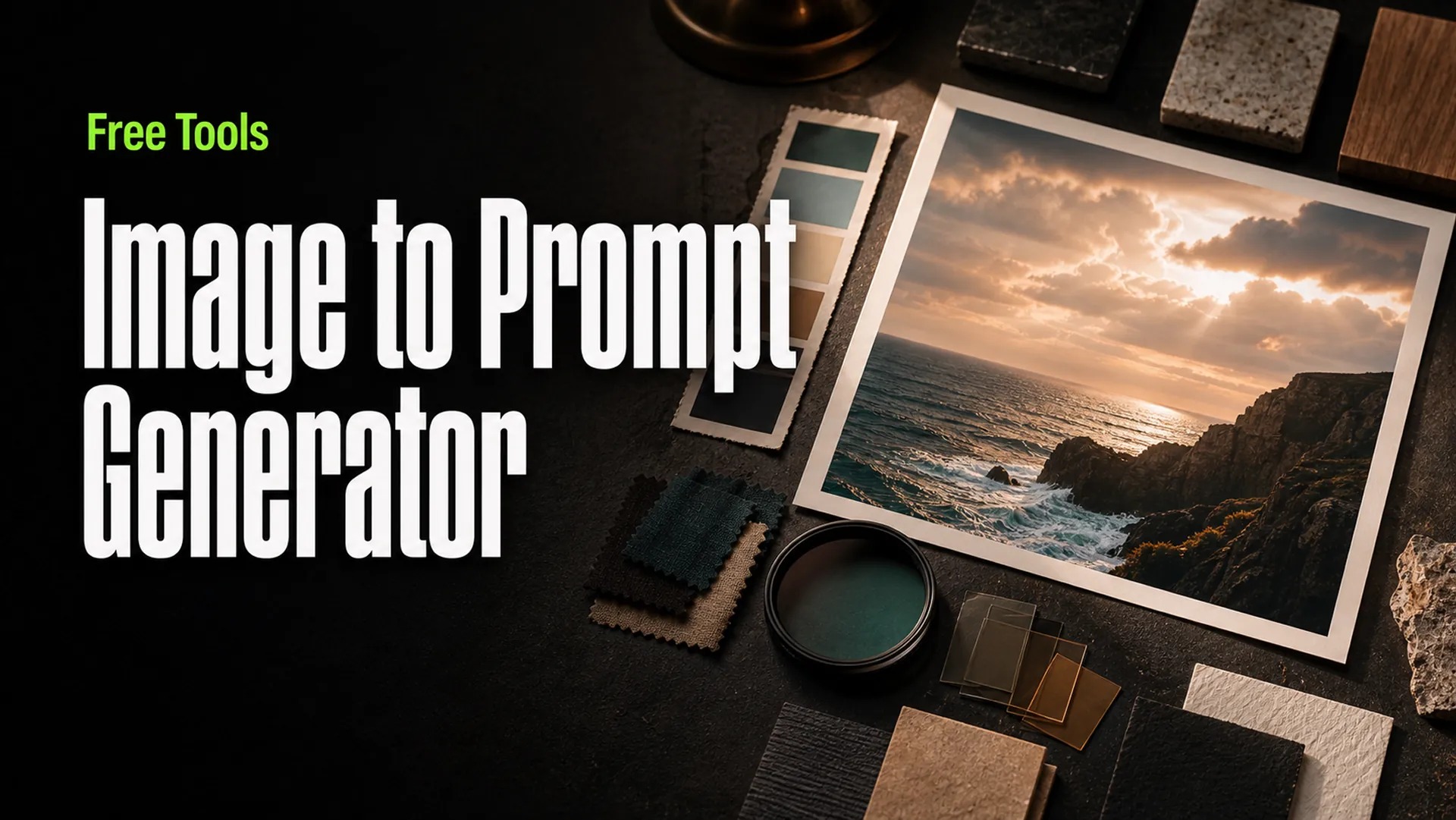
Upload a reference image to generate descriptive prompts that help recreate specific artistic styles, subjects, or visual effects.
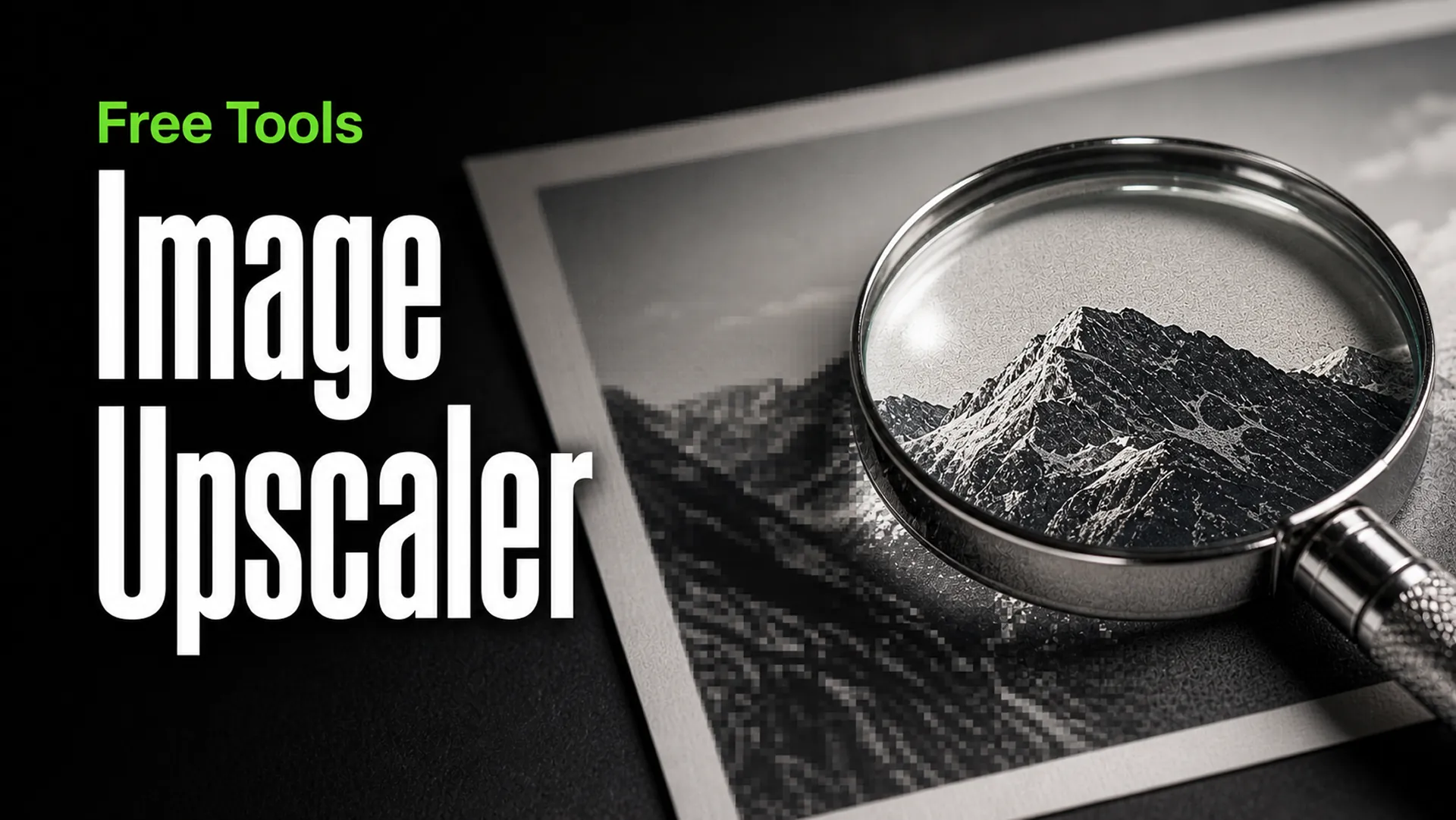
Quickly upscale images to 2x or 4x directly in your browser, with no server uploads required, ensuring privacy.
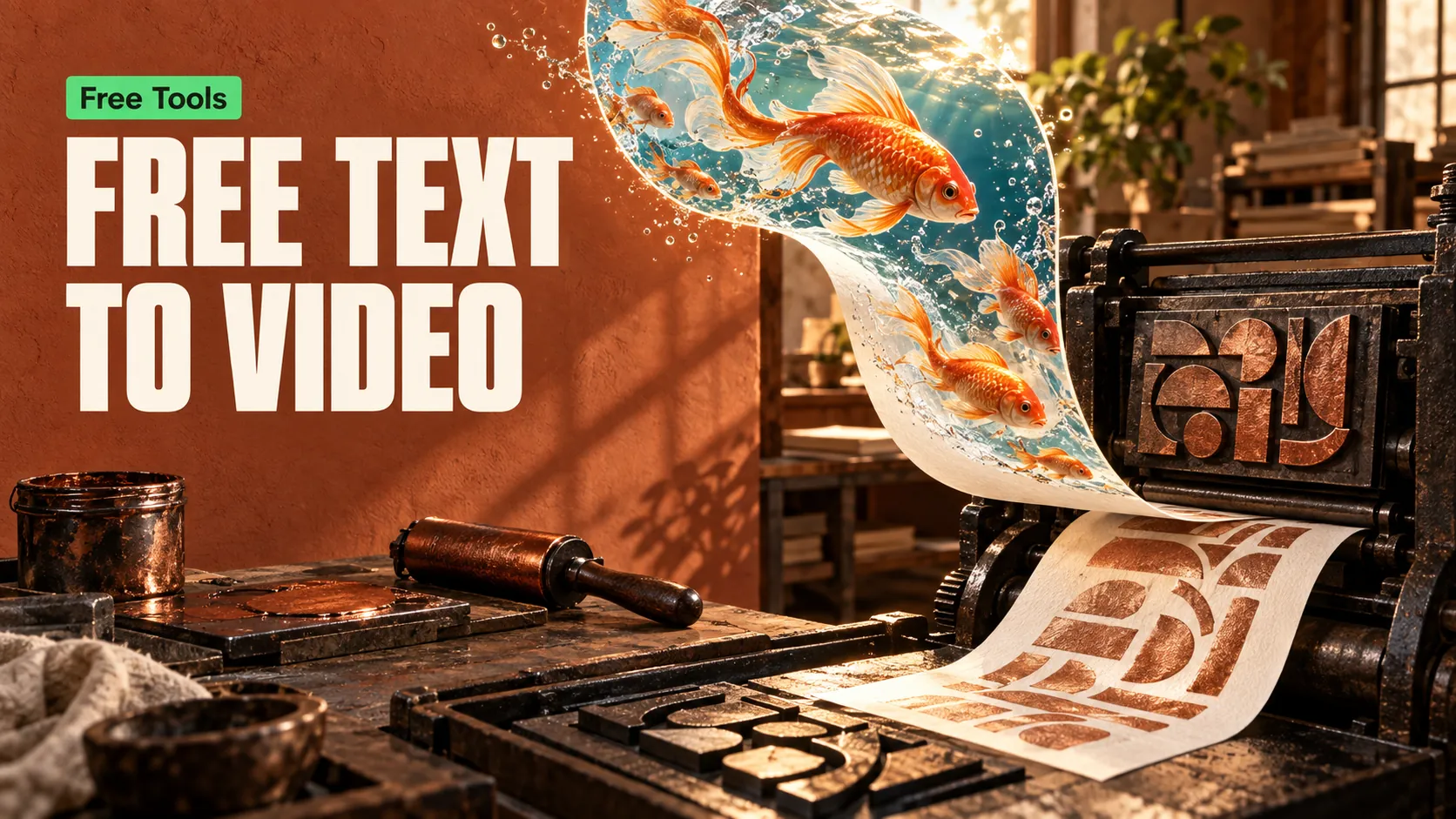
Turn text prompts into AI videos for stories, product concepts, and social posts. Describe your scene and explore creative ideas directly in your browser.
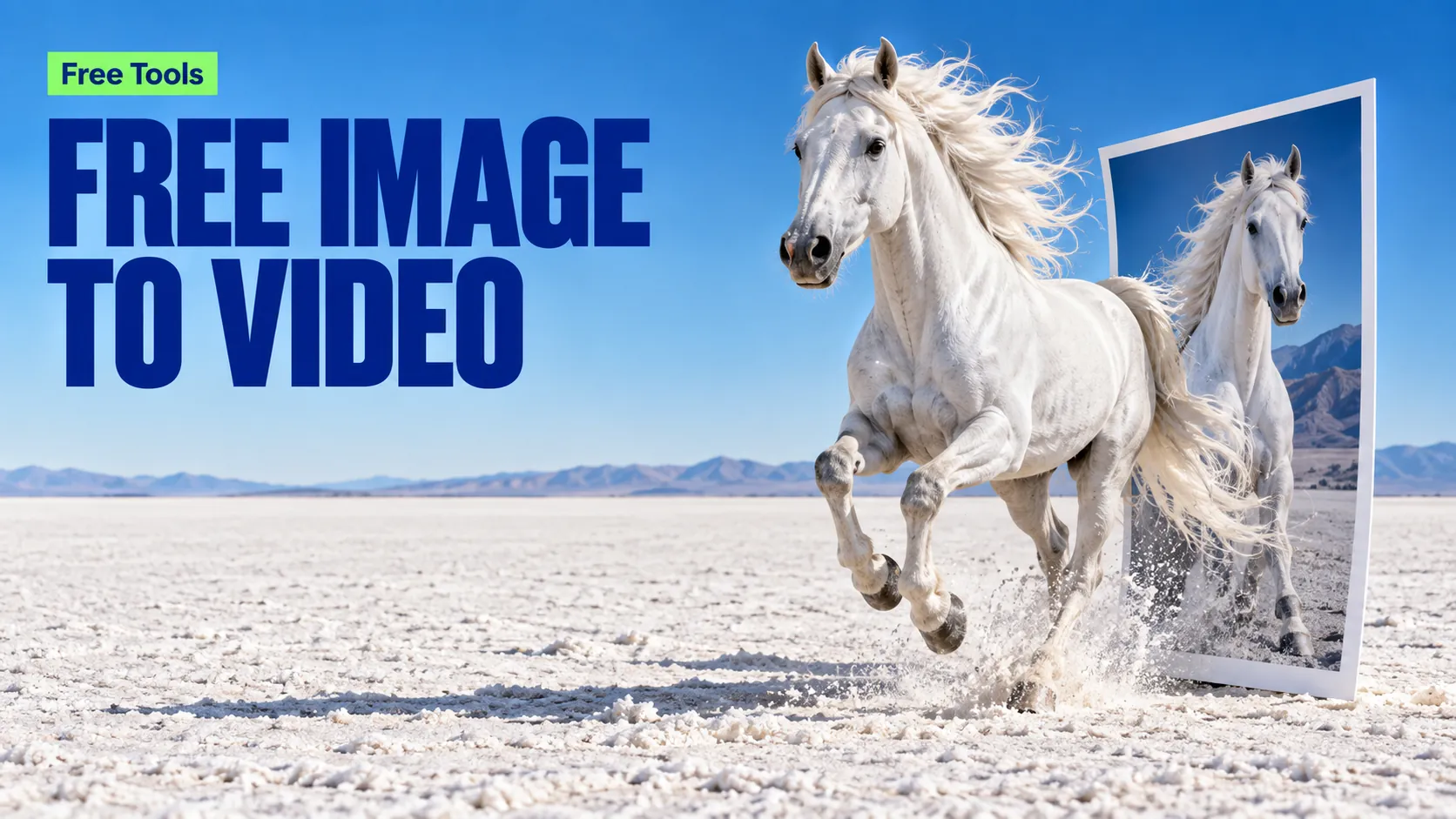
Animate a reference image with AI. Upload your visual and describe the motion to create video clips for portraits, products, and creative scenes.
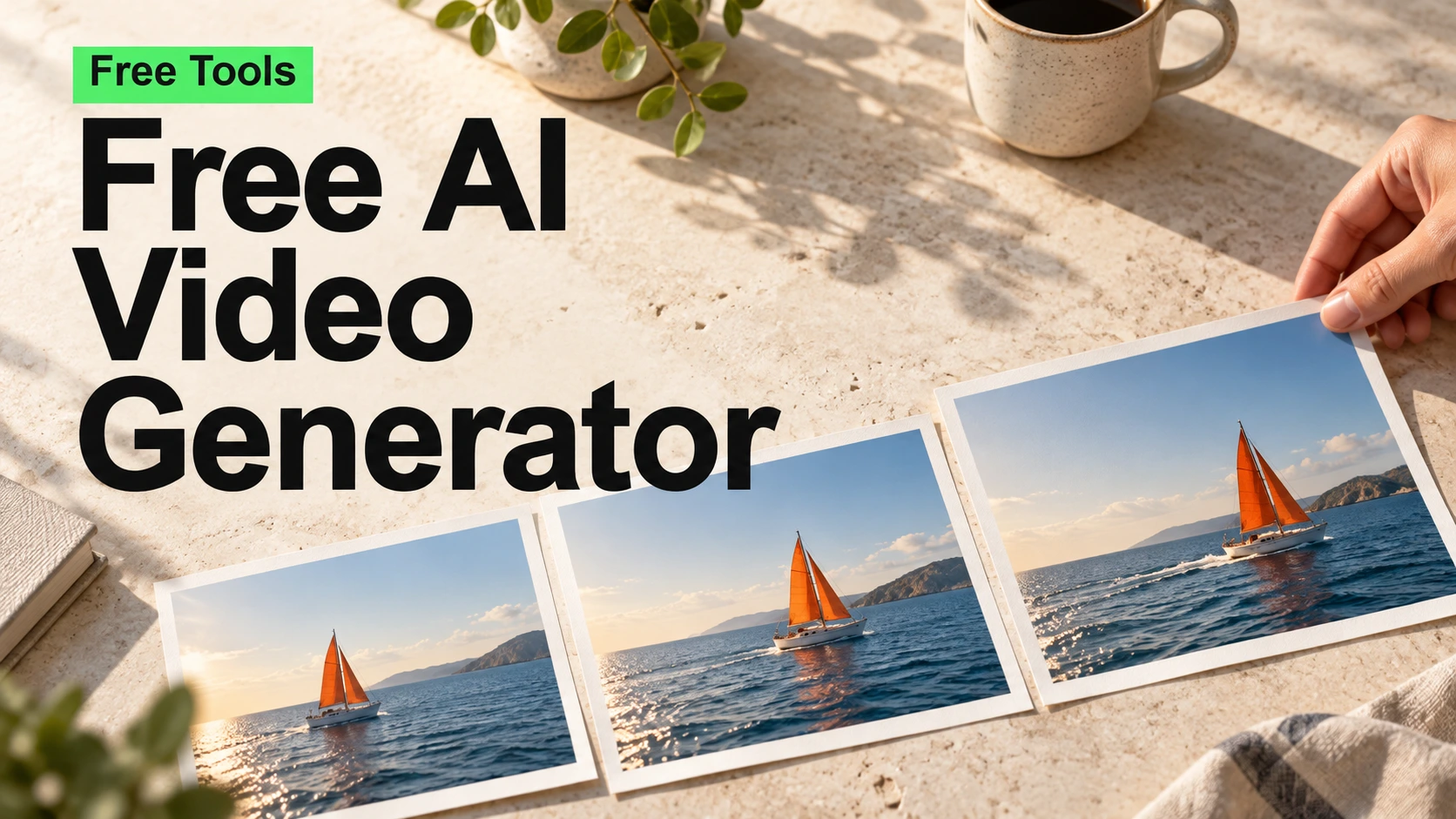
Create videos with audio from text or images for free
Explore advanced image and video models with flexible spending and a workflow built for everyday creation.
 Flux
Flux OpenAI
 Google
 Kling
Kling MiniMax
 Wan
Wan PixVerse
 Seedance
 Vidu
ViduChoose from leading image and video models to find the right fit for your style, references, and next creative idea.
Use credits as you generate and compare model pricing before you start. Match your spending to each project, from a quick experiment to a larger production.
Create from text, images, or references, with controls for format, resolution, duration, and more.
Generate, edit, upscale, convert, and turn images into prompts with ready-to-use creative tools.
Track generation progress and return to your results in one place, with a consistent workflow across supported models.
Access online generation whenever inspiration arrives. Work across time zones, late-night ideas, and early-morning deadlines.
From the first visual direction to assets for your next campaign, bring image and video generation into your creative process.
Explore post visuals, campaign concepts, and short video variations for different audiences and social formats.
Explore the workflowDevelop visual concepts, explore colors and settings, and turn reference images into new product presentation ideas.
Explore the workflowSketch scene directions, develop storyboard imagery, and animate frames to explore the mood and movement of your story.
Explore the workflowExplore creative approaches to campaign visuals, product concepts, and video storytelling across different roles and workflows.
I would use this to explore several campaign directions before choosing the visuals to refine.
Seeing a product in different colors and settings would make early concept conversations much more concrete.
My starting point would be a few storyboard frames, then motion studies to find the feeling of the scene.
A shared space for image and video experiments would fit naturally into the way I develop a visual direction.
I would try multiple visual treatments for the same idea and choose the one that feels right for my audience.
Comparing models and their costs would help me plan which experiments to run for each project.
A few different backgrounds for the same product would give me more options for seasonal store updates.
I would start with a single campaign concept and explore different compositions for the ad creative.
Reference-guided editing could help me discuss wardrobe and setting ideas with a client before a shoot.
I would take a still image into video to test a camera move before building out the rest of a sequence.
I would use this to explore several campaign directions before choosing the visuals to refine.
Seeing a product in different colors and settings would make early concept conversations much more concrete.
My starting point would be a few storyboard frames, then motion studies to find the feeling of the scene.
A shared space for image and video experiments would fit naturally into the way I develop a visual direction.
I would try multiple visual treatments for the same idea and choose the one that feels right for my audience.
Comparing models and their costs would help me plan which experiments to run for each project.
A few different backgrounds for the same product would give me more options for seasonal store updates.
I would start with a single campaign concept and explore different compositions for the ad creative.
Reference-guided editing could help me discuss wardrobe and setting ideas with a client before a shoot.
I would take a still image into video to test a camera move before building out the rest of a sequence.
Paying as I create would suit the uneven rhythm of freelance work, especially between larger projects.
An online workspace would let our team explore ideas when our working hours overlap only briefly.
For an article opener, I would explore a few visual metaphors before deciding which direction to develop.
Color, atmosphere, and movement are where I would begin. Short visual studies could help shape a treatment.
I would use concept images to compare the mood of a package in a minimal setting versus a more expressive one.
Trying different environments from the same prompt would be useful for early world-building discussions.
My first experiment would be a set of themed visuals for a new collection, with a consistent color direction.
I would explore lighting and framing options for a scene before spending time on detailed storyboard drawings.
Being able to compare image models would help me choose a direction based on the brief, rather than habit.
I would try turning a reference frame into a short motion study to see how it might fit into an edit.
Paying as I create would suit the uneven rhythm of freelance work, especially between larger projects.
An online workspace would let our team explore ideas when our working hours overlap only briefly.
For an article opener, I would explore a few visual metaphors before deciding which direction to develop.
Color, atmosphere, and movement are where I would begin. Short visual studies could help shape a treatment.
I would use concept images to compare the mood of a package in a minimal setting versus a more expressive one.
Trying different environments from the same prompt would be useful for early world-building discussions.
My first experiment would be a set of themed visuals for a new collection, with a consistent color direction.
I would explore lighting and framing options for a scene before spending time on detailed storyboard drawings.
Being able to compare image models would help me choose a direction based on the brief, rather than habit.
I would try turning a reference frame into a short motion study to see how it might fit into an edit.