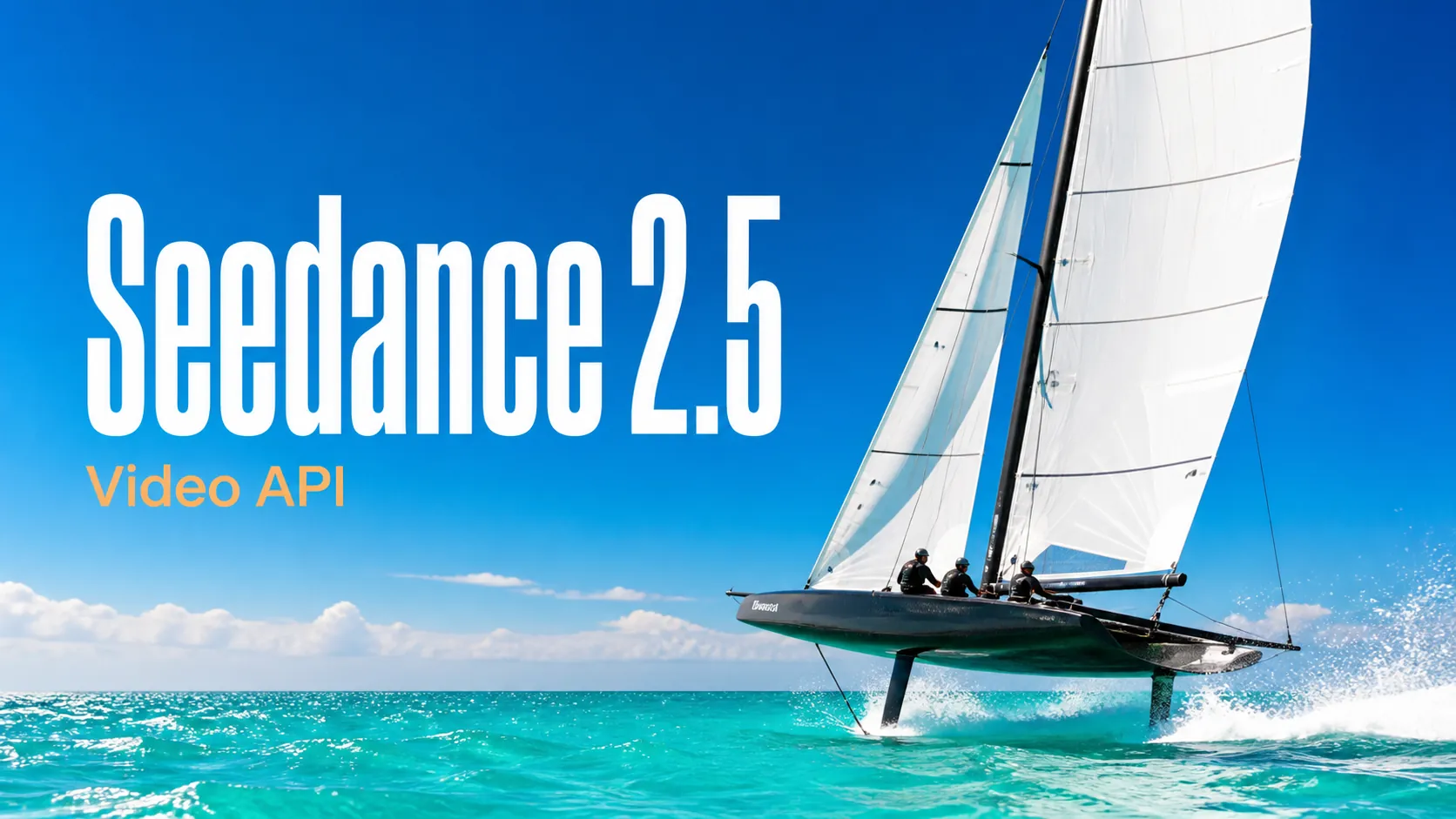
Seedance 2.5 Prompts
Explore structured Seedance 2.5 video prompts for cinematic scenes, advertising, animation, UGC, and controlled image-to-video workflows.
Start with practical image and video prompt examples, open a complete prompt collection, or browse its maintained GitHub library.
Explore structured Seedance 2.5 video prompts for cinematic scenes, advertising, animation, UGC, and controlled image-to-video workflows.
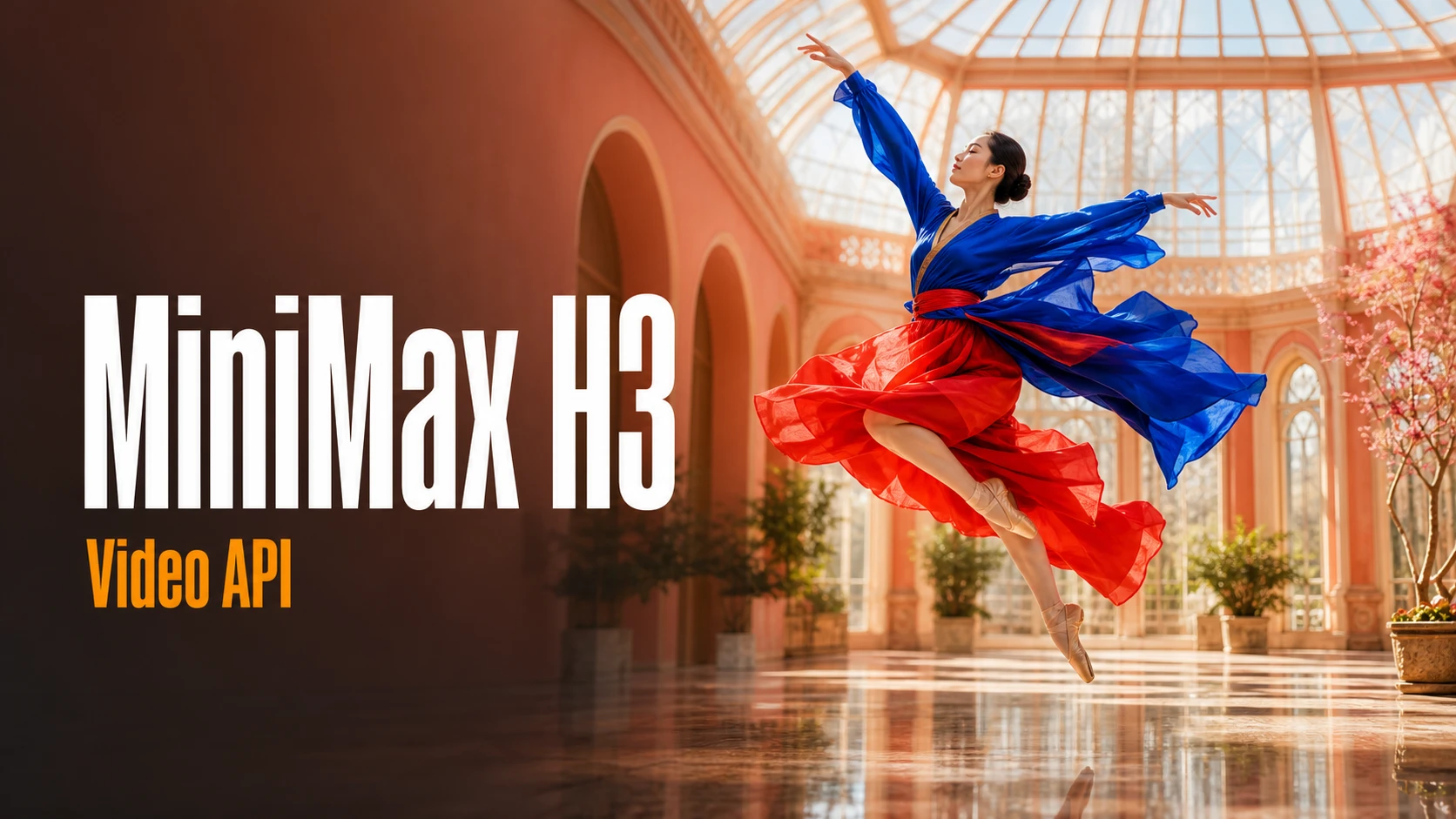
Browse production-oriented MiniMax H3 prompts for brand films, product videos, social campaigns, storytelling, and audiovisual creation.
Discover Wan 3.0 prompt ideas for cinematic storytelling, transitions, product videos, action, animation, and professional video direction.
Find detailed Qwen Image 3.0 prompts for posters, product visuals, social content, editorial design, typography, and image production.
Explore image prompts for product visuals, editorial design, portraits, typography, and controlled reference-based editing.
Explore several AI creation tools for quick image and video workflows in your browser, then scale successful ideas with Best Image AI's production-ready model APIs. Best Image AI provides a unified API layer for all models, making it easy to use and scale your workflows.

Create AI images from text prompts

Create AI images from images and text prompts

Create AI videos from text prompts

Animate images into AI videos

Create AI images and videos in one unified workspace

Create consistent videos from reference media

Build visual AI image and video workflows on an infinite canvas
Create for free · Earn as an affiliate
Join the Bestimage.ai affiliate program, share your referral link with creators who need reliable AI tools, and earn commissions through your referrals.
Join the Affiliate ProgramUse two deliberate images to explore a transition you can describe, direct, and review before taking a visual concept further.
Choose one image for the opening frame and another for the final frame, so the video starts and finishes with the visual states you intended.
Tell the model how the subject, setting, or camera should move from the first image toward the second, rather than leaving the transition undefined.
Select 16:9 for a wide product scene, 9:16 for a vertical post, or 1:1 for a square placement before rendering the clip.
Test different end states, movement directions, and prompts in the free creator. Review completed attempts in local history and save the strongest version.
Make the visual change between two states tangible for product ideas, creative treatments, social content, and planning decks.
Move from a clean product view to a campaign setting, feature detail, or finished composition without treating the clip as a static slideshow.
Visualize a planned change in a space, outfit, illustration, package, or design by supplying the state before and the state after.
Connect two poses, locations, or art directions with prompt-led movement to make a story idea or visual treatment easier to share.
Develop a concise transformation, reveal, or transition for creator content, vertical posts, campaign presentations, and storyboard references.
Add a start frame and end frame, explain the transformation between them, and select a ratio. Completed clips appear in your local video history.
Place the opening image in Start Frame and the destination image in End Frame. This workflow needs both uploads before it can generate.
Explain what changes between the frames, how quickly it changes, and how the camera behaves. Then choose a wide, vertical, or square layout.
Submit your request, follow the queue status, preview the video and its audio, and download the result when the transition feels right.
Explore representative AI image and video models for production-ready creative workflows, with model pages, API access, pricing details, and discounts through Best Image AI's unified model platform.
 seedance-v2.5-reference-to-videoreference-to-videoseedance-v2.0-image-to-videoimage-to-video
 gemini-omni-1.1-flash-image-to-videoimage-to-video
 minimax-h3-text-to-videotext-to-videogemini-omni-1.1-flash-text-to-videotext-to-video
 flux-kontext-maxtext-to-imageflux-kontext-protext-to-imageseedance-v2.0-fast-text-to-videotext-to-video