


Text to Image
Create AI images from text prompts
Turn creative briefs into product images, ads, and social artwork with Google Nano Banana 2.1 API. Use optional web and image search to guide visual creation.
Try the AI Image Generator now
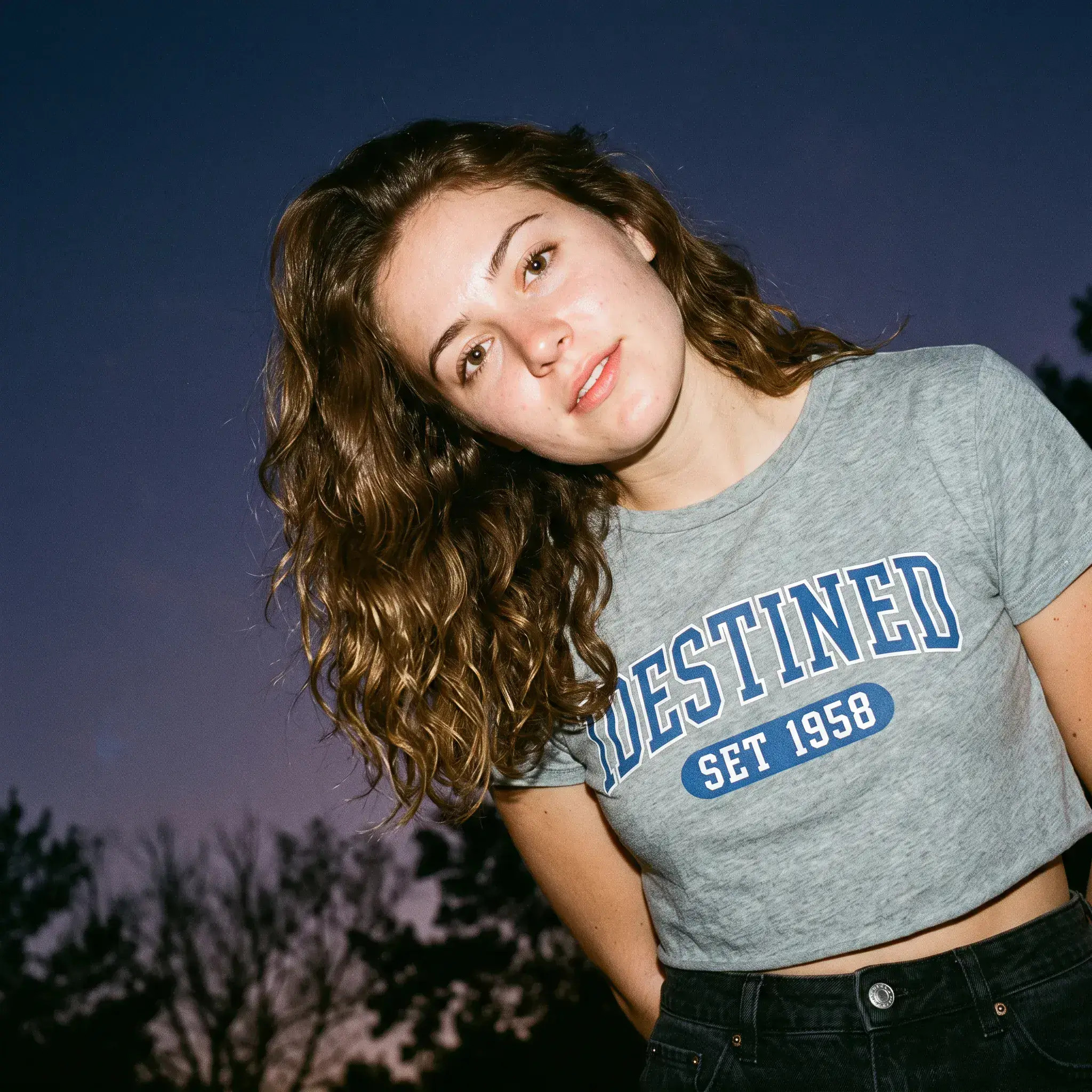
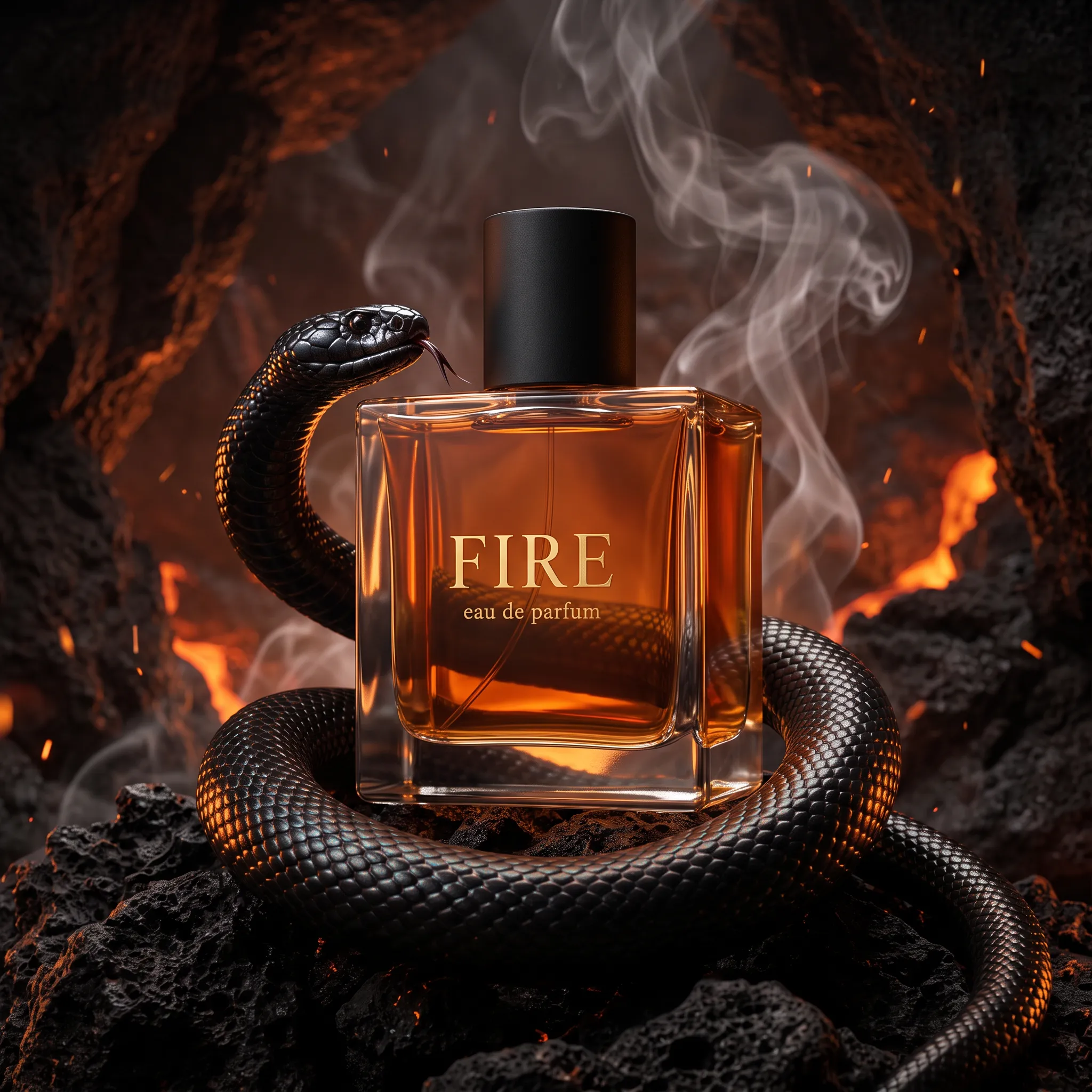
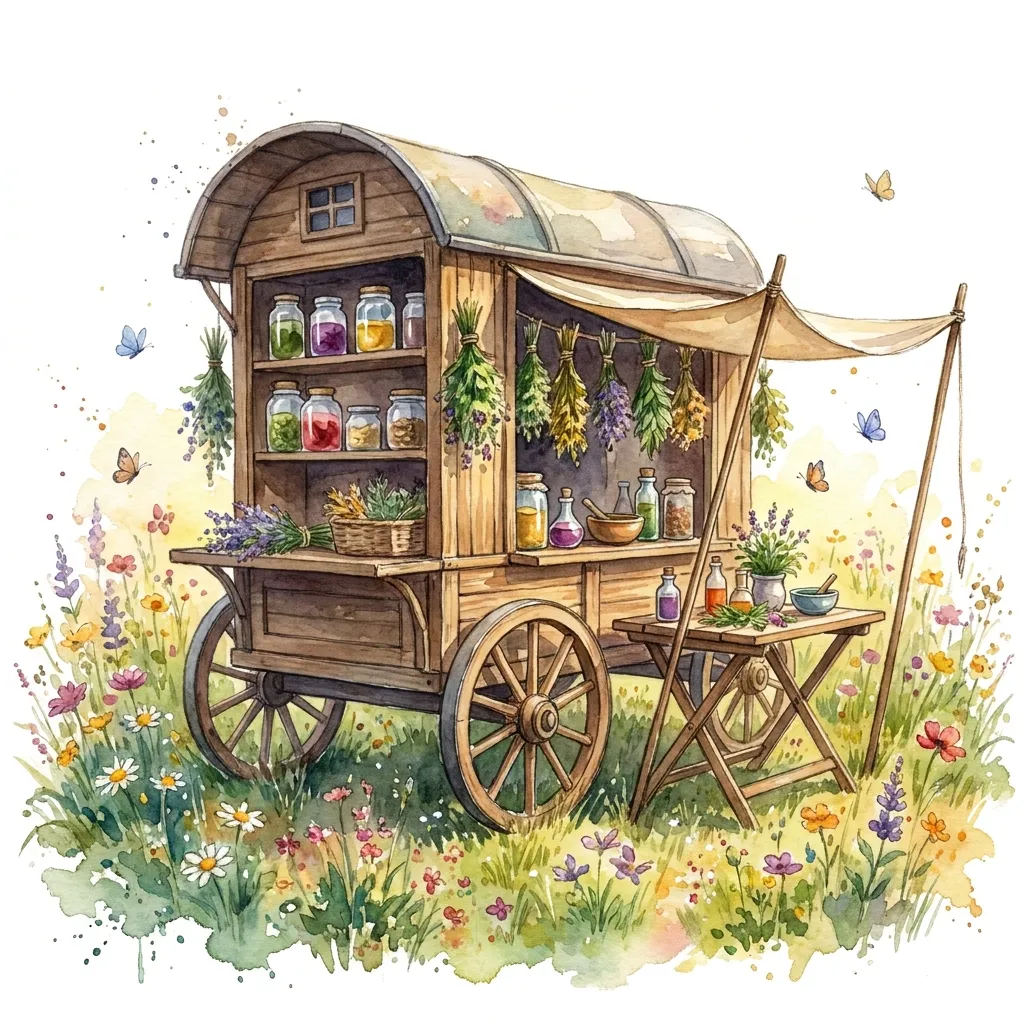
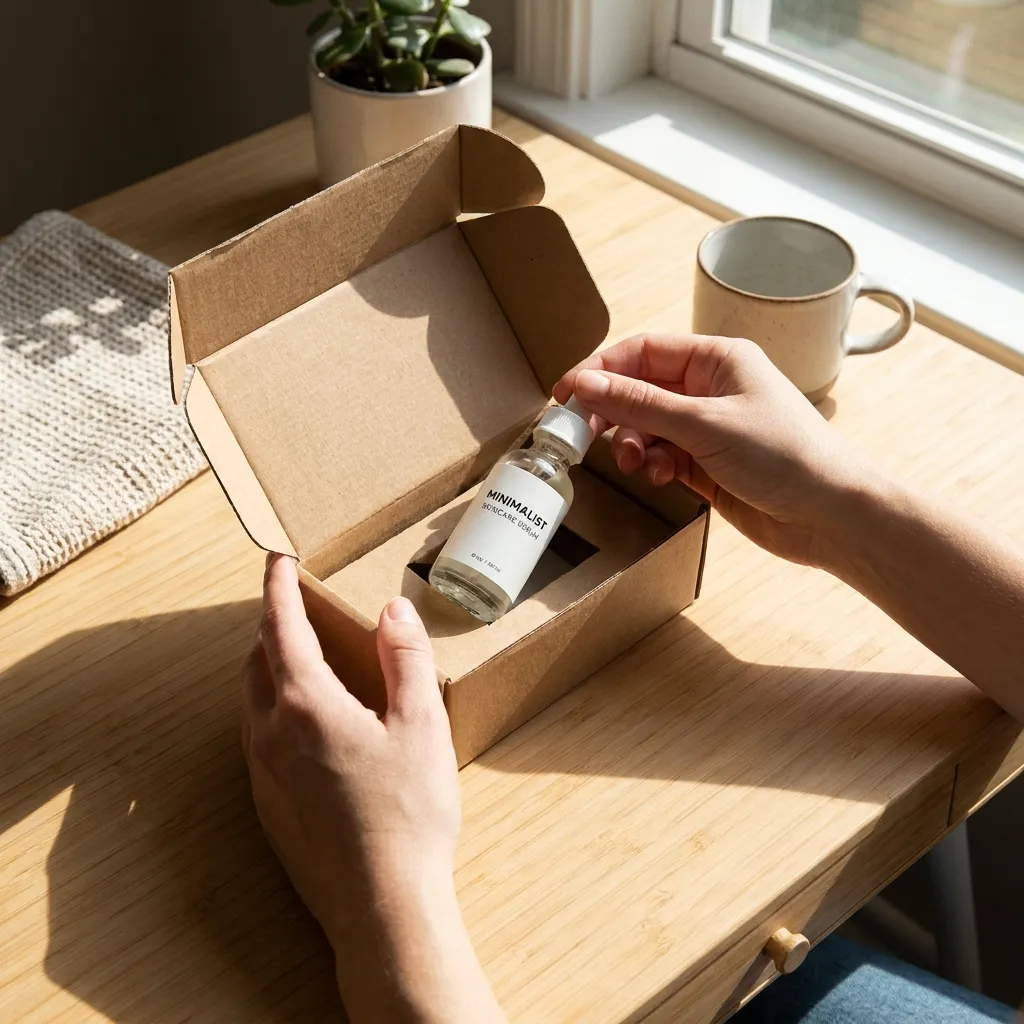
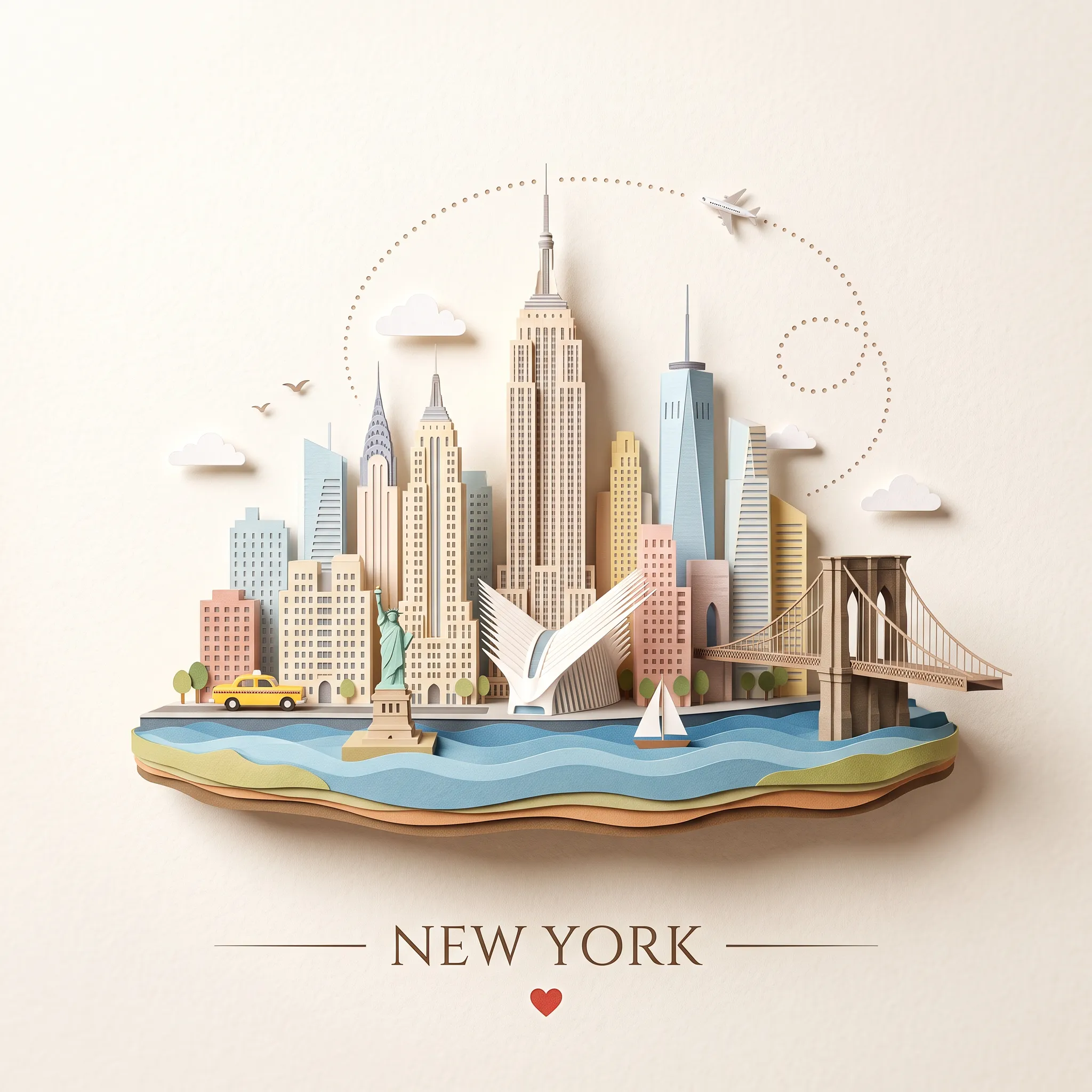
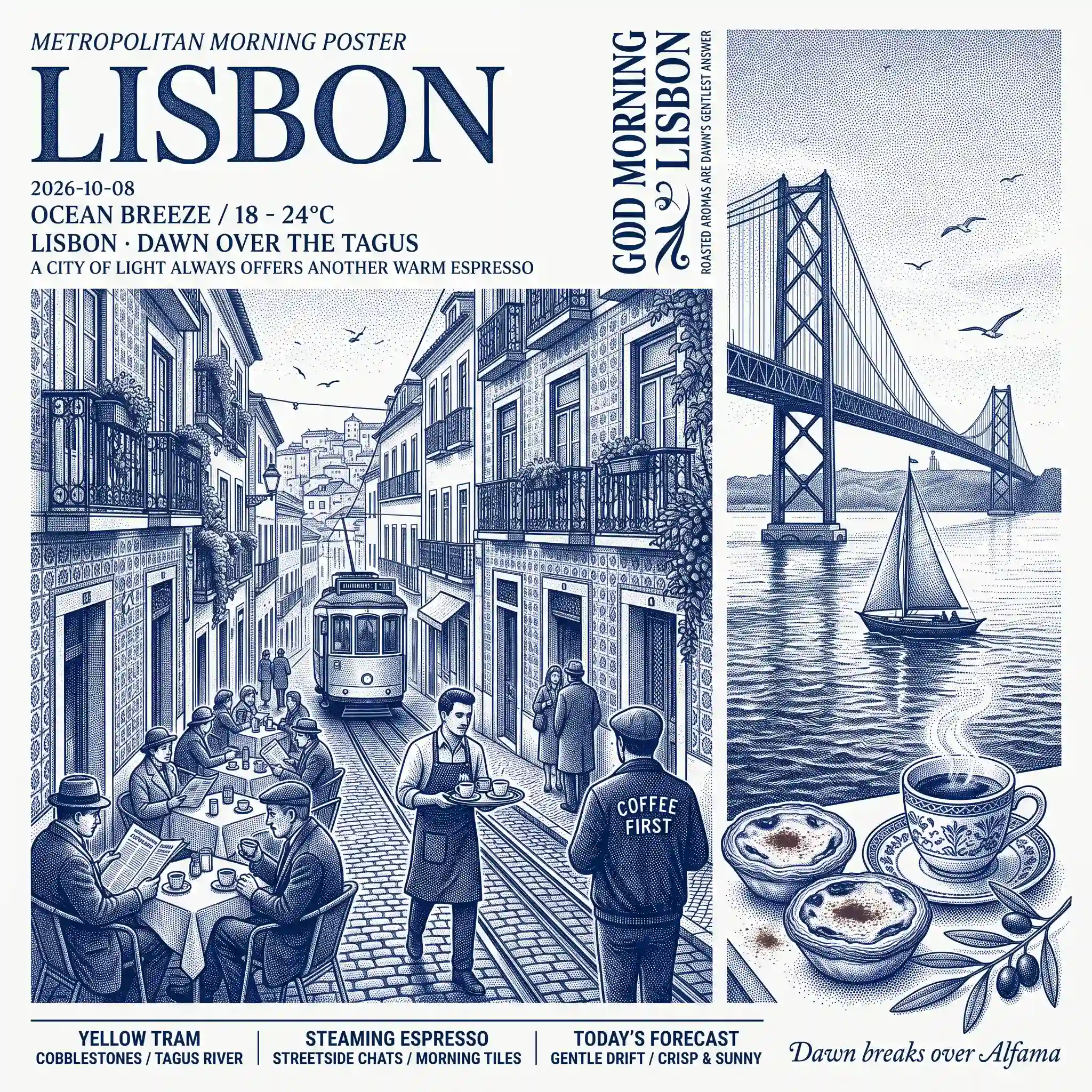
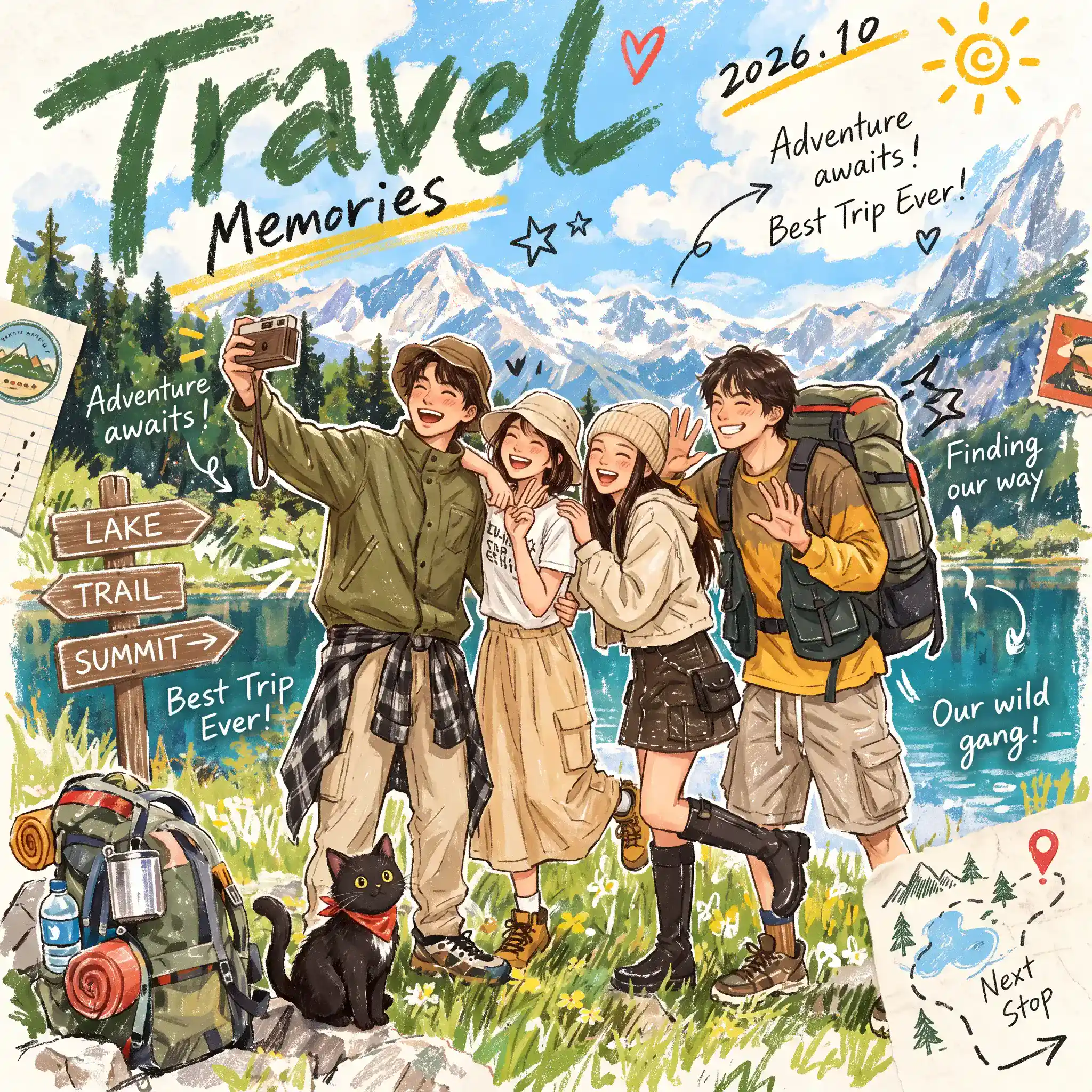
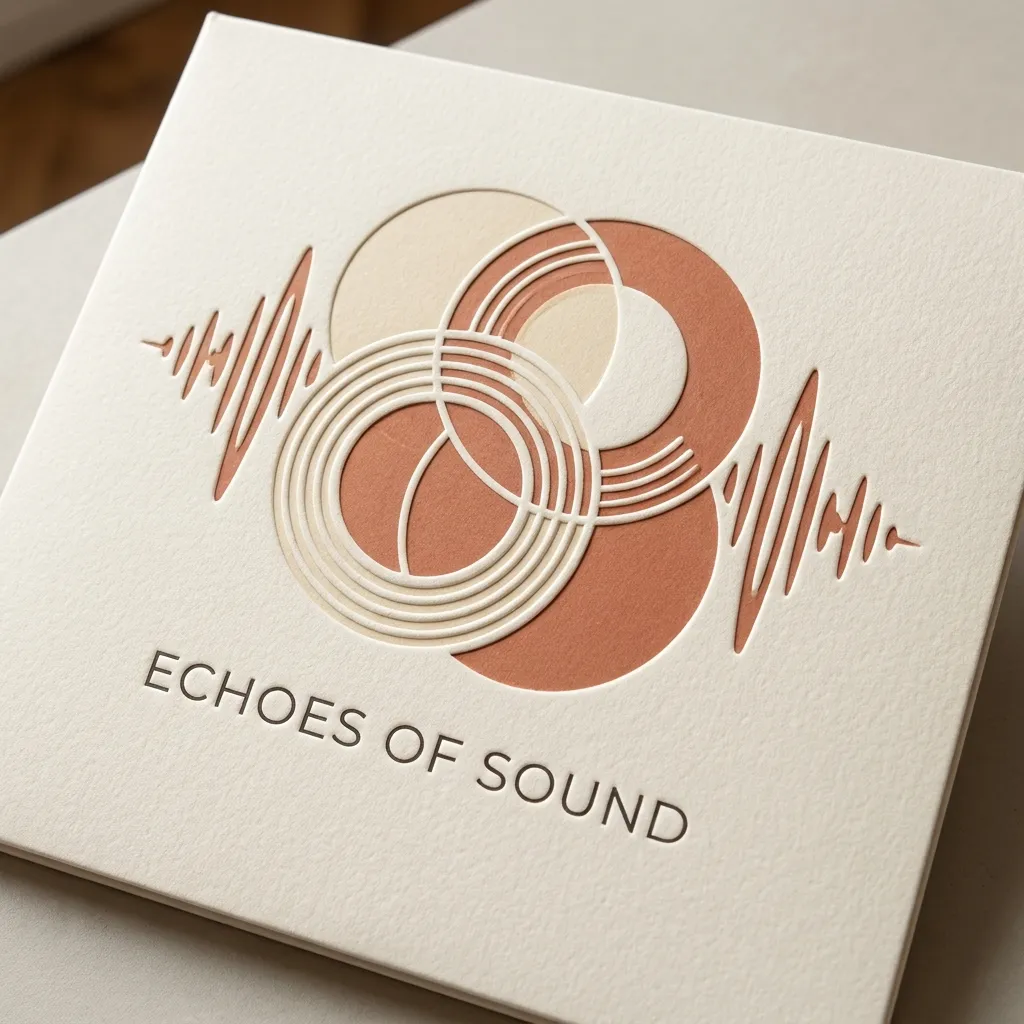
Nano Banana 2.1 API brings Google's high-efficiency image generation model to Best Image AI for developers and creative teams. Create detailed visuals from natural-language prompts with improved prompt adherence, realistic detail, and clearer text rendering than Nano Banana 2. Flexible output quality and aspect ratio controls make this Google image API useful for everything from quick concepts to polished campaign assets.
Note: Keep prompts and any search-grounded content within Google's safety guidelines.
Each enabled search option adds a fixed charge per generation; see current pricing.
Nano Banana 2.1 vs. Nano Banana 2: Nano Banana 2 remains a capable high-efficiency image model. Nano Banana 2.1 builds on it with improved visual quality, prompt adherence, text rendering, and cleaner panoramic output while retaining an efficient generation workflow.
Nano Banana 2.1 vs. Nano Banana Pro: Nano Banana Pro is designed for the most demanding graphic design and precision creative tasks. Nano Banana 2.1 offers a more cost-effective choice for teams that need strong visual quality and frequent image generation.
Nano Banana 2.1 vs. Nano Banana 2 Lite: Nano Banana 2 Lite emphasizes the lowest latency and cost for large-scale production. Nano Banana 2.1 is better suited to briefs that call for richer detail, stronger text rendering, and more careful composition.
Nano Banana 2.1 vs. GPT Image: GPT Image supports creative image generation and editing in the OpenAI ecosystem. Nano Banana 2.1 provides a Google model option with optional web and image search grounding and flexible panoramic layouts on Best Image AI.
Nano Banana 2.1 vs. FLUX.2: FLUX.2 supports production image generation and editing with reference-based control. Nano Banana 2.1 brings Google's prompt understanding and optional search-grounded creation to teams building image workflows on Best Image AI.
Explore several AI creation tools for quick image and video workflows in your browser, then scale successful ideas with Best Image AI's production-ready model APIs. Best Image AI provides a unified API layer for all models, making it easy to use and scale your workflows.
Create AI images from text prompts

Create AI images from images and text prompts

Create AI videos from text prompts

Animate images into AI videos

Create AI images and videos in one unified workspace

Create consistent videos from reference media

Build visual AI image and video workflows on an infinite canvas
// Step 1: Submit generation request
const response = await fetch('https://api.flaq.ai/api/v1/image/task', {
  method: 'POST',
  headers: {
    'Content-Type': 'application/json',
    'Authorization': 'Bearer YOUR_API_KEY'
  },
  body: JSON.stringify({
    model_name: 'nano-banana-2.1',
    prompt: 'A beautiful sunset over mountains',
    width: 16,
    height: 9,
    resolution: '2k',
    enable_web_search: true,
    enable_image_search: false
  })
});

const { data } = await response.json();
const taskId = data.task_id;
// Step 2: Poll for results
const taskId = data.task_id;

const pollResult = async (taskId) => {
  const res = await fetch(`https://api.flaq.ai/api/v1/image/${taskId}`, {
    headers: { 'Authorization': 'Bearer YOUR_API_KEY' }
  });
  return res.json();
};

while (true) {
  const pollResultData = await pollResult(taskId);
  const status = pollResultData.data.task_status;

  if (status === 'succeed') {
    console.log(pollResultData.data.task_result.images[].);
    ;
  }

   (status === ) {
    .(pollResultData..);
    ;
  }

    ( (resolve, ));
}
# Step 1: Submit generation request
import requests

response = requests.post(
    'https://api.flaq.ai/api/v1/image/task',
    headers={
        'Content-Type': 'application/json',
        'Authorization': 'Bearer YOUR_API_KEY'
    },
    json={
        'model_name': 'nano-banana-2.1',
        'prompt': 'A beautiful sunset over mountains',
        'width': 16,
        'height': 9,
        'resolution': '2k',
        'enable_web_search': True,
        'enable_image_search': False
    }
)

result = response.json()
task_id = result['data']['task_id']
# Step 1: Submit generation request
curl -X POST https://api.flaq.ai/api/v1/image/task \
  -H "Content-Type: application/json" \
  -H "Authorization: Bearer YOUR_API_KEY" \
  -d '{
    "model_name": "nano-banana-2.1",
    "prompt": "A beautiful sunset over mountains",
    "width": 16,
    "height": 9,
    "resolution": "2k",
    "enable_web_search": true,
    "enable_image_search": false
  }'
# Step 2: Poll for results
# Replace {task_id} with the task_id returned from the submit response
curl -X GET "https://api.flaq.ai/api/v1/image/{task_id}" \
  -H "Authorization: Bearer YOUR_API_KEY"
# Step 2: Poll for results
task_id = response.json()['data']['task_id']
poll_url = f"https://api.flaq.ai/api/v1/image/{task_id}"

while True:
    poll_result = requests.get(poll_url, headers={'Authorization': 'Bearer YOUR_API_KEY'}).json()
    status = poll_result['data']['task_status']
    if status == 'succeed':
        print(poll_result['data']['task_result']['images'][0]['url'])
        break
    if status == 'failed':
        print(poll_result['data']['task_status_msg'])
        break
    time.sleep(10)