


ข้อความเป็นรูปภาพ
สร้างรูปภาพ AI จากพรอมต์ข้อความ
ใช้ GPT Image 2 Client API สำหรับการสร้างภาพความแม่นยำสูง พร้อมความแม่นยำของ prompt ที่ดี การควบคุมเลย์เอาต์ที่สะอาด ตัวเลือกคุณภาพ และเอาต์พุตที่เสถียร
โมเดลนี้กำลังอยู่ในช่วงพรีวิว และอาจเสถียรน้อยกว่าเวอร์ชันมาตรฐาน
ลองใช้ AI Image Generator ได้เลยตอนนี้
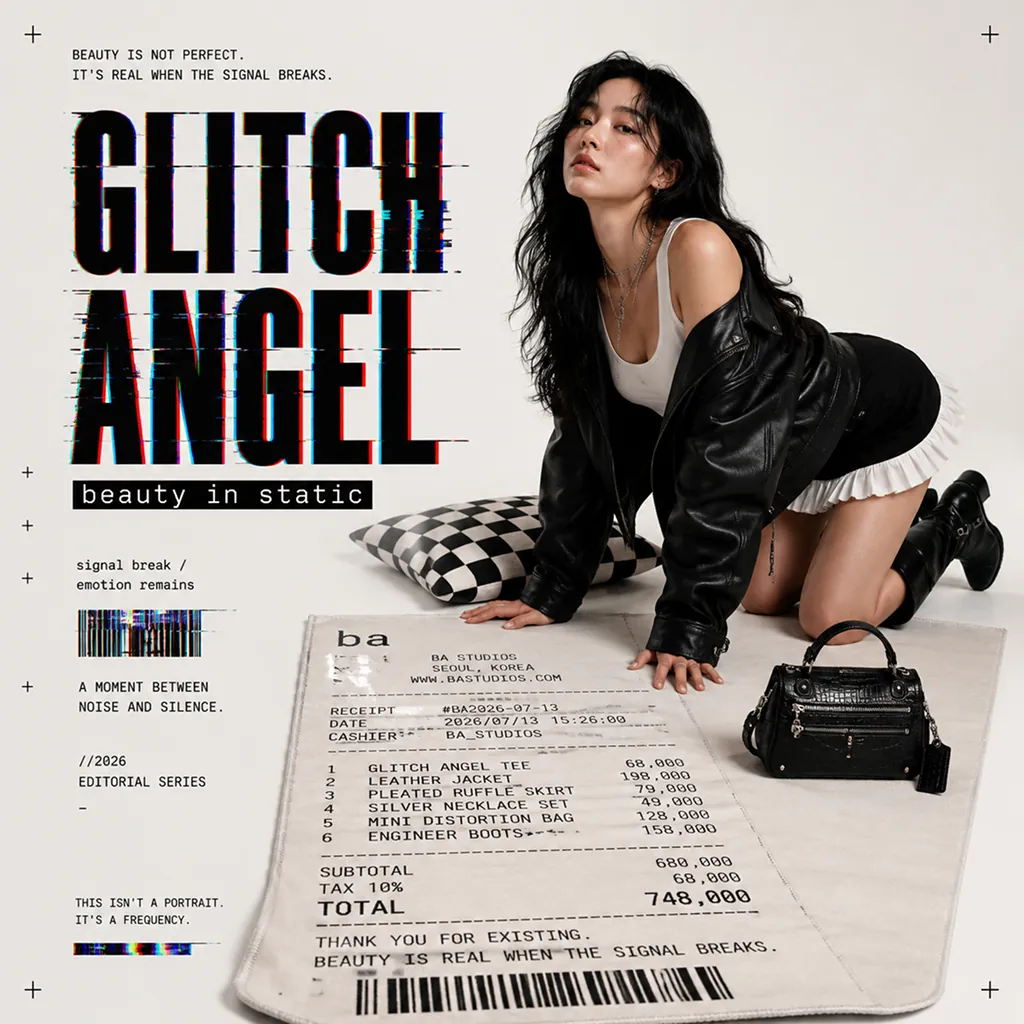
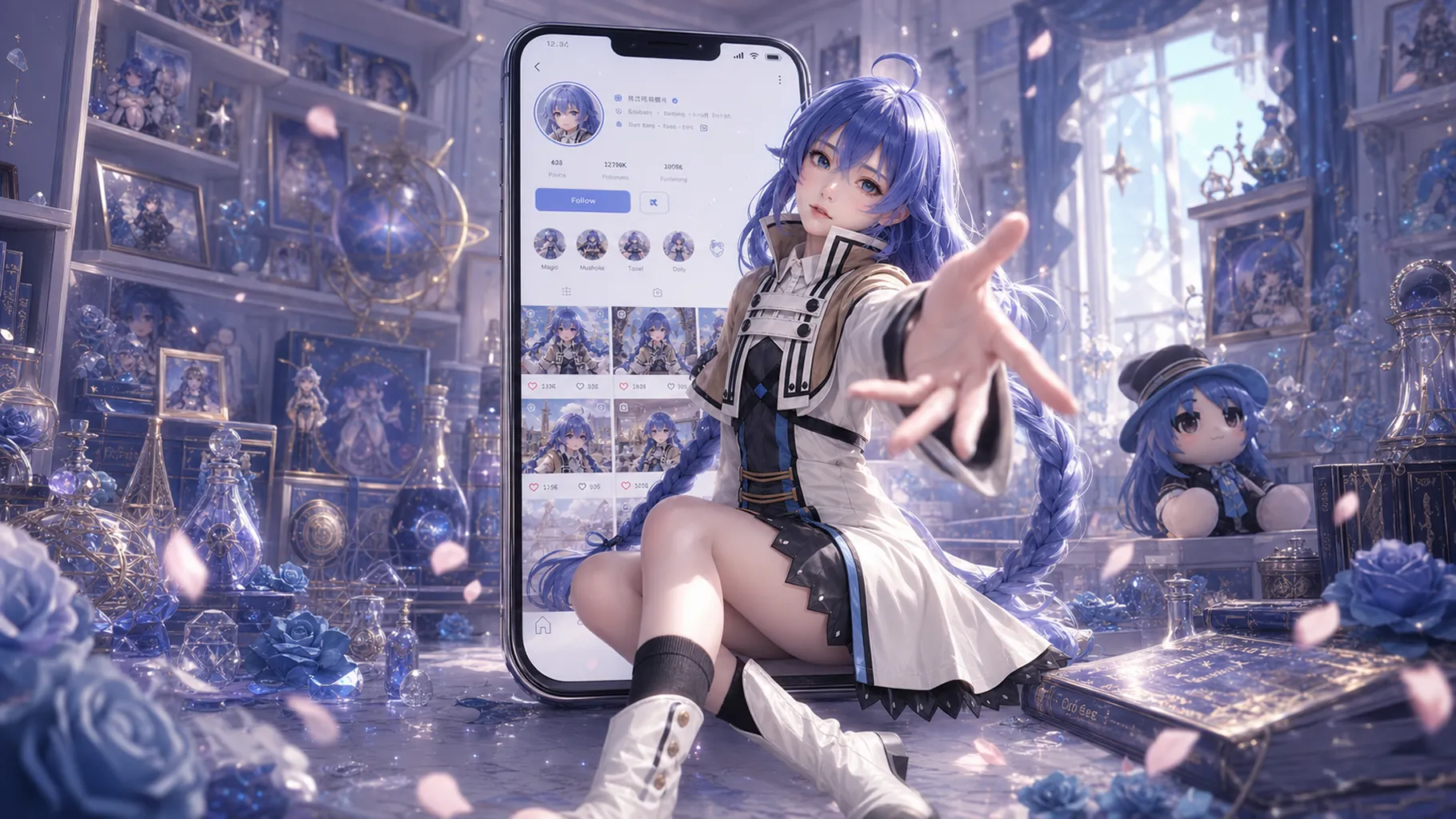
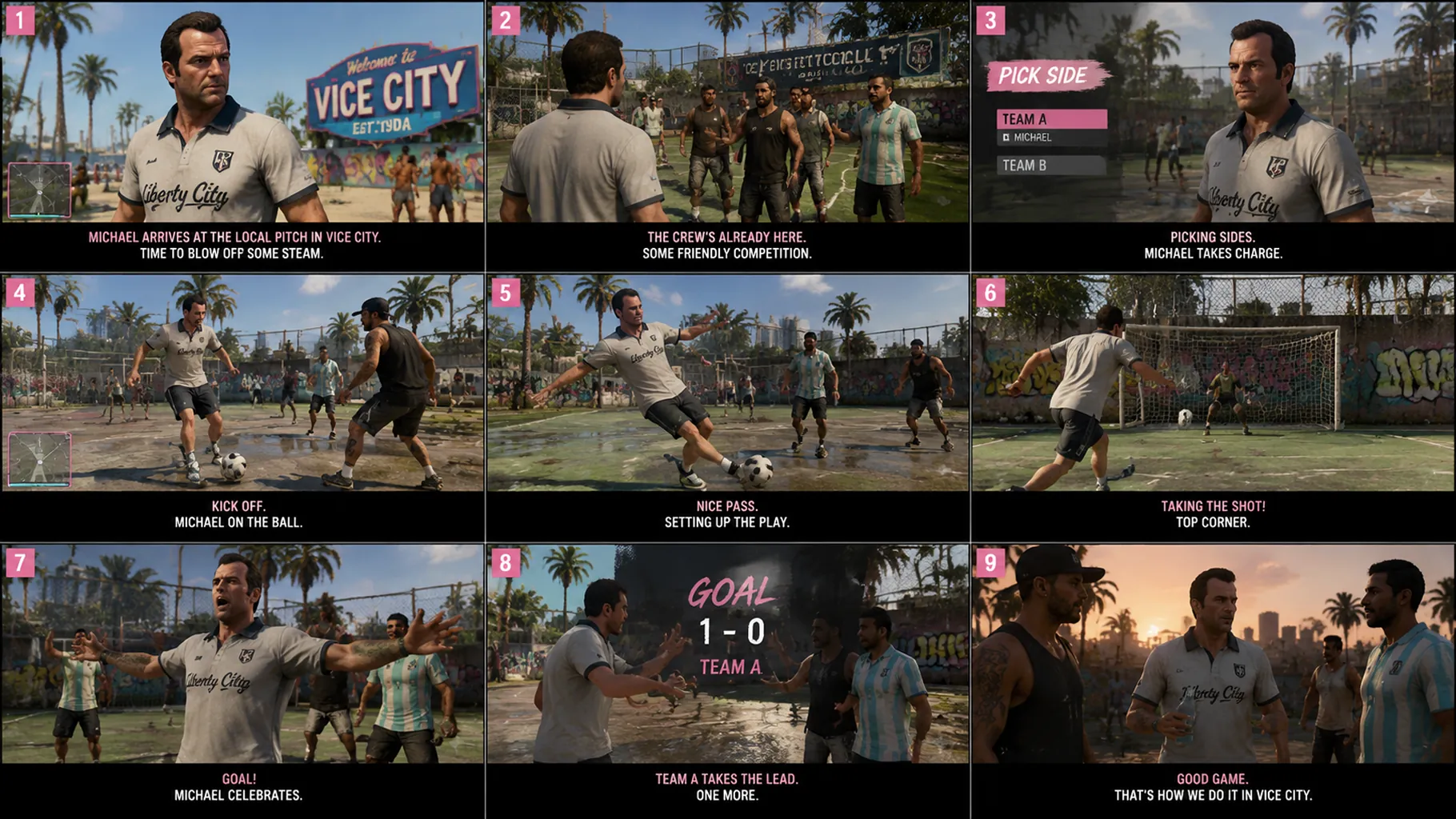
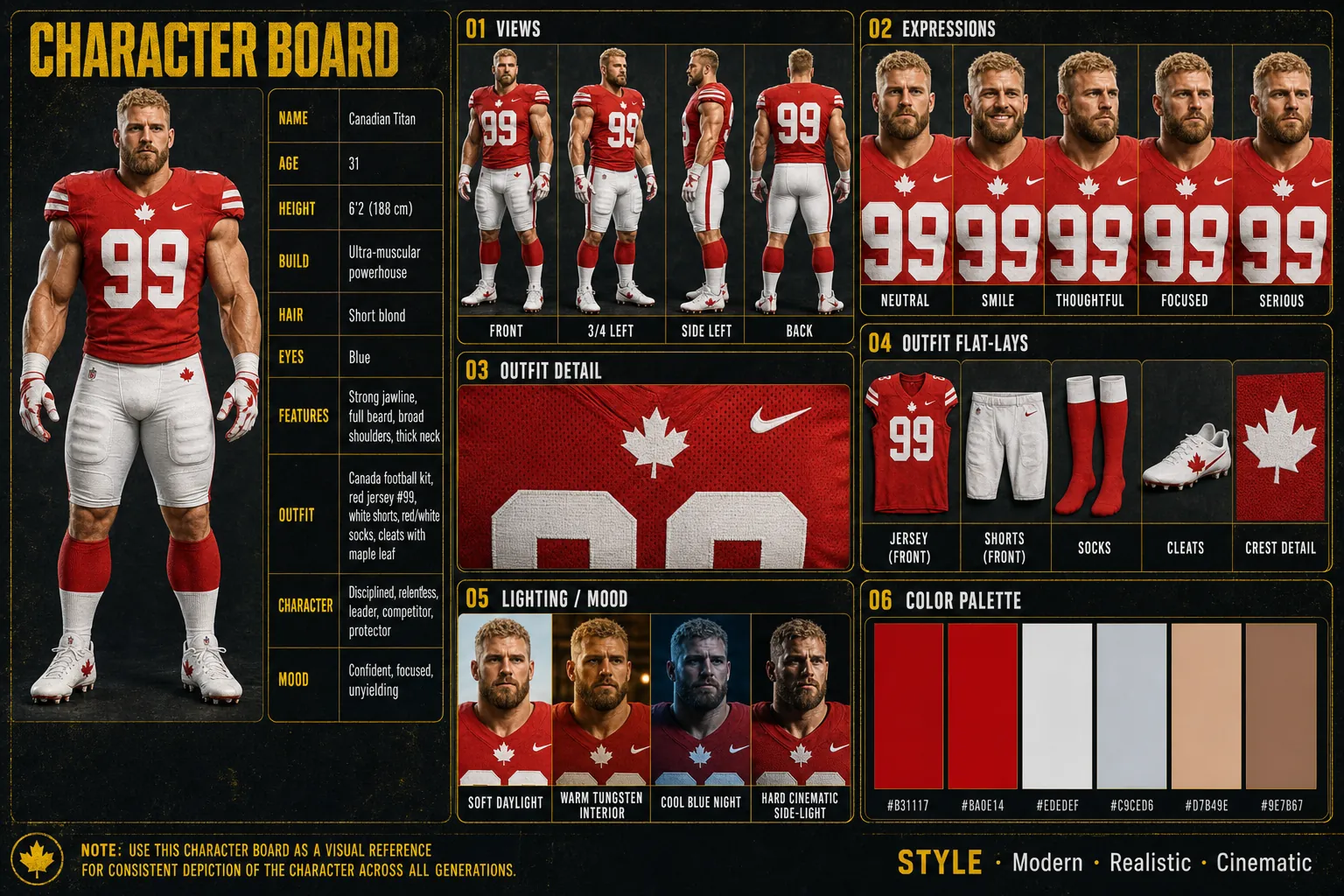
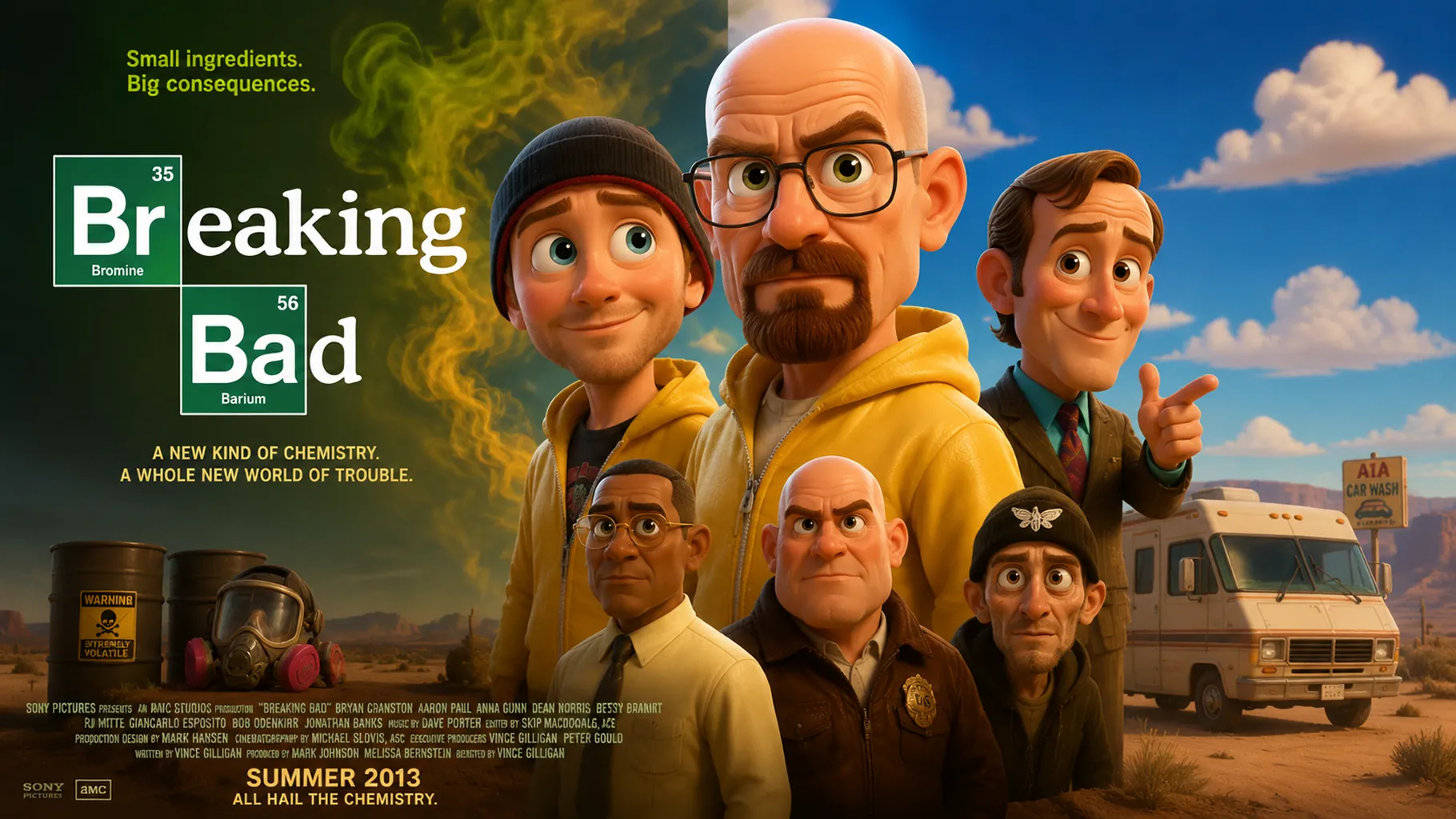
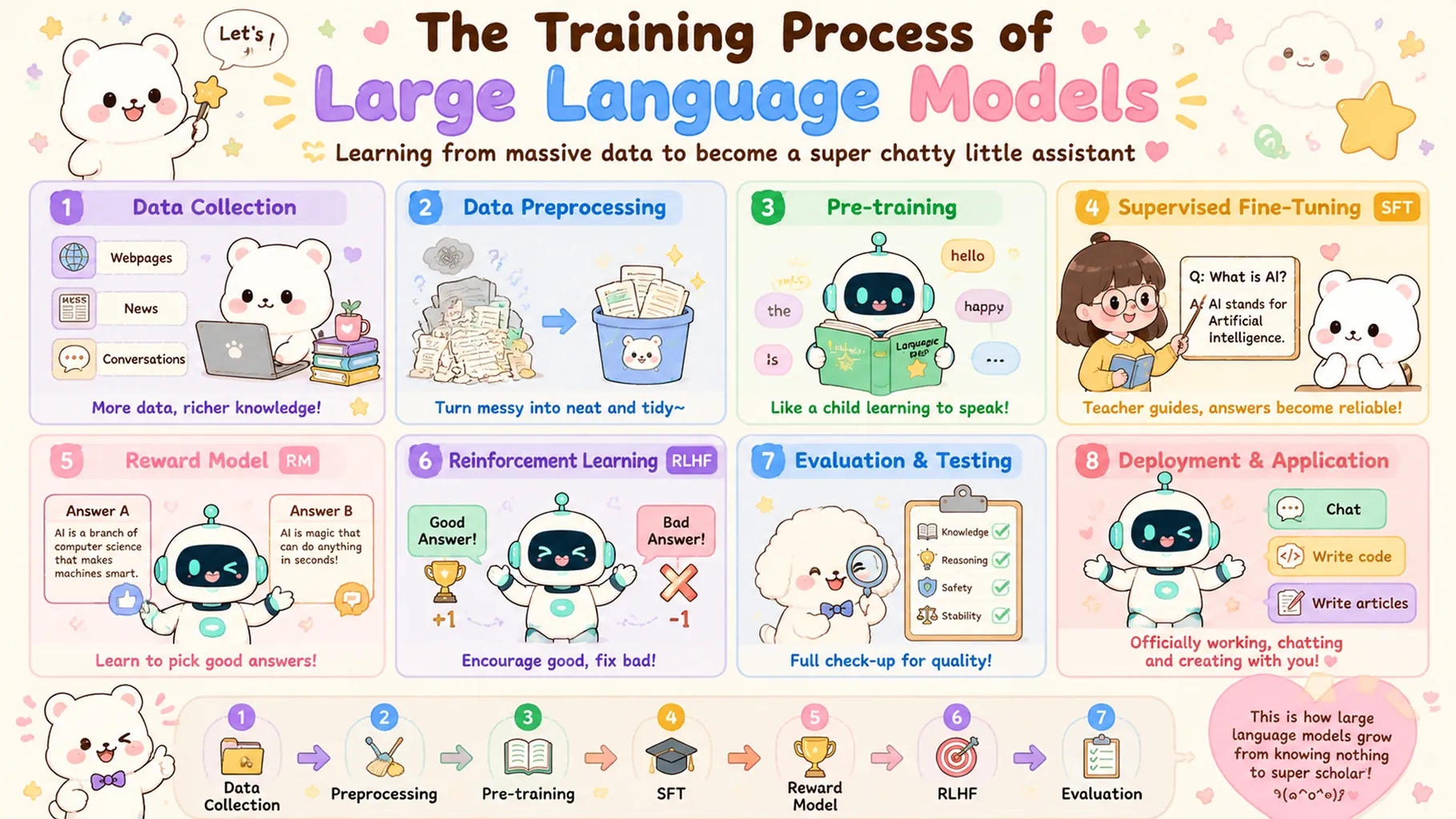


GPT Image 2 Client API จาก OpenAI มอบการสร้างภาพ AI คุณภาพสูงและคุ้มค่ามากสำหรับนักพัฒนาและทีมครีเอทีฟ การผสานรวม text-to-image API ระดับมืออาชีพนี้ช่วยเปลี่ยน prompts ภาษาธรรมชาติให้เป็น visuals ที่สมบูรณ์ พร้อมการทำตามคำสั่งที่แข็งแรง การควบคุมคุณภาพที่ยืดหยุ่น และความสม่ำเสมอของ output ที่เชื่อถือได้ สร้างบน GPT image generation stack ล่าสุดของ OpenAI, GPT Image 2 Client ผสานความเข้าใจ prompt เชิง semantic กับ production-ready API integration สำหรับ creative workflows ที่ scalable บน Best Image AI
หมายเหตุ โปรดตรวจสอบให้ prompts ของคุณเป็นไปตาม usage policies ของ OpenAI หากเกิดข้อผิดพลาด ให้ตรวจ prompt เพื่อหา restricted content ปรับแก้ แล้วลองใหม่
GPT Image 2 Client vs. GPT Image 2
GPT Image 2 และ GPT Image 2 Client มีจุดแข็งหลักด้าน generation ร่วมกันในเรื่อง prompt adherence, text rendering และ production usability ส่วน GPT Image 2 Client วางตำแหน่งเป็นตัวเลือกที่คุ้มค่ามากสำหรับทีมที่ต้องการ workflow โดยรวมแบบเดียวกันพร้อม cost efficiency ที่ดีกว่า
GPT Image 2 Client vs. Runway Gen-4 Image
Runway Gen-4 Image เน้น cinematic creative direction และ reference-driven visuals ส่วน GPT Image 2 Client API เด่นด้วย text rendering ที่แข็งแรง instruction following ที่เชื่อถือได้ และ positioning ที่คุ้มค่ามากสำหรับ text-to-image production ที่ scalable
GPT Image 2 Client vs. Stable Diffusion 3.5
Stable Diffusion 3.5 ให้ open-model flexibility และ customization potential ที่ลึกกว่า ส่วน GPT Image 2 Client ให้ API integration ที่ hassle-free, prompt adherence ที่ดีกว่าแบบ out-of-the-box และ production path ที่คุ้มค่ามากสำหรับทีมที่ต้องการ image generation พร้อมใช้ทันที
GPT Image 2 Client vs. Qwen Image 2.0
Qwen Image 2.0 แข็งแรงด้าน multilingual และ value-focused image generation ส่วน GPT Image 2 Client API แตกต่างด้วย instruction following ที่ขัดเกลาของ OpenAI, text-in-image rendering ที่เชื่อถือได้ และ professional workflow ที่คุ้มค่ามากสำหรับ global creative teams
GPT Image 2 Client vs. Nano Banana 2
Nano Banana 2 เน้น Gemini Flash speed และ high-throughput generation ส่วน GPT Image 2 Client เป็นทางเลือกที่น่าสนใจด้วย prompt control ที่แข็งแรง typography handling ที่สะอาด และการผสานรวม OpenAI API ที่คุ้มค่ามากสำหรับ production use ที่ใช้งานได้จริง
สำรวจเครื่องมือสร้างสรรค์ด้วย AI หลายรายการสำหรับเวิร์กโฟลว์รูปภาพและวิดีโอที่รวดเร็วในเบราว์เซอร์ แล้วขยายแนวคิดที่ประสบความสำเร็จด้วย API โมเดลที่พร้อมใช้งานจริงจาก Best Image AI โดย Best Image AI มีชั้น API แบบรวมสำหรับทุกโมเดล ทำให้ใช้และขยายเวิร์กโฟลว์ได้ง่าย
สร้างรูปภาพ AI จากพรอมต์ข้อความ

สร้างรูปภาพ AI จากรูปภาพและพรอมต์ข้อความ

สร้างวิดีโอ AI จากพรอมต์ข้อความ

ทำให้รูปภาพเคลื่อนไหวเป็นวิดีโอ AI

สร้างรูปภาพและวิดีโอ AI ในพื้นที่ทำงานเดียว

สร้างวิดีโอที่สอดคล้องกันจากสื่ออ้างอิง

สร้างเวิร์กโฟลว์ภาพและวิดีโอ AI แบบภาพบนแคนวาสไร้ขอบเขต
// Step 1: Submit generation request
const response = await fetch('https://api.flaq.ai/api/v1/image/task', {
  method: 'POST',
  headers: {
    'Content-Type': 'application/json',
    'Authorization': 'Bearer YOUR_API_KEY'
  },
  body: JSON.stringify({
    model_name: 'gpt-image-2-client',
    prompt: 'A minimalist product shot of a ceramic mug on marble, soft studio light',
    width: 1,
    height: 1,
    resolution: '1k',
    quality: 'medium'
  })
});

const { data } = await response.json();
const taskId = data.task_id;
// Step 2: Poll for results
const taskId = data.task_id;

const pollResult = async (taskId) => {
  const res = await fetch(`https://api.flaq.ai/api/v1/image/${taskId}`, {
    headers: { 'Authorization': 'Bearer YOUR_API_KEY' }
  });
  return res.json();
};

while (true) {
  const pollResultData = await pollResult(taskId);
  const status = pollResultData.data.task_status;

  if (status === 'succeed') {
    console.log(pollResultData.data.task_result.images[].);
    ;
  }

   (status === ) {
    .(pollResultData..);
    ;
  }

    ( (resolve, ));
}
# Step 1: Submit generation request
import requests

response = requests.post(
    'https://api.flaq.ai/api/v1/image/task',
    headers={
        'Content-Type': 'application/json',
        'Authorization': 'Bearer YOUR_API_KEY'
    },
    json={
        'model_name': 'gpt-image-2-client',
        'prompt': 'A minimalist product shot of a ceramic mug on marble, soft studio light',
        'width': 1,
        'height': 1,
        'resolution': '1k',
        'quality': 'medium'
    }
)

task_id = response.json()['data']['task_id']
# Step 1: Submit generation request
curl -X POST https://api.flaq.ai/api/v1/image/task \
  -H "Content-Type: application/json" \
  -H "Authorization: Bearer YOUR_API_KEY" \
  -d '{
    "model_name": "gpt-image-2-client",
    "prompt": "A minimalist product shot of a ceramic mug on marble, soft studio light",
    "width": 1,
    "height": 1,
    "resolution": "1k",
    "quality": "medium"
  }'
# Step 2: Poll for results
# Replace {task_id} with the task_id returned from the submit response
curl -X GET "https://api.flaq.ai/api/v1/image/{task_id}" \
  -H "Authorization: Bearer YOUR_API_KEY"
# Step 2: Poll for results
task_id = response.json()['data']['task_id']
poll_url = f"https://api.flaq.ai/api/v1/image/{task_id}"

while True:
    poll_result = requests.get(poll_url, headers={'Authorization': 'Bearer YOUR_API_KEY'}).json()
    status = poll_result['data']['task_status']
    if status == 'succeed':
        print(poll_result['data']['task_result']['images'][0]['url'])
        break
    if status == 'failed':
        print(poll_result['data']['task_status_msg'])
        break
    time.sleep(10)