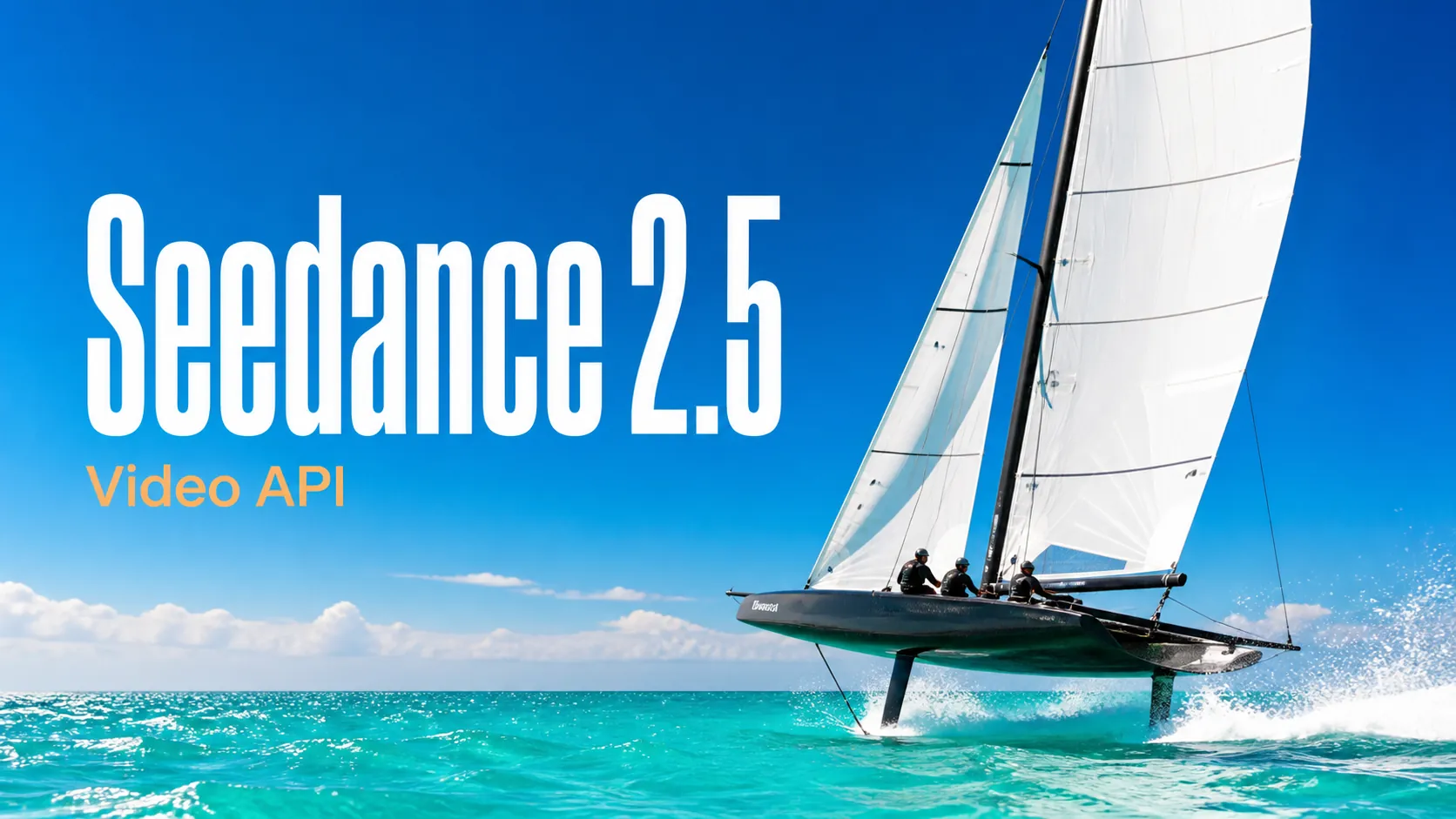
พรอมต์ Seedance 2.5
สำรวจพรอมต์วิดีโอ Seedance 2.5 ที่มีโครงสร้างสำหรับฉากภาพยนตร์ โฆษณา แอนิเมชัน UGC และเวิร์กโฟลว์ image-to-video ที่ควบคุมได้
ทดลองใช้ฟรีสำหรับการสร้างภาพคุณภาพสูง
สัมผัสประสบการณ์การสร้างรูปภาพที่เร็วกว่า คุณภาพสูงกว่า ปราศจากโฆษณาผ่านเว็บไซต์มืออาชีพของเรา
เริ่มต้นด้วยตัวอย่างพรอมต์ภาพและวิดีโอที่นำไปใช้ได้จริง เปิดคอลเลกชันพรอมต์ฉบับสมบูรณ์ หรือเรียกดูคลัง GitHub ที่มีการดูแลอย่างต่อเนื่อง
สำรวจพรอมต์วิดีโอ Seedance 2.5 ที่มีโครงสร้างสำหรับฉากภาพยนตร์ โฆษณา แอนิเมชัน UGC และเวิร์กโฟลว์ image-to-video ที่ควบคุมได้
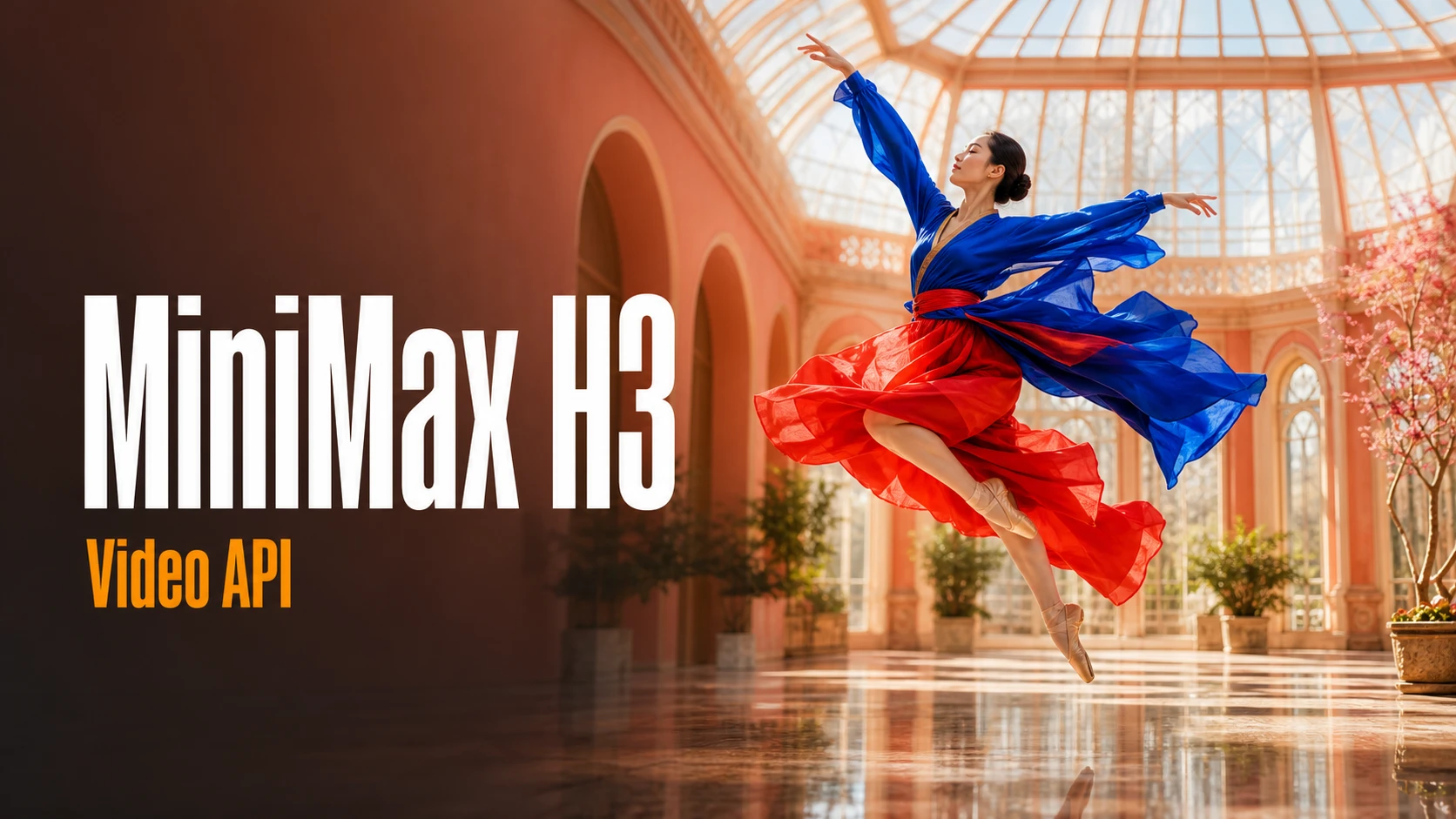
เรียกดูพรอมต์ MiniMax H3 ที่เน้นงานผลิตสำหรับภาพยนตร์แบรนด์ วิดีโอผลิตภัณฑ์ แคมเปญโซเชียล การเล่าเรื่อง และการสร้างสรรค์สื่อภาพและเสียง
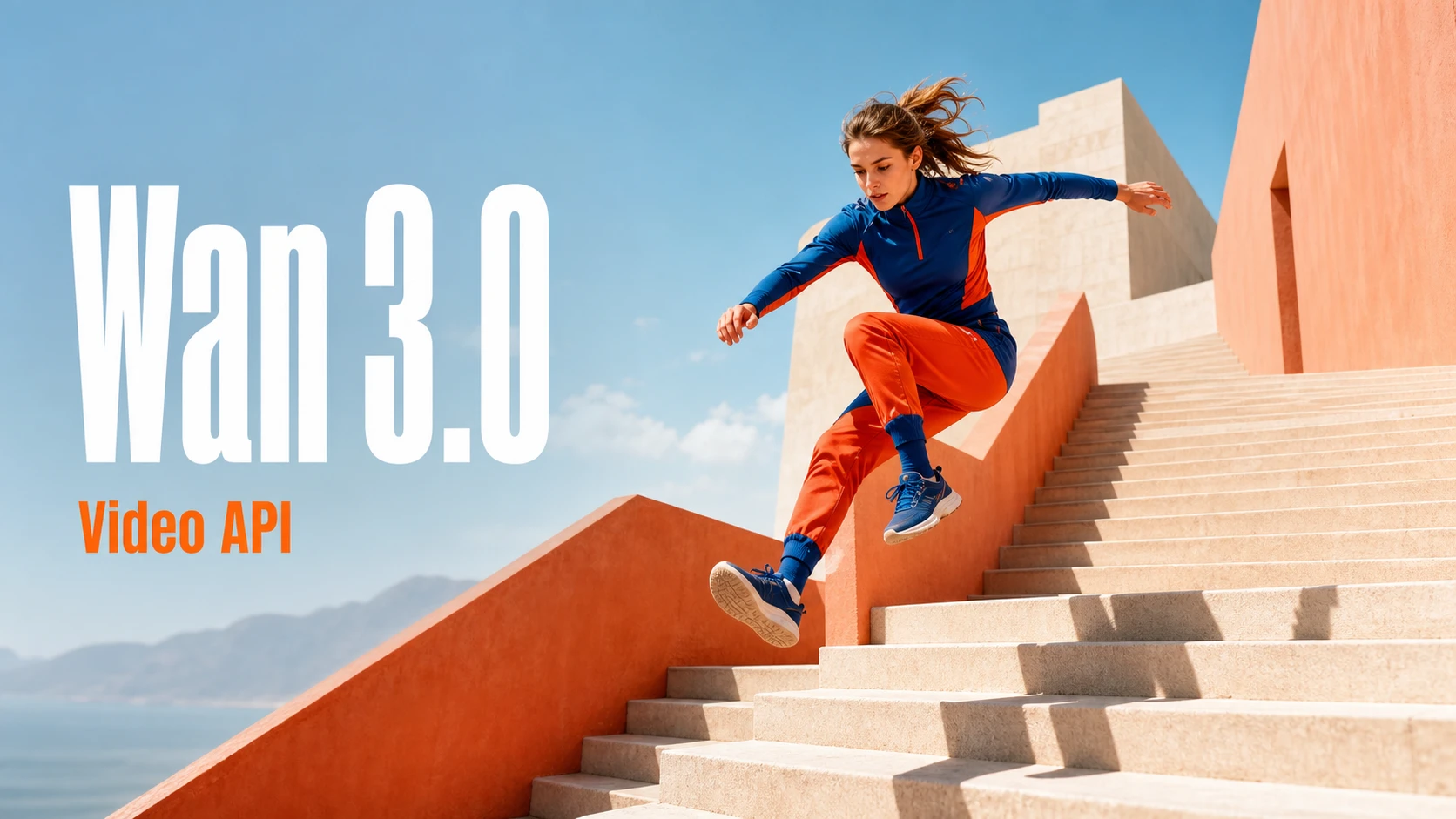
ค้นพบไอเดียพรอมต์ Wan 3.0 สำหรับการเล่าเรื่องแบบภาพยนตร์ การเปลี่ยนฉาก วิดีโอผลิตภัณฑ์ แอ็กชัน แอนิเมชัน และการกำกับวิดีโอระดับมืออาชีพ
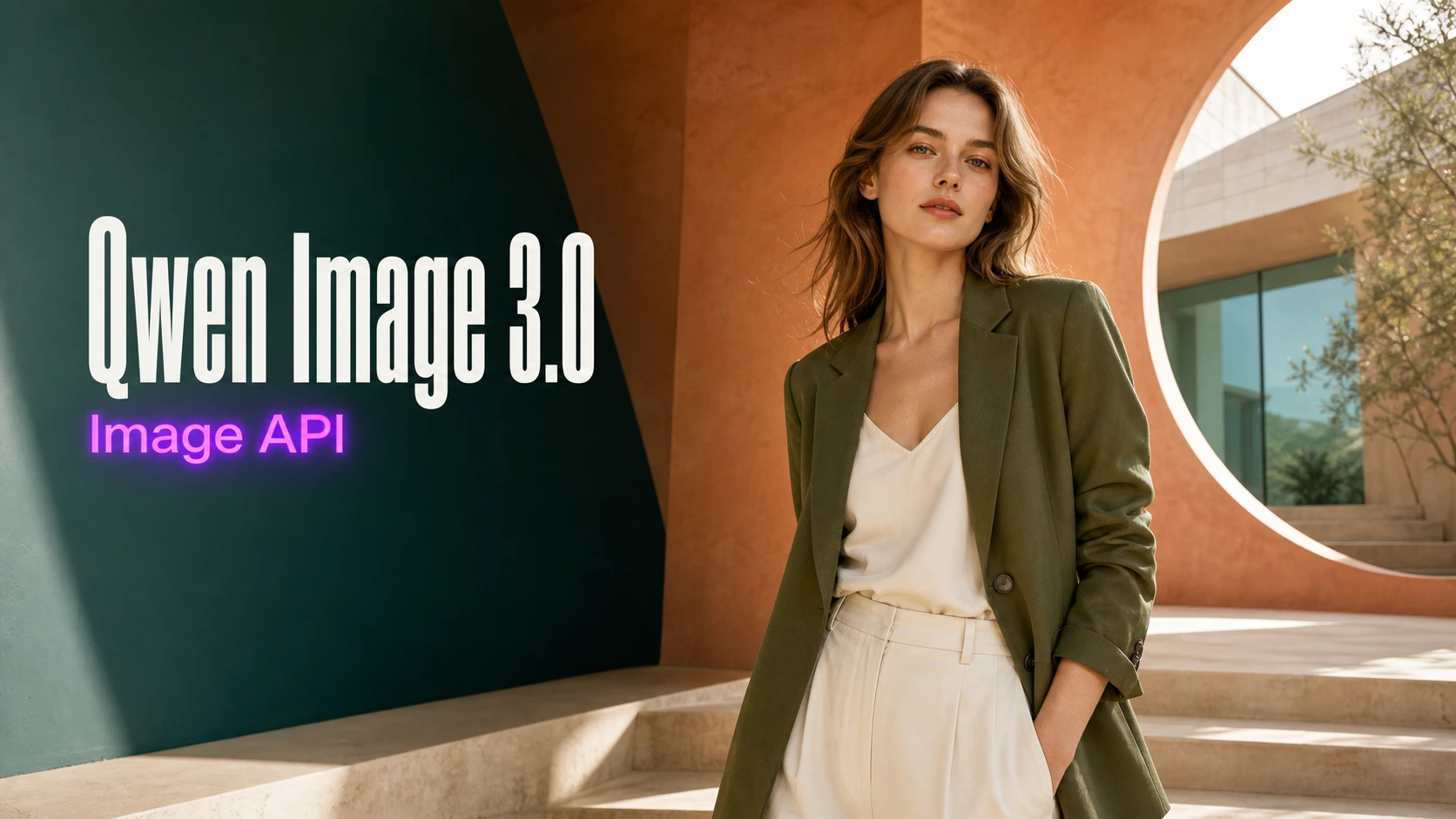
ค้นหาพรอมต์ Qwen Image 3.0 แบบละเอียดสำหรับโปสเตอร์ ภาพผลิตภัณฑ์ คอนเทนต์โซเชียล งานออกแบบบรรณาธิการ ตัวอักษร และการผลิตภาพ
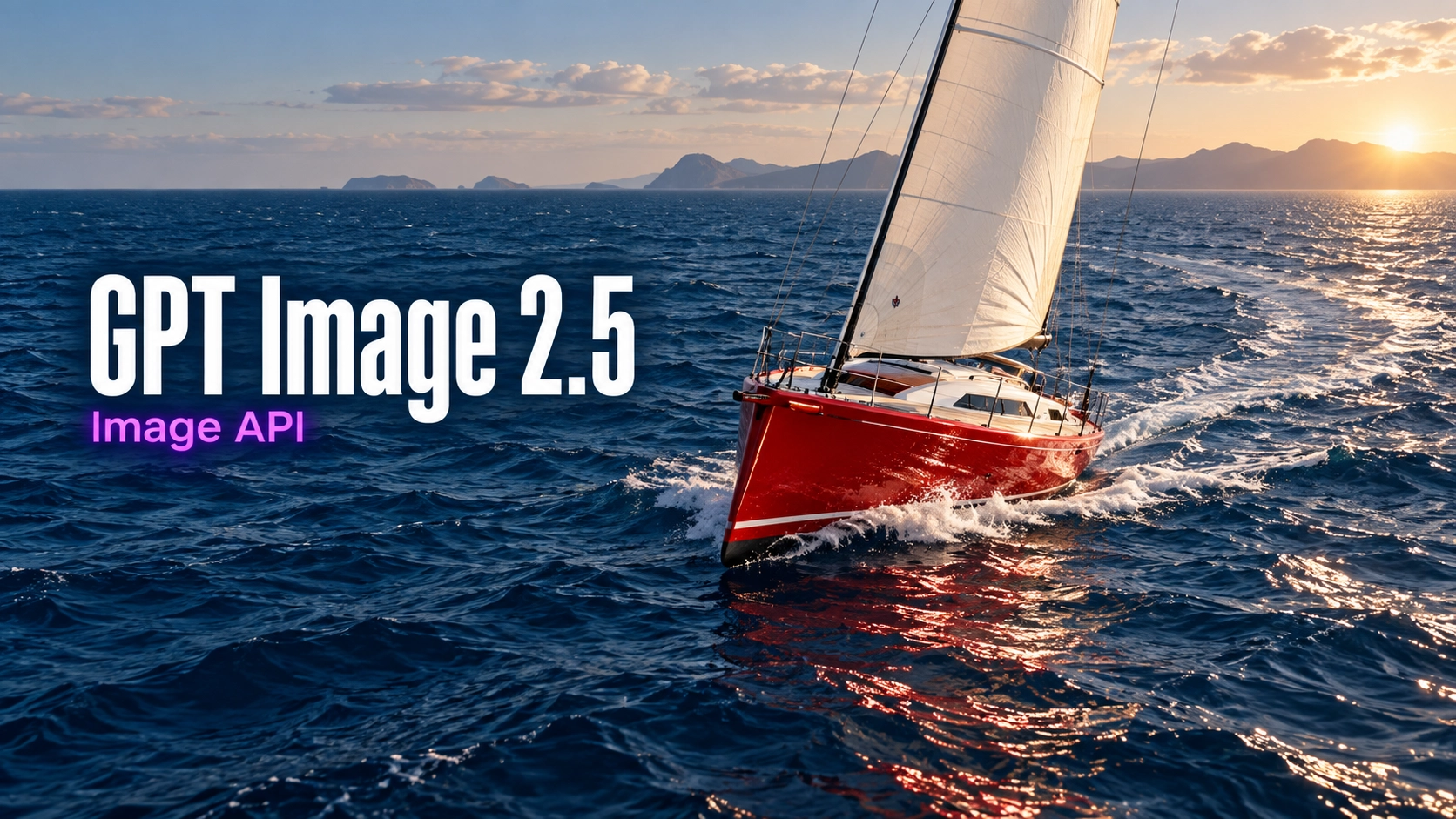
สำรวจพรอมต์ภาพสำหรับภาพสินค้า งานออกแบบสิ่งพิมพ์ ภาพบุคคล การจัดตัวอักษร และการแก้ไขตามภาพอ้างอิงที่ควบคุมได้
สำรวจเครื่องมือสร้างสรรค์ด้วย AI หลายรายการสำหรับเวิร์กโฟลว์รูปภาพและวิดีโอที่รวดเร็วในเบราว์เซอร์ แล้วขยายแนวคิดที่ประสบความสำเร็จด้วย API โมเดลที่พร้อมใช้งานจริงจาก Best Image AI โดย Best Image AI มีชั้น API แบบรวมสำหรับทุกโมเดล ทำให้ใช้และขยายเวิร์กโฟลว์ได้ง่าย
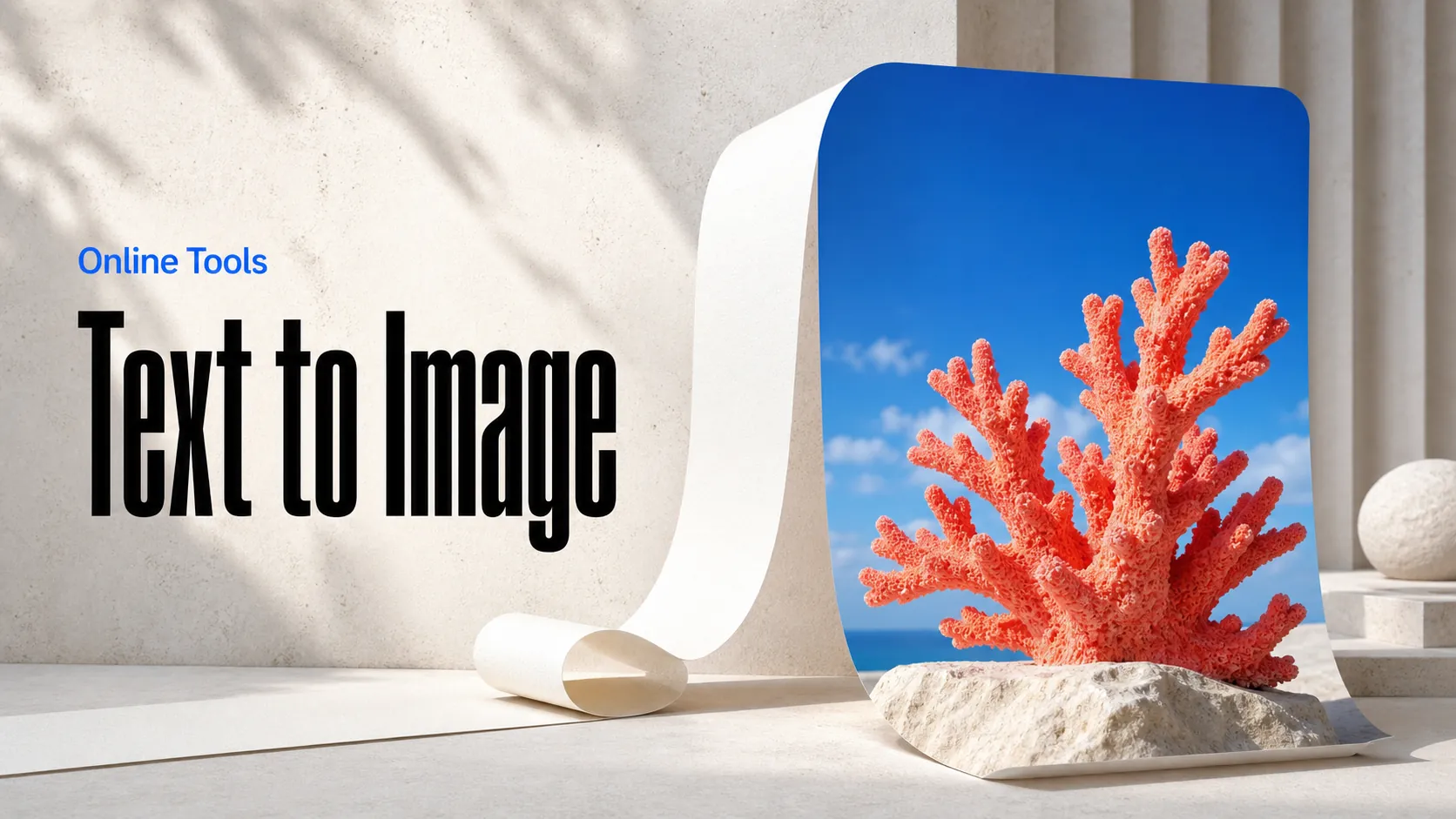
สร้างรูปภาพ AI จากพรอมต์ข้อความ
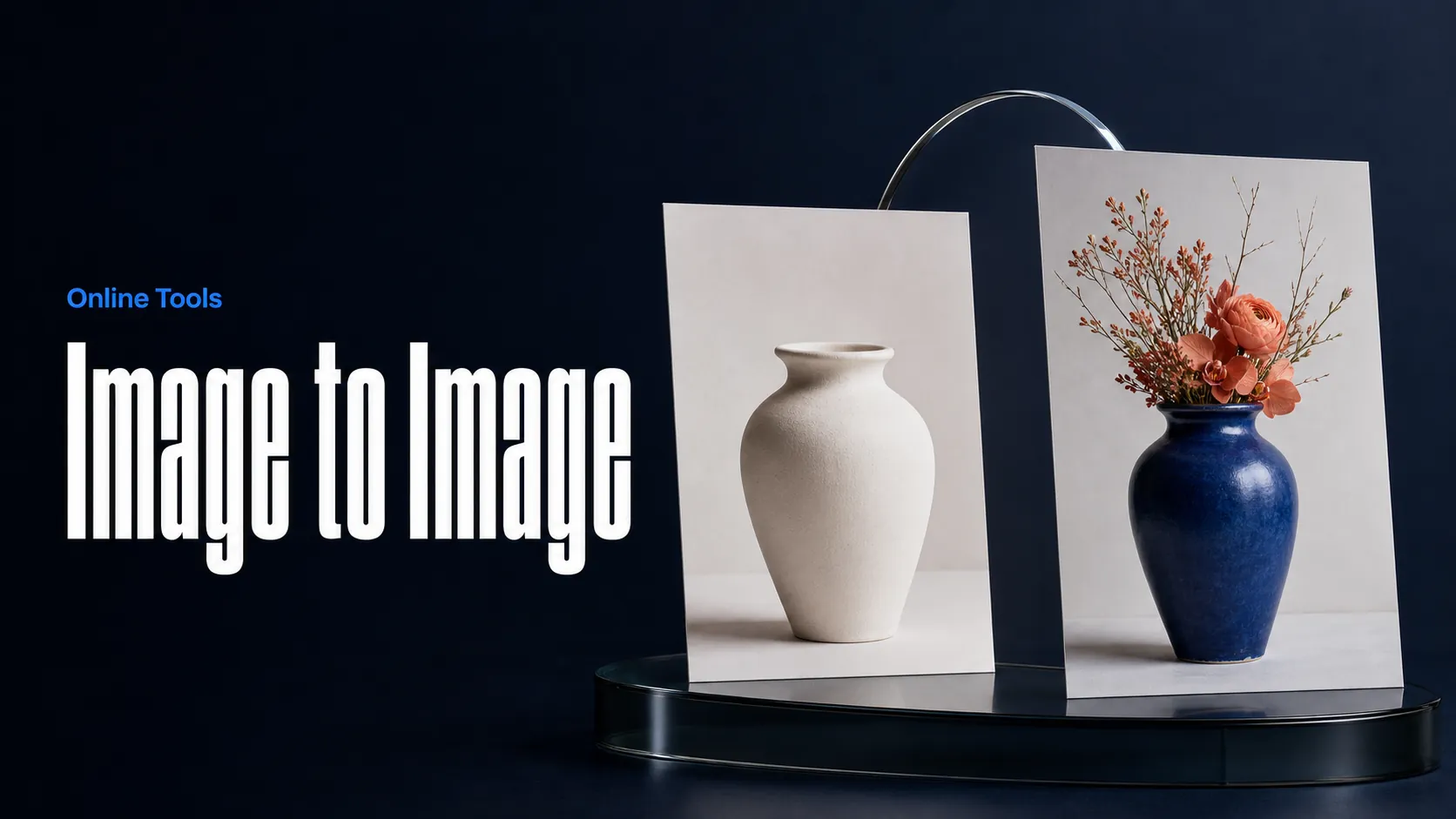
สร้างรูปภาพ AI จากรูปภาพและพรอมต์ข้อความ
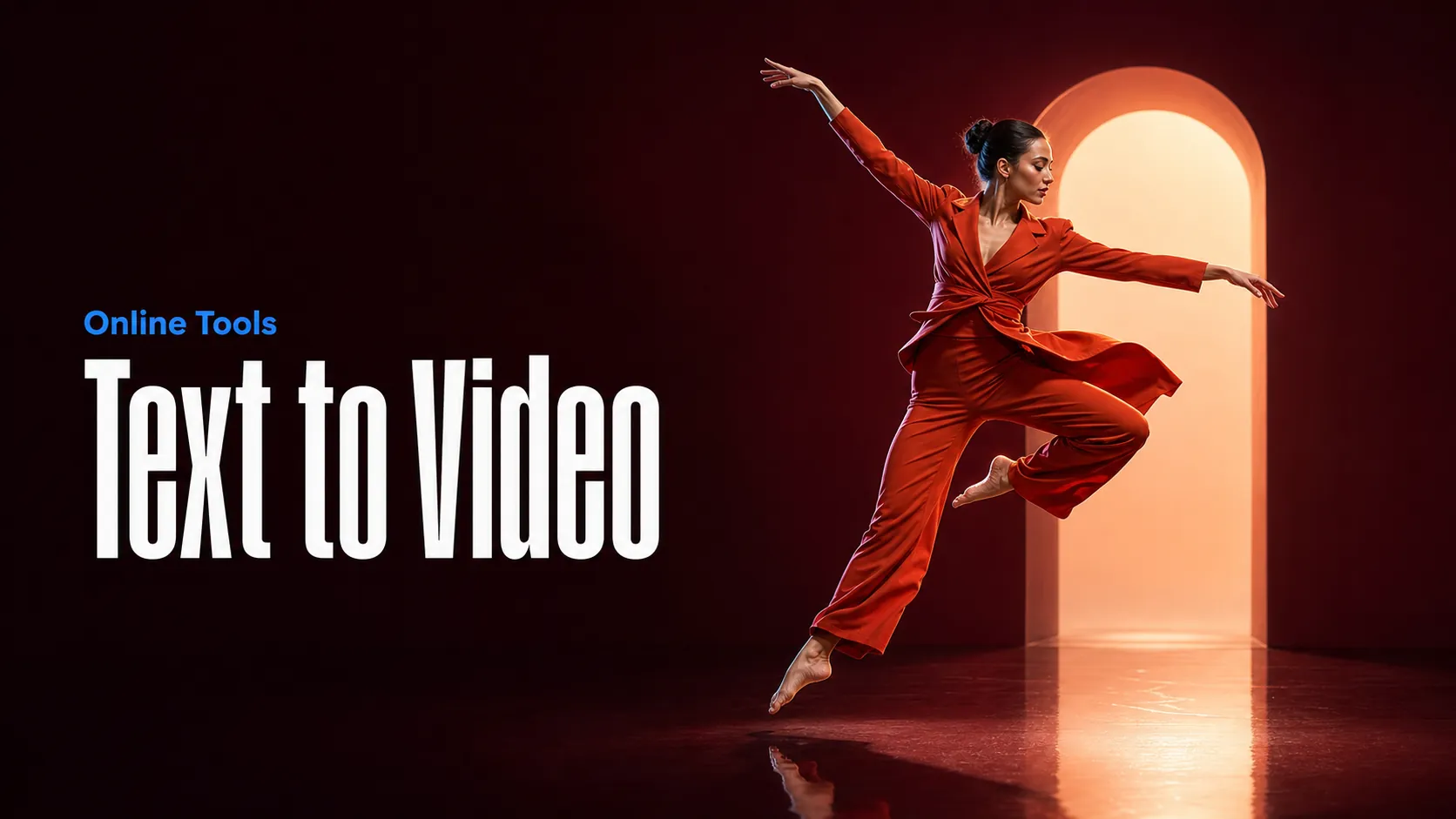
สร้างวิดีโอ AI จากพรอมต์ข้อความ
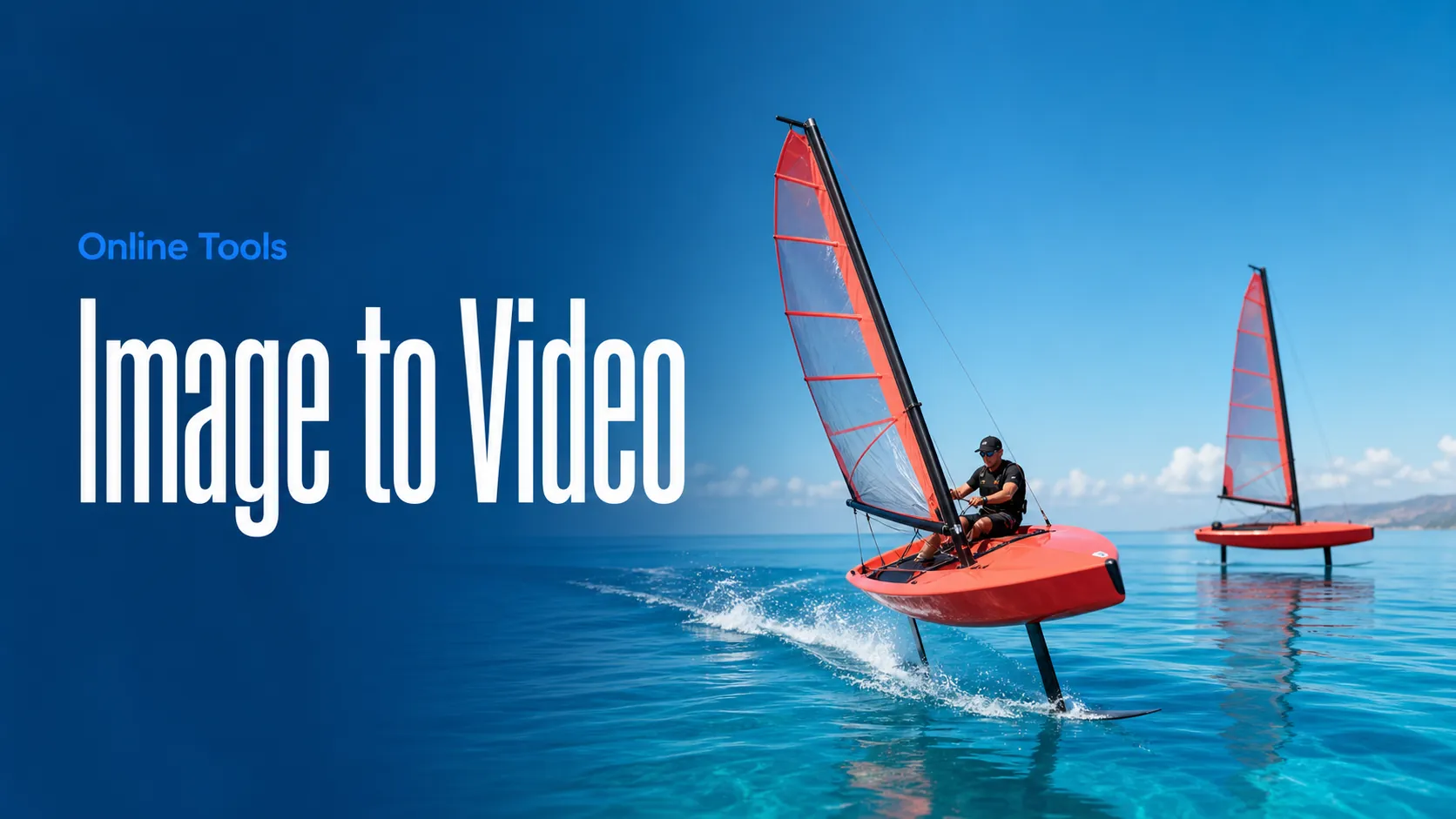
ทำให้รูปภาพเคลื่อนไหวเป็นวิดีโอ AI
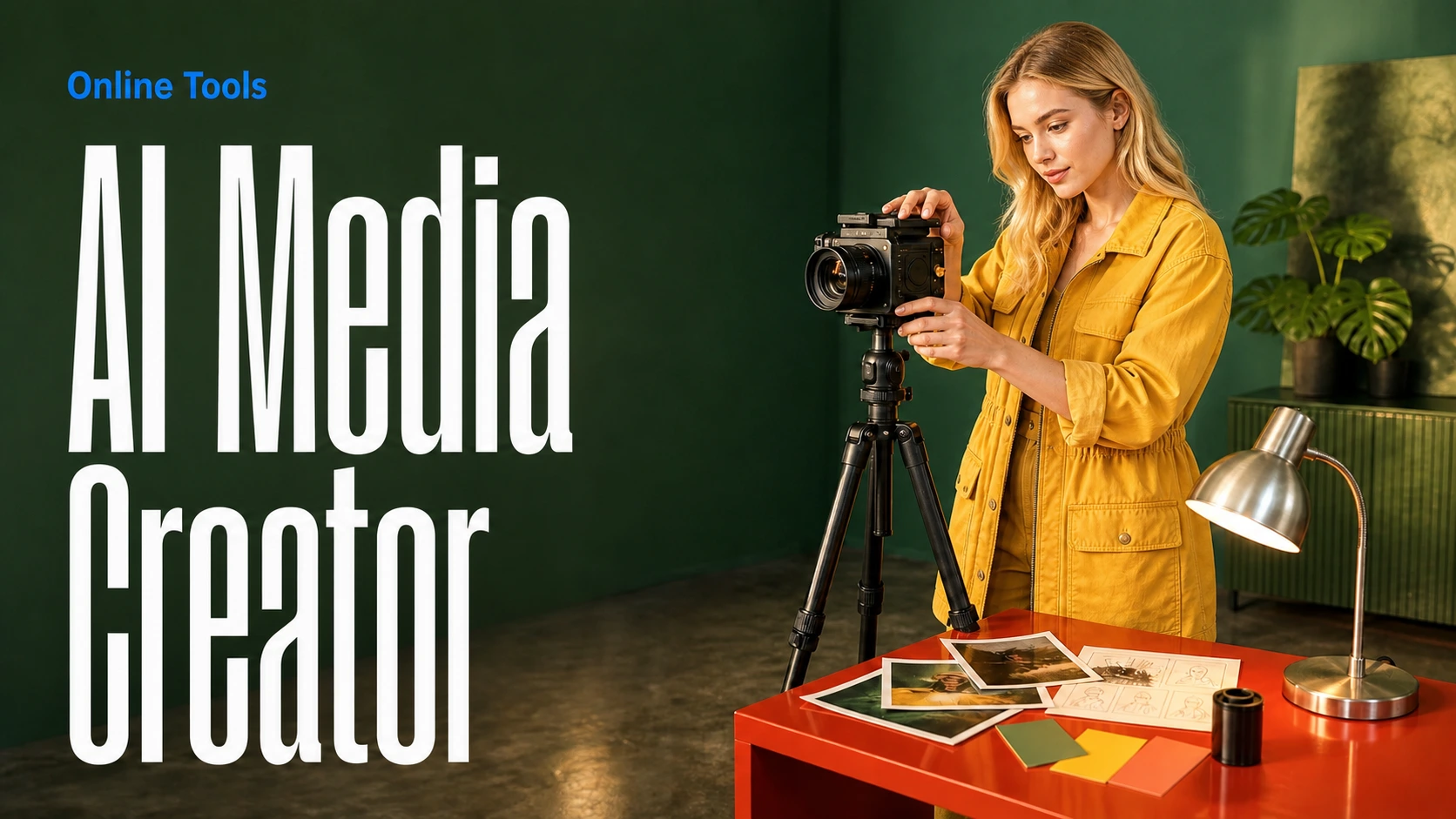
สร้างรูปภาพและวิดีโอ AI ในพื้นที่ทำงานเดียว
สร้างวิดีโอที่สอดคล้องกันจากสื่ออ้างอิง
สร้างเวิร์กโฟลว์ภาพและวิดีโอ AI แบบภาพบนแคนวาสไร้ขอบเขต
สร้างสรรค์ฟรี · สร้างรายได้จากโปรแกรมพันธมิตร
เข้าร่วมโปรแกรมพันธมิตร Bestimage.ai แชร์ลิงก์แนะนำให้ครีเอเตอร์ที่ต้องการเครื่องมือ AI ที่เชื่อถือได้ และรับค่าคอมมิชชันจากการแนะนำ
เข้าร่วมโปรแกรมพันธมิตรเครื่องมือสร้างภาพด้วย AI และแก้ไขภาพด้วย AI ที่ยืดหยุ่นสำหรับการสร้าง text-to-image และ image-to-image ออกแบบมาเพื่อการทำตาม prompt อย่างละเอียด เลย์เอาต์สะอาด ทิศทางภาพแม่นยำ การแก้ไขด้วยภาพอ้างอิง และการทำซ้ำงานสร้างสรรค์อย่างรวดเร็ว
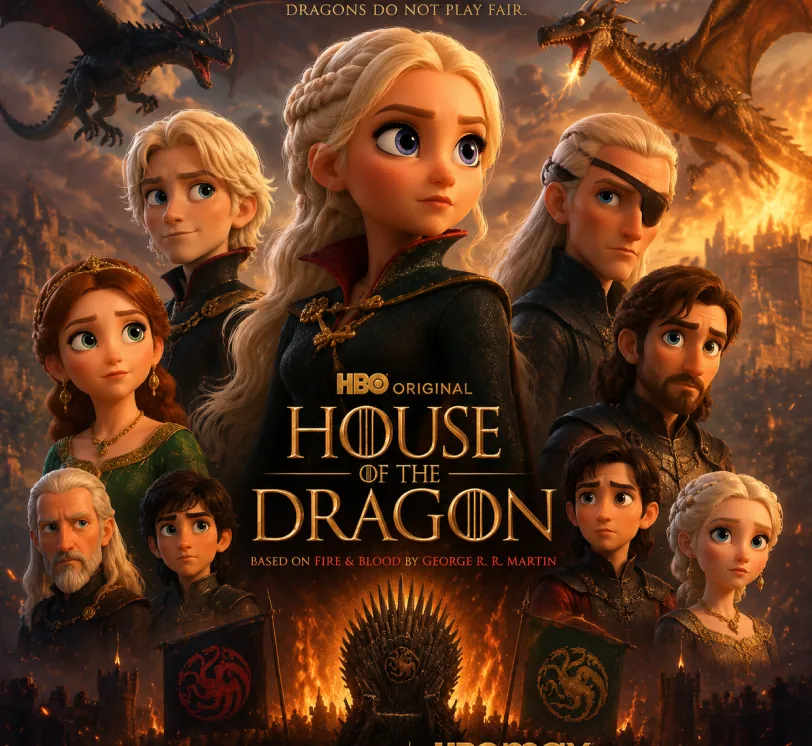
Pixar-style movie poster reimagining of the TV show {argument name="House of the Dragon" default="[Breaking Bad]"}. Feature the main cast as charming 3D CGI caricature characters with exaggerated, expressive features, big expressive eyes, and warm glossy Pixar-quality rendering. Compose it as an actual movie poster
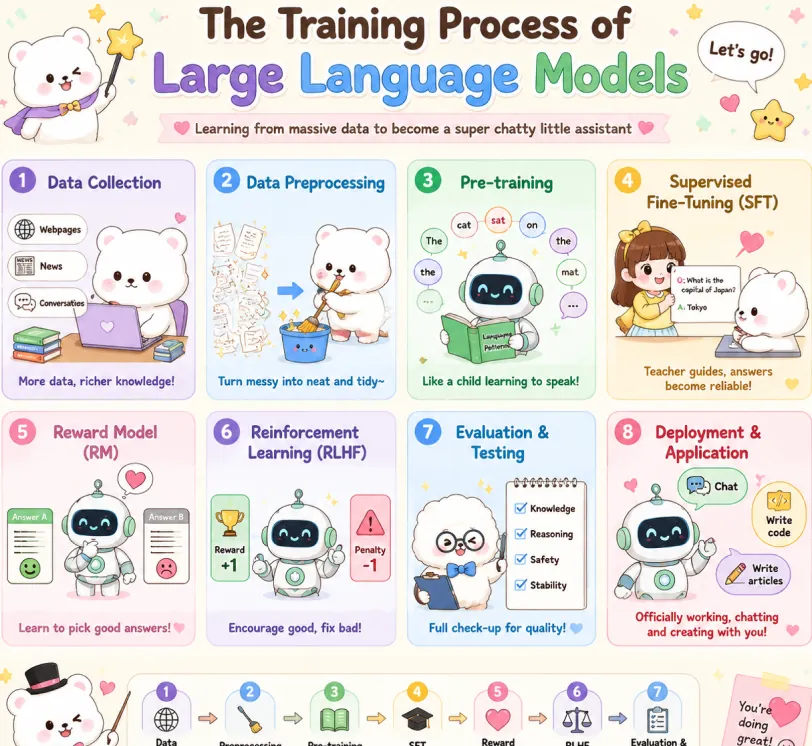
Create a cute pastel horizontal poster titled 'The Training Process of Large Language Models' with subtitle 'Learning from massive data to become a super chatty little assistant'. Hand-drawn cartoon style, rounded panels, soft cream background, pastel colors (lavender, sky blue, mint green, yellow, pink, brown), crisp English text, stars, hearts, arrows, speech bubbles. Warm friendly tone. 2x4 grid: Data Collection (lavender): White bear with laptop and books. Labels: Webpages, News, Conversations. Caption: More data, richer knowledge! Data Preprocessing (sky blue): Bear cleans messy papers into bucket. Caption: Turn messy into neat and tidy~ Pre-training (mint green): Cute robot reads book with token bubbles. Caption: Like a child learning to speak! Supervised Fine-Tuning SFT (yellow): Teacher shows QA card to bear. Caption: Teacher guides, answers become reliable! Reward Model RM (pink): Robot picks the better answer. Caption: Learn to pick good answers! Reinforcement Learning RLHF (lavender blue): Robot sees reward and penalty. Caption: Encourage good, fix bad! Evaluation & Testing (blue): Fluffy character checks Knowledge, Reasoning, Safety, Stability. Caption: Full check-up for quality! Deployment & Application (red pink): Robot with Chat, Write code, Write articles. Caption: Officially working, chatting and creating with you! Top: Sparkle, confetti, white mascot with star wand, 'Let's go!' bubble. Bottom: Bow-tie mascot, 7-step flow with arrows: Data Collection → Preprocessing → Pre-training → SFT → Reward Model → RLHF → Evaluation. Closing: This is how large language models grow from knowing nothing to super scholar! ٩(๑^o^ٖ)۶. Heart sticky note. Mascots: cute robot, chubby white bear, teacher girl, fluffy examiner. Polished and shareable infographic.
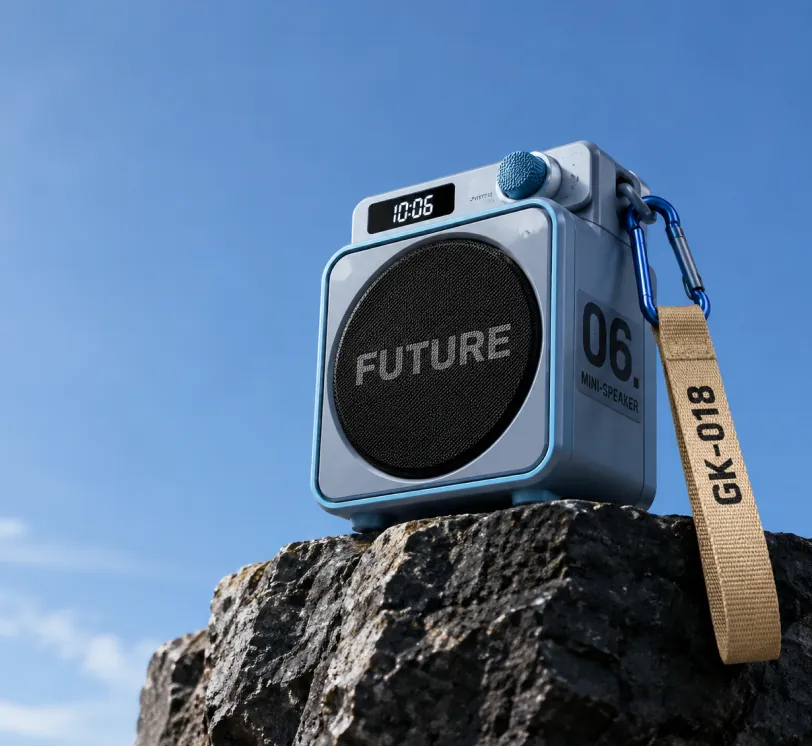
Photorealistic product photography of a compact modern portable mini-speaker resting on the edge of a dark rugged rocky cliff against a vast clear blue sky. The speaker has a sleek cube-shaped body in matte light blue-gray with metallic blue trim and rounded corners. Front face features a large circular black mesh speaker grille with the bold word "FUTURE" in large gray capital letters across the center. Right side panel displays large black text "06." above smaller stacked text "MINI-SPEAKER". Top surface has a small rectangular digital display showing "10:06" in white digits on black, next to a blue cylindrical control knob labeled "SWITCH". A blue carabiner clip on the top right holds a beige woven fabric strap hanging downward with "GK-018" printed in black capital letters. Low angle shot looking slightly upward, dramatic perspective emphasizing height, professional studio lighting mixed with natural daylight, soft shadows, ultra sharp focus, high resolution, clean minimalist composition with expansive blue sky on the left and upper frame, premium outdoor tech gadget aesthetic, cinematic product photography style.
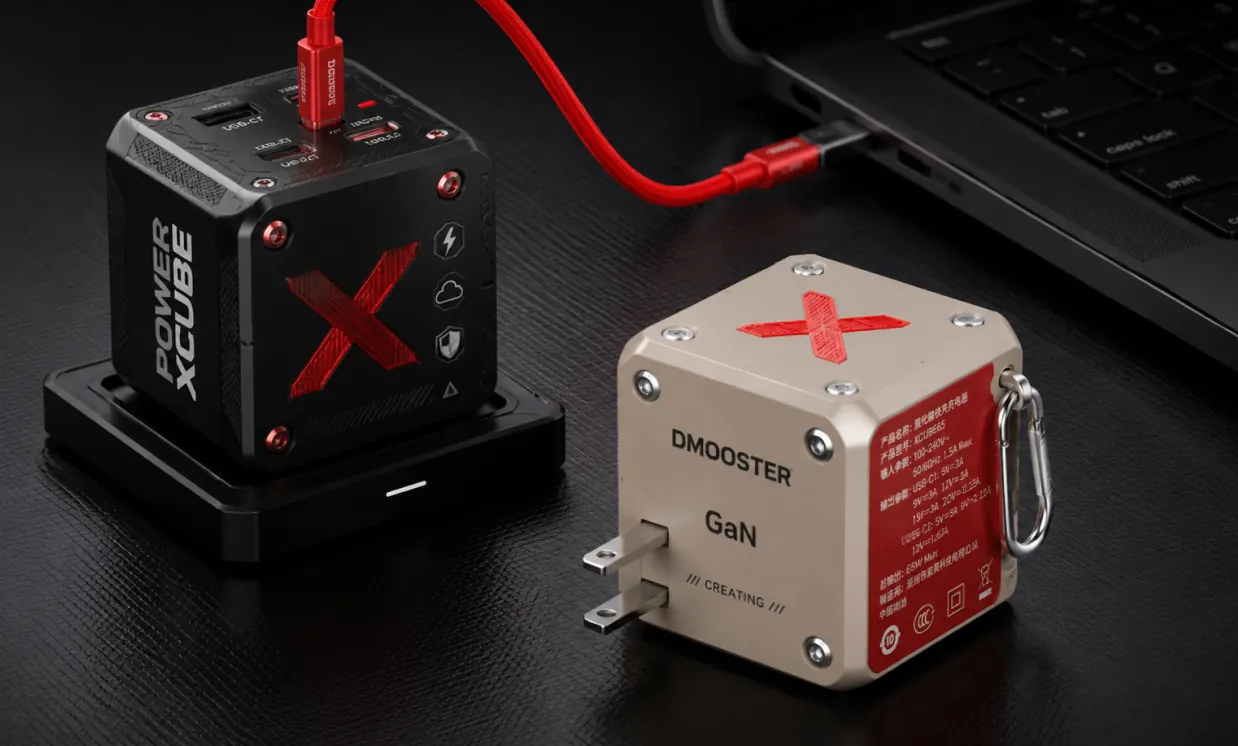
Photorealistic professional studio product photography of two modern cube-shaped GaN power adapters on a dark charcoal textured surface with subtle grid pattern. In the foreground right, a matte beige power cube featuring a large red X logo on top, silver metal rivets, "DMOOSTER" branding in gray, "GaN" text, and "CREATING" below. The red side panel displays detailed white Chinese specification text and symbols. It has two flat metallic prongs and a silver carabiner-style metal clip on the side. Slightly behind and to the left, elevated on a black rectangular docking base, stands a matte black power cube with bold vertical white text "POWER XCUBE", a prominent red X logo, multiple small functional icons (lightning bolt, cloud, shield), and red accent screws. A thick vibrant red cable is plugged into the top USB-C port of the black cube, curving smoothly to connect with a partially visible black laptop in the upper right background. Soft cinematic studio lighting with gentle highlights and defined shadows, sharp focus on both products, shallow depth of field, ultra-detailed textures and realistic materials, high-end tech product visualization, dark moody atmosphere, Behance portfolio aesthetic, 8k resolution.
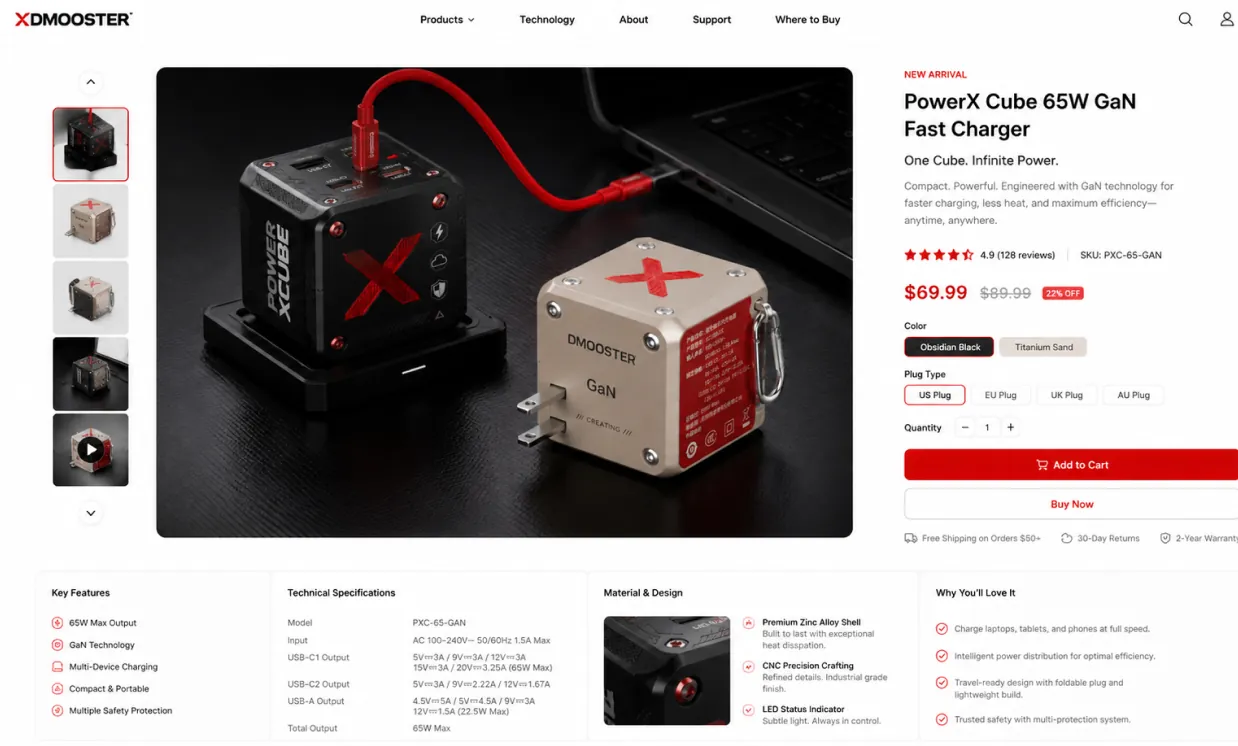
Use the provided product image as the exact hero product and create a beautiful desktop e-commerce product detail page mockup in a 16:9 ratio. Keep the product’s real shape, proportions, materials, colors, and branding consistent with the input image. Design a premium, modern, minimal product showcase webpage with strong commercial appeal, suitable for product presentation, retail concept design, brand landing pages, and UI mockups. Layout should include: a clean top navigation bar, left-side thumbnail gallery or supporting product visuals, a large central hero product display with soft studio lighting and realistic shadow, and a right-side product information panel with product title, price, concise marketing copy, selectable options, quantity control, and strong call-to-action buttons. Add a lower information area with feature icons, technical specifications, material highlights, and short selling points arranged in a polished grid. Use elegant sans-serif typography, precise spacing, thin divider lines, subtle cards, white or very light neutral background, and a calm premium color system derived from the product itself. Overall look: realistic, high-end, conversion-focused, clean desktop UI, refined industrial design presentation, dribbble/brand-site quality, not mobile, not cluttered, not cartoon.
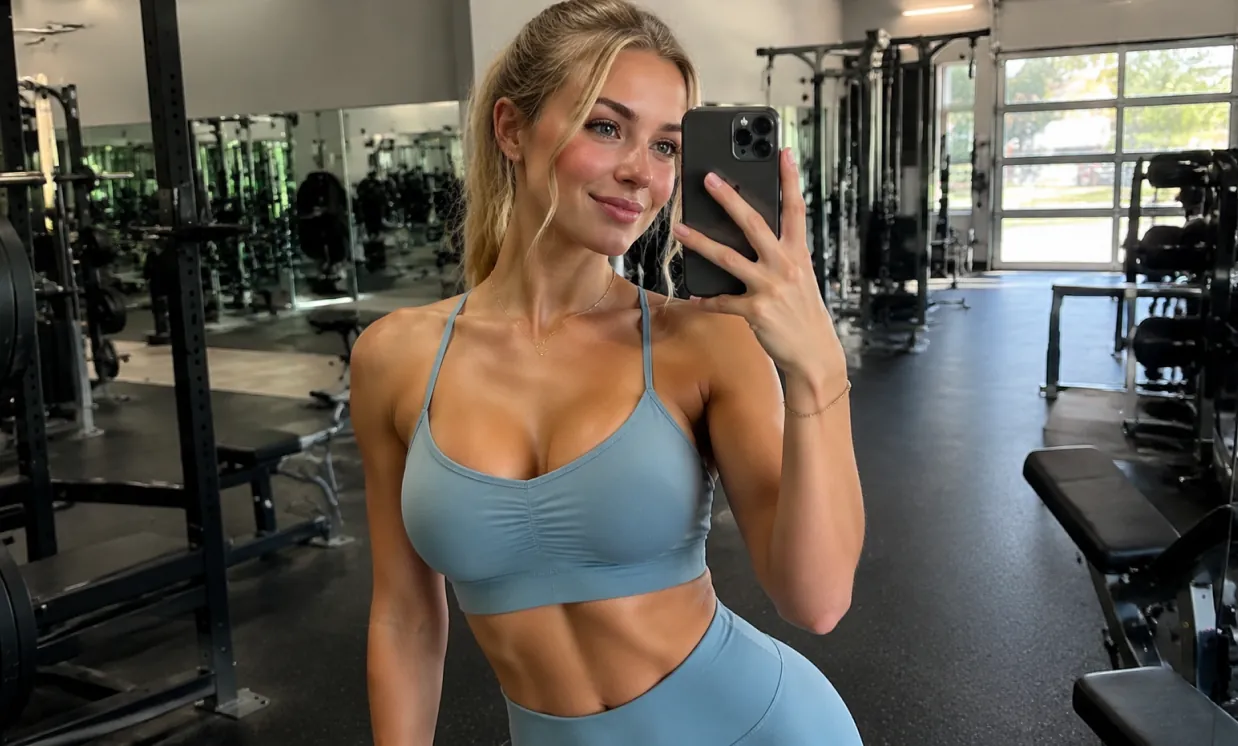
A beautiful and attractive European white young woman taking a selfie in the gym, wearing yoga clothes and showing off her curvaceous figure.
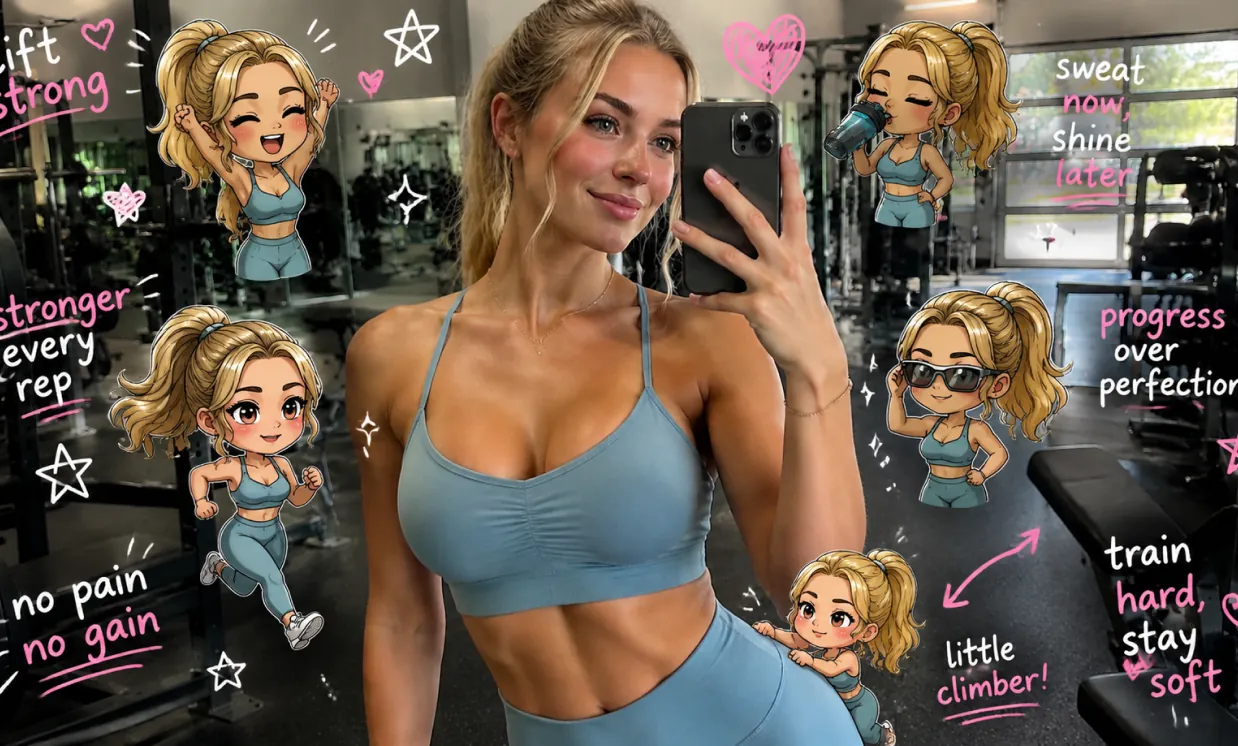
Edit the image while keeping the original photo completely unchanged — including the person, face, body, pose, lighting, and gym background. Add multiple small, cute chibi-style “mini versions” of her around the image. Each mini character should have a big head, expressive facial features, and match her hairstyle and outfit. Depict each mini version doing different gym-related activities: one cheering with arms raised one running in running shoes one drinking from a shaker bottle one wearing sporty running glasses one climbing near her leg Enhance the image with playful, hand-drawn doodles and handwritten notes in white and pink ink, in a scrapbook style. Include elements like arrows, stars, hearts, sparkles, and sketchy lines. Add cute, handwritten gym-themed motivational phrases: “lift strong” “stronger every rep” “no pain no gain” “sweat now, shine later” “progress over perfection” “train hard, stay soft” The overall vibe should feel fun, energetic, and feminine.
Free GPT Image 2 ช่วยให้ครีเอเตอร์เปลี่ยนไอเดียเป็นภาพที่ใช้งานได้อย่างรวดเร็ว โดยผสาน prompt ภาษาธรรมชาติ เวิร์กโฟลว์แก้ไขภาพด้วย AI ออนไลน์ การรองรับภาพอ้างอิง และตัวเลือกอัตราส่วนภาพที่ใช้บ่อยสำหรับการผลิตภาพในชีวิตประจำวัน
อธิบายวัตถุหลัก สถานที่ แสง มุมกล้อง สไตล์ พาเลตสี เลย์เอาต์ อารมณ์ และทิศทางข้อความด้วยภาษาทั่วไป เพื่อกำกับผลลัพธ์ภาพที่ควบคุมได้มากขึ้น
เริ่มจาก text prompt เพียงอย่างเดียว หรือรวม prompt กับภาพอ้างอิงที่อัปโหลดเพื่อกำกับการแก้ไข ออกแบบภาพใหม่ สร้างเวอร์ชันต่างๆ และสำรวจแนวทางศิลป์ใหม่
สร้างภาพสำหรับโพสต์สี่เหลี่ยม ภาพแนวตั้ง แบนเนอร์ ภาพปก โปสเตอร์ หน้าปกมือถือ และฉากจอกว้างด้วยตัวเลือกอัตราส่วนภาพที่ยืดหยุ่น
ใช้ Free GPT Image 2 สำหรับคอนเซ็ปต์การตลาด ภาพโซเชียลมีเดีย ม็อกอัปสินค้า สตอรี่บอร์ด กราฟิกการศึกษา การทดลองแบรนด์ และพรีวิวงานออกแบบอย่างรวดเร็ว
ใช้ Free GPT Image 2 สำหรับการสร้างภาพด้วย AI ออนไลน์ในงานการตลาด การออกแบบ การศึกษา อีคอมเมิร์ซ ความคิดสร้างสรรค์ส่วนตัว และการผลิตคอนเทนต์ ช่วยให้บุคคลและทีมสร้างร่างภาพที่ใช้งานได้โดยไม่ต้องเริ่มทุกภาพจากผืนงานเปล่า
สร้างโพสต์ที่พร้อมเลื่อนดู ภาพปก โปรไฟล์วิชวล หน้าปกวิดีโอสั้น และกราฟิกแคมเปญที่ปรับขนาดสำหรับความต้องการเผยแพร่ต่างๆ
สร้างฉากสินค้า ม็อกอัปไลฟ์สไตล์ โปสเตอร์โปรโมชัน คอนเซ็ปต์บรรจุภัณฑ์ และเวอร์ชันโฆษณาก่อนลงทุนกับงานออกแบบหรือการถ่ายภาพเต็มรูปแบบ
อัปโหลดภาพอ้างอิงเพื่อปรับสไตล์ ออกแบบฉากใหม่ ทดสอบพื้นหลัง เปลี่ยนทิศทางภาพ หรือสร้างเวอร์ชันสร้างสรรค์ที่สม่ำเสมอมากขึ้น
เปลี่ยนแนวคิดนามธรรมให้เป็นภาพประกอบที่ชัดเจน ภาพบทเรียน กราฟิกสไลด์ ไดอะแกรม และภาพอธิบายสำหรับการเรียน การสอน และการสื่อสาร
สร้างหรือแก้ไขภาพ AI ในเวิร์กโฟลว์ออนไลน์ที่เรียบง่าย: ใส่ prompt อัปโหลดภาพอ้างอิงได้หากต้องการ เลือกอัตราส่วนภาพ แล้วสร้างภาพสุดท้ายของคุณ
เขียนสิ่งที่คุณต้องการสร้าง รวมถึงวัตถุหลัก สภาพแวดล้อม สไตล์ สี มุมกล้อง แสง เลย์เอาต์ ข้อความ และรายละเอียดภาพสำคัญต่างๆ
สำหรับการสร้าง image-to-image ให้เพิ่มภาพอ้างอิงและอธิบายว่าผลลัพธ์ควรแปลง คงไว้ หรือตีความภาพที่อัปโหลดใหม่อย่างไร
เลือกอัตราส่วนภาพที่ตรงกับแพลตฟอร์มเป้าหมาย สร้างภาพ ดูตัวอย่างผลลัพธ์ ปรับ prompt และส่งออกภาพสุดท้ายเมื่อพร้อม
สำรวจโมเดล AI ด้านรูปภาพ วิดีโอ LLM หรือโมเดลอื่นๆ ที่เป็นตัวแทนสำหรับเวิร์กโฟลว์สร้างสรรค์ที่พร้อมใช้ในการผลิต พร้อมราคาสดและส่วนลดผ่านตลาดโมเดลแบบรวมศูนย์ของ Best Image AI