텍스트로 이미지 생성
텍스트 프롬프트로 AI 이미지 생성
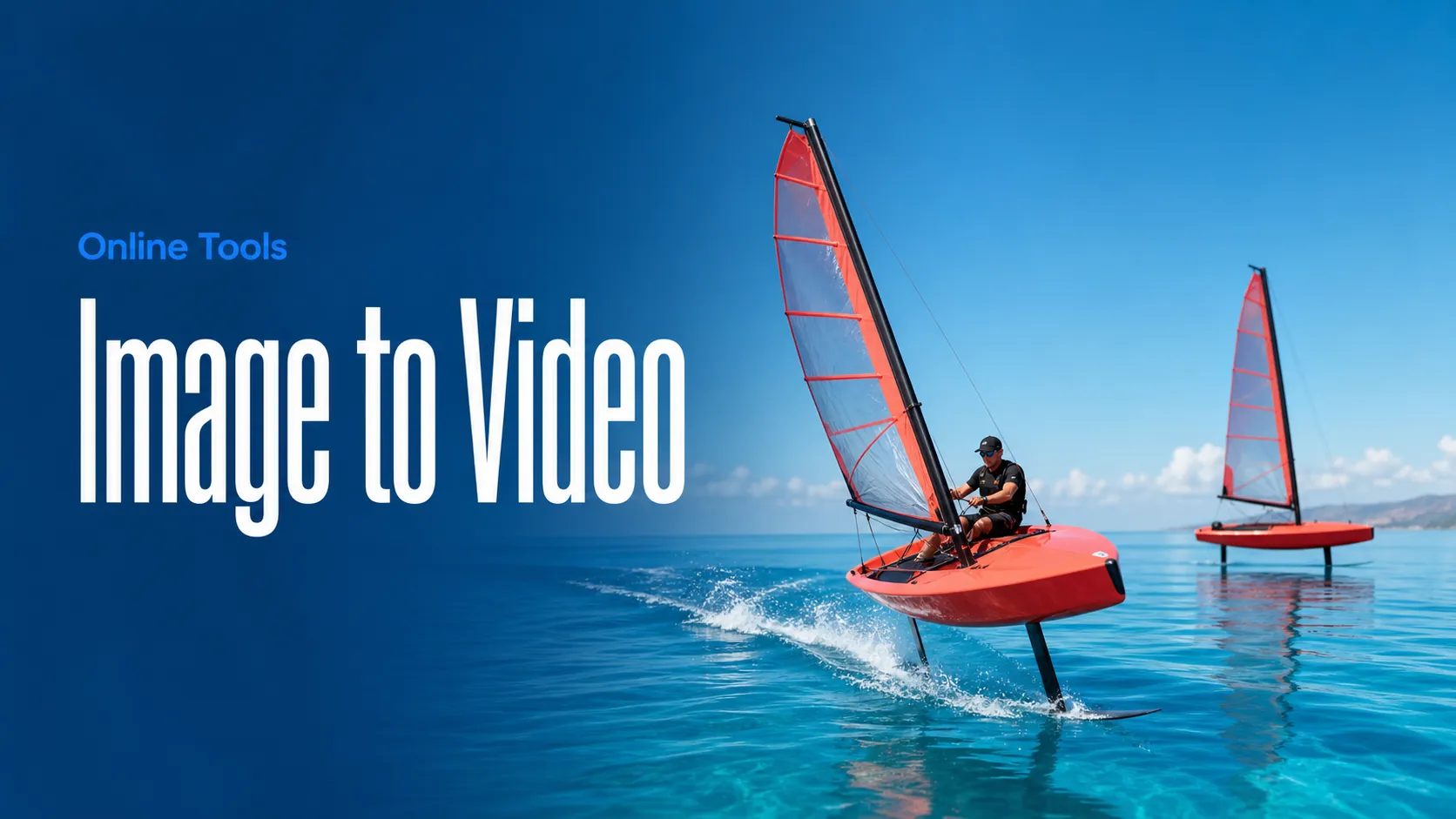
Best Image AI에서 ByteDance Seedance 2.5 Flash API로 이미지를 동영상으로 바꾸세요. 움직임을 설명하고, 필요하면 마지막 프레임을 추가해 영상의 끝 장면을 지정할 수 있습니다.
Seedance 2.5 Flash Image-to-Video는 Best Image AI에서 정지 이미지에 움직임을 더하는 ByteDance의 API 모델입니다. 필수 입력인 첫 프레임이 시작 구도를 결정합니다. 프롬프트로 움직임을 설명하고, 클립을 특정 구도로 마무리하려면 마지막 프레임을 추가하세요.
참고 요금은 선택한 출력 해상도와 생성된 영상 길이에 따라 결정됩니다. 이미지와 프롬프트는 ByteDance의 콘텐츠 안전 가이드라인을 준수해야 합니다.
브라우저에서 빠른 이미지 및 비디오 워크플로를 위한 여러 AI 창작 도구를 살펴본 다음, Best Image AI의 프로덕션용 모델 API로 성공적인 아이디어를 확장하세요. Best Image AI는 모든 모델을 위한 통합 API 계층을 제공하여 워크플로를 쉽게 사용하고 확장할 수 있도록 합니다.
// Step 1: Submit generation request
const response = await fetch('https://api.flaq.ai/api/v1/video/task', {
  method: 'POST',
  headers: {
    'Content-Type': 'application/json',
    'Authorization': 'Bearer YOUR_API_KEY'
  },
  body: JSON.stringify({
    model_name: 'seedance-v2.5-flash-image-to-video',
    prompt: 'Gentle camera push-in; leaves rustle softly in the breeze',
    resolution: '720p',
    duration: 8,
    sound: true,
    image_url: 'https://example.com/first-frame.jpg',
    image_end_url: 'https://example.com/last-frame.jpg'
  })
});

const { data } = await response.json();
const taskId = data.task_id;
// Step 2: Poll for results
const taskId = data.task_id;

const pollResult = async (taskId) => {
  const res = await fetch(`https://api.flaq.ai/api/v1/video/${taskId}`, {
    headers: { 'Authorization': 'Bearer YOUR_API_KEY' }
  });
  return res.json();
};

while (true) {
  const pollResultData = await pollResult(taskId);
  const status = pollResultData.data.task_status;

  if (status === 'succeed') {
    console.log(pollResultData.data.task_result.videos[].);
    ;
  }

   (status === ) {
    .(pollResultData..);
    ;
  }

    ( (resolve, ));
}
# Step 1: Submit generation request
import requests

response = requests.post(
    'https://api.flaq.ai/api/v1/video/task',
    headers={
        'Content-Type': 'application/json',
        'Authorization': 'Bearer YOUR_API_KEY'
    },
    json={
        'model_name': 'seedance-v2.5-flash-image-to-video',
        'prompt': 'Gentle camera push-in; leaves rustle softly in the breeze',
        'resolution': '720p',
        'duration': 8,
        'sound': True,
        'image_url': 'https://example.com/first-frame.jpg',
        'image_end_url': 'https://example.com/last-frame.jpg'
    }
)

result = response.json()
task_id = result['data']['task_id']
# Step 1: Submit generation request
curl -X POST https://api.flaq.ai/api/v1/video/task \
  -H "Content-Type: application/json" \
  -H "Authorization: Bearer YOUR_API_KEY" \
  -d '{
    "model_name": "seedance-v2.5-flash-image-to-video",
    "prompt": "Gentle camera push-in; leaves rustle softly in the breeze",
    "resolution": "720p",
    "duration": 8,
    "sound": true,
    "image_url": "https://example.com/first-frame.jpg",
    "image_end_url": "https://example.com/last-frame.jpg"
  }'
# Step 2: Poll for results
# Replace {task_id} with the task_id returned from the submit response
curl -X GET "https://api.flaq.ai/api/v1/video/{task_id}" \
  -H "Authorization: Bearer YOUR_API_KEY"
# Step 2: Poll for results
task_id = response.json()['data']['task_id']
poll_url = f"https://api.flaq.ai/api/v1/video/{task_id}"

while True:
    poll_result = requests.get(poll_url, headers={'Authorization': 'Bearer YOUR_API_KEY'}).json()
    status = poll_result['data']['task_status']
    if status == 'succeed':
        print(poll_result['data']['task_result']['videos'][0]['url'])
        break
    if status == 'failed':
        print(poll_result['data']['task_status_msg'])
        break
    time.sleep(10)