

Text to Image
Create AI images from text prompts
Use the ByteDance Seedream 5.5 Edit API to refine product photos and portraits on Best Image AI. Guide each edit with reference images and keep the details you need.
Try the AI Image Generator now
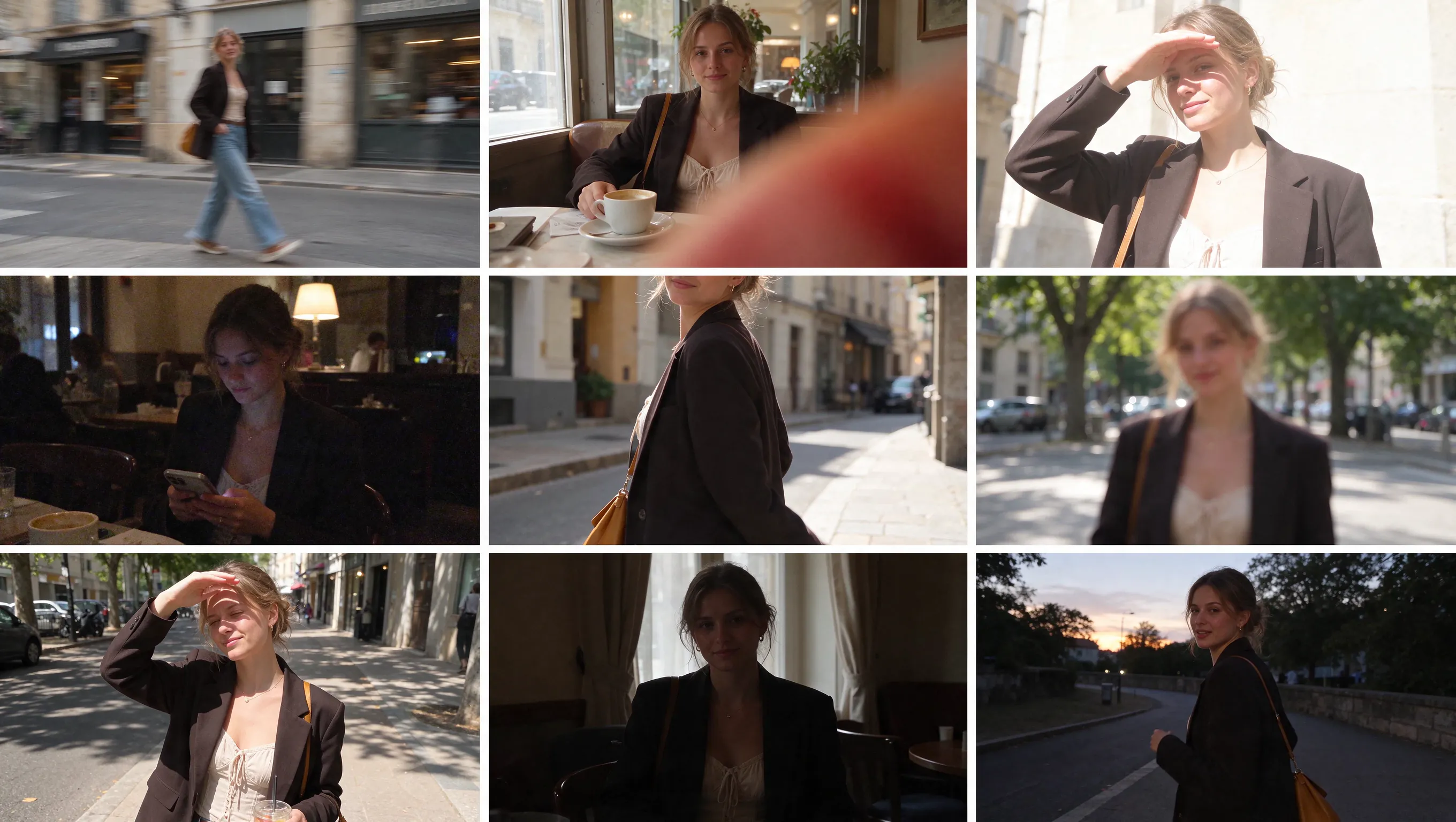
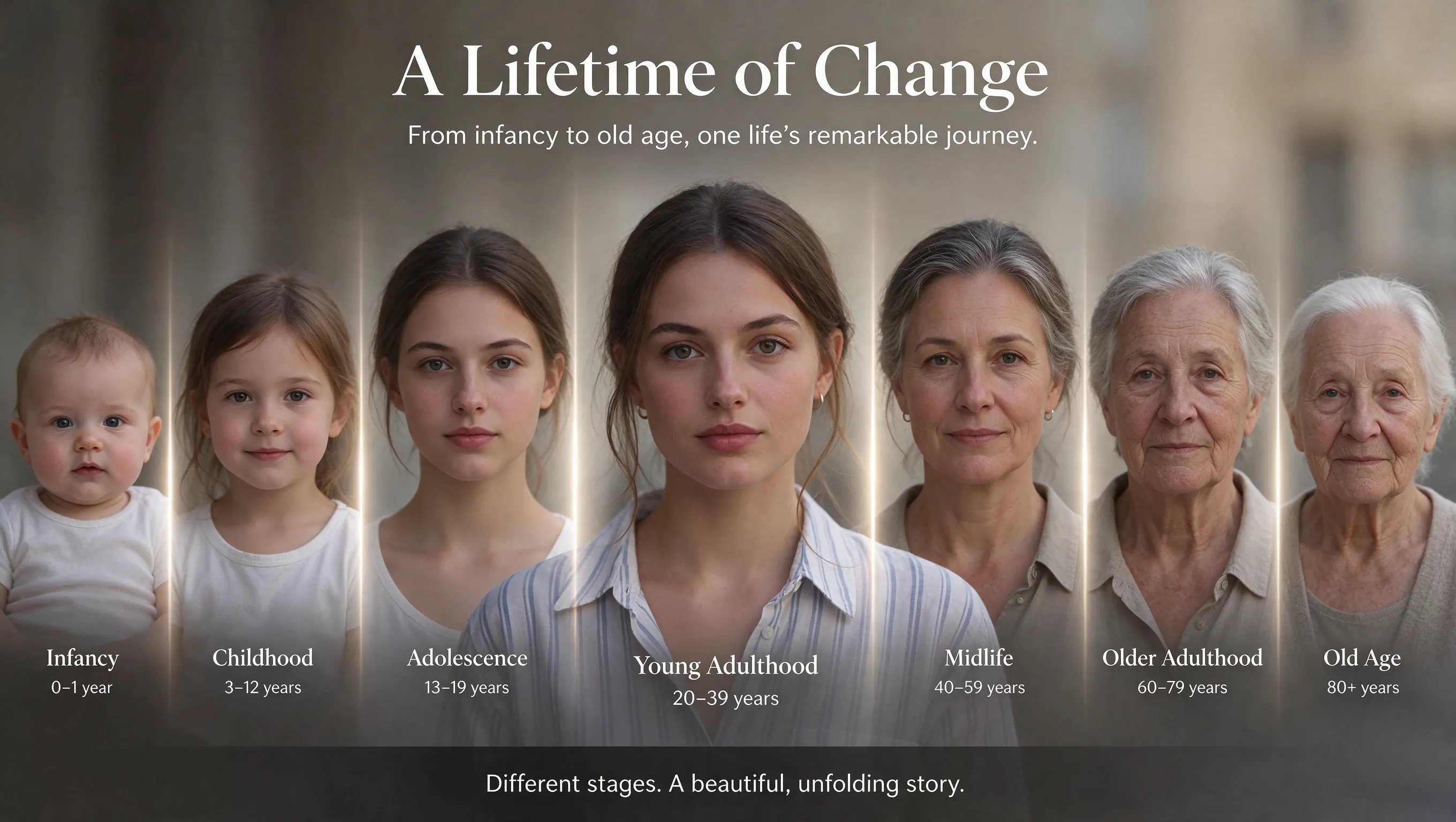
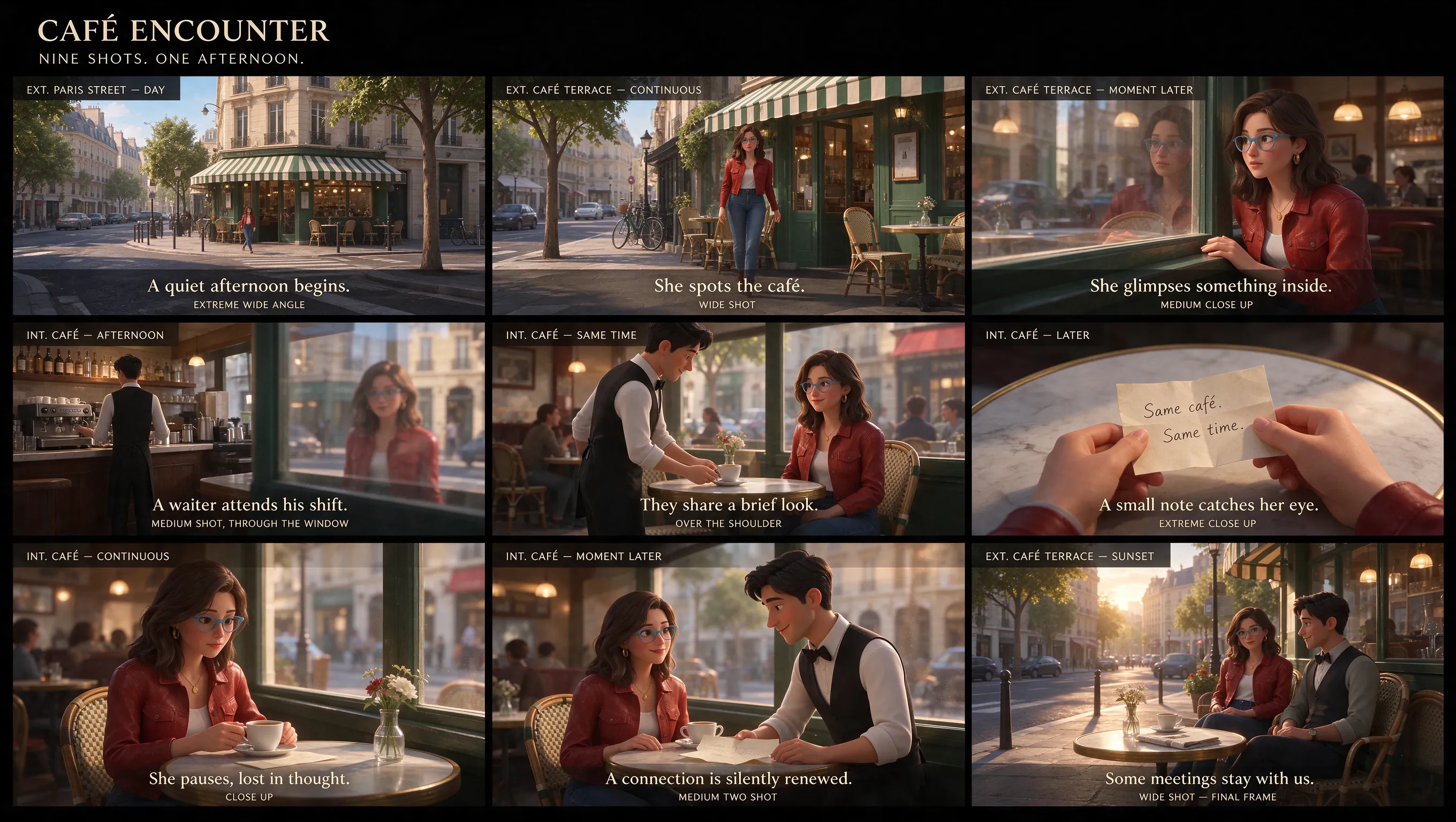
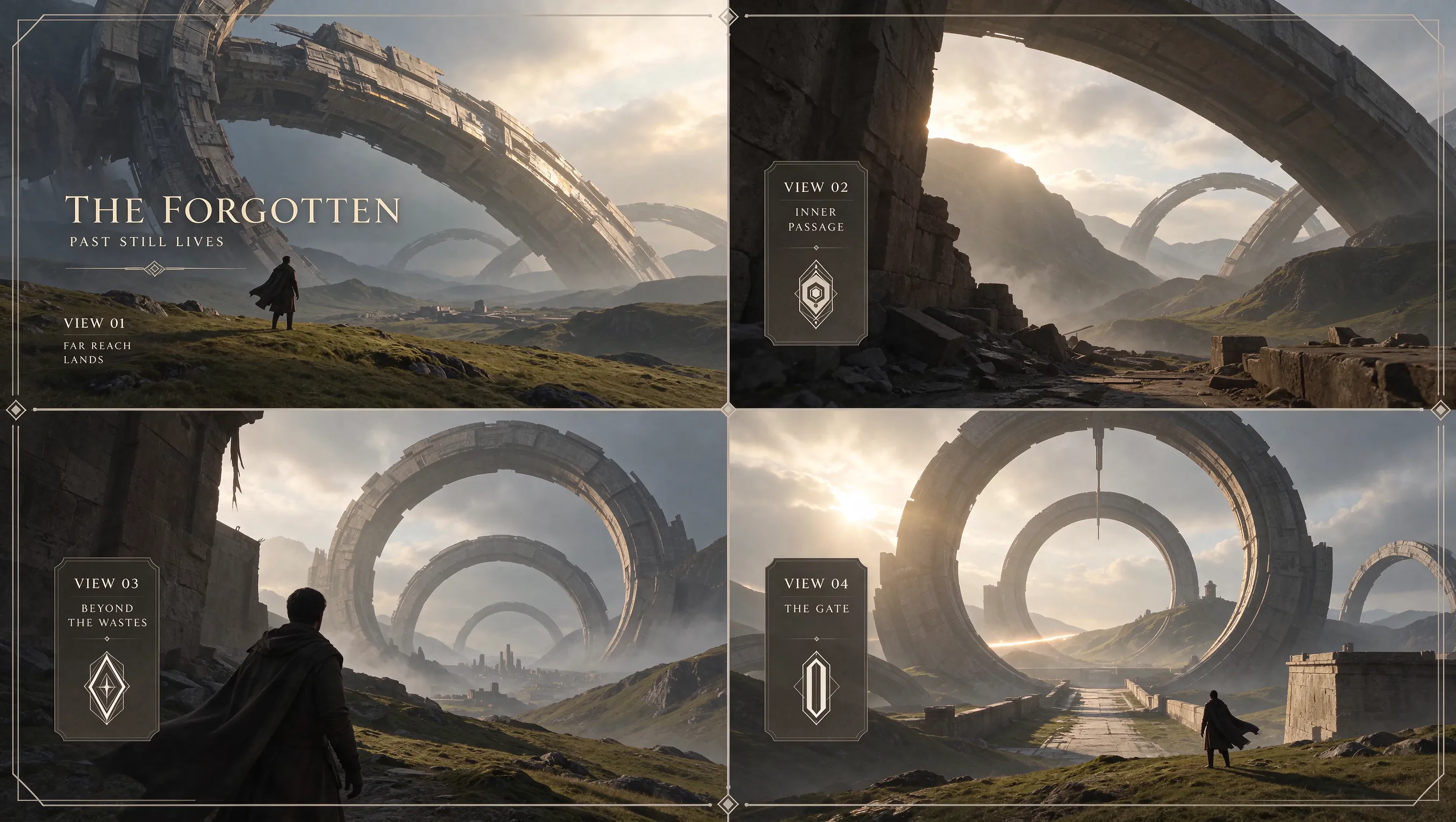
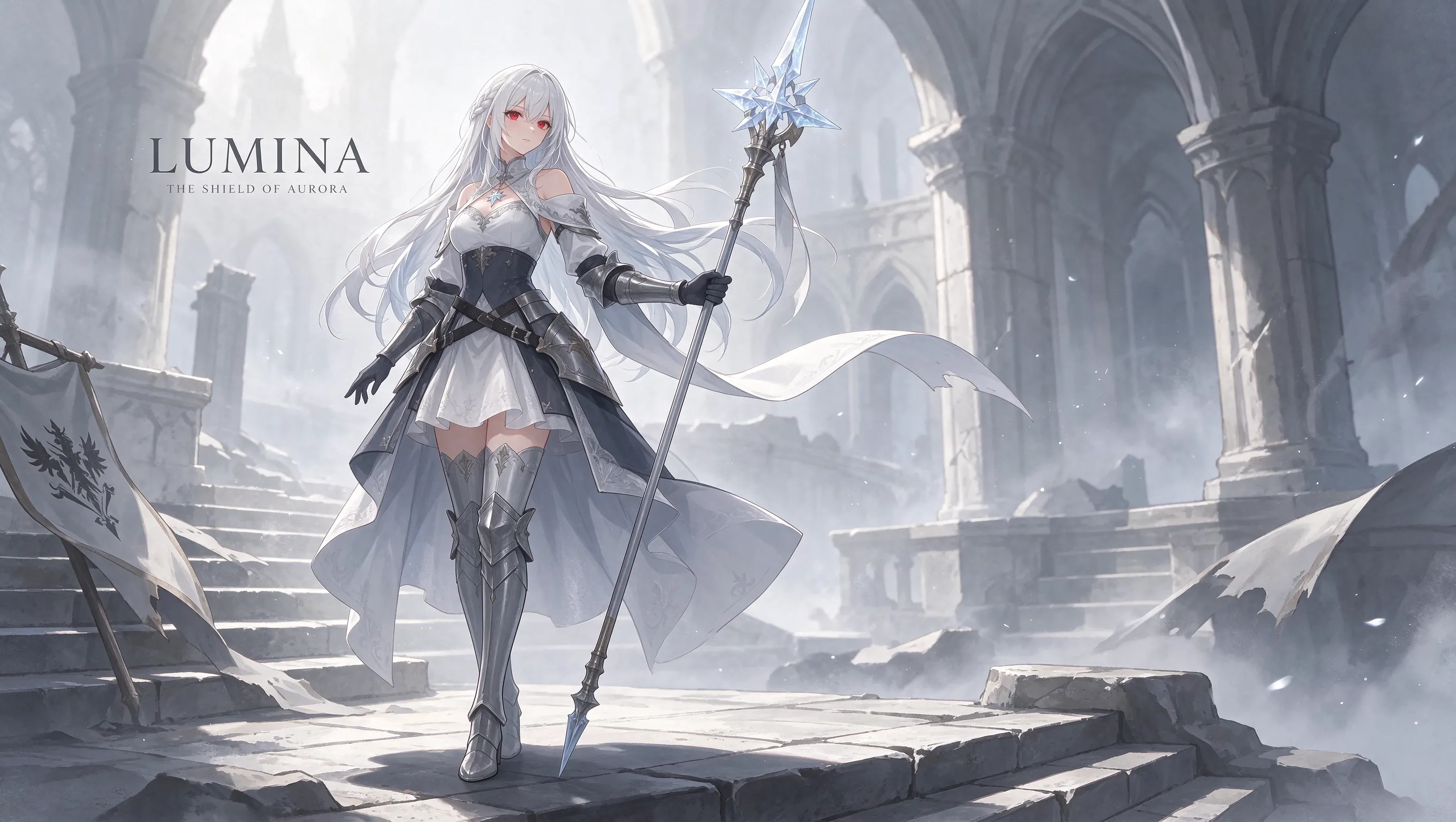
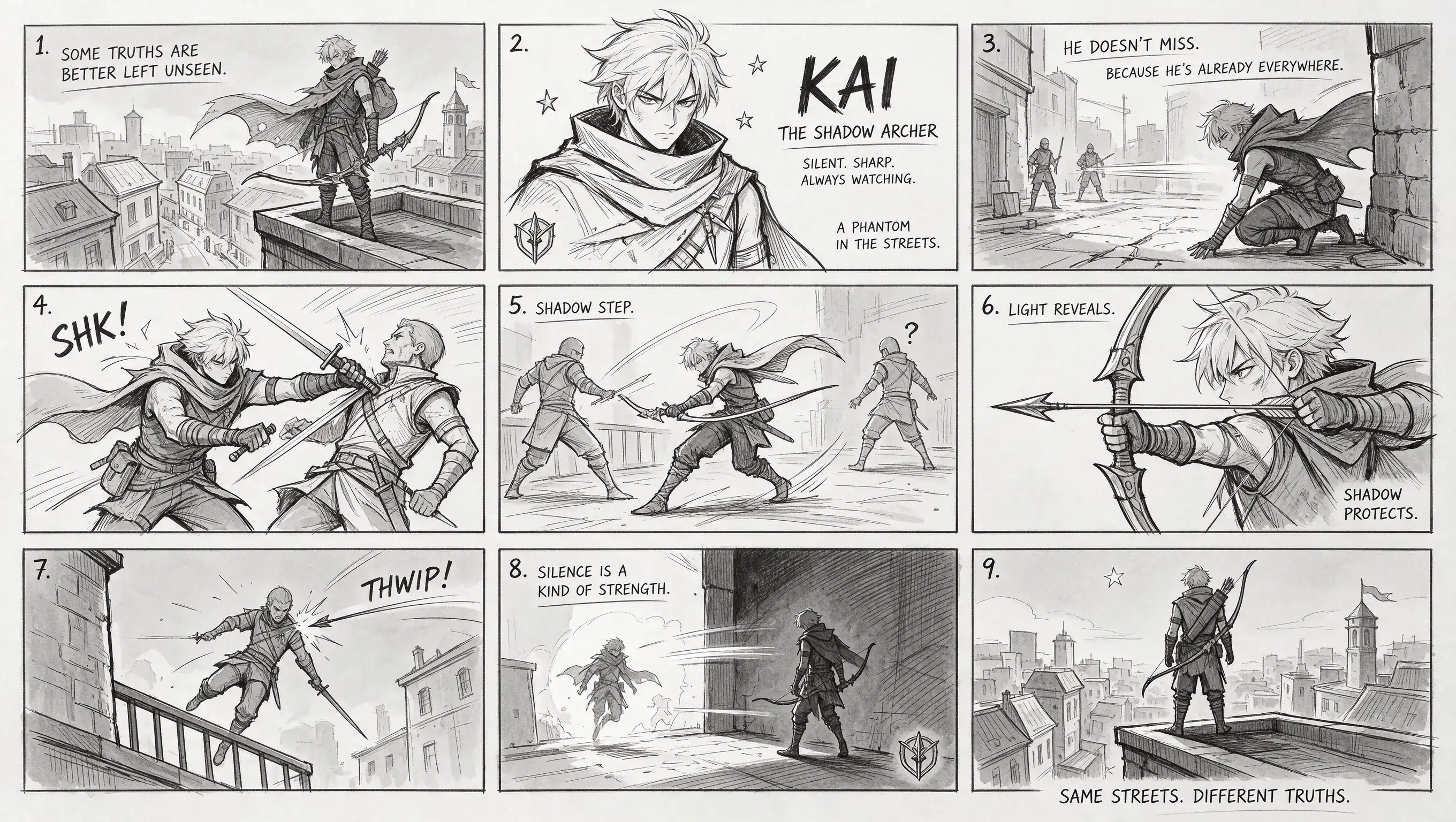
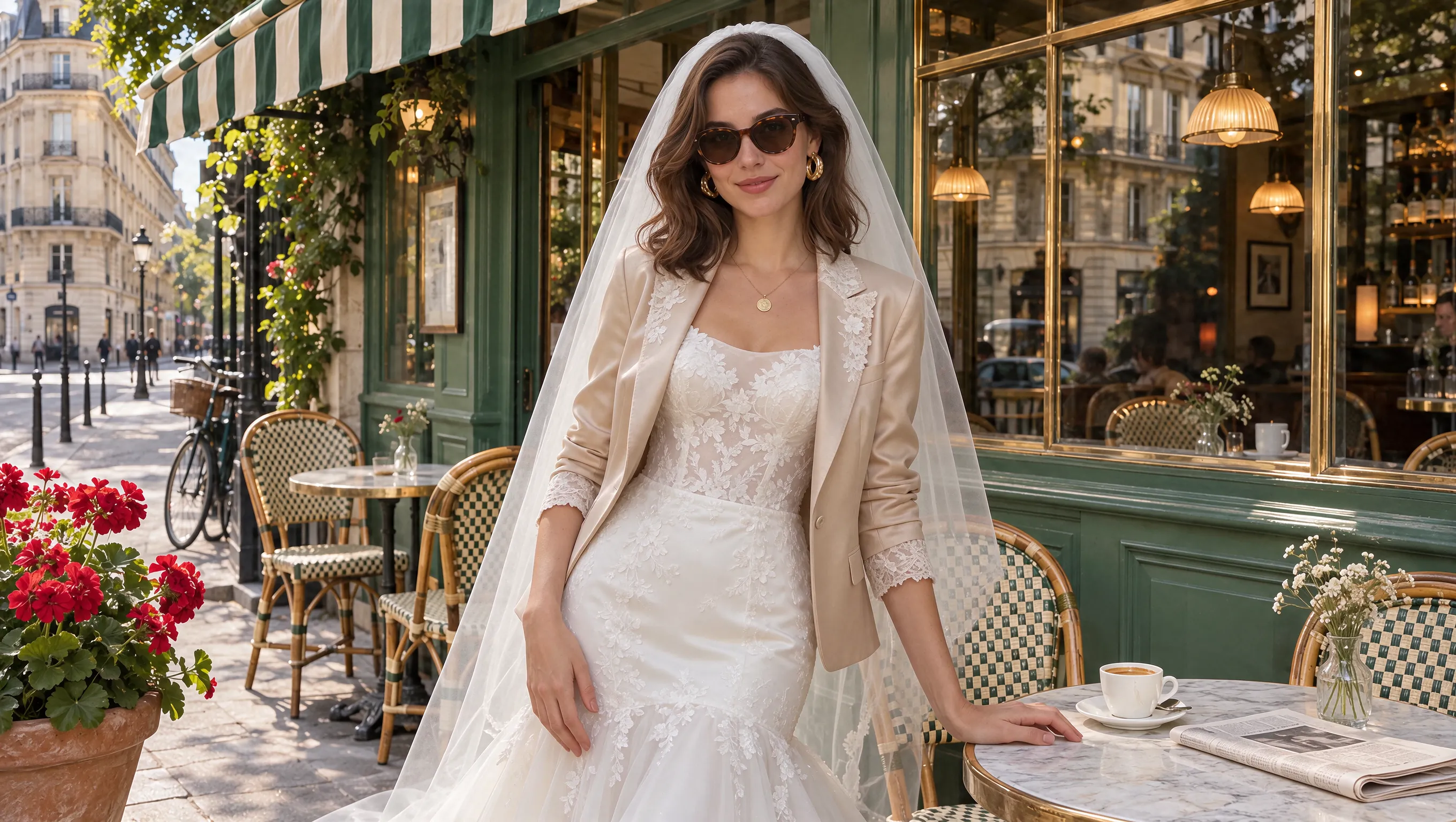
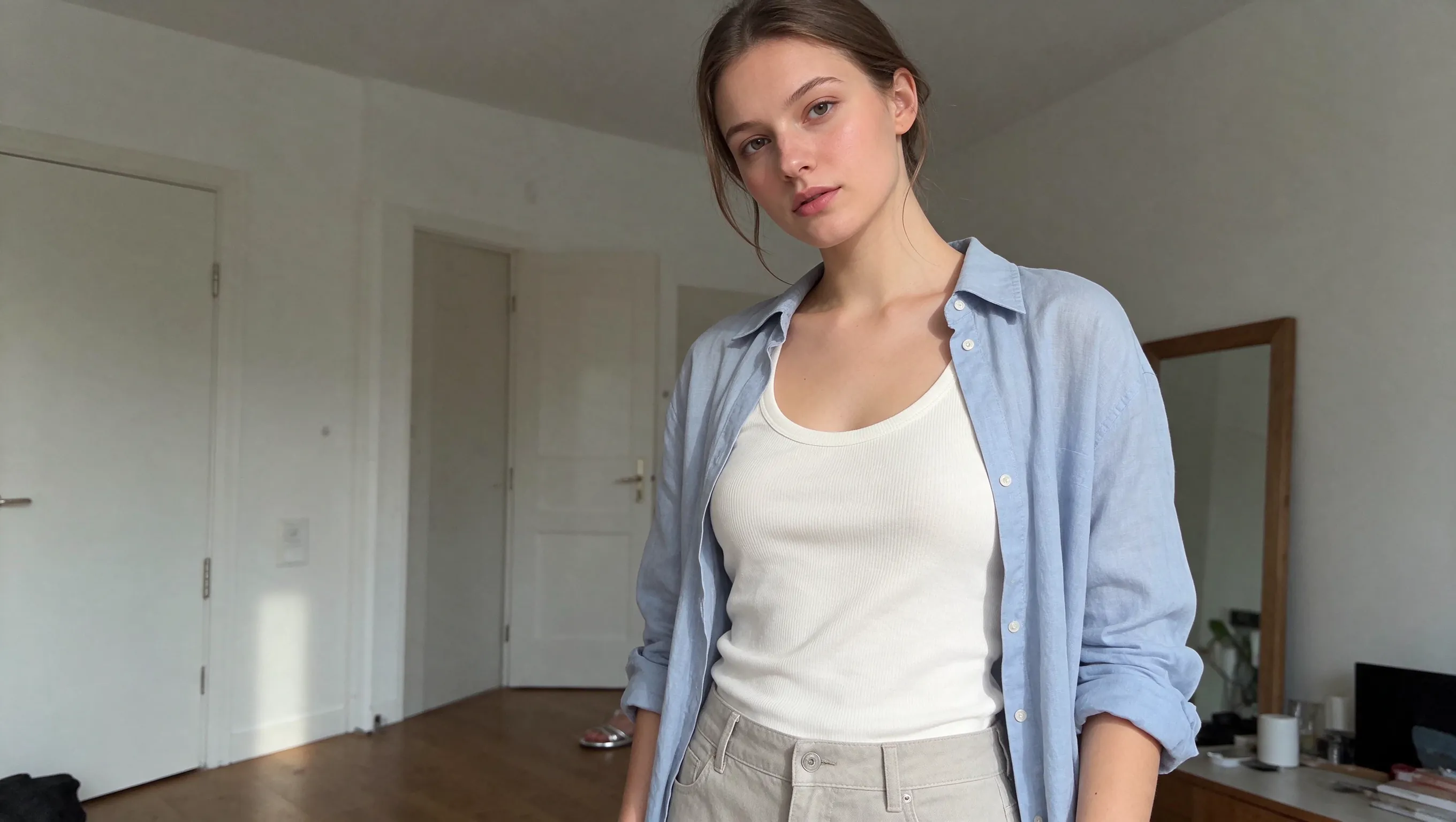
Seedream 5.5 Edit API on Best Image AI delivers stable multi-turn image editing, precise local changes, and transparent asset creation. Refine clothing, accessories, product details, and scene elements across successive edits while preserving the detail, color, and composition of unedited regions. Combine reference images and natural-language instructions to build production visuals through a single API workflow.
Note Use reference images you have permission to edit, and ensure images and prompts comply with ByteDance's safety guidelines. If a request fails, check the inputs and returned error before retrying.
Seedream 5.5 Edit vs. Seedream 5.0 Pro Edit
Both support reference-guided editing on Best Image AI. Seedream 5.5 Edit improves multi-turn stability and adds native transparent asset creation, supporting repeated revisions that preserve unedited details and reusable PNG elements for design workflows.
Seedream 5.5 Edit vs. ChatGPT Images 2.5 Flare Edit
Both accept editing instructions and multiple reference images on Best Image AI. ChatGPT Images 2.5 Flare Edit offers separate quality controls; Seedream 5.5 Edit provides background selection with PNG output. Compare them on your source images, focusing on retained details, the requested changes, and output requirements.
Explore several AI creation tools for quick image and video workflows in your browser, then scale successful ideas with Best Image AI's production-ready model APIs. Best Image AI provides a unified API layer for all models, making it easy to use and scale your workflows.
Create AI images from text prompts
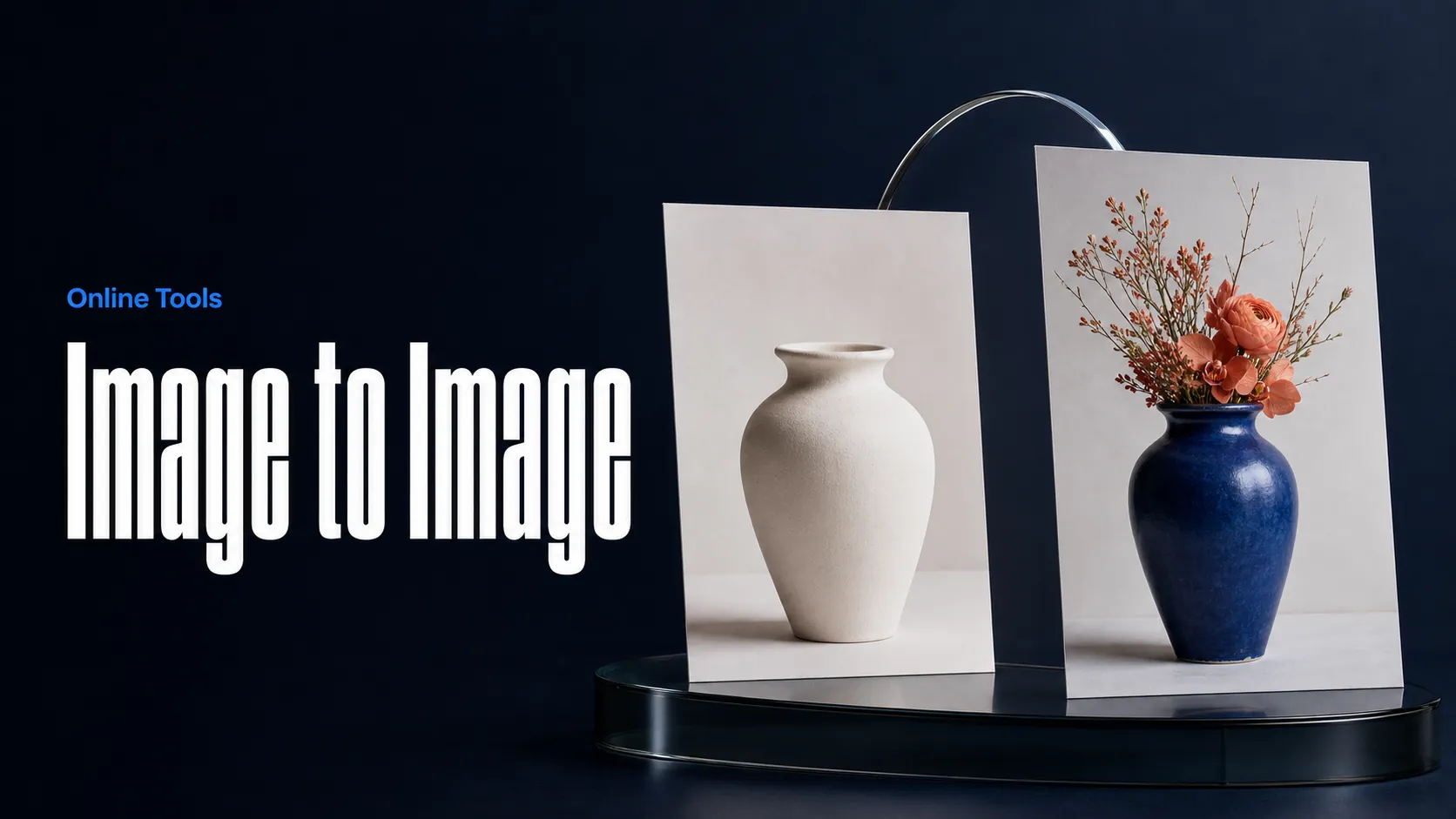
Create AI images from images and text prompts
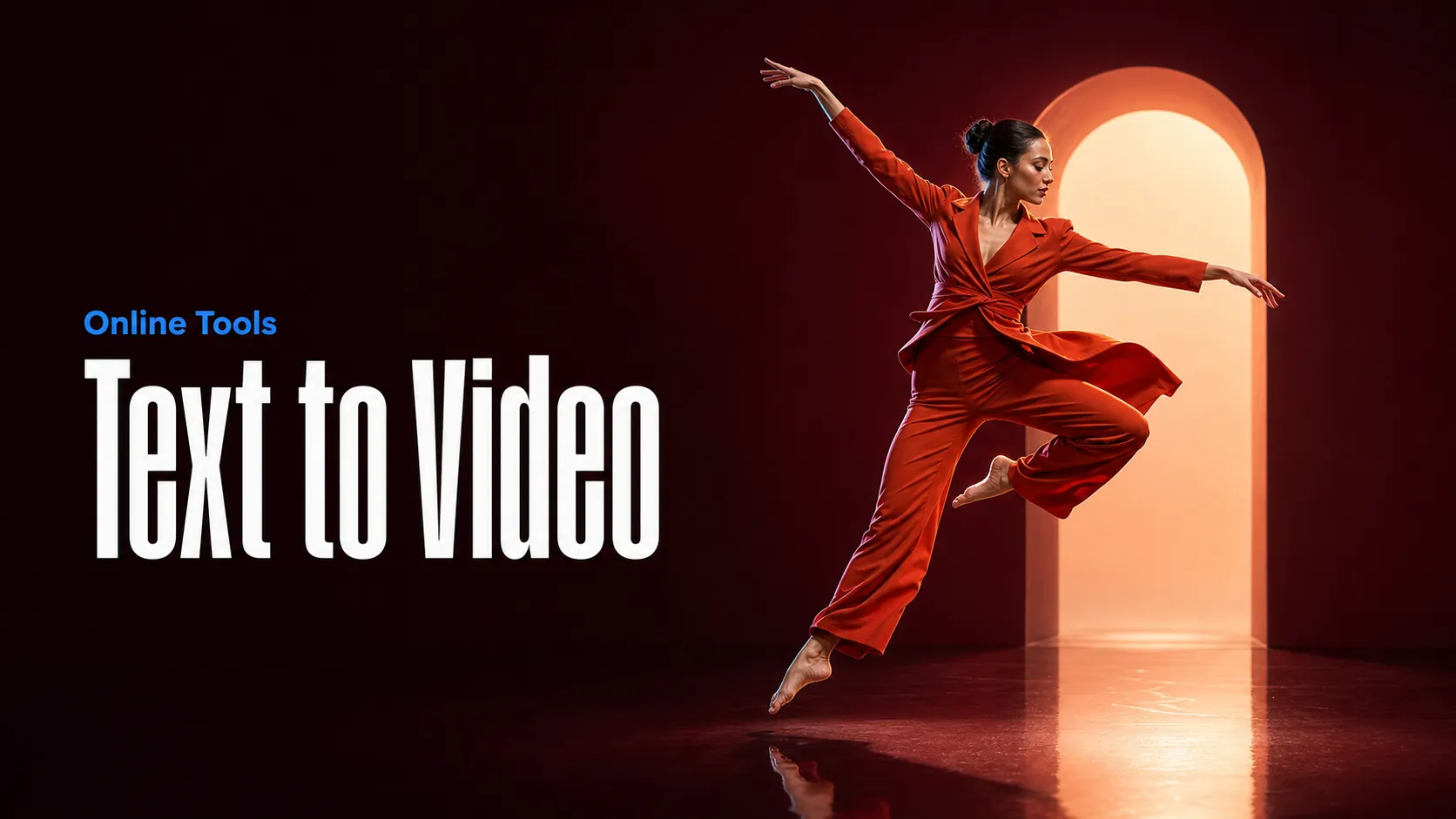
Create AI videos from text prompts
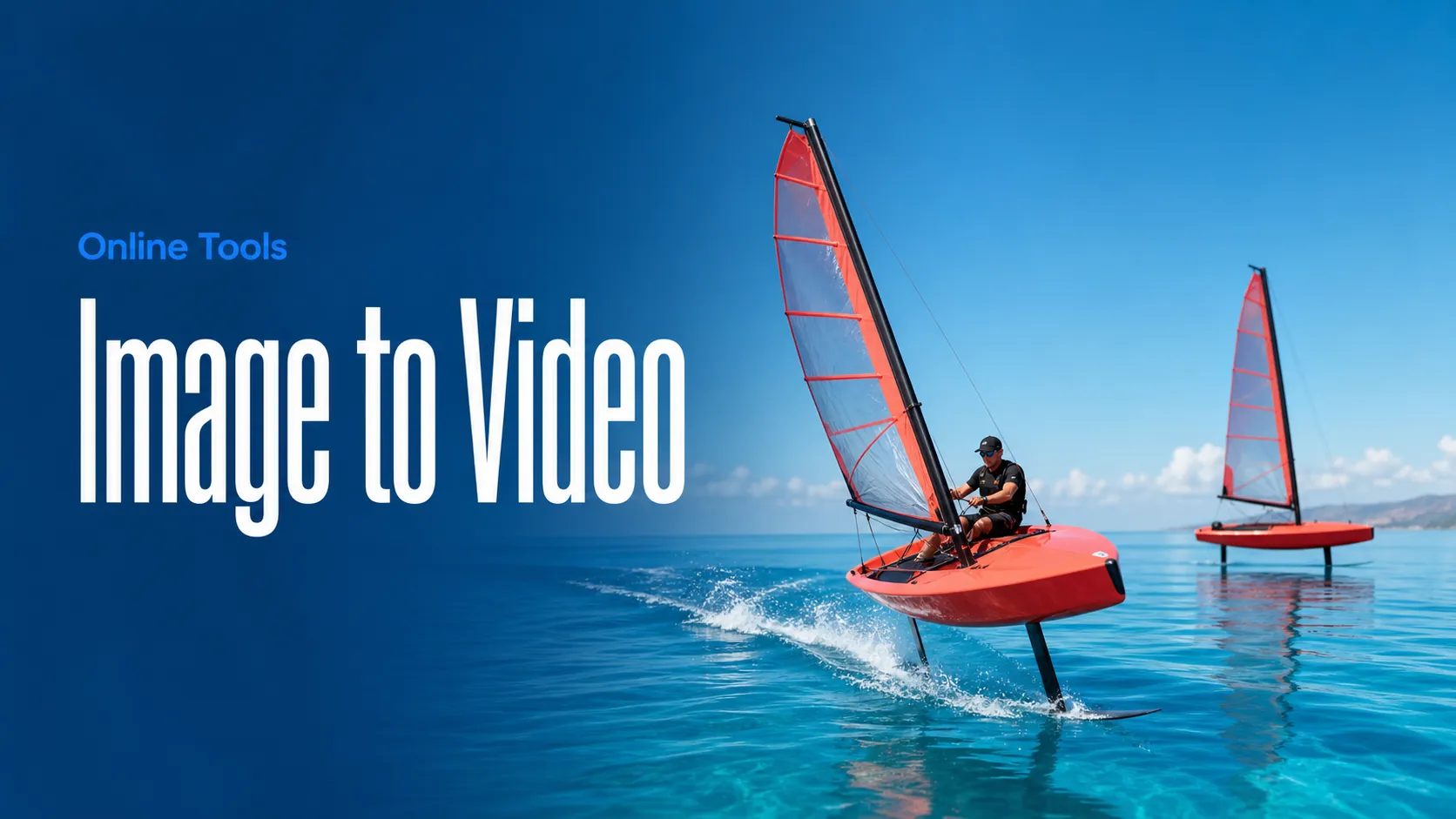
Animate images into AI videos
Create AI images and videos in one unified workspace
Create consistent videos from reference media
Build visual AI image and video workflows on an infinite canvas
const response = await fetch('https://api.flaq.ai/api/v1/image/task', {
  method: 'POST',
  headers: {
    'Content-Type': 'application/json',
    'Authorization': 'Bearer YOUR_API_KEY'
  },
  body: JSON.stringify({
    model_name: 'seedream-v5.5-edit',
    prompt: 'Change the hairstyle',
    image_url_list: [
      'https://img.bestimage.ai/test/2026/7/1/ad8e011a-3e9b-49f0-9397-282bf51e2e45_162640331.jpeg'
    ],
    resolution: '1.5k',
    width: 16,
    height: 9,
    background: 'auto'
  })
});

const { data } = await response.json();
const taskId = data.task_id;
// Step 2: Poll for results
const taskId = data.task_id;

const pollResult = async (taskId) => {
  const res = await fetch(`https://api.flaq.ai/api/v1/image/${taskId}`, {
    headers: { 'Authorization': 'Bearer YOUR_API_KEY' }
  });
  return res.json();
};

while (true) {
  const pollResultData = await pollResult(taskId);
  const status = pollResultData.data.task_status;

  if (status === 'succeed') {
    console.log(pollResultData.data.task_result.images[].);
    ;
  }

   (status === ) {
    .(pollResultData..);
    ;
  }

    ( (resolve, ));
}
import requests

response = requests.post(
    'https://api.flaq.ai/api/v1/image/task',
    headers={
        'Content-Type': 'application/json',
        'Authorization': 'Bearer YOUR_API_KEY'
    },
    json={
        'model_name': 'seedream-v5.5-edit',
        'prompt': 'Change the hairstyle',
        'image_url_list': [
            'https://img.bestimage.ai/test/2026/7/1/ad8e011a-3e9b-49f0-9397-282bf51e2e45_162640331.jpeg'
        ],
        'resolution': '1.5k',
        'width': 16,
        'height': 9,
        'background': 'auto'
    }
)

task_id = response.json()['data']['task_id']
curl -X POST https://api.flaq.ai/api/v1/image/task \
  -H "Content-Type: application/json" \
  -H "Authorization: Bearer YOUR_API_KEY" \
  -d '{
    "model_name": "seedream-v5.5-edit",
    "prompt": "Change the hairstyle",
    "image_url_list": [
      "https://img.bestimage.ai/test/2026/7/1/ad8e011a-3e9b-49f0-9397-282bf51e2e45_162640331.jpeg"
    ],
    "resolution": "1.5k",
    "width": 16,
    "height": 9,
    "background": "auto"
  }'
# Step 2: Poll for results
# Replace {task_id} with the task_id returned from the submit response
curl -X GET "https://api.flaq.ai/api/v1/image/{task_id}" \
  -H "Authorization: Bearer YOUR_API_KEY"
# Step 2: Poll for results
task_id = response.json()['data']['task_id']
poll_url = f"https://api.flaq.ai/api/v1/image/{task_id}"

while True:
    poll_result = requests.get(poll_url, headers={'Authorization': 'Bearer YOUR_API_KEY'}).json()
    status = poll_result['data']['task_status']
    if status == 'succeed':
        print(poll_result['data']['task_result']['images'][0]['url'])
        break
    if status == 'failed':
        print(poll_result['data']['task_status_msg'])
        break
    time.sleep(10)