


Text to Image
Create AI images from text prompts
Use GPT Image 2 Edit Client API for affordable image editing with multi-image input, prompt control, flexible quality options, and stable output.
This model is currently in preview and may be less stable than standard versions.
Try the AI Image Generator now

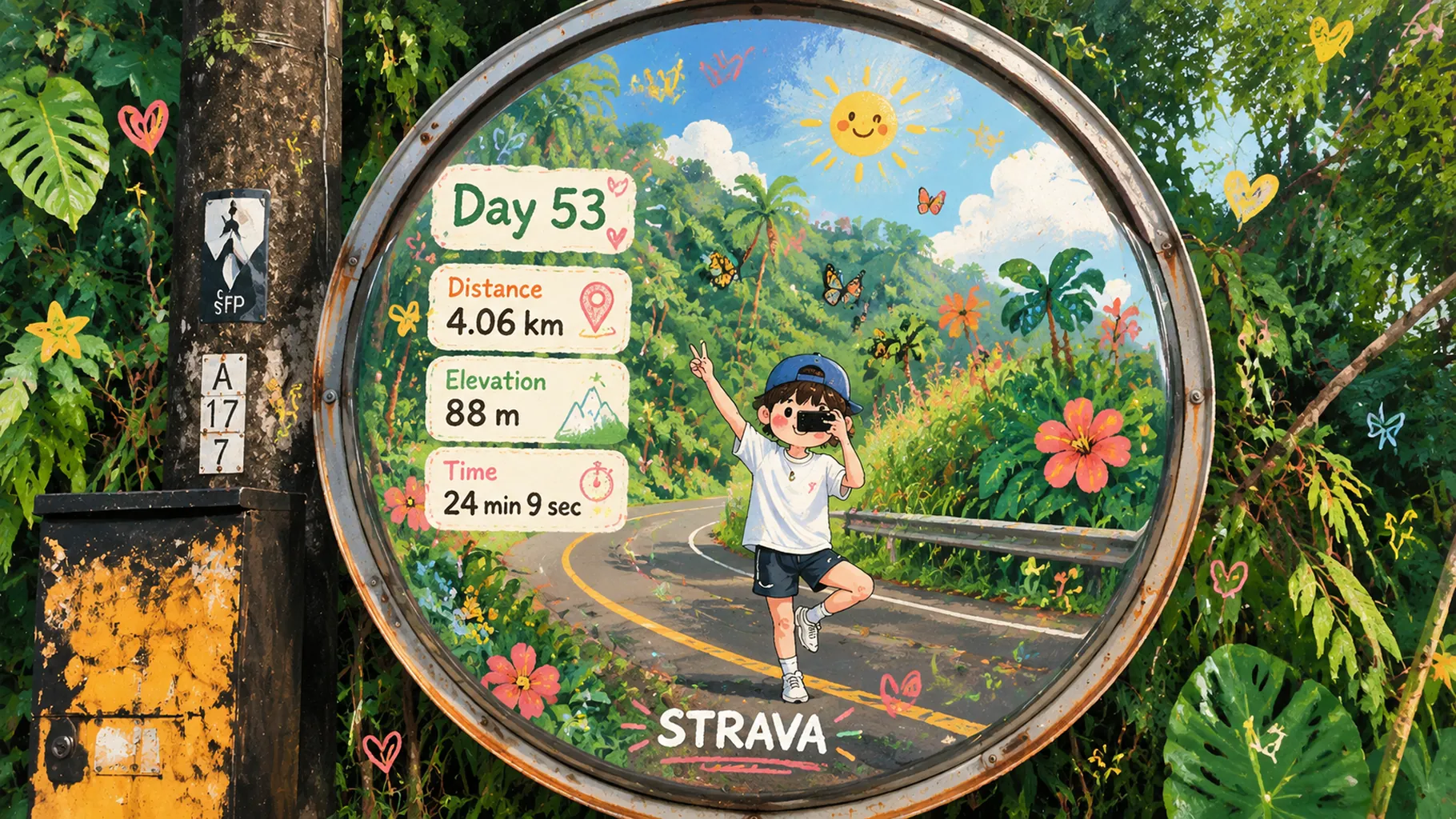
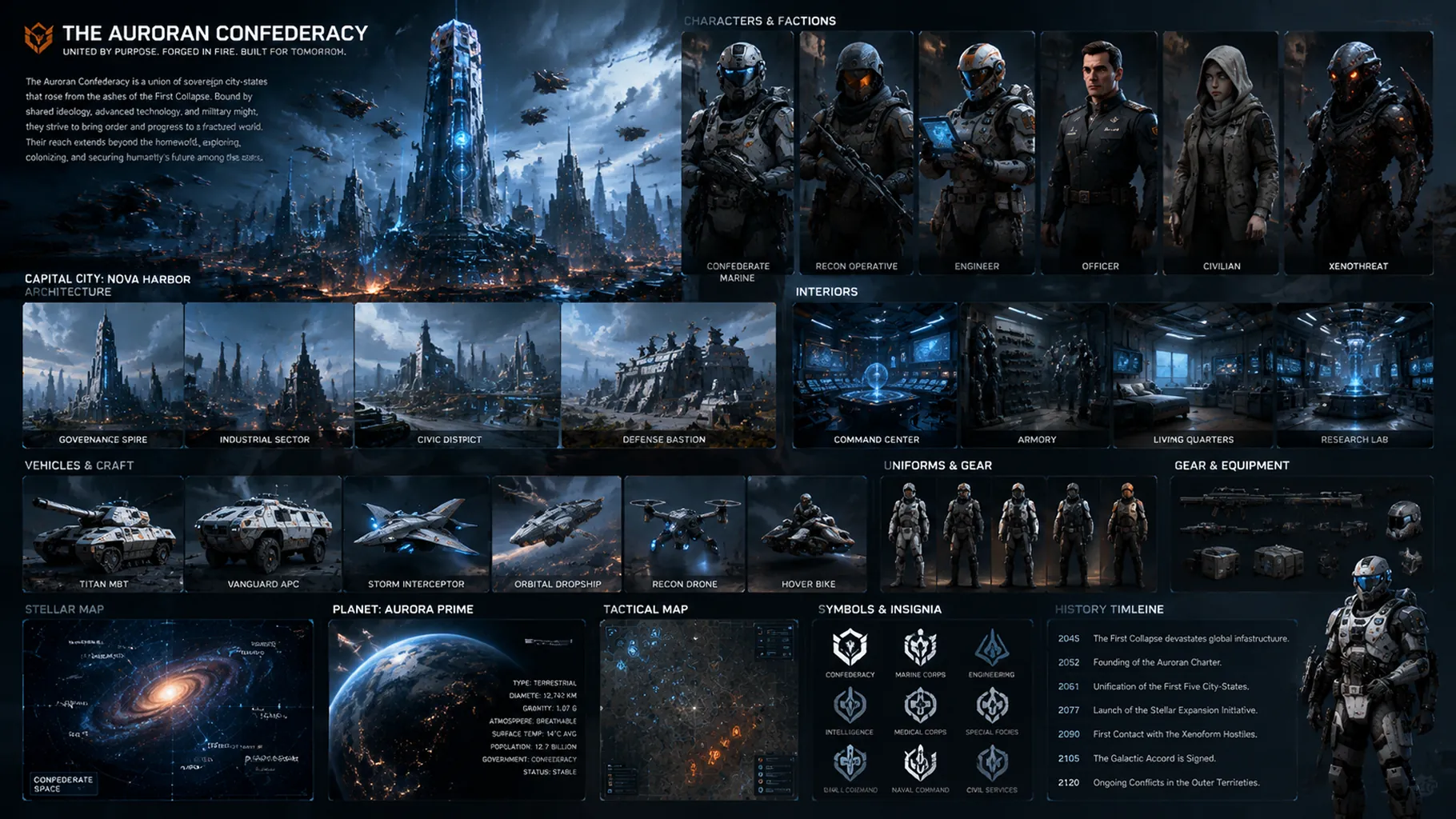
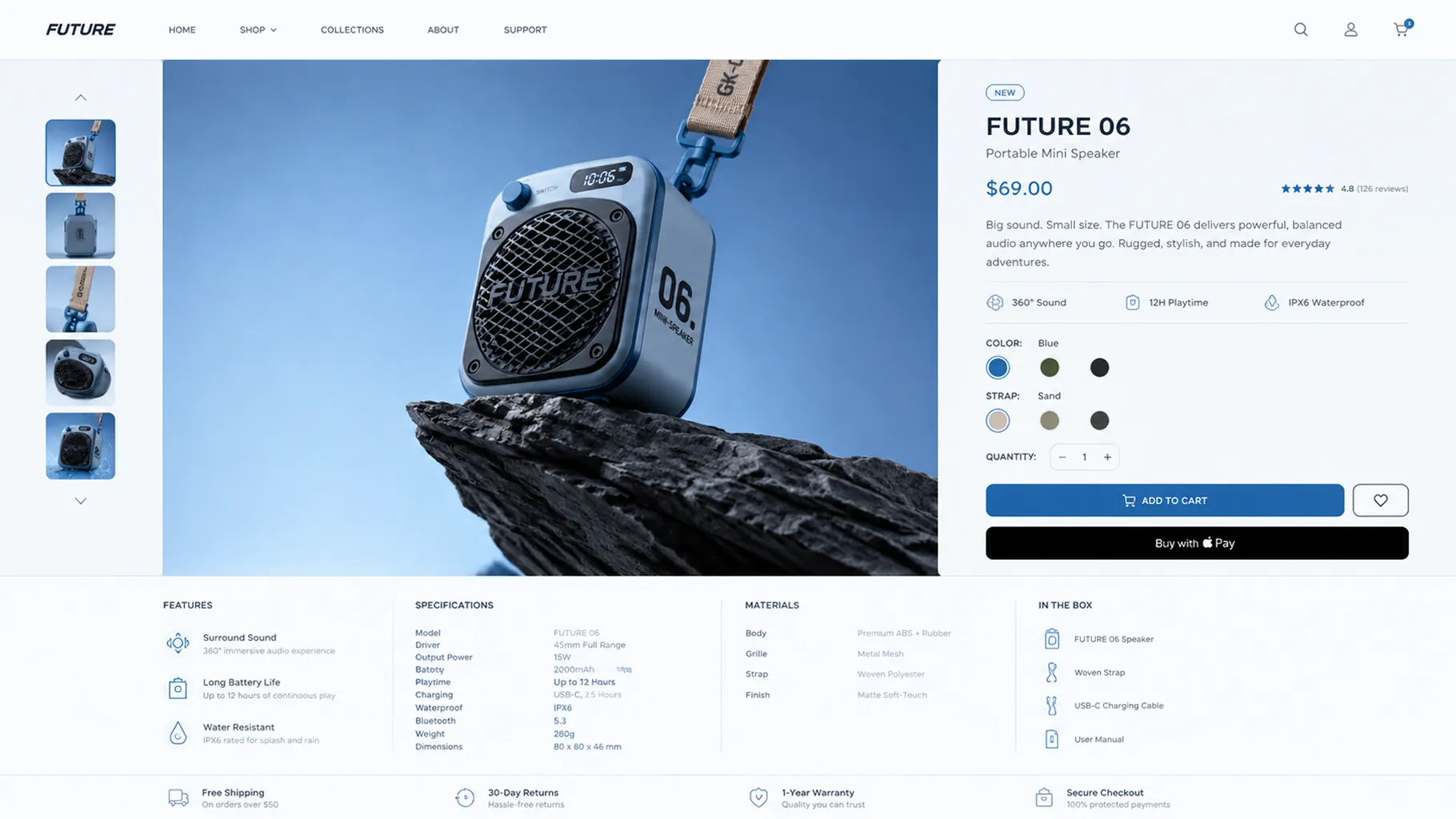
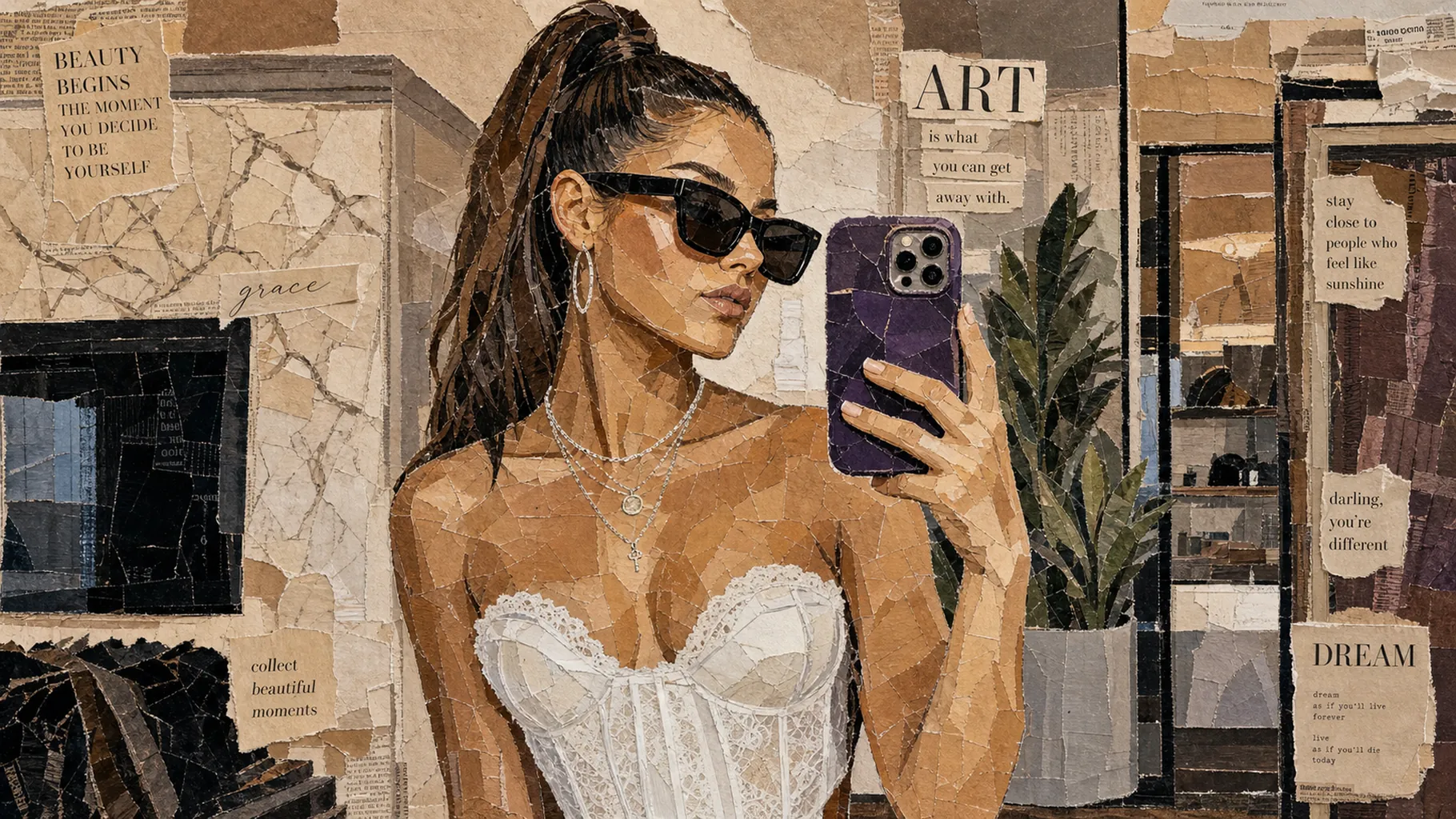
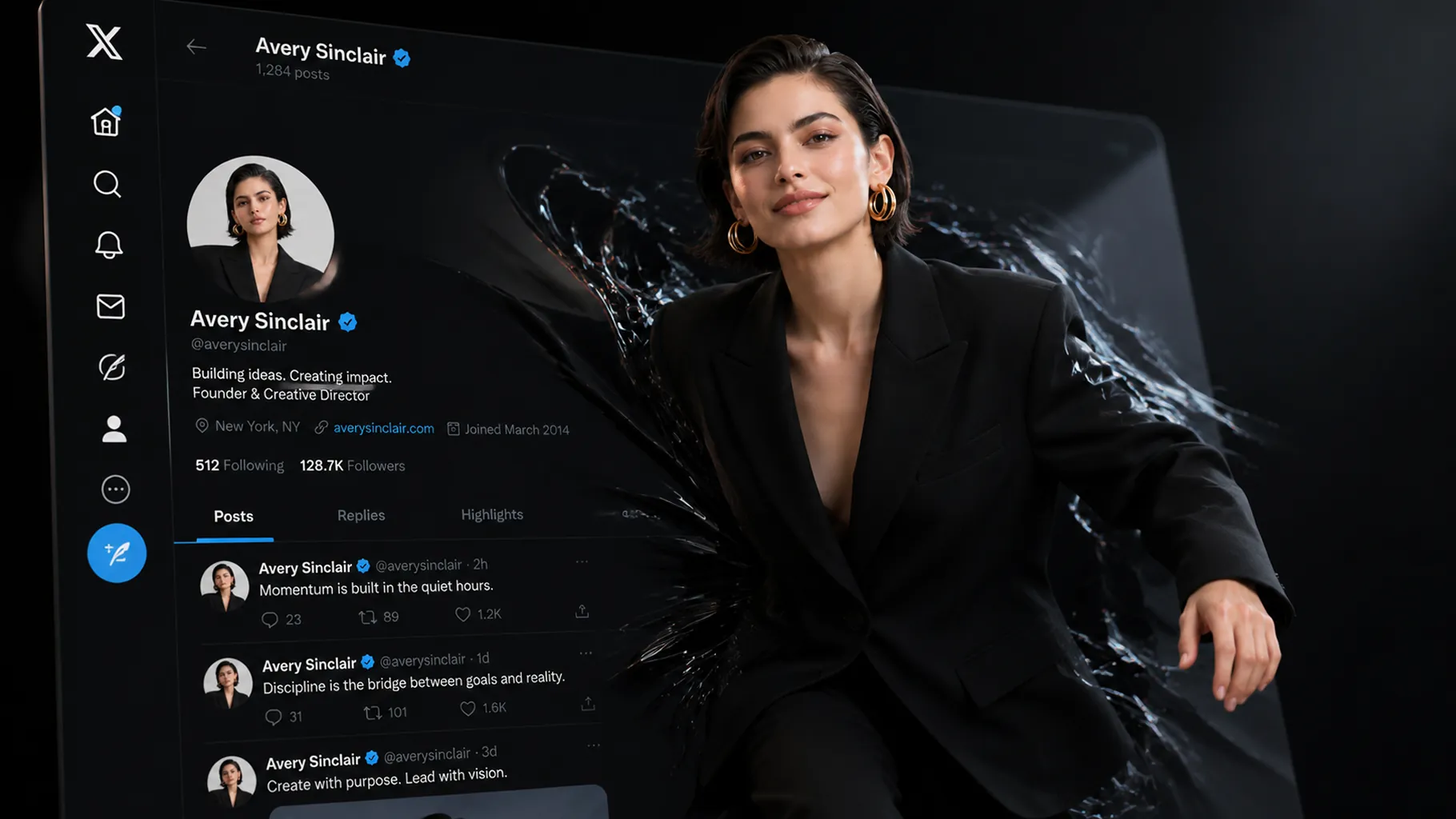
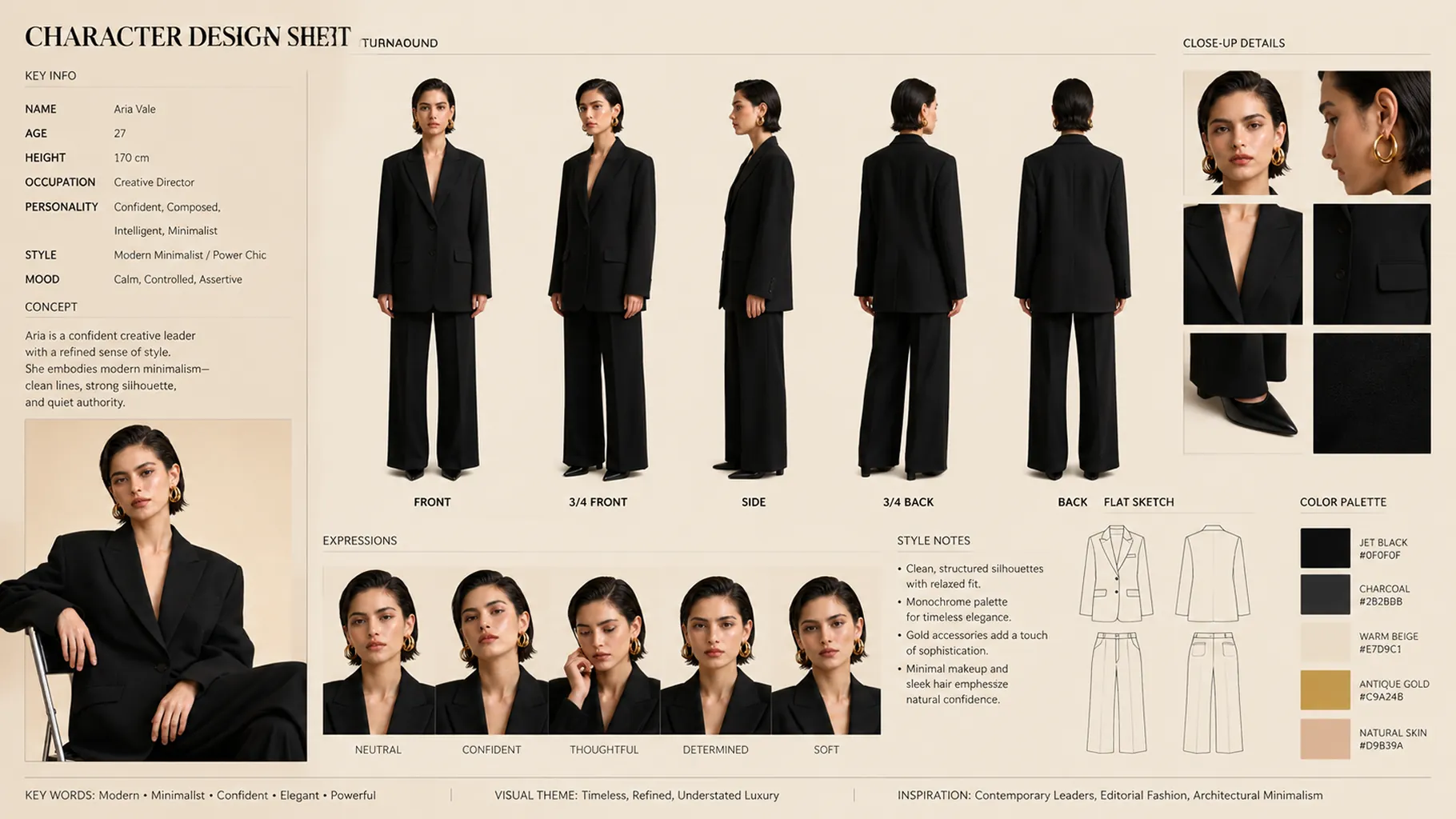
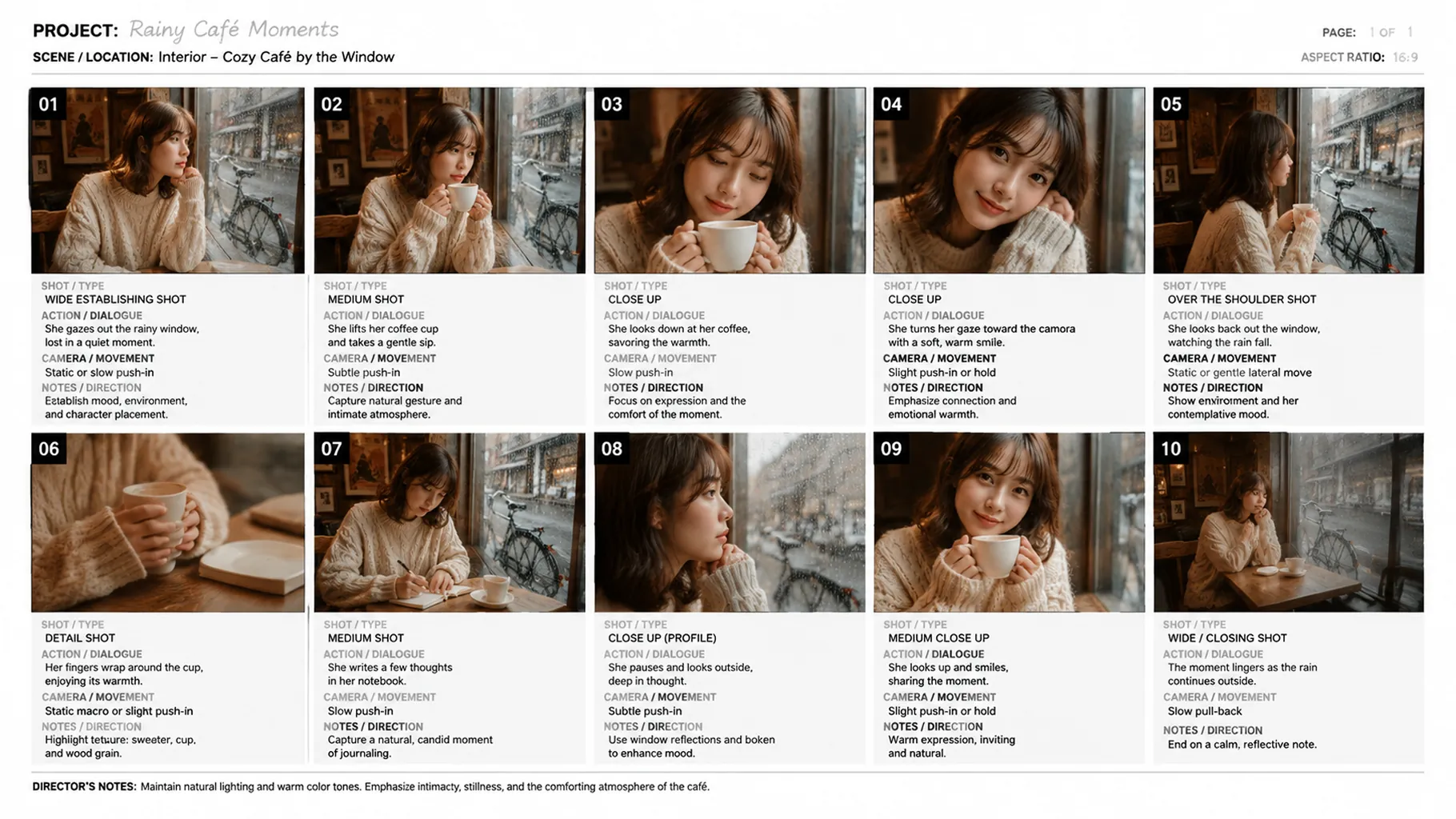
GPT Image 2 Edit Client API from OpenAI delivers cost-effective, production-grade AI image editing for developers and creative teams. This professional image editing API integration helps you transform existing visuals through natural-language instructions while preserving scene coherence, style consistency, and design intent. Built on OpenAI's latest GPT image editing stack, GPT Image 2 Edit Client combines semantic multimodal reasoning with flexible quality controls and multi-image input support for scalable editing workflows on Best Image AI.
Note Please ensure your prompts comply with OpenAI's usage policies. If an error occurs, review your prompt for restricted content, adjust it, and try again.
GPT Image 2 Edit Client vs. GPT Image 2 Edit
GPT Image 2 Edit and GPT Image 2 Edit Client share the same core editing strengths in semantic control, multi-image support, and production usability. GPT Image 2 Edit Client is positioned as a very affordable option for teams that want the same overall editing workflow with stronger cost efficiency.
GPT Image 2 Edit Client vs. Runway Gen-4 References
Runway Gen-4 References is optimized for cinematic reference-driven creation and stylized workflows. GPT Image 2 Edit Client API differentiates with flexible multi-image editing, dependable instruction following, and a very affordable API-based editing workflow for practical production use.
GPT Image 2 Edit Client vs. Stable Image Edit
Stable Image Edit appeals to teams that want open ecosystem flexibility and customization. GPT Image 2 Edit Client provides polished semantic editing behavior, strong out-of-the-box quality, and a very affordable workflow for teams that want reliable editing without infrastructure overhead.
GPT Image 2 Edit Client vs. Qwen Image 2.0 Edit
Qwen Image 2.0 Edit is a strong value-oriented editing model with multilingual strengths. GPT Image 2 Edit Client API stands out with OpenAI's refined instruction following, robust multi-image workflow support, and a very affordable design-oriented editing workflow.
GPT Image 2 Edit Client vs. Seedream 4.5 Edit
Seedream 4.5 Edit specializes in premium, highly stylized editing workflows. GPT Image 2 Edit Client offers a very affordable editing option with flexible multi-image support and dependable API-based deployment for scalable content pipelines.
Explore several AI creation tools for quick image and video workflows in your browser, then scale successful ideas with Best Image AI's production-ready model APIs. Best Image AI provides a unified API layer for all models, making it easy to use and scale your workflows.
Create AI images from text prompts

Create AI images from images and text prompts

Create AI videos from text prompts

Animate images into AI videos

Create AI images and videos in one unified workspace

Create consistent videos from reference media

Build visual AI image and video workflows on an infinite canvas
// Step 1: Submit generation request
const response = await fetch('https://api.flaq.ai/api/v1/image/task', {
  method: 'POST',
  headers: {
    'Content-Type': 'application/json',
    'Authorization': 'Bearer YOUR_API_KEY'
  },
  body: JSON.stringify({
    model_name: 'gpt-image-2-edit-client',
    width: 1,
    height: 1,
    resolution: '1k',
    prompt: 'Change the jacket color to deep navy, keep lighting consistent',
    quality: 'medium',
    image_url_list: ['https://example.com/source.jpg']
  })
});

const { data } = await response.json();
const taskId = data.task_id;
// Step 2: Poll for results
const taskId = data.task_id;

const pollResult = async (taskId) => {
  const res = await fetch(`https://api.flaq.ai/api/v1/image/${taskId}`, {
    headers: { 'Authorization': 'Bearer YOUR_API_KEY' }
  });
  return res.json();
};

while (true) {
  const pollResultData = await pollResult(taskId);
  const status = pollResultData.data.task_status;

  if (status === 'succeed') {
    console.log(pollResultData.data.task_result.images[].);
    ;
  }

   (status === ) {
    .(pollResultData..);
    ;
  }

    ( (resolve, ));
}
# Step 1: Submit generation request
import requests

response = requests.post(
    'https://api.flaq.ai/api/v1/image/task',
    headers={
        'Content-Type': 'application/json',
        'Authorization': 'Bearer YOUR_API_KEY'
    },
    json={
        'model_name': 'gpt-image-2-edit-client',
        'width': 1,
        'height': 1,
        'resolution': '1k',
        'prompt': 'Change the jacket color to deep navy, keep lighting consistent',
        'quality': 'medium',
        'image_url_list': ['https://example.com/source.jpg']
    }
)

task_id = response.json()['data']['task_id']
# Step 1: Submit generation request
curl -X POST https://api.flaq.ai/api/v1/image/task \
  -H "Content-Type: application/json" \
  -H "Authorization: Bearer YOUR_API_KEY" \
  -d '{
    "model_name": "gpt-image-2-edit-client",
    "width": 1,
    "height": 1,
    "resolution": "1k",
    "prompt": "Change the jacket color to deep navy, keep lighting consistent",
    "quality": "medium",
    "image_url_list": ["https://example.com/source.jpg"]
  }'
# Step 2: Poll for results
# Replace {task_id} with the task_id returned from the submit response
curl -X GET "https://api.flaq.ai/api/v1/image/{task_id}" \
  -H "Authorization: Bearer YOUR_API_KEY"
# Step 2: Poll for results
task_id = response.json()['data']['task_id']
poll_url = f"https://api.flaq.ai/api/v1/image/{task_id}"

while True:
    poll_result = requests.get(poll_url, headers={'Authorization': 'Bearer YOUR_API_KEY'}).json()
    status = poll_result['data']['task_status']
    if status == 'succeed':
        print(poll_result['data']['task_result']['images'][0]['url'])
        break
    if status == 'failed':
        print(poll_result['data']['task_status_msg'])
        break
    time.sleep(10)