


Text to Image
Create AI images from text prompts
Turn ideas into product images, ads, and social graphics with OpenAI ChatGPT Images 2.5 Client API. Build creative tools with affordable image generation.
This model is currently in preview and may be less stable than standard versions.
Try the AI Image Generator now
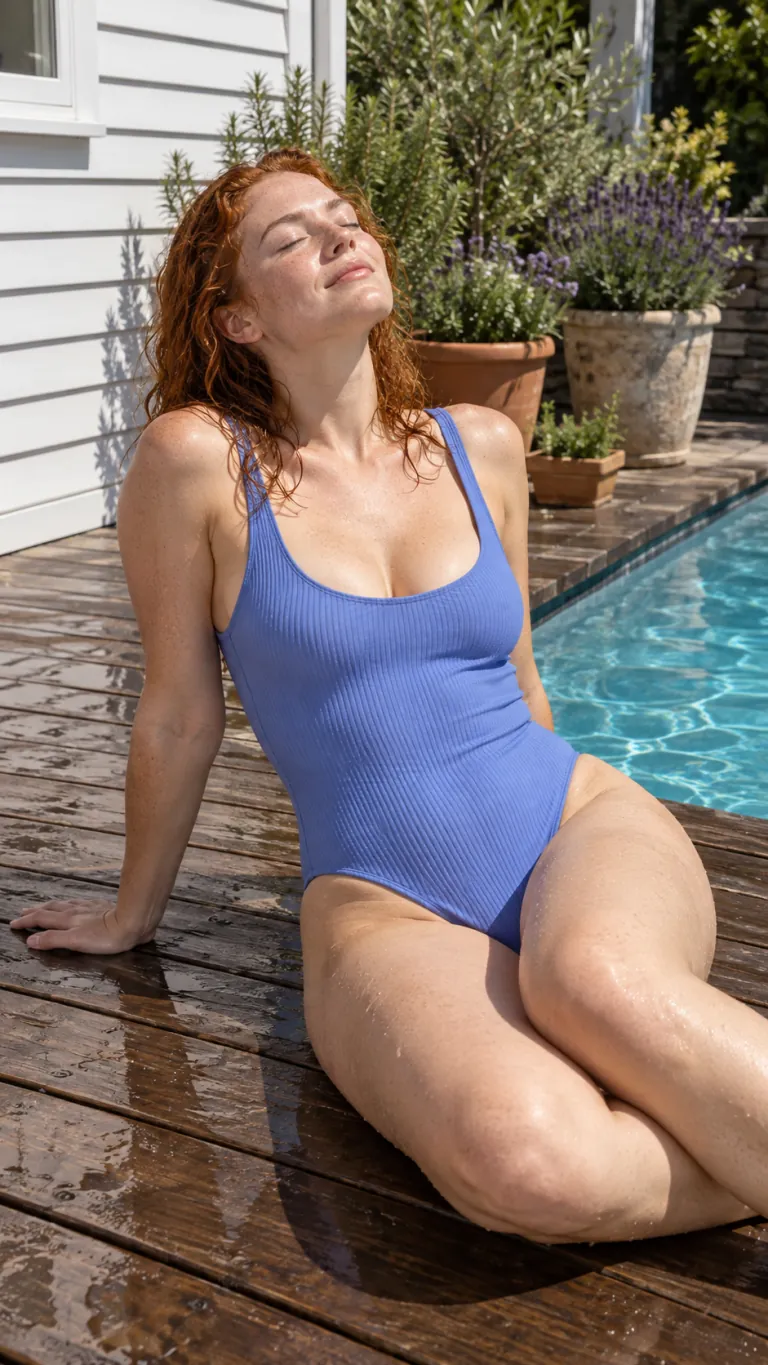
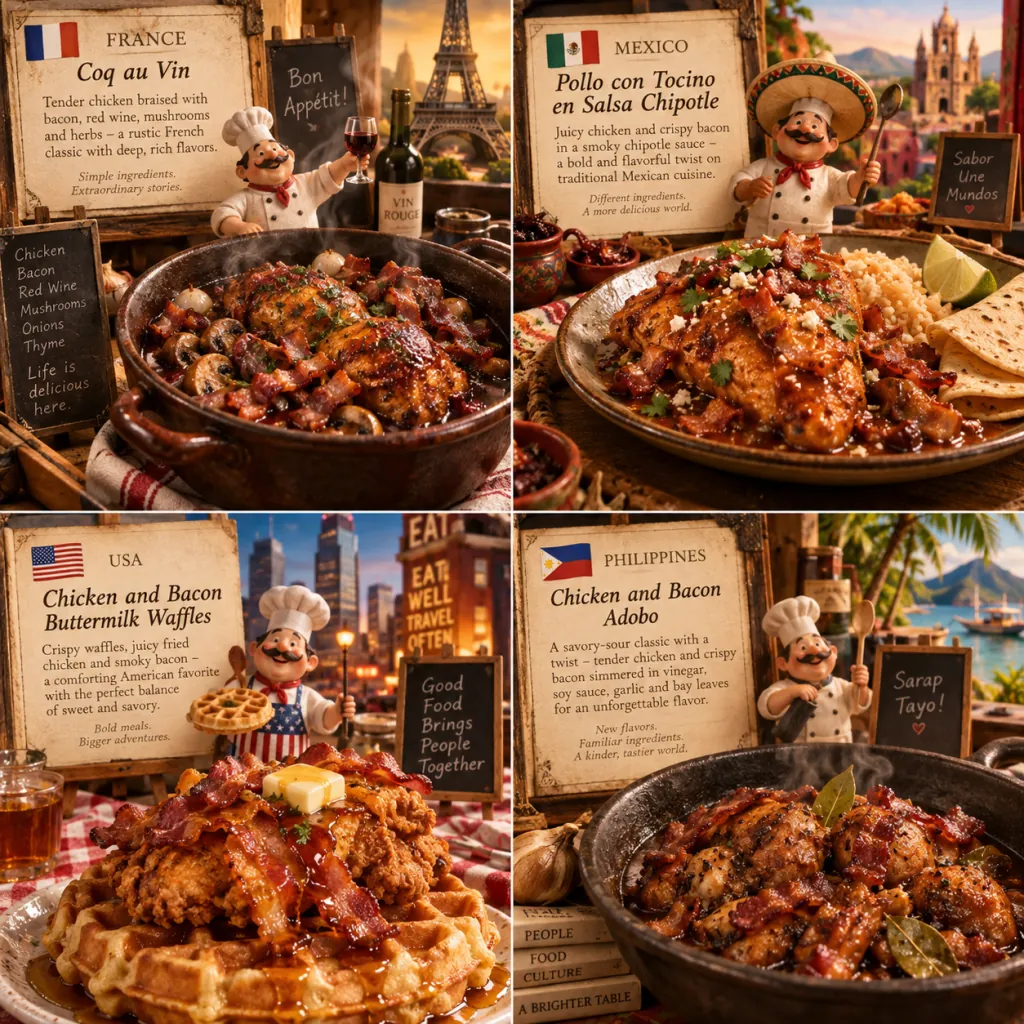
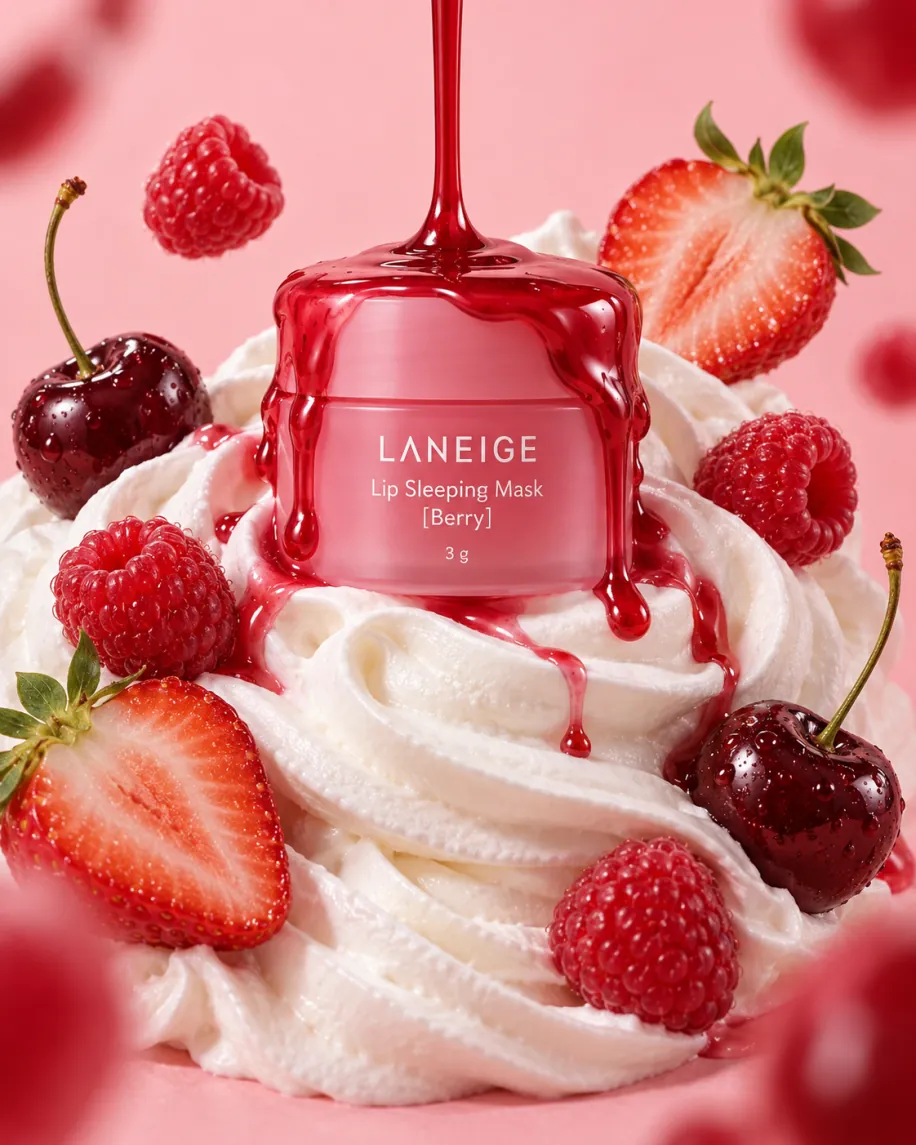
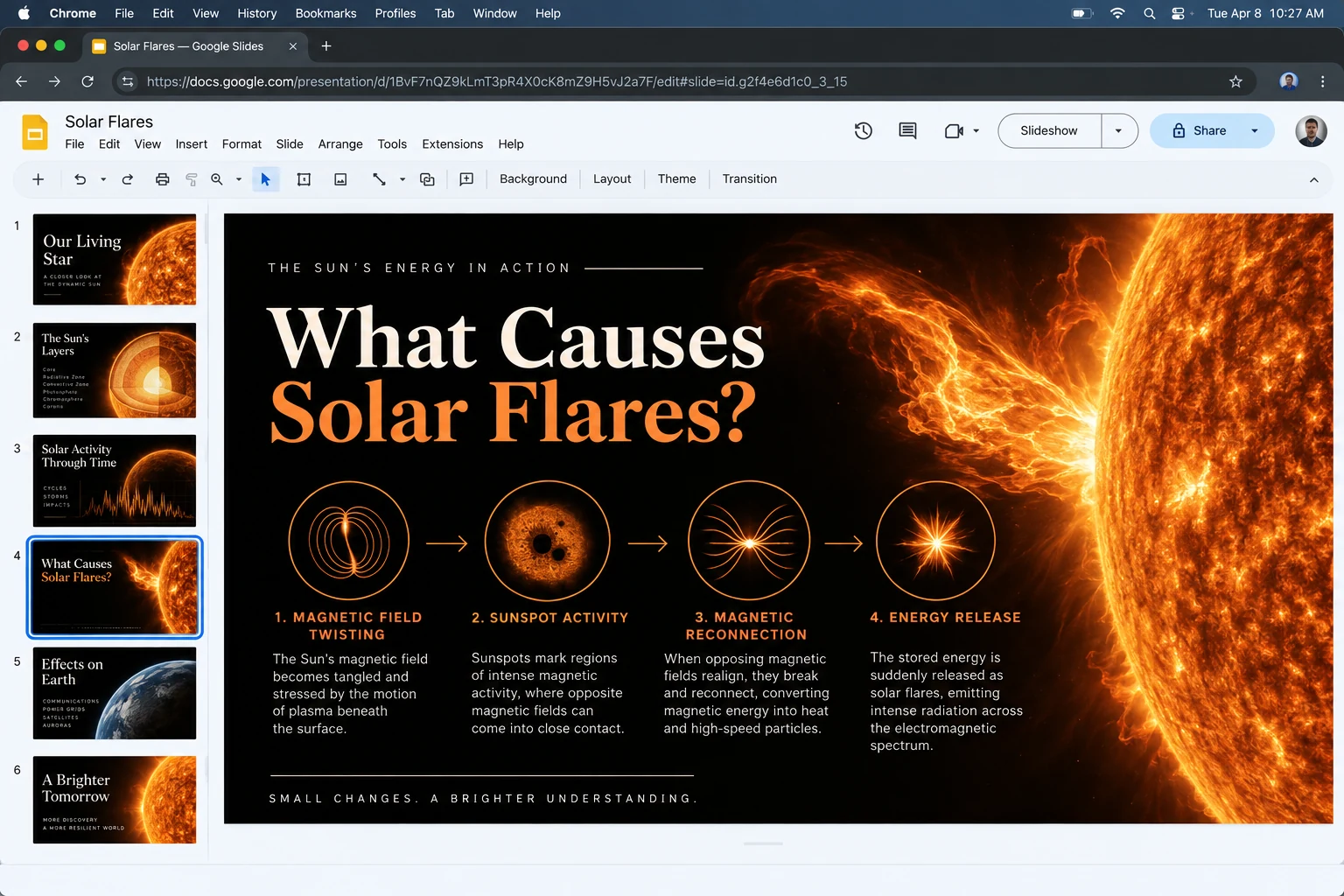
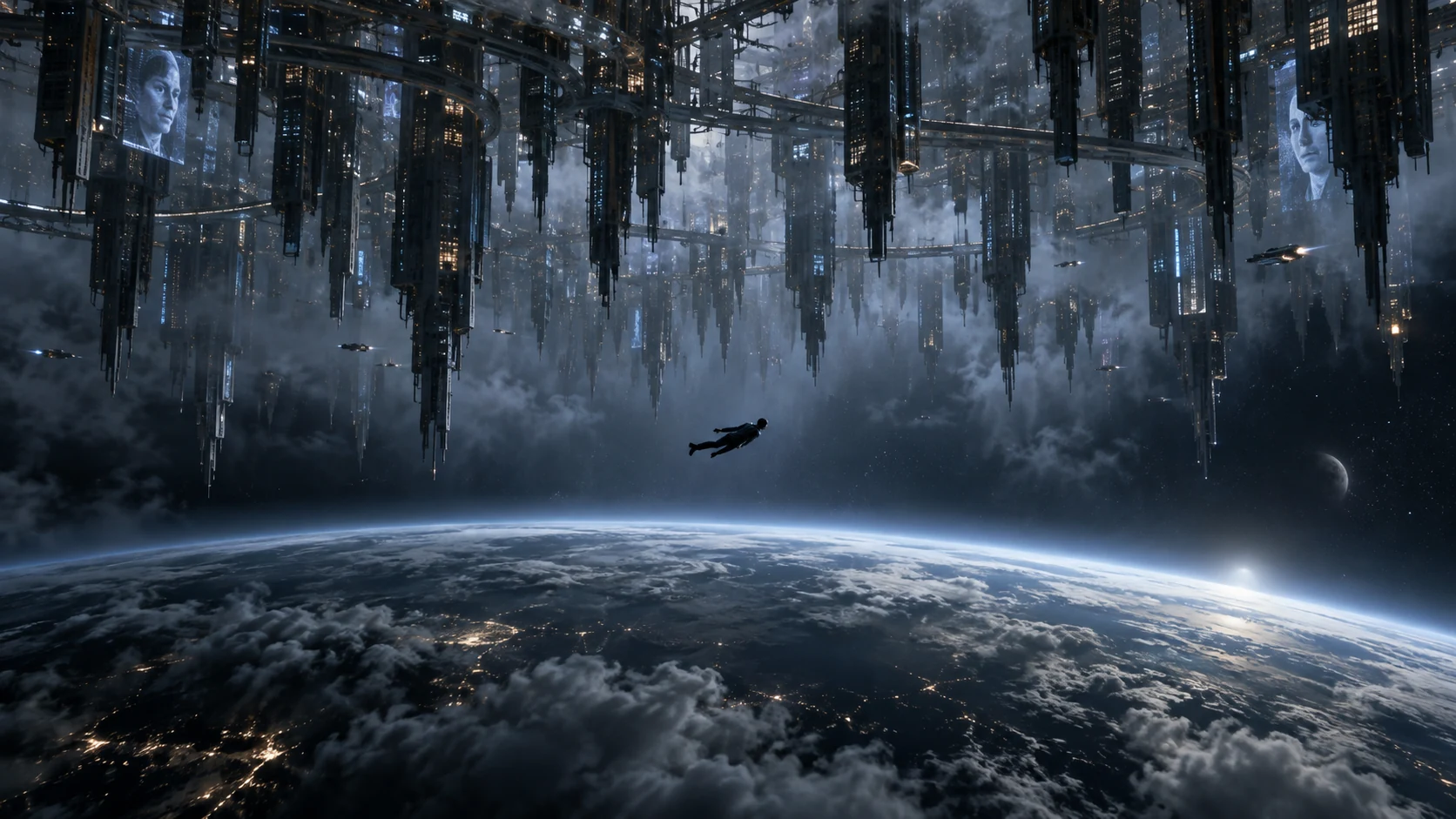
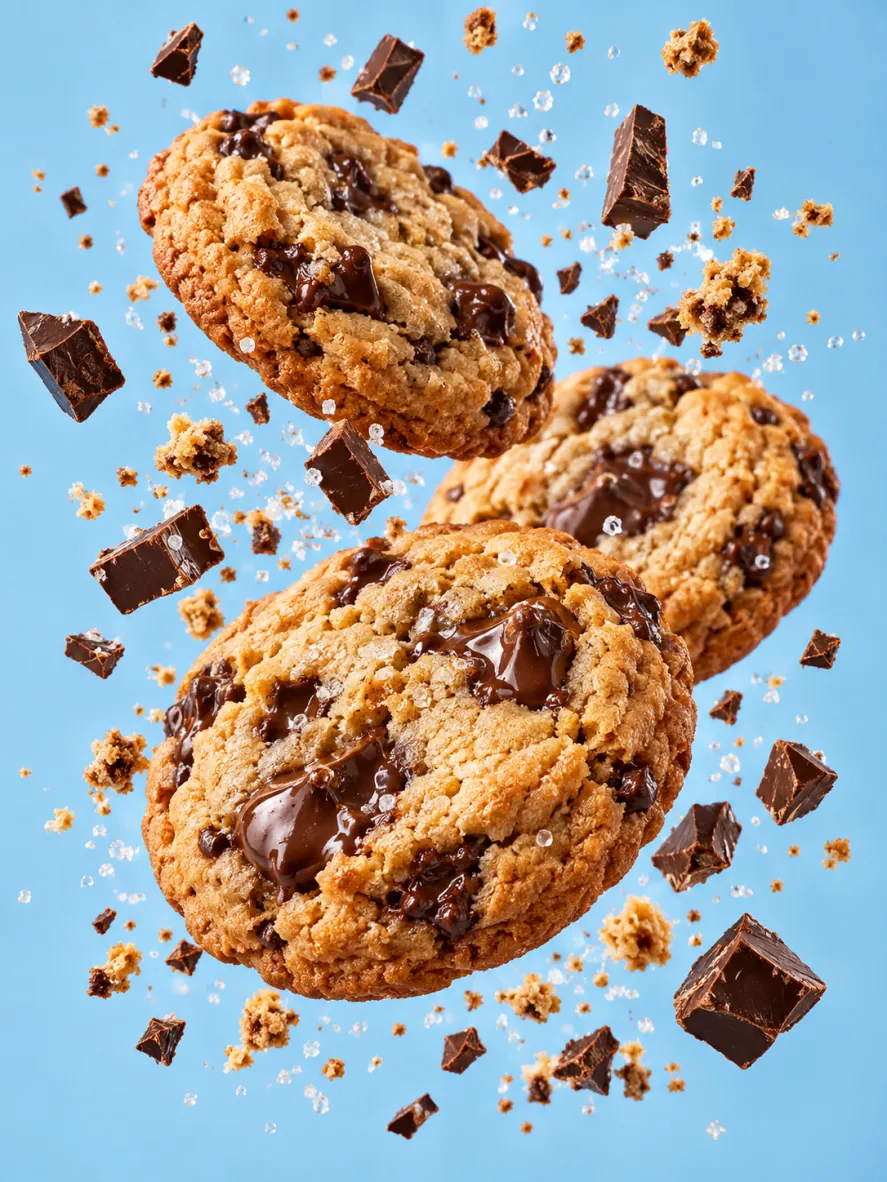
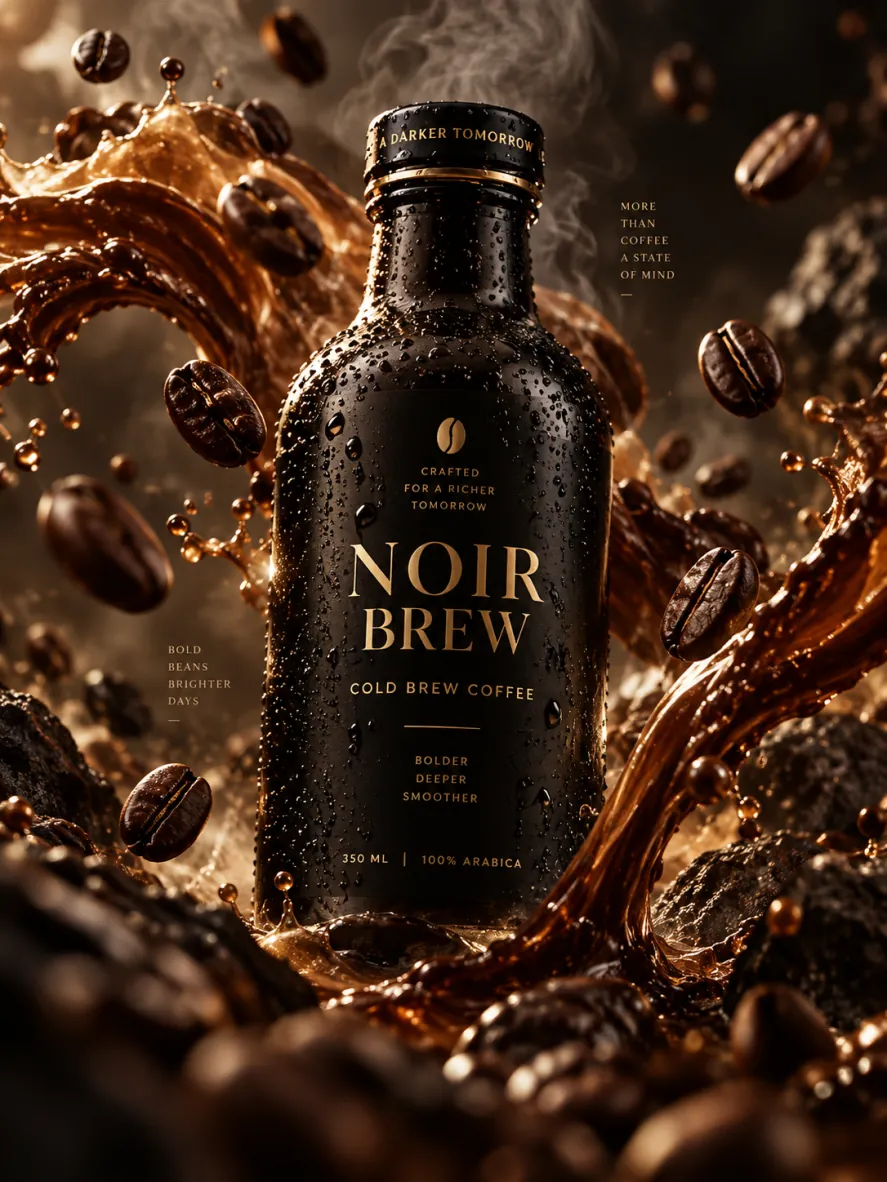
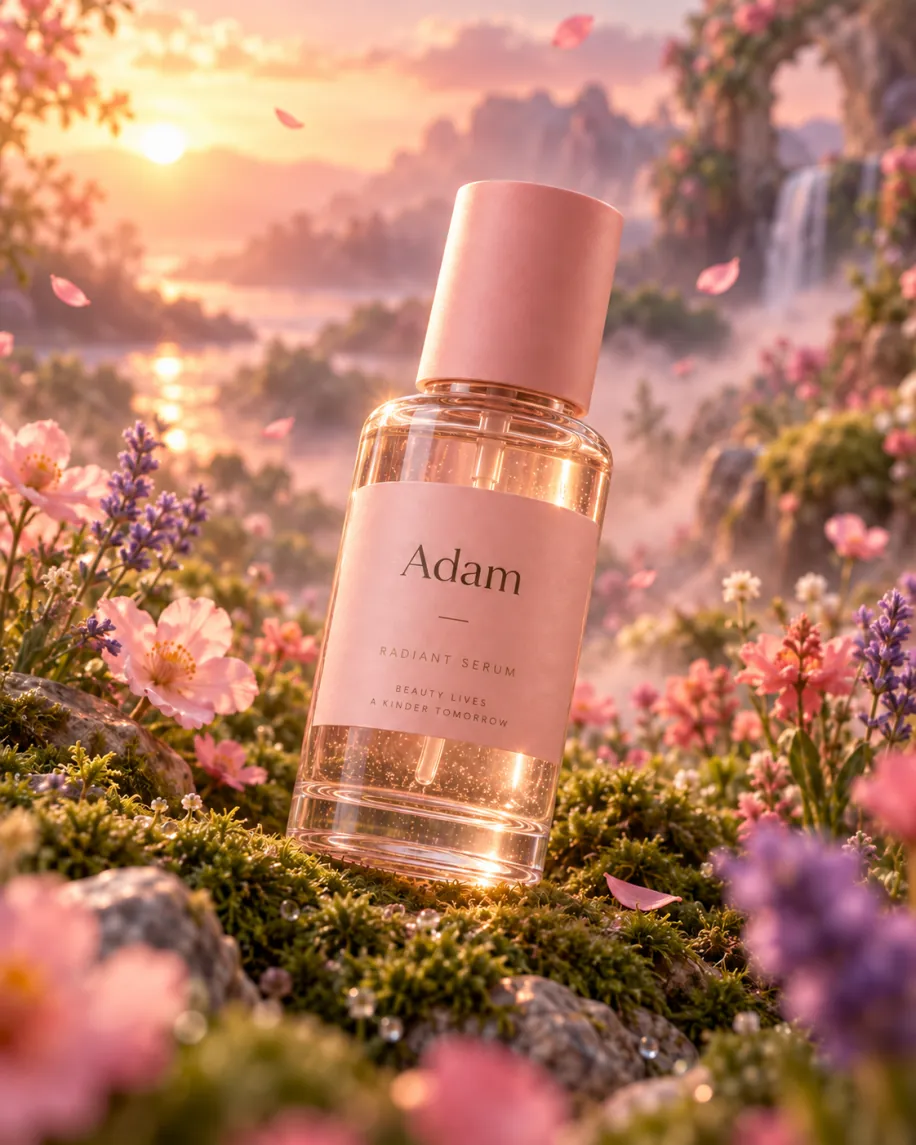
ChatGPT Images 2.5 Client API provides very affordable, prompt-based image generation for developers and creative teams on Best Image AI. It turns written briefs into product imagery, campaign concepts, editorial illustrations, and structured visual compositions. The Client route offers the same core generation workflow for budget-conscious teams and scalable creative applications.
Detailed Image Generation: Create polished images with natural lighting, realistic textures, and clearly rendered subjects across photographic, illustrative, and graphic styles.
Complex Prompt Understanding: Guide subject relationships, composition, and visual hierarchy through a detailed natural-language brief.
Stronger Style Control: Define medium, mood, color, lighting, and composition to maintain a clear visual direction across creative concepts.
Structured Visual Layouts: Build posters, presentation graphics, product concepts, and other images that depend on an organized arrangement of visual elements.
Creative Iteration: Refine ideas by adjusting the prompt and developing alternative settings, palettes, and compositions.
Application Integration: Add image generation to publishing tools, design workflows, and content production systems through the ChatGPT Images 2.5 Client route on Best Image AI.
Input: Write a natural-language prompt describing the subject, setting, composition, lighting, style, and any important visual details.
Output: Receive a generated image based on the creative instructions in the prompt.
Creative Direction: Include clear requirements for layout, color, atmosphere, and subject placement when the result needs to follow a defined visual system.
Capabilities: Text-to-image generation, prompt-directed styling, complex scene composition, and layout-aware visual creation through ChatGPT Images 2.5 Client API integration.
Marketing Creative: Produce campaign concepts, launch visuals, advertising artwork, and landing-page imagery from a structured brief.
E-commerce Imagery: Create product concepts, lifestyle settings, seasonal scenes, and promotional compositions for online storefronts.
Social Media Content: Develop thumbnails, post illustrations, and campaign visuals with a clear subject and visual hierarchy.
Editorial & Presentation Graphics: Turn an article, report, or presentation brief into composed illustrations and supporting visuals.
Creative Product Features: Add image generation to design assistants, publishing platforms, and applications built around the Client integration route.
Note: Keep prompts consistent with applicable content and safety requirements. If generation fails, revise the request and try again.
ChatGPT Images 2.5 Client vs. GPT Image 2
GPT Image 2 is an established OpenAI model for image generation and editing. ChatGPT Images 2.5 Client emphasizes
detailed prompts, natural visual treatment, and structured compositions through its Best Image AI integration route.
ChatGPT Images 2.5 Client vs. Nano Banana 2
Nano Banana 2 provides image generation within the Gemini ecosystem. ChatGPT Images 2.5 Client offers an
OpenAI-centered workflow for style-directed creation and coherent visual layouts.
ChatGPT Images 2.5 Client vs. Nano Banana Pro
Nano Banana Pro targets detailed visual generation and editing within the Gemini model family. ChatGPT Images 2.5
Client focuses on translating natural-language creative briefs into polished images for application workflows.
ChatGPT Images 2.5 Client vs. FLUX.2
FLUX.2 supports generation and reference-led creative workflows. ChatGPT Images 2.5 Client serves prompt-driven image
creation, while the corresponding Edit Client route supports workflows that begin with source imagery.
ChatGPT Images 2.5 Client vs. Qwen Image 2.0
Qwen Image 2.0 combines image generation and editing with support for typography-rich compositions. ChatGPT Images 2.5
Client is positioned around detailed instructions, coherent layouts, and polished visual output.
Explore several AI creation tools for quick image and video workflows in your browser, then scale successful ideas with Best Image AI's production-ready model APIs. Best Image AI provides a unified API layer for all models, making it easy to use and scale your workflows.
Create AI images from text prompts

Create AI images from images and text prompts

Create AI videos from text prompts

Animate images into AI videos

Create AI images and videos in one unified workspace

Create consistent videos from reference media

Build visual AI image and video workflows on an infinite canvas
// Step 1: Submit generation request
const response = await fetch('https://api.flaq.ai/api/v1/image/task', {
  method: 'POST',
  headers: {
    'Content-Type': 'application/json',
    'Authorization': 'Bearer YOUR_API_KEY'
  },
  body: JSON.stringify({
    model_name: 'chatgpt-images-2.5-client',
    prompt: 'A minimalist product shot of a ceramic mug on marble, soft studio light',
    width: 1,
    height: 1,
    resolution: '1k'
  })
});

const { data } = await response.json();
const taskId = data.task_id;
// Step 2: Poll for results
const taskId = data.task_id;

const pollResult = async (taskId) => {
  const res = await fetch(`https://api.flaq.ai/api/v1/image/${taskId}`, {
    headers: { 'Authorization': 'Bearer YOUR_API_KEY' }
  });
  return res.json();
};

while (true) {
  const pollResultData = await pollResult(taskId);
  const status = pollResultData.data.task_status;

  if (status === 'succeed') {
    console.log(pollResultData.data.task_result.images[0].url);
    ;
  }

   (status === ) {
    .(pollResultData..);
    ;
  }

    ( (resolve, ));
}
# Step 1: Submit generation request
import requests

response = requests.post(
    'https://api.flaq.ai/api/v1/image/task',
    headers={
        'Content-Type': 'application/json',
        'Authorization': 'Bearer YOUR_API_KEY'
    },
    json={
        'model_name': 'chatgpt-images-2.5-client',
        'prompt': 'A minimalist product shot of a ceramic mug on marble, soft studio light',
        'width': 1,
        'height': 1,
        'resolution': '1k'
    }
)

task_id = response.json()['data']['task_id']
# Step 1: Submit generation request
curl -X POST https://api.flaq.ai/api/v1/image/task \
  -H "Content-Type: application/json" \
  -H "Authorization: Bearer YOUR_API_KEY" \
  -d '{
    "model_name": "chatgpt-images-2.5-client",
    "prompt": "A minimalist product shot of a ceramic mug on marble, soft studio light",
    "width": 1,
    "height": 1,
    "resolution": "1k"
  }'
# Step 2: Poll for results
# Replace {task_id} with the task_id returned from the submit response
curl -X GET "https://api.flaq.ai/api/v1/image/{task_id}" \
  -H "Authorization: Bearer YOUR_API_KEY"
# Step 2: Poll for results
task_id = response.json()['data']['task_id']
poll_url = f"https://api.flaq.ai/api/v1/image/{task_id}"

while True:
    poll_result = requests.get(poll_url, headers={'Authorization': 'Bearer YOUR_API_KEY'}).json()
    status = poll_result['data']['task_status']
    if status == 'succeed':
        print(poll_result['data']['task_result']['images'][0]['url'])
        break
    if status == 'failed':
        print(poll_result['data']['task_status_msg'])
        break
    time.sleep(10)