免費圖像生成圖像:線上 AI 圖像編輯器
使用免費的圖像生成圖像工具和 AI 圖像編輯器,免費轉換上傳的視覺素材。利用參考圖像引導編輯、重新設計、風格變換、產品概念和創意變體,無需註冊或信用卡。
完全免費
由 GPT Image 2 提供支援
無需註冊
無限生成
高畫質圖片生成體驗試用
透過我們的專業網站,體驗更快、更高品質、無廣告的圖片生成服務
生成的圖片將顯示於此。
探索 AI 提示詞合集
從實用的圖片與影片提示詞範例開始,開啟完整的提示詞合集,或瀏覽其持續維護的 GitHub 資料庫。
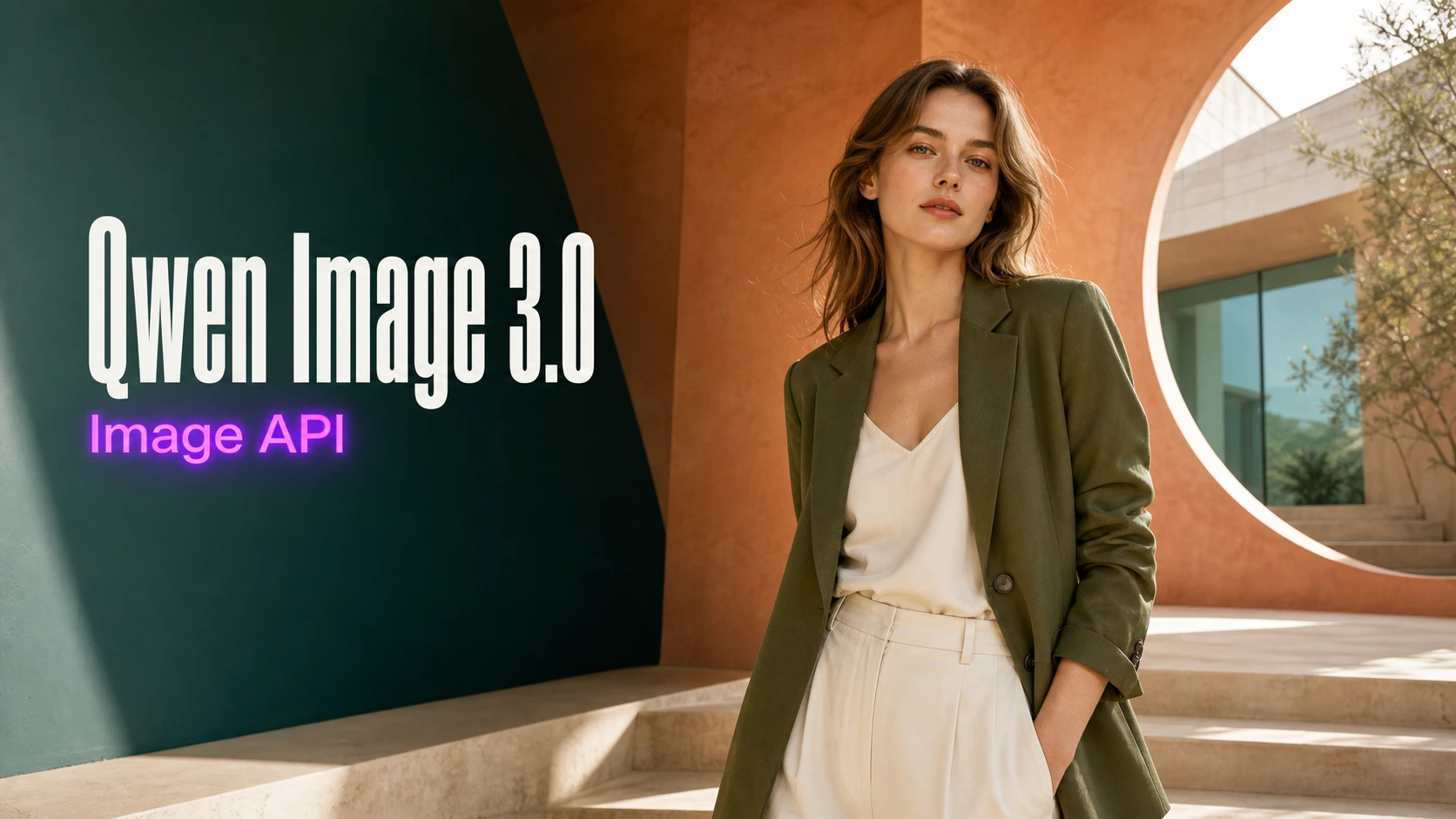
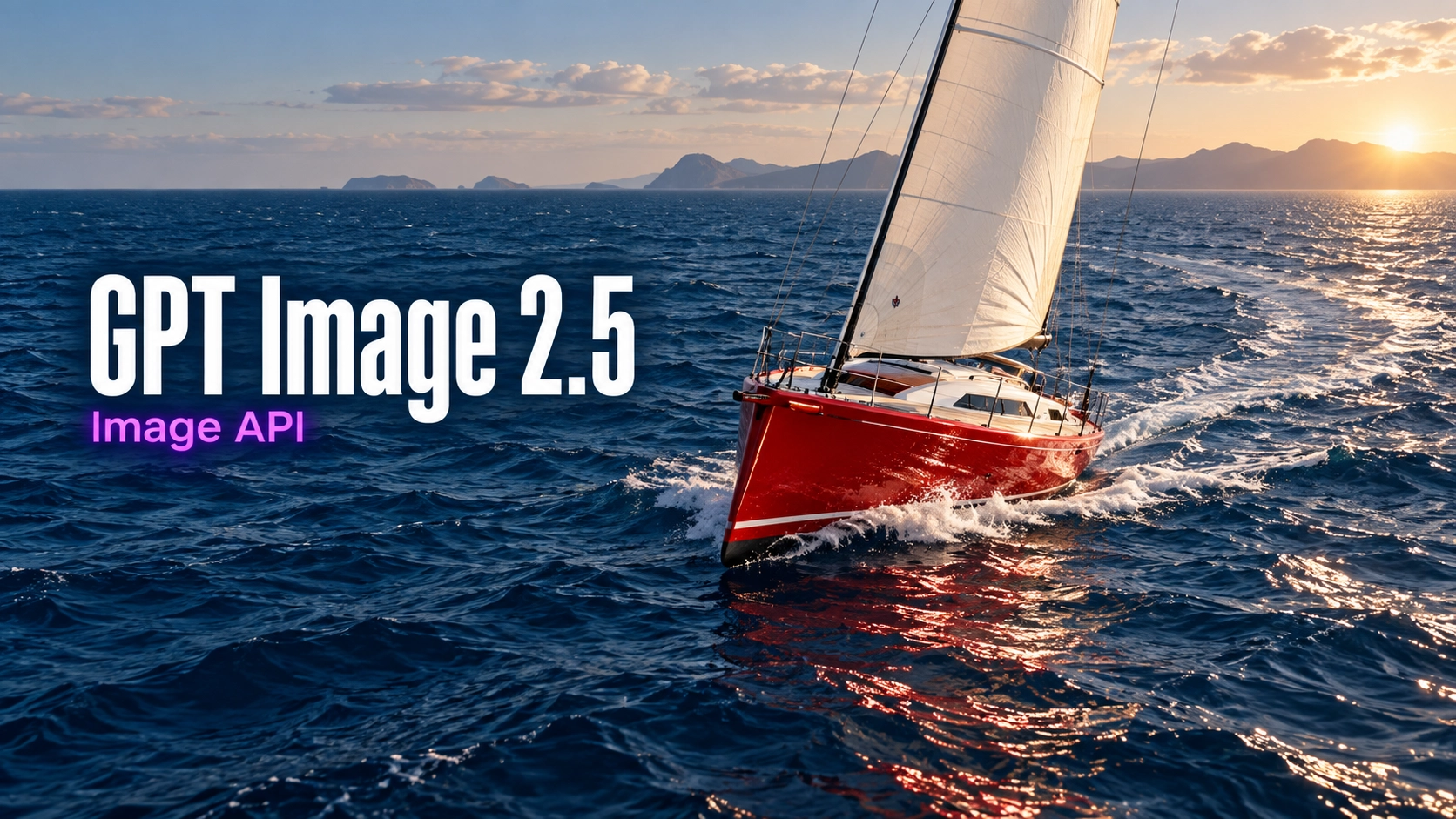
探索 Best Image AI 的多種創意工具
在瀏覽器中探索多種 AI 創作工具,快速完成圖像和影片工作流程,再透過 Best Image AI 可用於正式環境的模型 API 擴展成功創意。Best Image AI 為所有模型提供統一 API 層,讓工作流程的使用和擴展更輕鬆。







免費創作 · 透過聯盟推廣賺取收益
免費加入,分享 Bestimage.ai,立即開始賺取收益!
加入 Bestimage.ai 聯盟計畫,向需要可靠 AI 工具的創作者分享推薦連結,透過推薦賺取佣金。
加入聯盟計畫免費圖像生成圖像工具的核心功能
彈性的參考圖引導工作流程,專為自然語言編輯、視覺轉換、主體保留、常用寬高比和快速創意迭代而設計。
參考圖引導生成範例
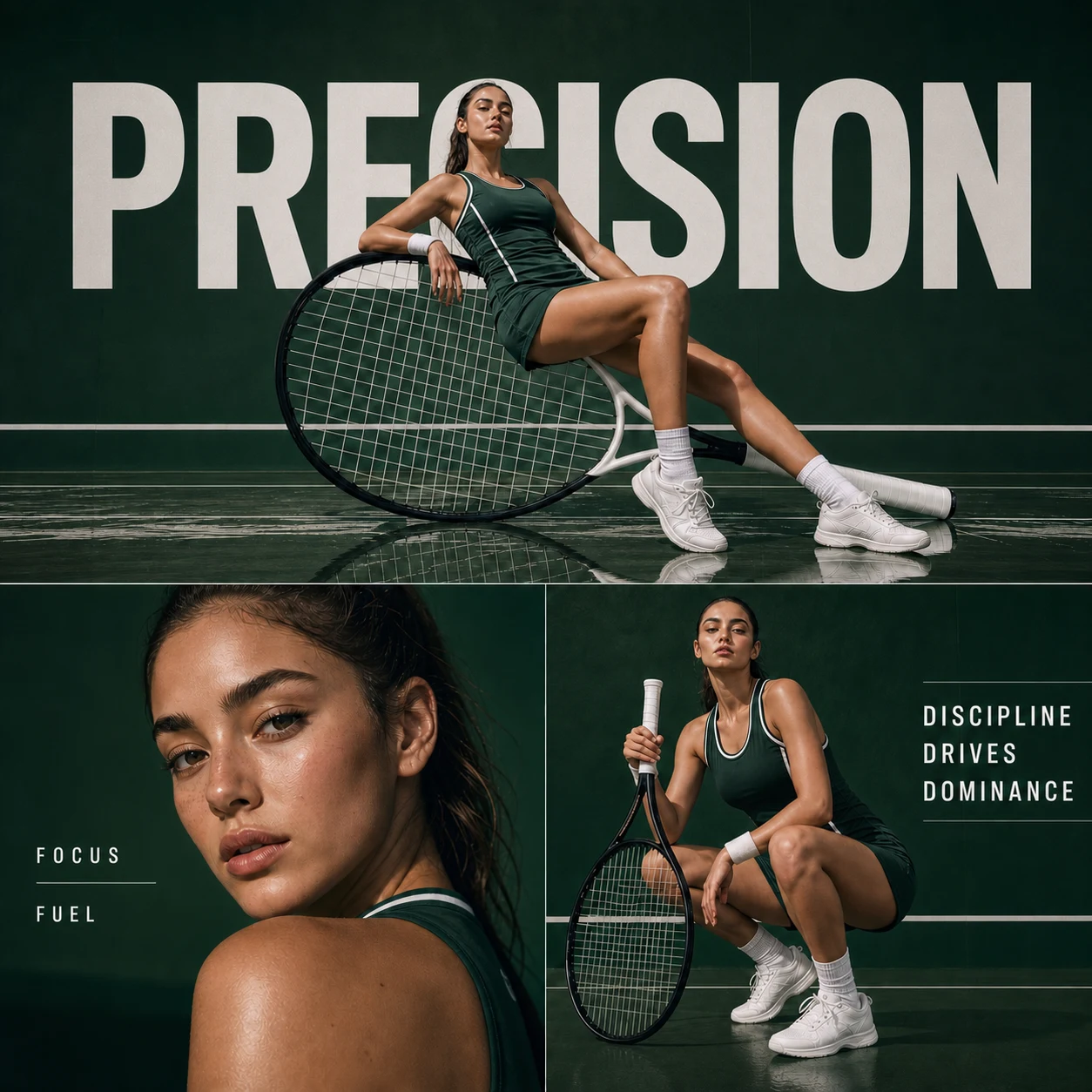
提示詞
Create a square premium sports-fashion triptych featuring a female tennis athlete interacting with an oversized tilted racket on a deep-green luxury court. Preserve the exact text "PRECISION," "FOCUS," "FUEL," and "DISCIPLINE DRIVES DOMINANCE," along with the reflective floor, cinematic lighting, and consistent dark-green-and-white palette.
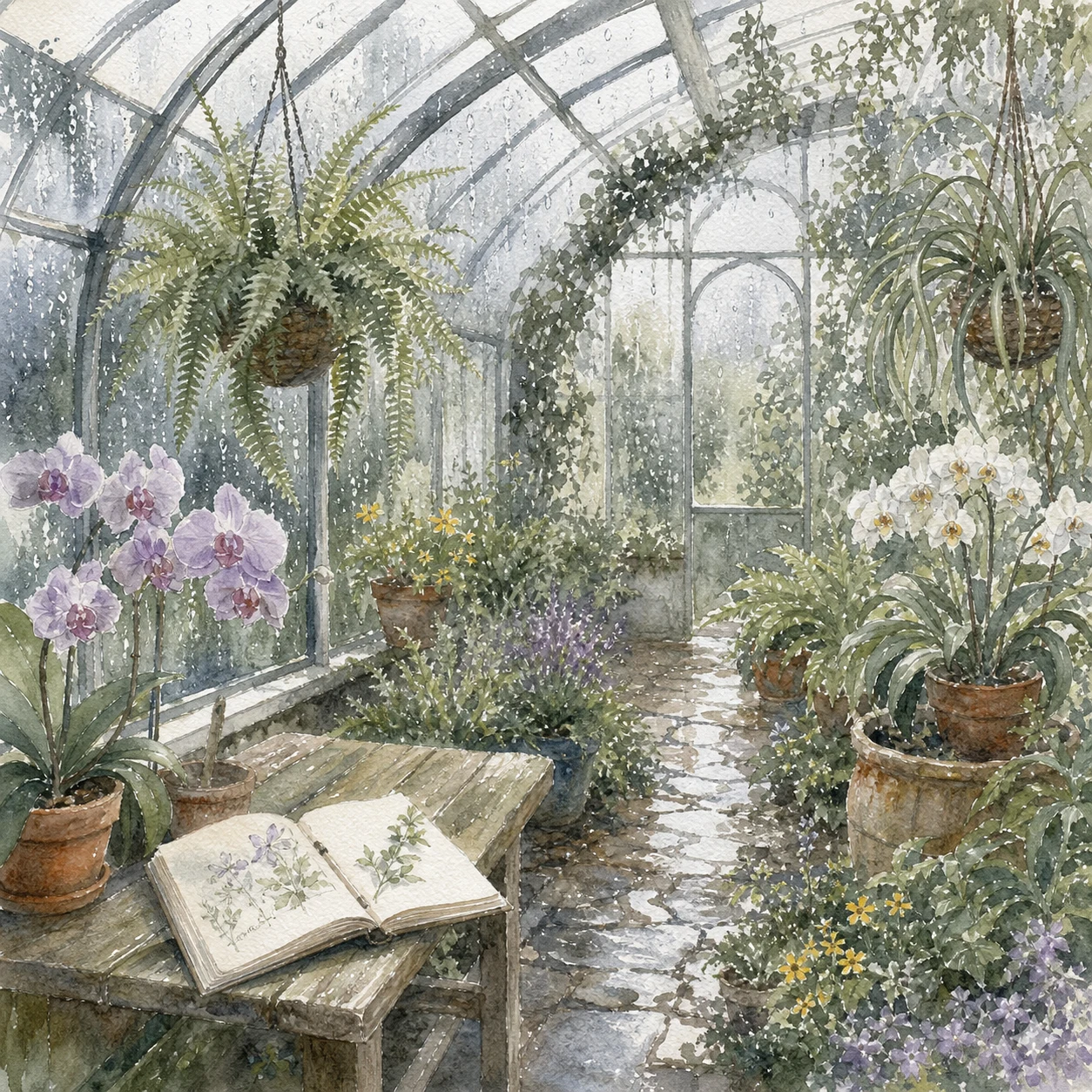
提示詞
Create a square transparent-watercolor illustration of a rainy botanical greenhouse on cold-pressed paper. Show the glass structure, lush plants, humid air, and soft morning light. Emphasize transparent washes, paper texture, and luminous mist. Do not add unrelated text, collage elements, or interface graphics.
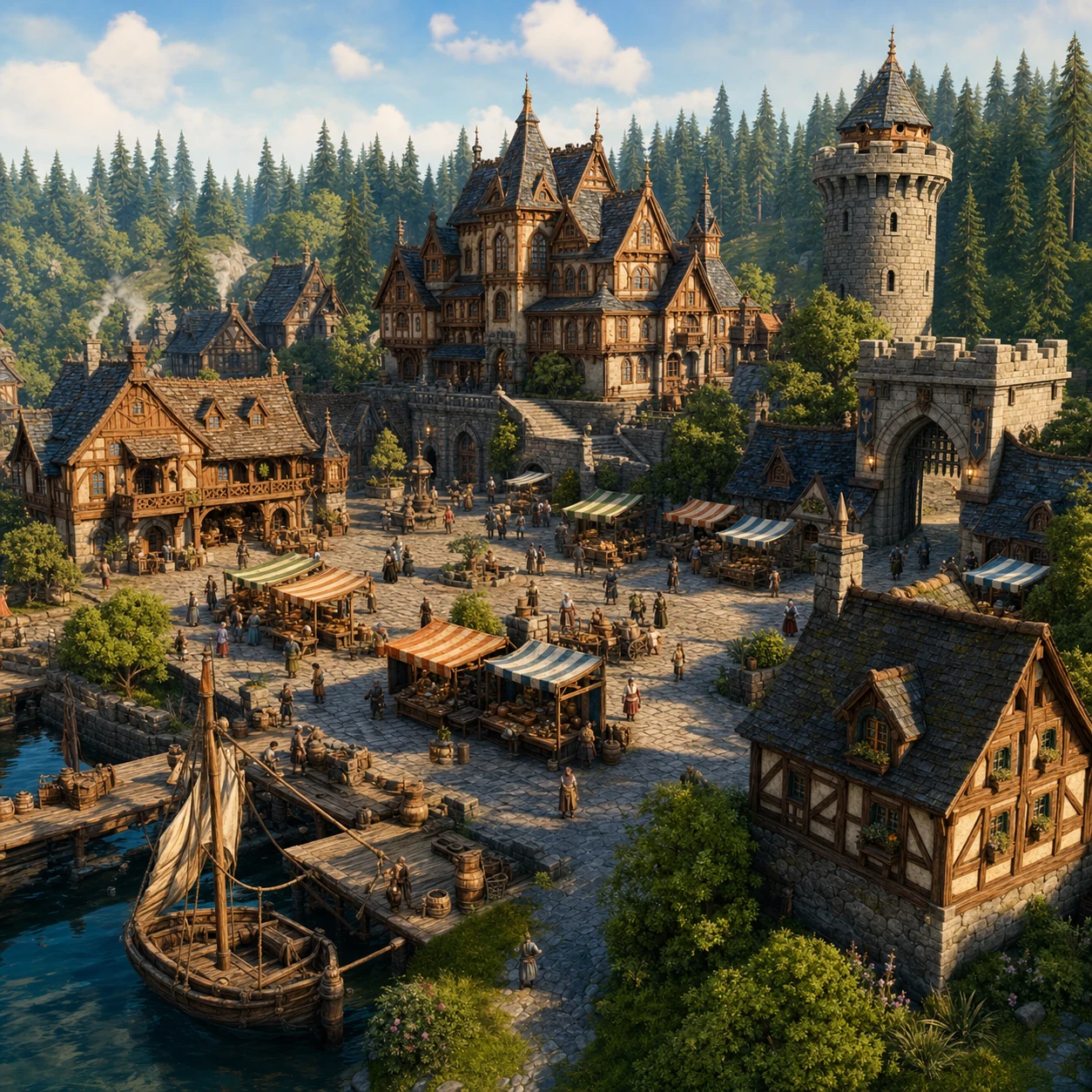
提示詞
Create a square medieval waterfront market as one coherent environment. Include artisan stalls, villagers, timber-and-stone architecture, a central square, and the distant shoreline. Use an elevated three-quarter perspective, warm cinematic morning light, and rich spatial depth. Show no text or logos.
圖像編輯範例
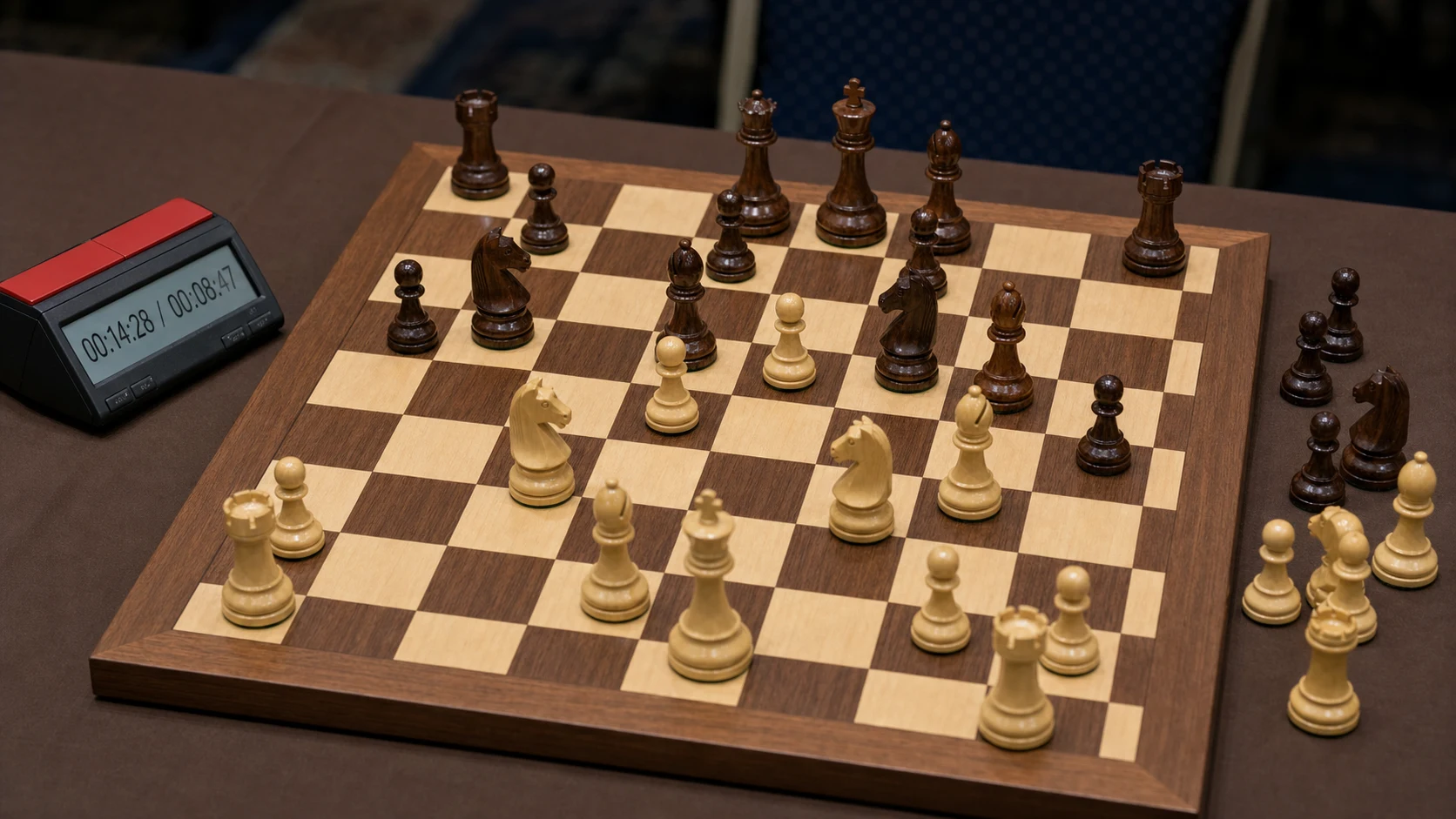
原圖 (提示詞)
Create a photorealistic 16:9 tournament chess position in the middle of a serious game. Arrange accurate maple and rosewood Staunton pieces on an inlaid maple-and-walnut board, with several captured pieces placed to the right. Add a digital clock on the left reading "00:14:28 / 00:08:47." Use soft overhead tournament lighting and a shallow depth of field.
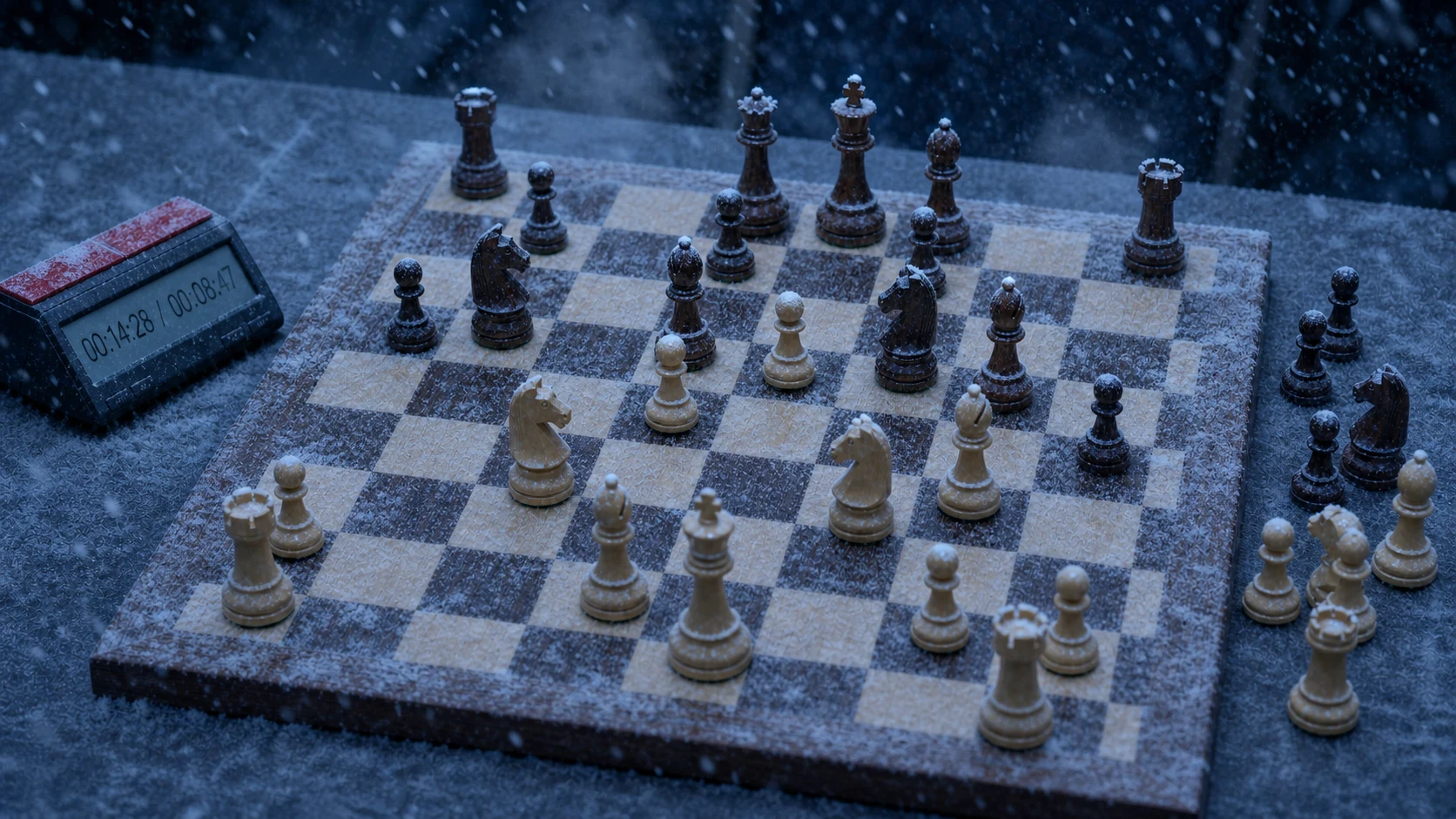
生成結果 (提示詞)
Turn Image 1 into a winter-evening chess scene with heavy snowfall. Strictly preserve the board composition, piece positions, alignment, and landscape aspect ratio so the chess position remains clearly readable. Add snow dust on the board and pieces, breath vapor in the air, and cold blue-gray lighting.
風格轉換範例
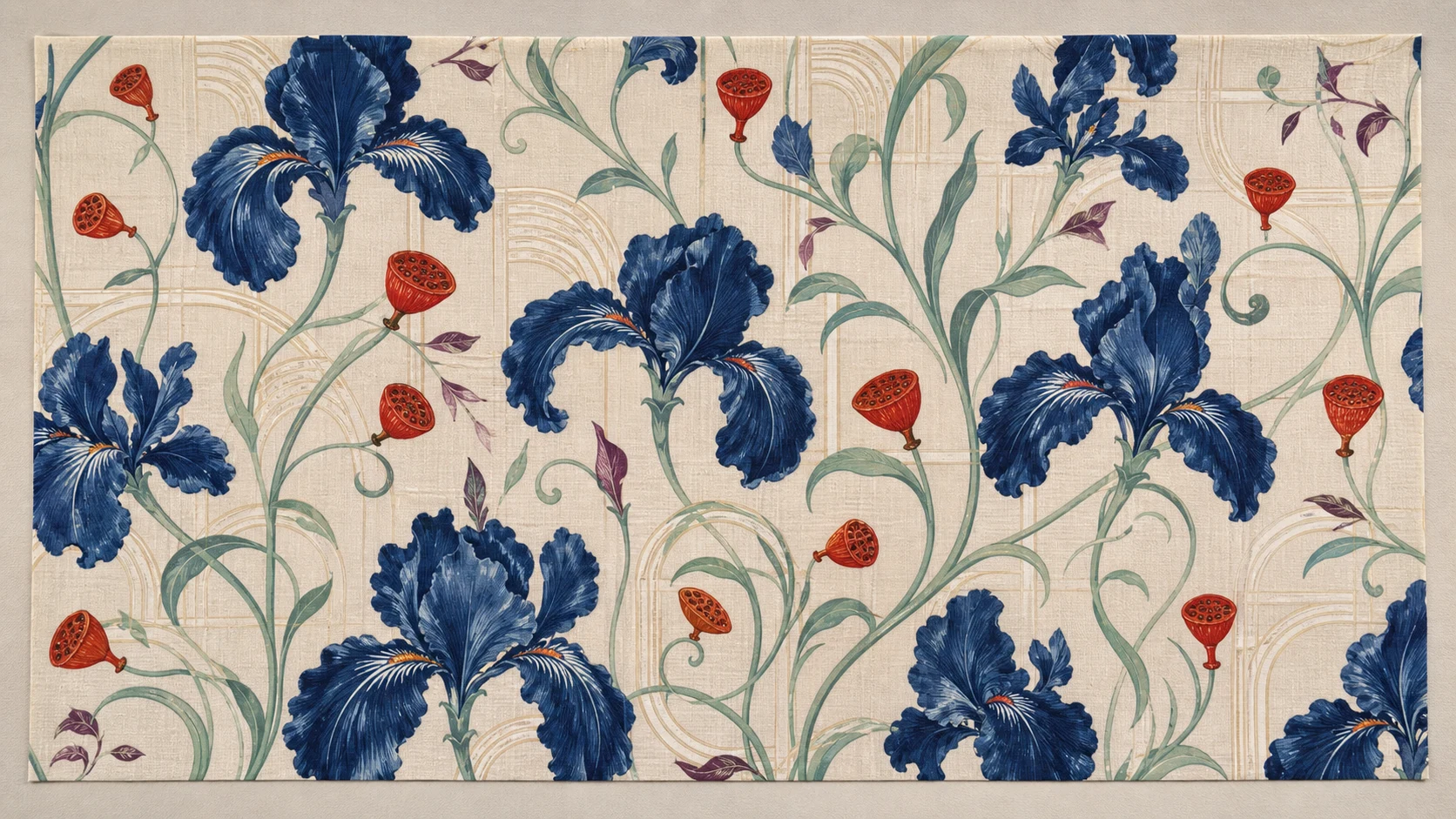
原圖 (提示詞)
Create a full-bleed 16:9 source image of an elegant iris textile pattern, documented clearly from directly overhead. Make the reusable botanical geometry, repeat structure, color relationships, and woven texture easy to read. Do not include garments, people, text, or a finished advertising layout.
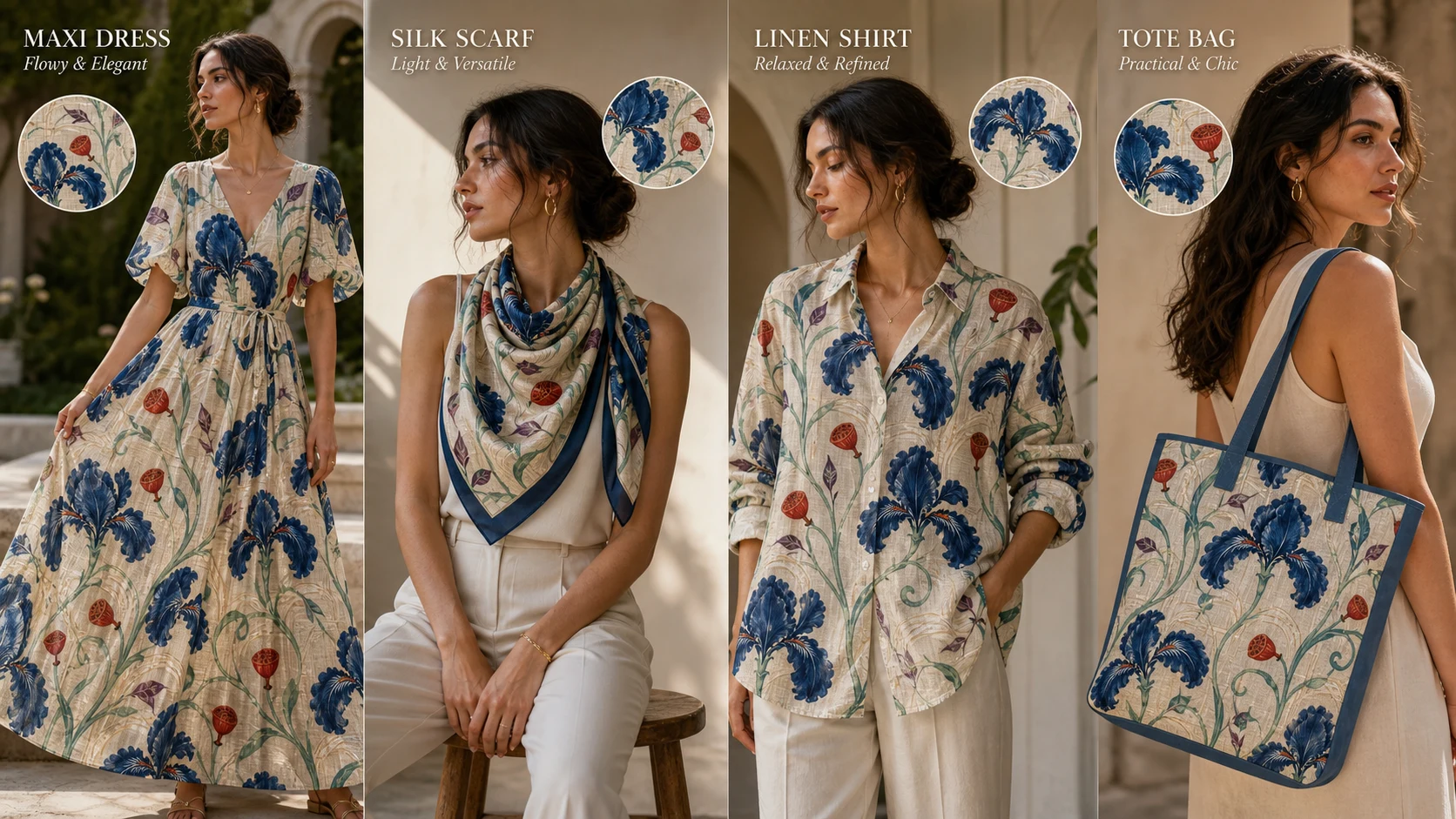
生成結果 (提示詞)
Use the iris pattern from Image 1 to create exactly four distinct fashion items with different color applications and layouts, presented in one cohesive four-panel 16:9 commercial fashion composition. Preserve the original floral shapes, palette relationships, and repeat rhythm so the source pattern remains recognizable. Do not add a fifth product.
免費圖像生成圖像工具的優勢
透過參考圖像輸入、自然語言提示詞控制、彈性的寬高比和免費線上生成功能轉換現有視覺素材,無需註冊。
參考圖引導創作
上傳相片、草圖、產品圖像、角色或設計草稿,用它們引導生成結果的主體、結構、構圖或視覺方向。
自然語言圖像編輯
直接描述要變更、保留、取代、增強或重塑風格的內容,無需依賴複雜的手動編輯工作流程。
多種寬高比選項
使用 1:1、4:5、9:16、16:9 和 21:9 等寬高比,建立方形貼文、人像、海報、縮圖、橫幅和寬螢幕視覺素材。
快速視覺迭代
以上傳的圖像作為視覺指引,快速探索新背景、風格、版面、產品場景和創意變體。
免費圖像生成圖像工具的應用情境
使用免費圖像生成圖像工具製作產品視覺素材、編輯相片、迭代設計、進行行銷、講述故事和創作內容。
產品和電商視覺素材
將產品相片轉換為生活化場景、宣傳圖像、簡潔模型、包裝預覽和創意變體,加快測試。
相片風格重塑和編輯
將人像、室內相片、時尚相片、物體和插圖轉換為新的視覺風格,同時保留重要細節。
設計和概念最佳化
上傳草圖、草稿、版面參考圖或情緒板圖像,建立精美的替代方案,用於審核和展示。
角色和場景變體
結合參考圖像和清晰的提示詞指引,探索角色、環境、道具、海報和電影場景的新版本。
如何使用免費圖像生成圖像工具
透過簡單的線上工作流程轉換圖像:上傳參考圖像、描述變更要求、選擇寬高比、生成並最佳化結果。
上傳參考圖像
新增一至五張產品相片、人像、草圖、設計草稿、風格參考圖或其他用於引導生成結果的圖像。
描述轉換要求
說明要變更和保留的內容,包括主體、風格、背景、光線、顏色、構圖和最終用途。
選擇寬高比並生成
選擇寬高比,生成轉換後的圖像並查看結果;如有需要,可最佳化提示詞並匯出完成的視覺作品。
媒體創作推薦 AI 模型
探索適合生產級創意工作流程的代表性 AI 圖片、影片、LLM 或其他模型,並透過 Best Image AI 的統一模型市場查看即時價格與折扣。