免费 GPT Image 2:在线 AI 图像生成器和编辑器
免费 GPT Image 2 AI 图像生成器和 AI 图像编辑器可帮助创作者将文本提示词和上传的参考图转化为细致视觉。使用 Best Image AI,在快速免费的流程中创建写实场景、产品概念、海报、社交媒体图形、品牌样机、设计方向和图像到图像变体。
100% 免费
由 GPT Image 2 提供支持
无需注册
无限生成
高质量图片生成免费试用
通过我们的专业网站,体验更快、更高质量、无广告的图片生成
您的生成图片会显示在这里。
探索 AI 提示词合集
从实用的图片和视频提示词示例开始,打开完整的提示词合集,或浏览其持续维护的 GitHub 资料库。
探索 Best Image AI 的多种创意工具
在浏览器中探索多种 AI 创作工具,快速完成图像和视频工作流,再通过 Best Image AI 面向生产环境的模型 API 扩展成功创意。Best Image AI 为所有模型提供统一 API 层,让工作流的使用和扩展更轻松。







免费创作 · 推广赚取佣金
免费加入,分享 Bestimage.ai,立即开始赚取收益!
加入 Bestimage.ai 联盟计划,向需要可靠 AI 工具的创作者分享你的推荐链接,通过推荐赚取佣金。
加入联盟计划免费 GPT Image 2 AI 生成器的趣味示例
一款灵活的 AI 图像生成器和 AI 图像编辑器,适用于文本生成图像和图像到图像创作,专为细致提示词遵循、清晰布局、准确视觉方向、参考引导编辑和快速创意迭代而构建。
文本生成图像示例
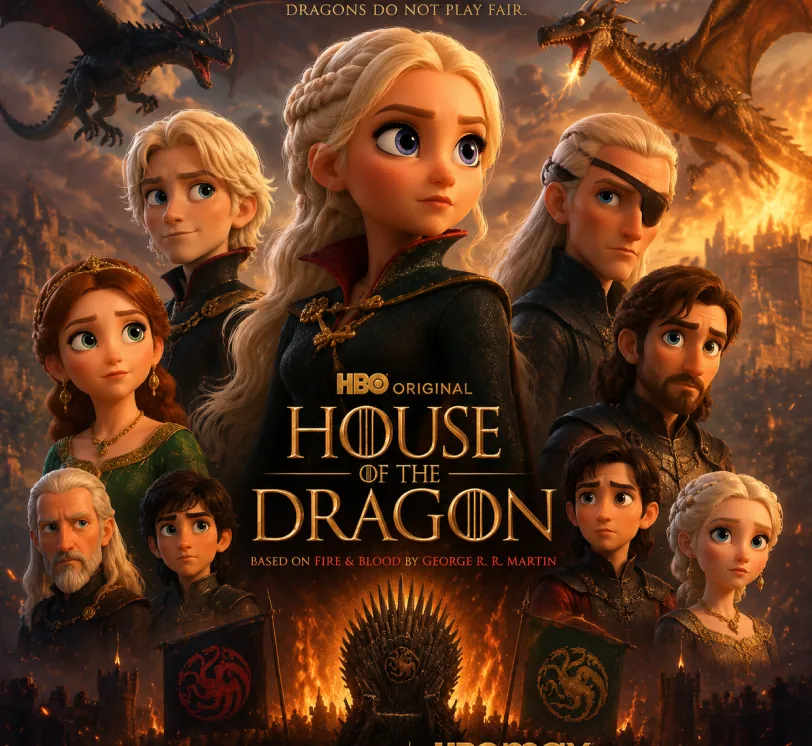
提示词
Pixar-style movie poster reimagining of the TV show {argument name="House of the Dragon" default="[Breaking Bad]"}. Feature the main cast as charming 3D CGI caricature characters with exaggerated, expressive features, big expressive eyes, and warm glossy Pixar-quality rendering. Compose it as an actual movie poster
提示词
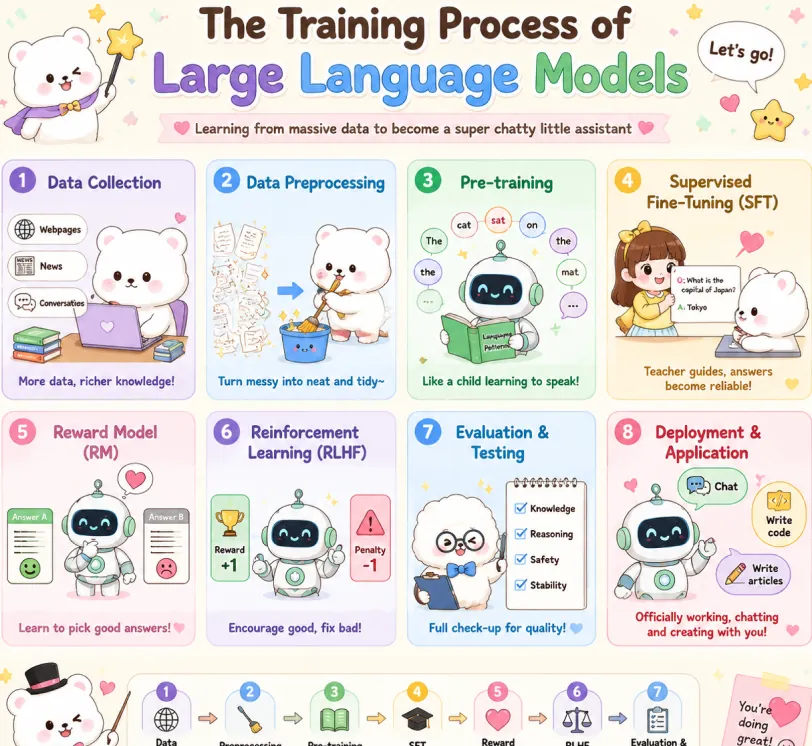
Create a cute pastel horizontal poster titled 'The Training Process of Large Language Models' with subtitle 'Learning from massive data to become a super chatty little assistant'. Hand-drawn cartoon style, rounded panels, soft cream background, pastel colors (lavender, sky blue, mint green, yellow, pink, brown), crisp English text, stars, hearts, arrows, speech bubbles. Warm friendly tone. 2x4 grid: Data Collection (lavender): White bear with laptop and books. Labels: Webpages, News, Conversations. Caption: More data, richer knowledge! Data Preprocessing (sky blue): Bear cleans messy papers into bucket. Caption: Turn messy into neat and tidy~ Pre-training (mint green): Cute robot reads book with token bubbles. Caption: Like a child learning to speak! Supervised Fine-Tuning SFT (yellow): Teacher shows QA card to bear. Caption: Teacher guides, answers become reliable! Reward Model RM (pink): Robot picks the better answer. Caption: Learn to pick good answers! Reinforcement Learning RLHF (lavender blue): Robot sees reward and penalty. Caption: Encourage good, fix bad! Evaluation & Testing (blue): Fluffy character checks Knowledge, Reasoning, Safety, Stability. Caption: Full check-up for quality! Deployment & Application (red pink): Robot with Chat, Write code, Write articles. Caption: Officially working, chatting and creating with you! Top: Sparkle, confetti, white mascot with star wand, 'Let's go!' bubble. Bottom: Bow-tie mascot, 7-step flow with arrows: Data Collection → Preprocessing → Pre-training → SFT → Reward Model → RLHF → Evaluation. Closing: This is how large language models grow from knowing nothing to super scholar! ٩(๑^o^ٖ)۶. Heart sticky note. Mascots: cute robot, chubby white bear, teacher girl, fluffy examiner. Polished and shareable infographic.
提示词
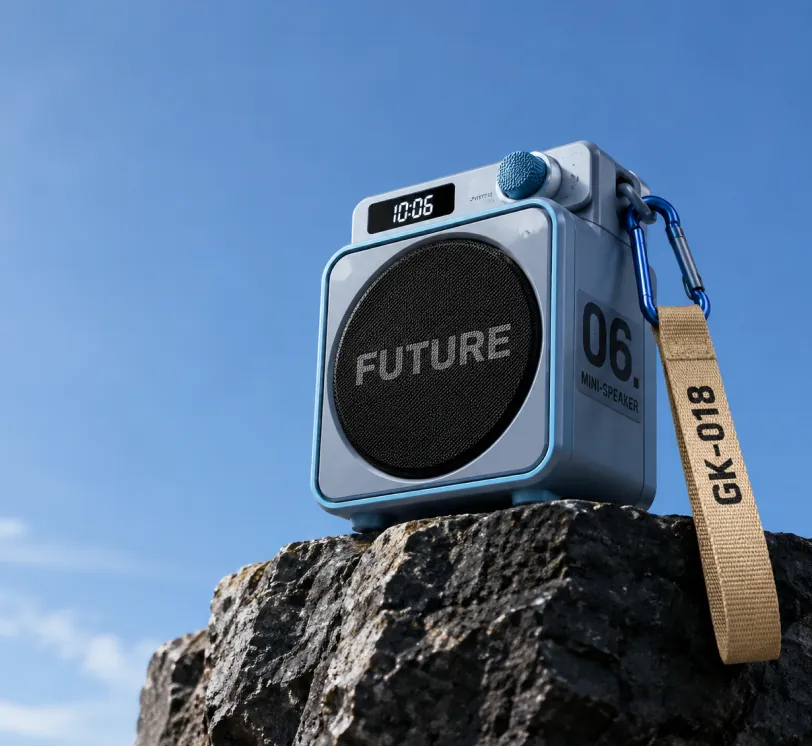
Photorealistic product photography of a compact modern portable mini-speaker resting on the edge of a dark rugged rocky cliff against a vast clear blue sky. The speaker has a sleek cube-shaped body in matte light blue-gray with metallic blue trim and rounded corners. Front face features a large circular black mesh speaker grille with the bold word "FUTURE" in large gray capital letters across the center. Right side panel displays large black text "06." above smaller stacked text "MINI-SPEAKER". Top surface has a small rectangular digital display showing "10:06" in white digits on black, next to a blue cylindrical control knob labeled "SWITCH". A blue carabiner clip on the top right holds a beige woven fabric strap hanging downward with "GK-018" printed in black capital letters. Low angle shot looking slightly upward, dramatic perspective emphasizing height, professional studio lighting mixed with natural daylight, soft shadows, ultra sharp focus, high resolution, clean minimalist composition with expansive blue sky on the left and upper frame, premium outdoor tech gadget aesthetic, cinematic product photography style.
图像编辑示例
原图 (提示词)
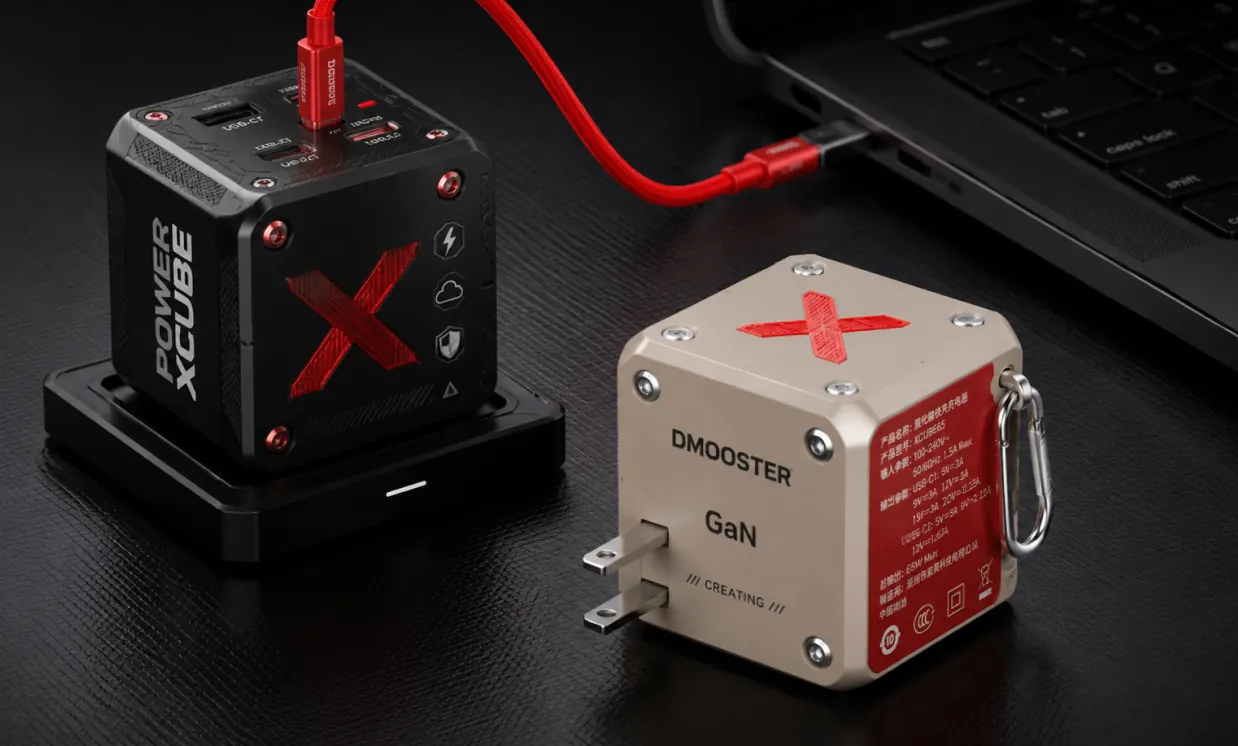
Photorealistic professional studio product photography of two modern cube-shaped GaN power adapters on a dark charcoal textured surface with subtle grid pattern. In the foreground right, a matte beige power cube featuring a large red X logo on top, silver metal rivets, "DMOOSTER" branding in gray, "GaN" text, and "CREATING" below. The red side panel displays detailed white Chinese specification text and symbols. It has two flat metallic prongs and a silver carabiner-style metal clip on the side. Slightly behind and to the left, elevated on a black rectangular docking base, stands a matte black power cube with bold vertical white text "POWER XCUBE", a prominent red X logo, multiple small functional icons (lightning bolt, cloud, shield), and red accent screws. A thick vibrant red cable is plugged into the top USB-C port of the black cube, curving smoothly to connect with a partially visible black laptop in the upper right background. Soft cinematic studio lighting with gentle highlights and defined shadows, sharp focus on both products, shallow depth of field, ultra-detailed textures and realistic materials, high-end tech product visualization, dark moody atmosphere, Behance portfolio aesthetic, 8k resolution.
生成图 (提示词)
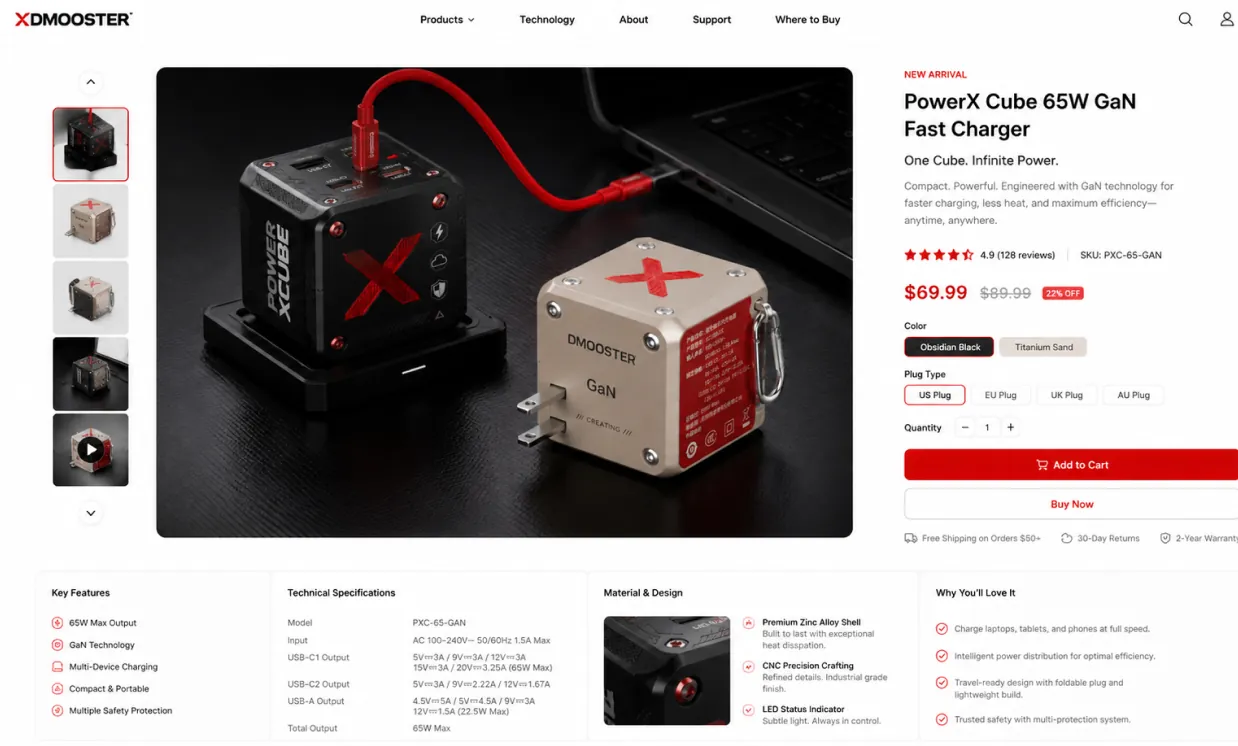
Use the provided product image as the exact hero product and create a beautiful desktop e-commerce product detail page mockup in a 16:9 ratio. Keep the product’s real shape, proportions, materials, colors, and branding consistent with the input image. Design a premium, modern, minimal product showcase webpage with strong commercial appeal, suitable for product presentation, retail concept design, brand landing pages, and UI mockups. Layout should include: a clean top navigation bar, left-side thumbnail gallery or supporting product visuals, a large central hero product display with soft studio lighting and realistic shadow, and a right-side product information panel with product title, price, concise marketing copy, selectable options, quantity control, and strong call-to-action buttons. Add a lower information area with feature icons, technical specifications, material highlights, and short selling points arranged in a polished grid. Use elegant sans-serif typography, precise spacing, thin divider lines, subtle cards, white or very light neutral background, and a calm premium color system derived from the product itself. Overall look: realistic, high-end, conversion-focused, clean desktop UI, refined industrial design presentation, dribbble/brand-site quality, not mobile, not cluttered, not cartoon.
参考引导设计示例
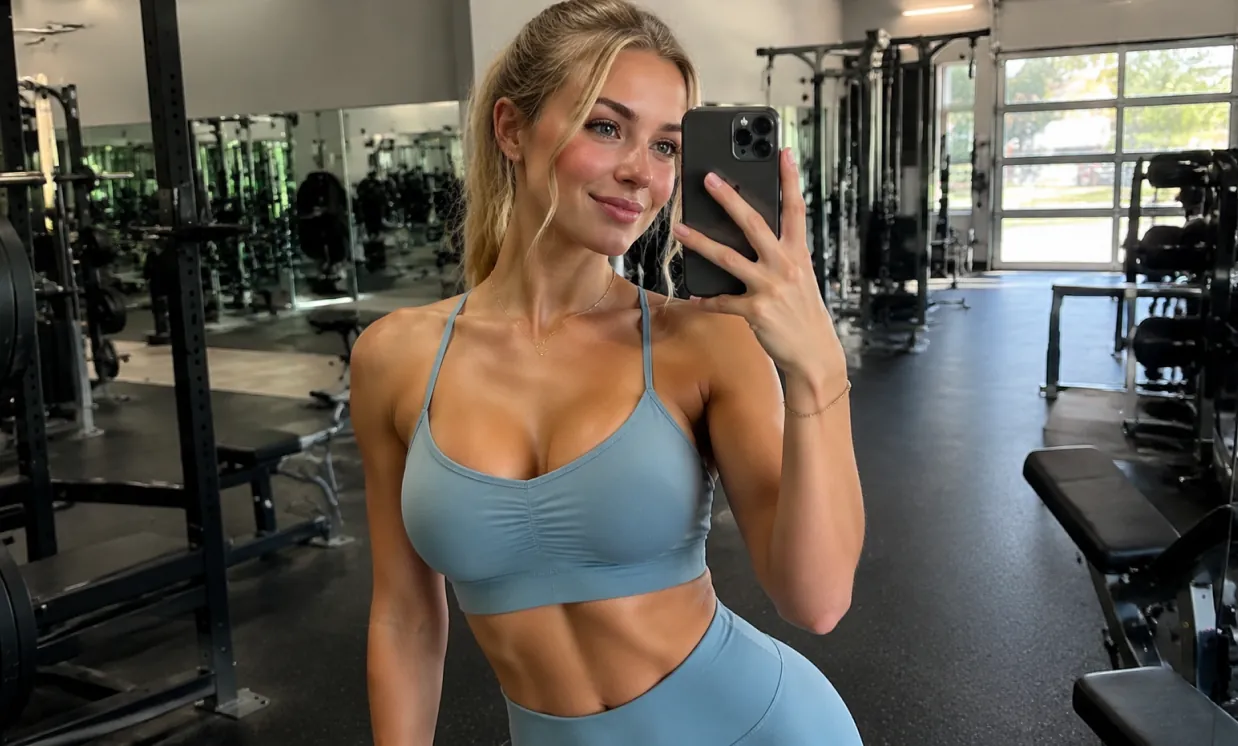
原图 (提示词)
A beautiful and attractive European white young woman taking a selfie in the gym, wearing yoga clothes and showing off her curvaceous figure.
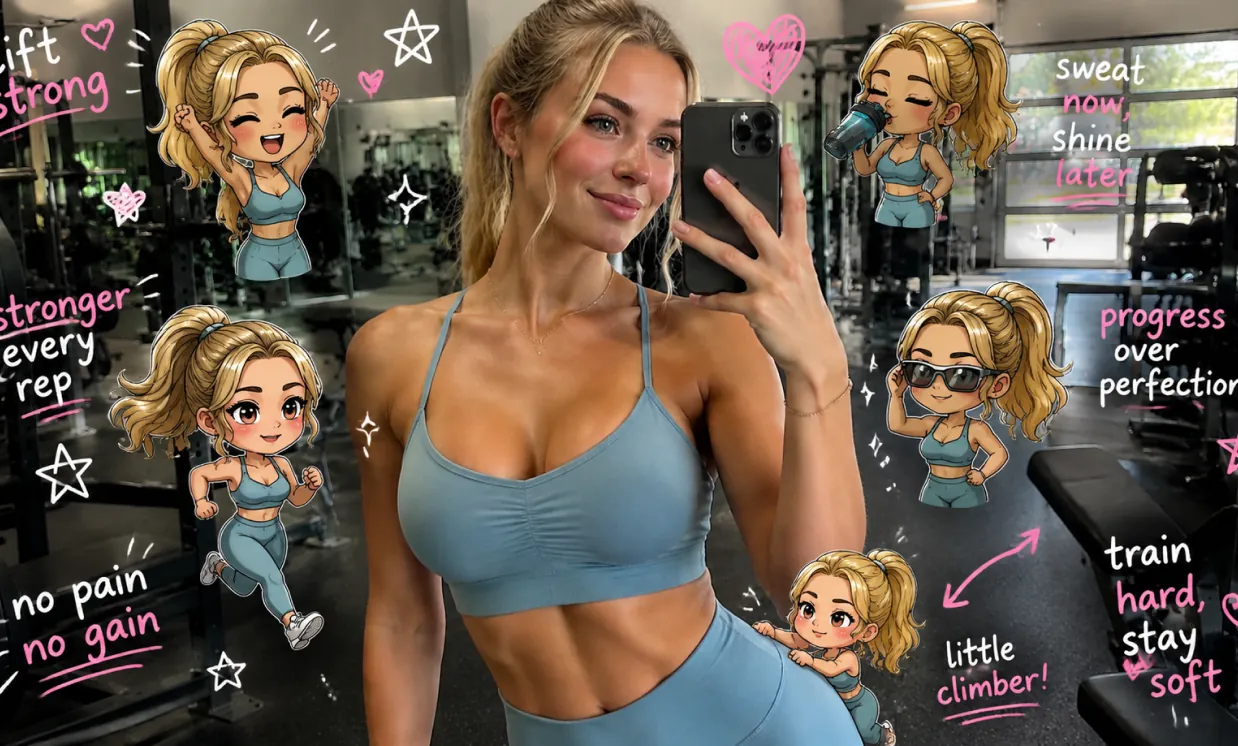
生成图 (提示词)
Edit the image while keeping the original photo completely unchanged — including the person, face, body, pose, lighting, and gym background. Add multiple small, cute chibi-style “mini versions” of her around the image. Each mini character should have a big head, expressive facial features, and match her hairstyle and outfit. Depict each mini version doing different gym-related activities: one cheering with arms raised one running in running shoes one drinking from a shaker bottle one wearing sporty running glasses one climbing near her leg Enhance the image with playful, hand-drawn doodles and handwritten notes in white and pink ink, in a scrapbook style. Include elements like arrows, stars, hearts, sparkles, and sketchy lines. Add cute, handwritten gym-themed motivational phrases: “lift strong” “stronger every rep” “no pain no gain” “sweat now, shine later” “progress over perfection” “train hard, stay soft” The overall vibe should feel fun, energetic, and feminine.
免费 GPT Image 2 AI 生成器的优势
免费 GPT Image 2 帮助创作者快速将想法转化为可用图像,将自然语言提示词、在线 AI 图像编辑器工作流、参考图像支持和常用宽高比选择结合起来,服务日常视觉制作。
细致的提示词理解
用自然语言描述主体、环境、光线、镜头角度、风格、色彩方案、布局、氛围和文字方向,引导生成更可控的图像结果。
文本生成图像和图像到图像工作流
仅从文本提示词开始,或将提示词与上传的参考图像结合,用于引导编辑、重新设计视觉、创建变体和探索新的艺术方向。
多种宽高比选项
通过灵活的宽高比选择,为方形帖子、人像图、横幅、缩略图、海报、移动端封面和宽屏场景创建图像。
面向创意工作的实用输出
将免费 GPT Image 2 用于营销概念、社交媒体视觉、产品样机、故事板、教育图形、品牌实验和快速设计预览。
免费 GPT Image 2 AI 生成器的应用场景
使用免费 GPT Image 2 在营销、设计、教育、电商、个人创意和内容制作中进行在线 AI 图像生成。它帮助个人和团队创建可用的视觉草稿,无需每张图都从空白画布开始。
社交媒体和创作者内容
创建适合滚动浏览的帖子、缩略图、头像视觉、短视频封面和活动图形,并匹配不同发布需求的尺寸。
广告和产品概念
在投入完整设计或拍摄制作前,生成产品场景、生活方式样机、推广海报、包装概念和广告变体。
照片编辑和视觉再创作
上传参考图像来调整风格、重新设计场景、测试背景、改变视觉方向,或生成更一致的创意变体。
教育和演示设计
将抽象想法转化为清晰插图、课程视觉、幻灯片图形、图表和解释性图像,用于学习、教学和沟通。
如何使用免费 GPT Image 2 AI 生成器
通过简单的在线流程生成或编辑 AI 图像:输入提示词,可选择上传参考图像,选择宽高比,然后创建最终视觉。
输入你的图像提示词
写下你想创建的内容,包括主体、环境、风格、颜色、镜头角度、光线、布局、文字以及任何重要视觉细节。
如有需要,上传参考图像
对于图像到图像生成,添加参考图像并说明结果应如何转换、保留或重新诠释上传的视觉。
选择比例并生成
选择匹配目标平台的宽高比,生成图像,预览结果,优化提示词,并在最终视觉准备好后导出。
适合媒体创作的推荐 AI 模型
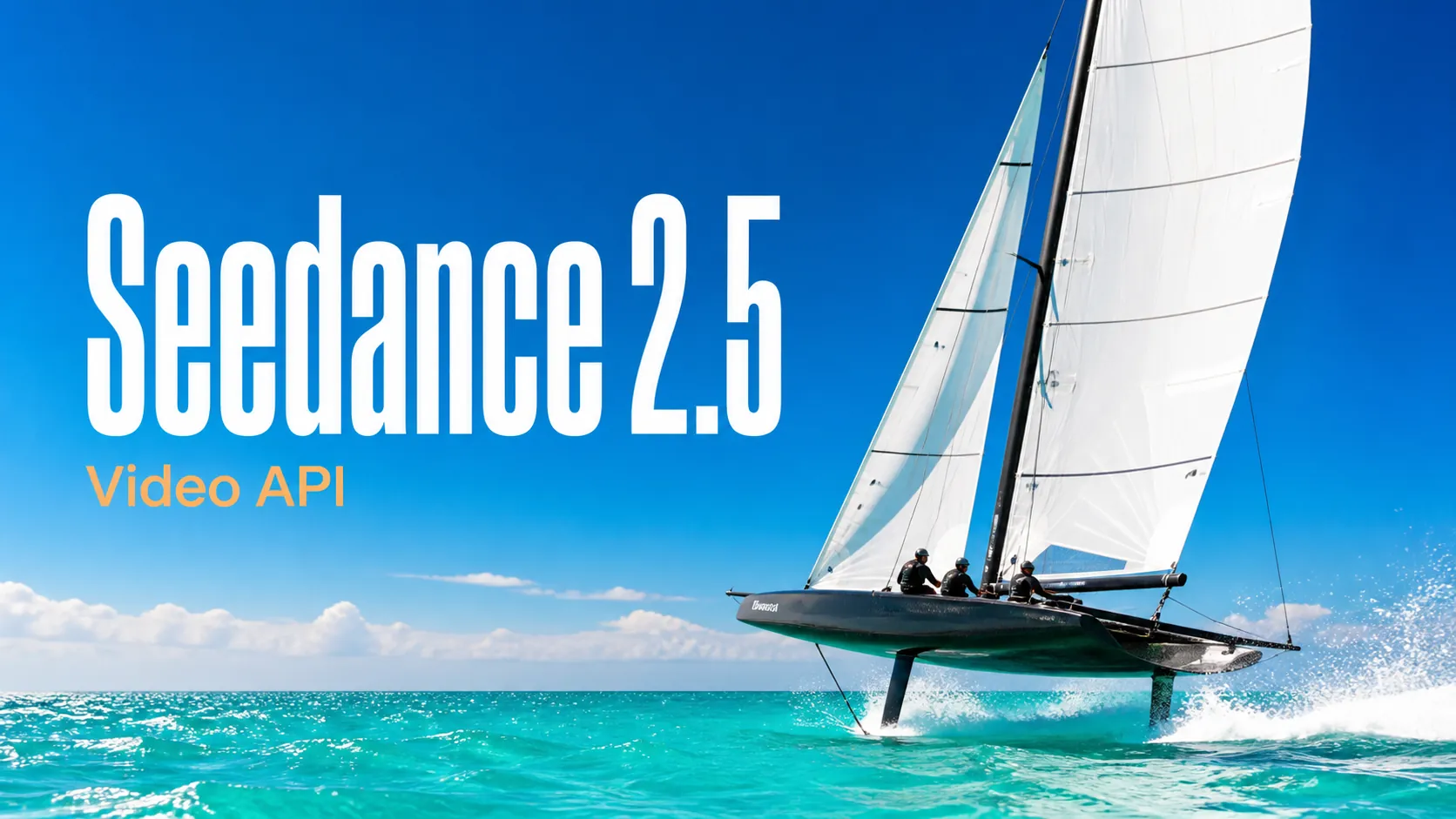
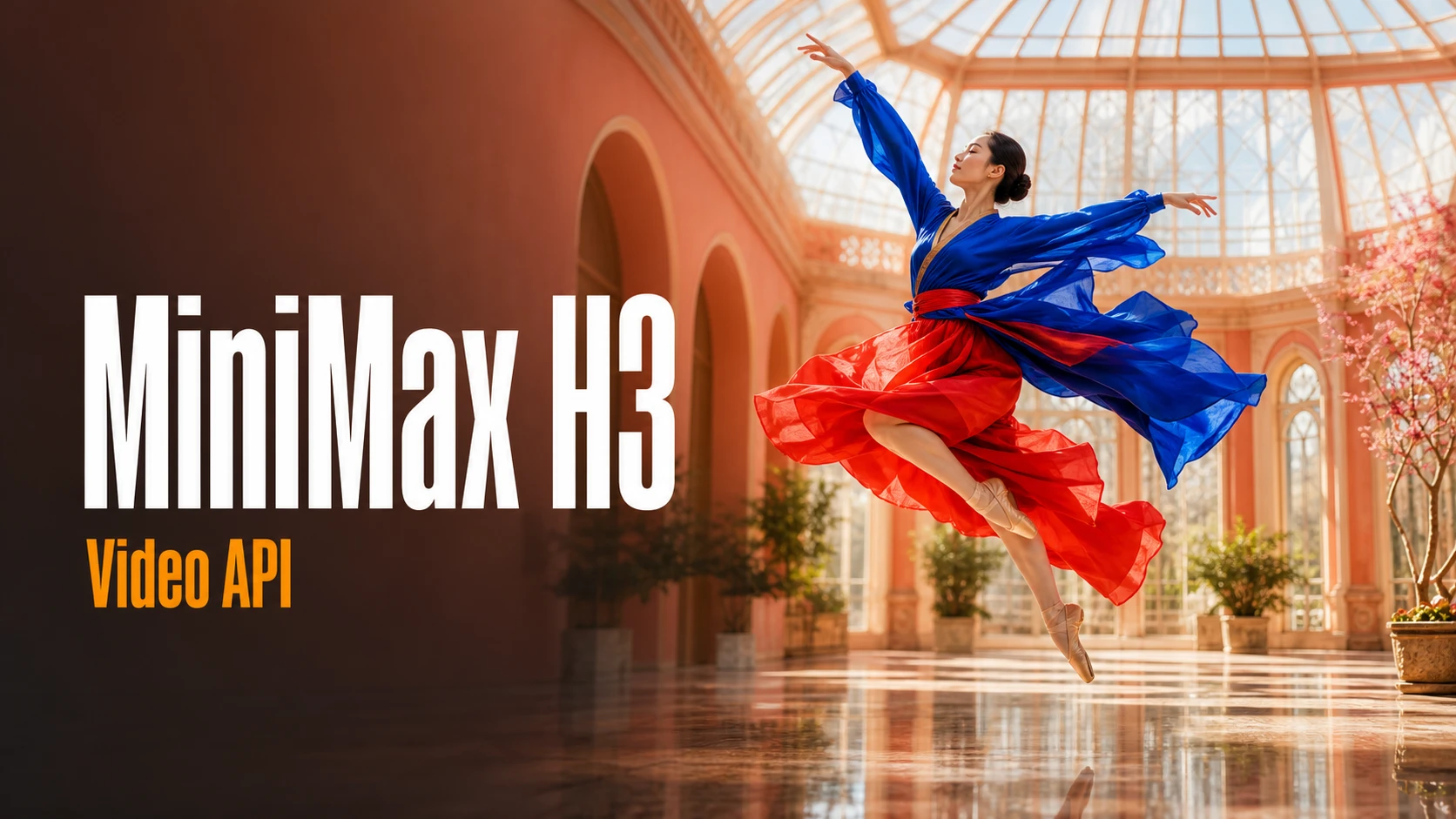
探索适合生产级创意工作流的代表性 AI 图像、视频、LLM 或其他模型,并通过 Best Image AI 统一模型市场查看实时价格和折扣。