


Text to Image
Create AI images from text prompts
Transform text to video with Seedance 2.5 Flash API by ByteDance on Best Image AI. Direct the action, choose how to frame the shot, and generate it with sound. Choose 4–30 s.
Seedance 2.5 Flash Text-to-Video is ByteDance's API model for turning a written scene into a video on Best Image AI. Describe the subject, action, and camera movement, then choose the clip length and framing for your placement. Clips can run up to 30 seconds with generated sound or be rendered silent for a separate audio edit.
Note Billing is based on the selected output resolution and generated duration. Keep prompts within ByteDance's content safety guidelines.
Explore several AI creation tools for quick image and video workflows in your browser, then scale successful ideas with Best Image AI's production-ready model APIs. Best Image AI provides a unified API layer for all models, making it easy to use and scale your workflows.
Create AI images from text prompts

Create AI images from images and text prompts
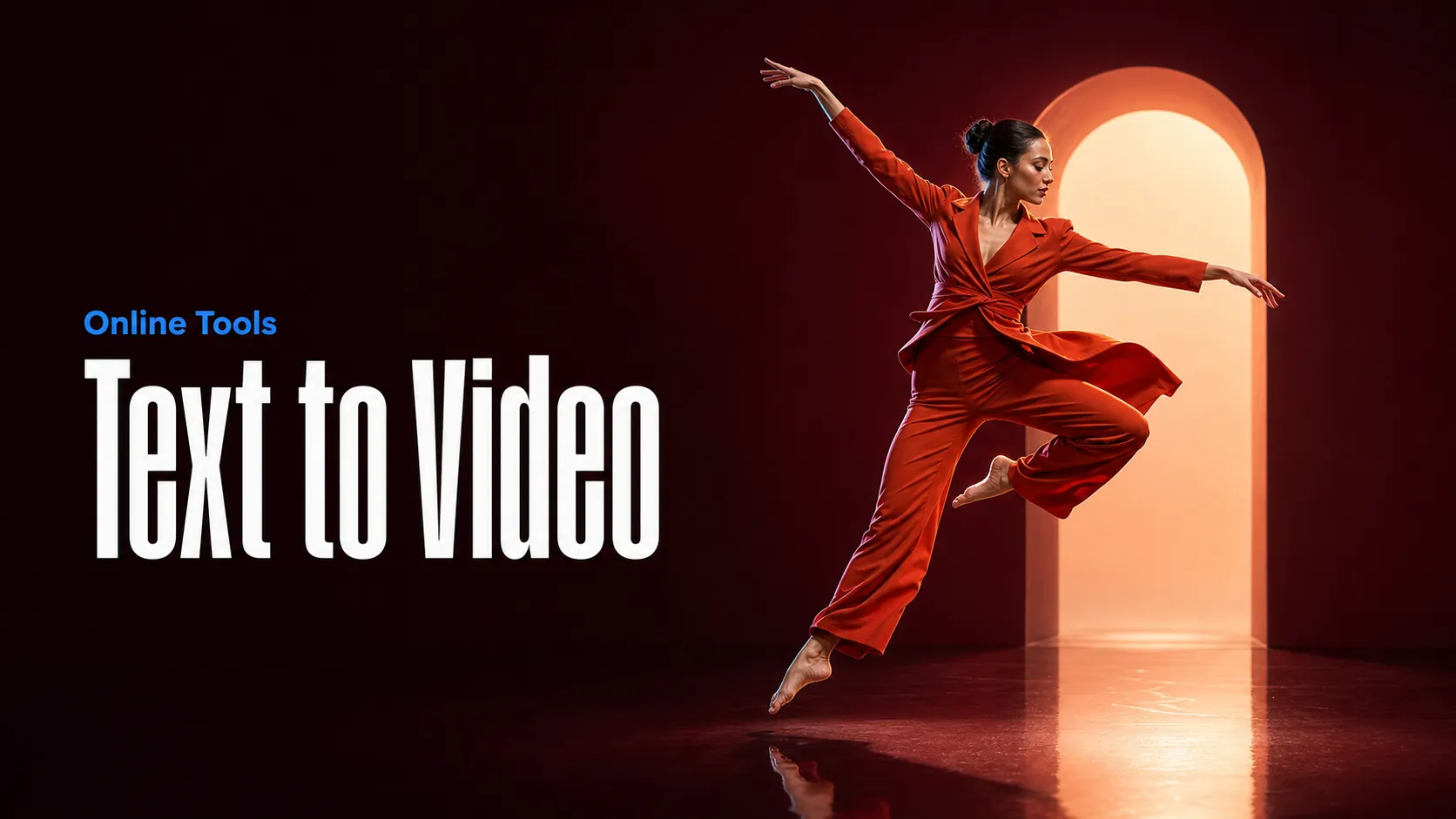
Create AI videos from text prompts
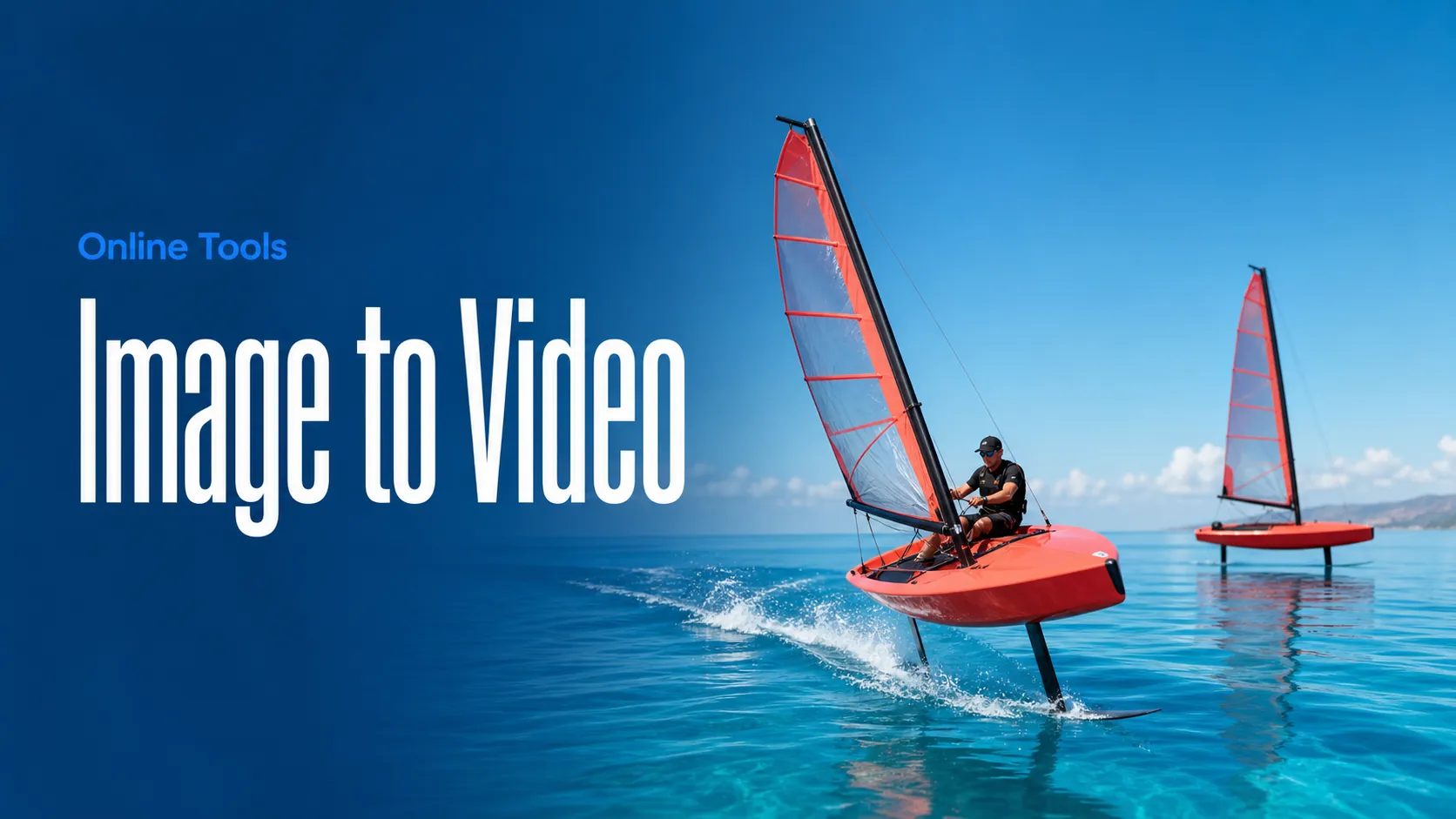
Animate images into AI videos
Create AI images and videos in one unified workspace
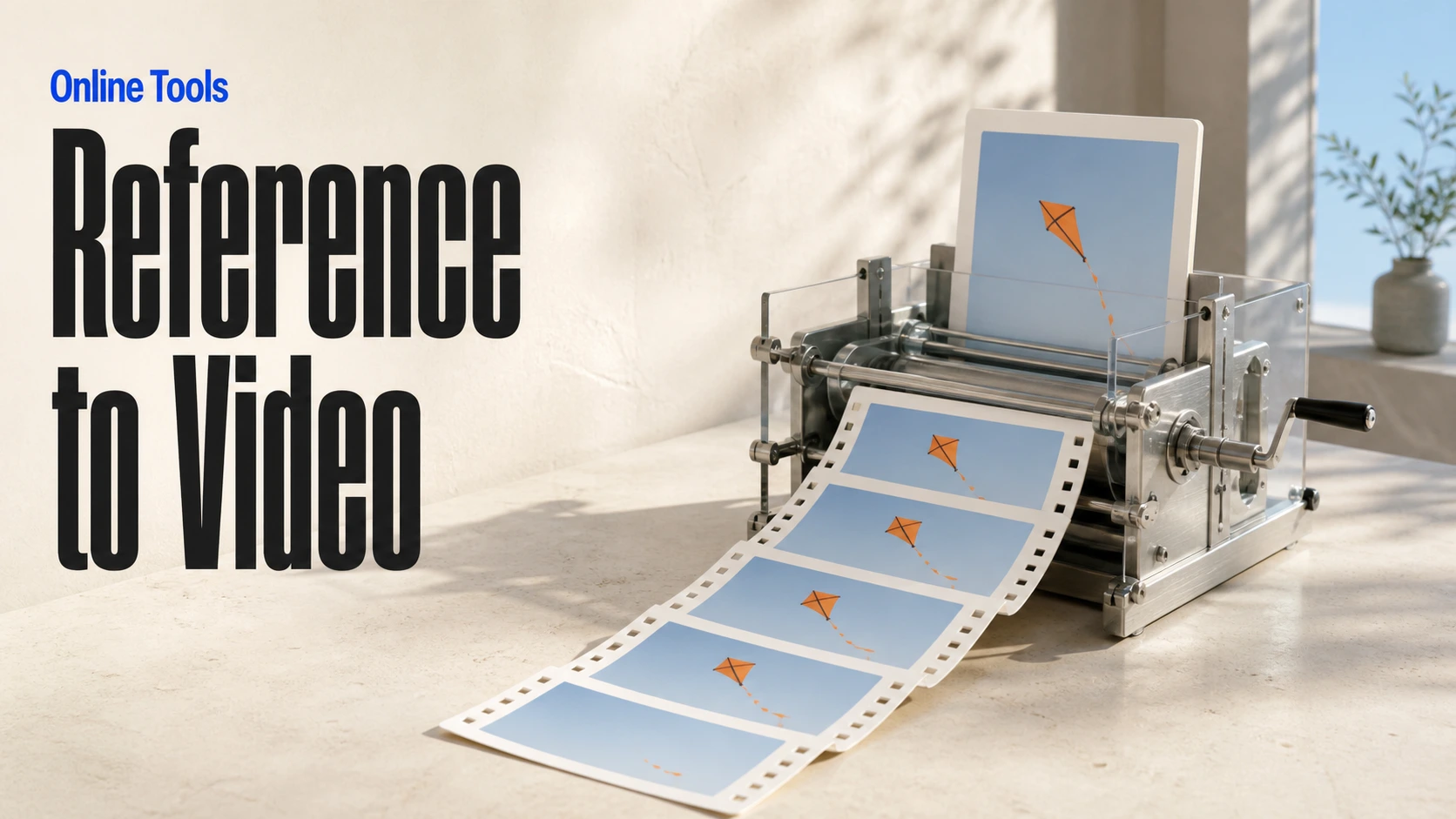
Create consistent videos from reference media
Build visual AI image and video workflows on an infinite canvas
// Step 1: Submit generation request
const response = await fetch('https://api.flaq.ai/api/v1/video/task', {
  method: 'POST',
  headers: {
    'Content-Type': 'application/json',
    'Authorization': 'Bearer YOUR_API_KEY'
  },
  body: JSON.stringify({
    model_name: 'seedance-v2.5-flash-text-to-video',
    prompt: 'A cat playing with a ball of yarn on a sunny windowsill',
    resolution: '720p',
    duration: 8,
    aspect_ratio: '16:9',
    sound: true
  })
});

const { data } = await response.json();
const taskId = data.task_id;
// Step 2: Poll for results
const taskId = data.task_id;

const pollResult = async (taskId) => {
  const res = await fetch(`https://api.flaq.ai/api/v1/video/${taskId}`, {
    headers: { 'Authorization': 'Bearer YOUR_API_KEY' }
  });
  return res.json();
};

while (true) {
  const pollResultData = await pollResult(taskId);
  const status = pollResultData.data.task_status;

  if (status === 'succeed') {
    console.log(pollResultData.data.task_result.videos[].);
    ;
  }

   (status === ) {
    .(pollResultData..);
    ;
  }

    ( (resolve, ));
}
# Step 1: Submit generation request
import requests

response = requests.post(
    'https://api.flaq.ai/api/v1/video/task',
    headers={
        'Content-Type': 'application/json',
        'Authorization': 'Bearer YOUR_API_KEY'
    },
    json={
        'model_name': 'seedance-v2.5-flash-text-to-video',
        'prompt': 'A cat playing with a ball of yarn on a sunny windowsill',
        'resolution': '720p',
        'duration': 8,
        'aspect_ratio': '16:9',
        'sound': True
    }
)

result = response.json()
task_id = result['data']['task_id']
# Step 1: Submit generation request
curl -X POST https://api.flaq.ai/api/v1/video/task \
  -H "Content-Type: application/json" \
  -H "Authorization: Bearer YOUR_API_KEY" \
  -d '{
    "model_name": "seedance-v2.5-flash-text-to-video",
    "prompt": "A cat playing with a ball of yarn on a sunny windowsill",
    "resolution": "720p",
    "duration": 8,
    "aspect_ratio": "16:9",
    "sound": true
  }'
# Step 2: Poll for results
# Replace {task_id} with the task_id returned from the submit response
curl -X GET "https://api.flaq.ai/api/v1/video/{task_id}" \
  -H "Authorization: Bearer YOUR_API_KEY"
# Step 2: Poll for results
task_id = response.json()['data']['task_id']
poll_url = f"https://api.flaq.ai/api/v1/video/{task_id}"

while True:
    poll_result = requests.get(poll_url, headers={'Authorization': 'Bearer YOUR_API_KEY'}).json()
    status = poll_result['data']['task_status']
    if status == 'succeed':
        print(poll_result['data']['task_result']['videos'][0]['url'])
        break
    if status == 'failed':
        print(poll_result['data']['task_status_msg'])
        break
    time.sleep(10)