

Text to Image
Create AI images from text prompts
Free to edit images with the MiniMax H3 Image Edit API on Best Image AI. Describe your changes to reshape backgrounds and details. Stable, affordable edits with 1–16 images.
Try the AI Image Generator now
MiniMax H3 Image Edit API combines reference images with written editing instructions through Best Image AI. Start from existing visual material, describe the changes you want, and select output settings for the finished image. Multi-image input lets you supply several references in the same request for creative revisions and image-based workflows.
Instruction-Guided Editing: Use a text prompt to describe how the supplied imagery should change and which elements should remain.
Multi-Image References: Include multiple source images and explain the role of each reference in your requested result.
Selectable Output Resolution: Set the output resolution for the edited image according to its intended use.
Flexible Output Proportions: Choose square, portrait, landscape, or panoramic formats when preparing an edit for a new layout.
Image Format Selection: Choose the output file format independently of the reference image formats.
Input: Supply reference image URLs and a natural-language editing instruction. Identify the desired changes and, for multiple references, explain how each image should guide the result.
Output: Each completed task produces a single edited image; supplying more references does not increase the output count.
Resolution: Explicitly select the output resolution for each request.
Aspect Ratios: Select supported output proportions. When specifying them through the API, provide both width and height ratio values rather than pixel dimensions.
Reference Preparation: Use supported image files within the documented dimension and proportion limits. Check the API documentation before submitting source images.
Product Image Revisions: Use existing product imagery as a starting point and describe a revised setting or presentation.
Campaign Variations: Request changes to an existing creative asset for a new campaign brief.
Reference-Guided Concepts: Bring several visual references into a request and describe the intended relationship between them.
Publishing Adaptations: Request an edited composition in proportions suited to a different publishing placement.
Visual Review Workflows: Turn feedback on an image into editing instructions and review the resulting revision.
Note Use reference images you have permission to process. Billing combines the selected output resolution with a charge for every submitted reference image, starting with the first; repeated image URLs are charged each time they are included.
MiniMax H3 Image Edit vs. ChatGPT Images 2.5 Flare Edit
Both accept multiple reference images and written editing instructions, with selectable resolution and output proportions. ChatGPT Images 2.5 Flare Edit adds separate quality settings for refining output at a chosen resolution. MiniMax H3 Image Edit offers output format selection alongside its resolution and aspect ratio controls for delivering edited assets.
MiniMax H3 Image Edit vs. Nano Banana 2.1 Edit
Nano Banana 2.1 Edit combines reference-based editing with optional web and image search. MiniMax H3 Image Edit uses the supplied images and editing instructions to guide the result. Consider Nano Banana 2.1 Edit when an edit benefits from search grounding, or MiniMax H3 Image Edit when your source images and instructions already define the brief.
MiniMax H3 Image Edit vs. GPT Image 2 Edit
Both support multi-image editing with adjustable output resolution. GPT Image 2 Edit includes separate quality settings, while MiniMax H3 Image Edit offers a broader selection of output proportions on Best Image AI. Compare the required layout and quality controls when choosing a model for reference-guided revisions.
Explore several AI creation tools for quick image and video workflows in your browser, then scale successful ideas with Best Image AI's production-ready model APIs. Best Image AI provides a unified API layer for all models, making it easy to use and scale your workflows.
Create AI images from text prompts
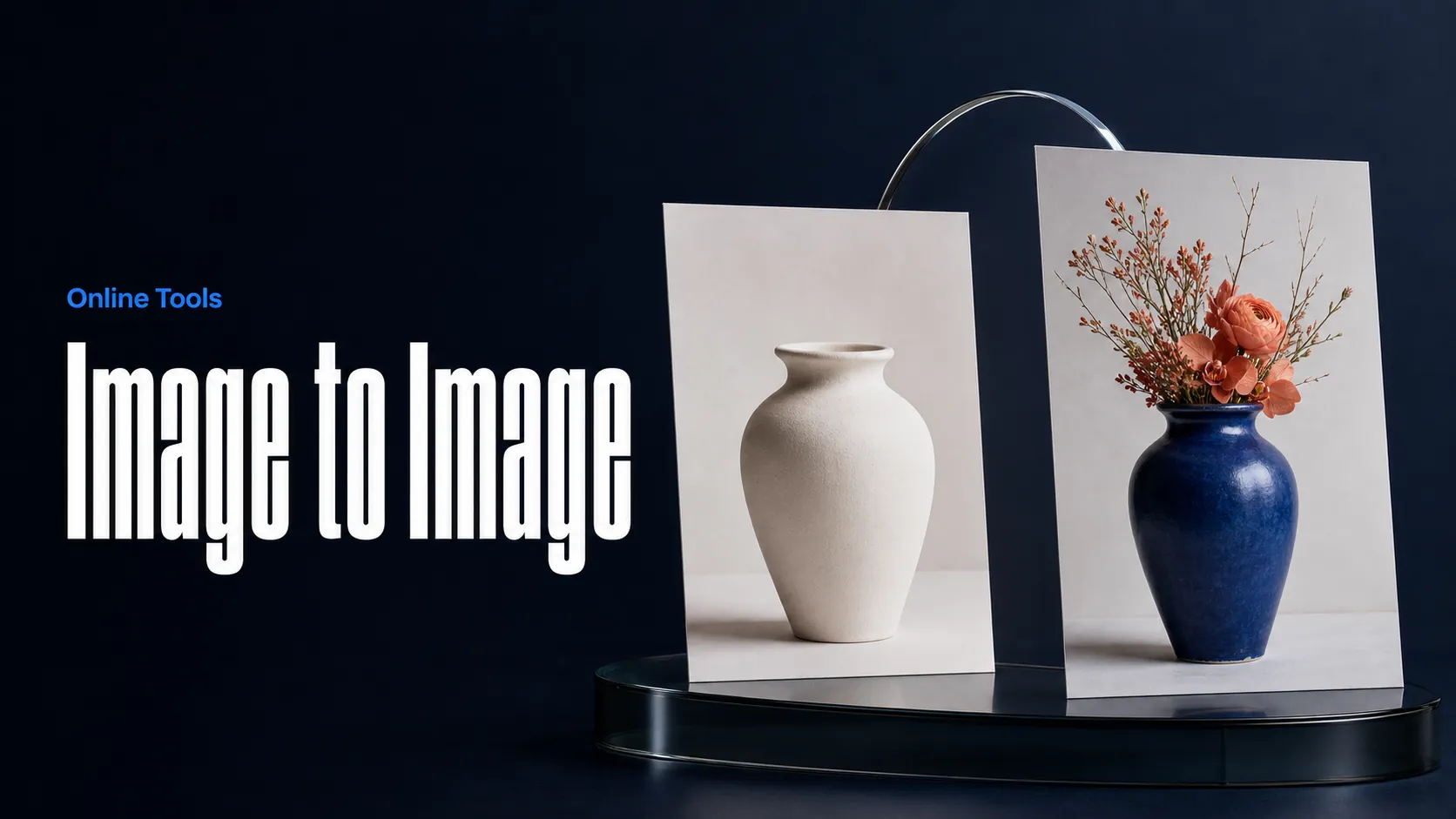
Create AI images from images and text prompts
Create AI videos from text prompts
Animate images into AI videos
Create AI images and videos in one unified workspace
Create consistent videos from reference media
Build visual AI image and video workflows on an infinite canvas
const response = await fetch('https://api.flaq.ai/api/v1/image/task', {
  method: 'POST',
  headers: {
    'Content-Type': 'application/json',
    'Authorization': 'Bearer YOUR_API_KEY'
  },
  body: JSON.stringify({
    model_name: 'minimax-h3-image-edit',
    prompt: 'Change the sky to sunset colors',
    image_url_list: ['https://example.com/image.jpg'],
    width: 16,
    height: 9,
    resolution: '2k',
    output_format: 'png'
  })
});

const { data } = await response.json();
const taskId = data.task_id;
// Step 2: Poll for results
const taskId = data.task_id;

const pollResult = async (taskId) => {
  const res = await fetch(`https://api.flaq.ai/api/v1/image/${taskId}`, {
    headers: { 'Authorization': 'Bearer YOUR_API_KEY' }
  });
  return res.json();
};

while (true) {
  const pollResultData = await pollResult(taskId);
  const status = pollResultData.data.task_status;

  if (status === 'succeed') {
    console.log(pollResultData.data.task_result.images[].);
    ;
  }

   (status === ) {
    .(pollResultData..);
    ;
  }

    ( (resolve, ));
}
import requests

response = requests.post(
    'https://api.flaq.ai/api/v1/image/task',
    headers={
        'Content-Type': 'application/json',
        'Authorization': 'Bearer YOUR_API_KEY'
    },
    json={
        'model_name': 'minimax-h3-image-edit',
        'prompt': 'Change the sky to sunset colors',
        'image_url_list': ['https://example.com/image.jpg'],
        'width': 16,
        'height': 9,
        'resolution': '2k',
        'output_format': 'png'
    }
)

task_id = response.json()['data']['task_id']
curl -X POST https://api.flaq.ai/api/v1/image/task \
  -H "Content-Type: application/json" \
  -H "Authorization: Bearer YOUR_API_KEY" \
  -d '{
    "model_name": "minimax-h3-image-edit",
    "prompt": "Change the sky to sunset colors",
    "image_url_list": ["https://example.com/image.jpg"],
    "width": 16,
    "height": 9,
    "resolution": "2k",
    "output_format": "png"
  }'
# Step 2: Poll for results
# Replace {task_id} with the task_id returned from the submit response
curl -X GET "https://api.flaq.ai/api/v1/image/{task_id}" \
  -H "Authorization: Bearer YOUR_API_KEY"
# Step 2: Poll for results
task_id = response.json()['data']['task_id']
poll_url = f"https://api.flaq.ai/api/v1/image/{task_id}"

while True:
    poll_result = requests.get(poll_url, headers={'Authorization': 'Bearer YOUR_API_KEY'}).json()
    status = poll_result['data']['task_status']
    if status == 'succeed':
        print(poll_result['data']['task_result']['images'][0]['url'])
        break
    if status == 'failed':
        print(poll_result['data']['task_status_msg'])
        break
    time.sleep(10)