


ข้อความเป็นรูปภาพ
สร้างรูปภาพ AI จากพรอมต์ข้อความ
ทดลอง API Seedream 5.0 Pro Edit ฟรีสำหรับแก้ไขด้วยพรอมต์และภาพอ้างอิงสูงสุด 10 ภาพ รูปแบบยืดหยุ่น และการผลิตงานสร้างสรรค์ที่เสถียร
ลองใช้ AI Image Generator ได้เลยตอนนี้
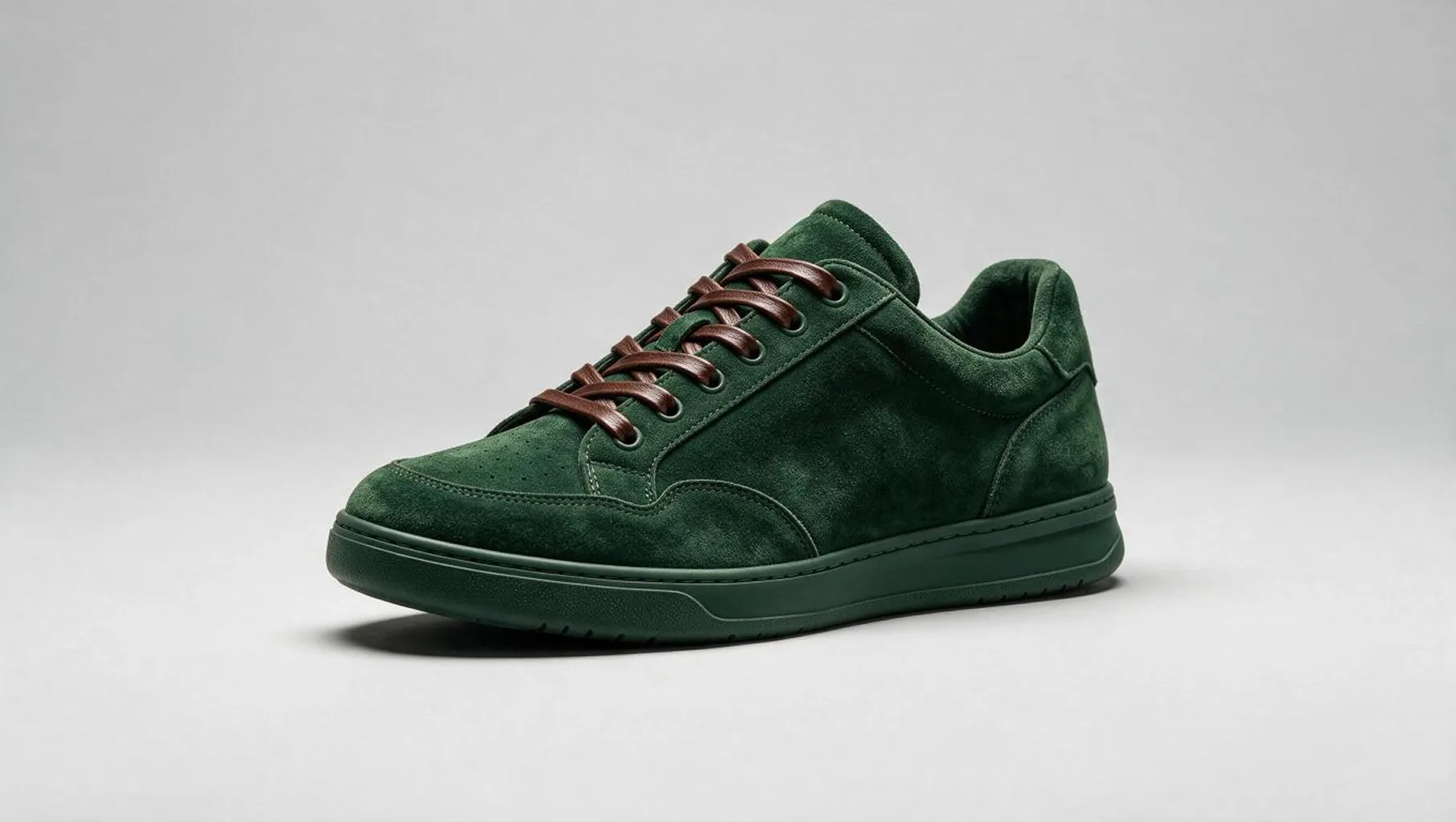
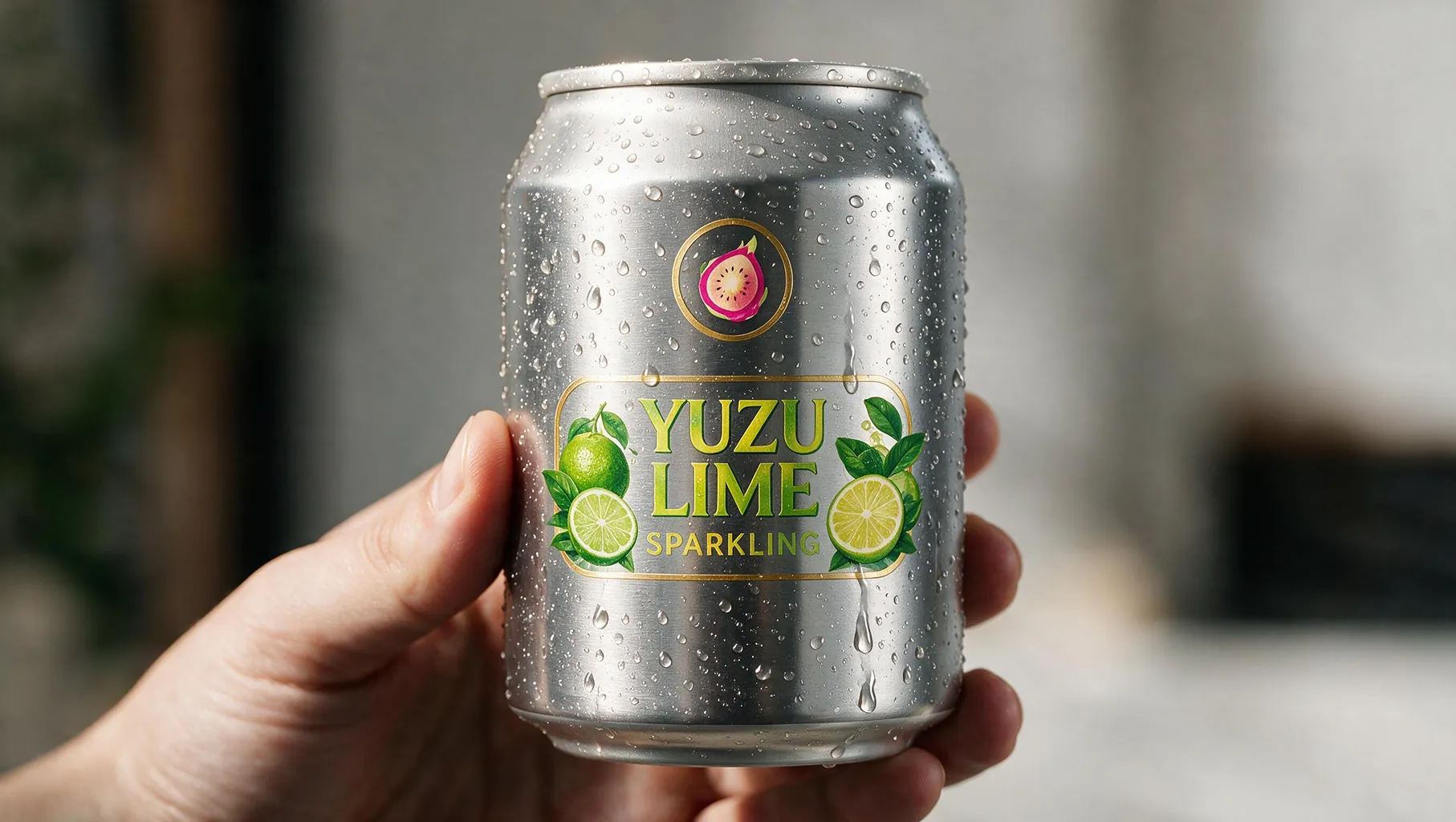
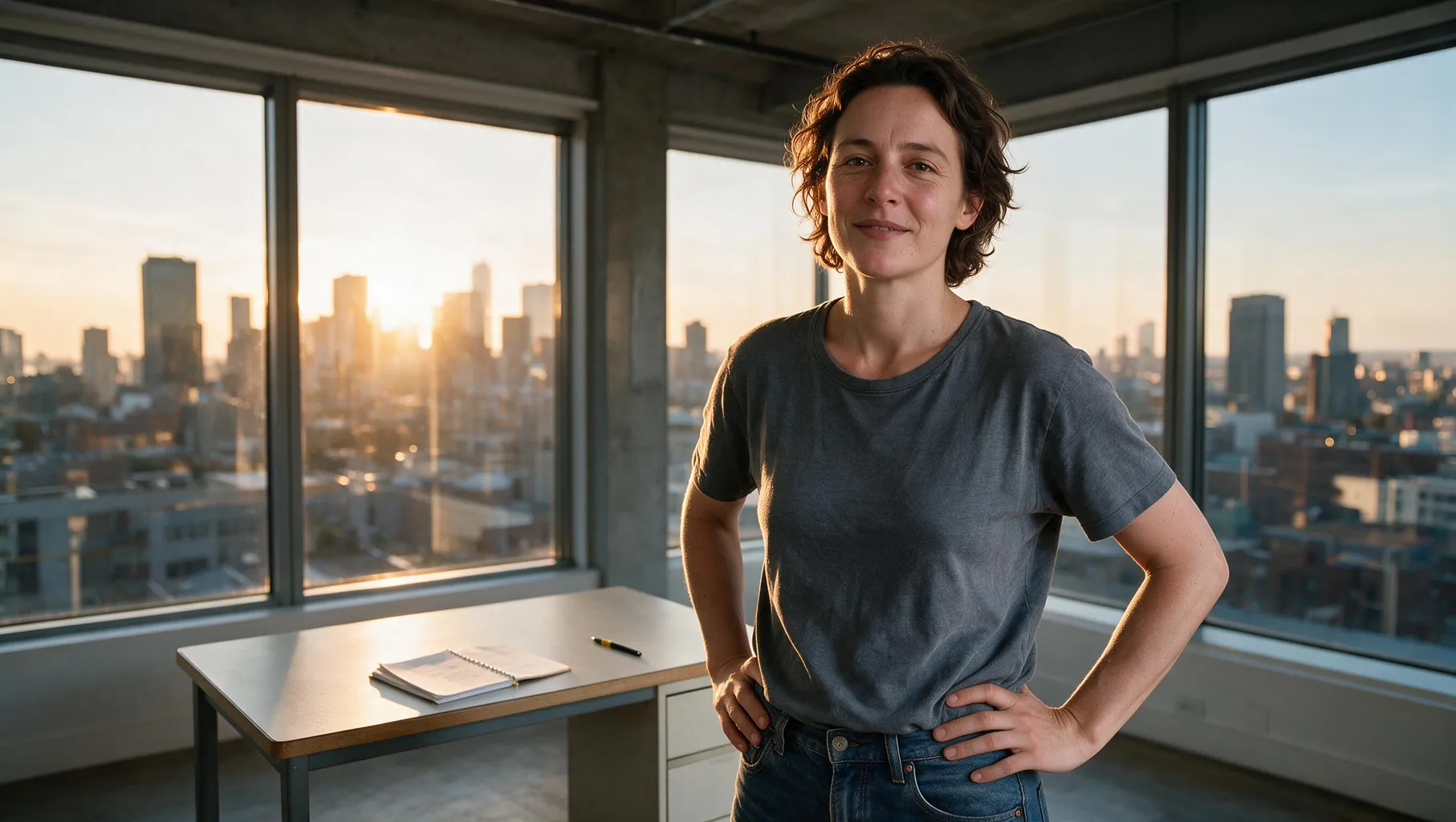
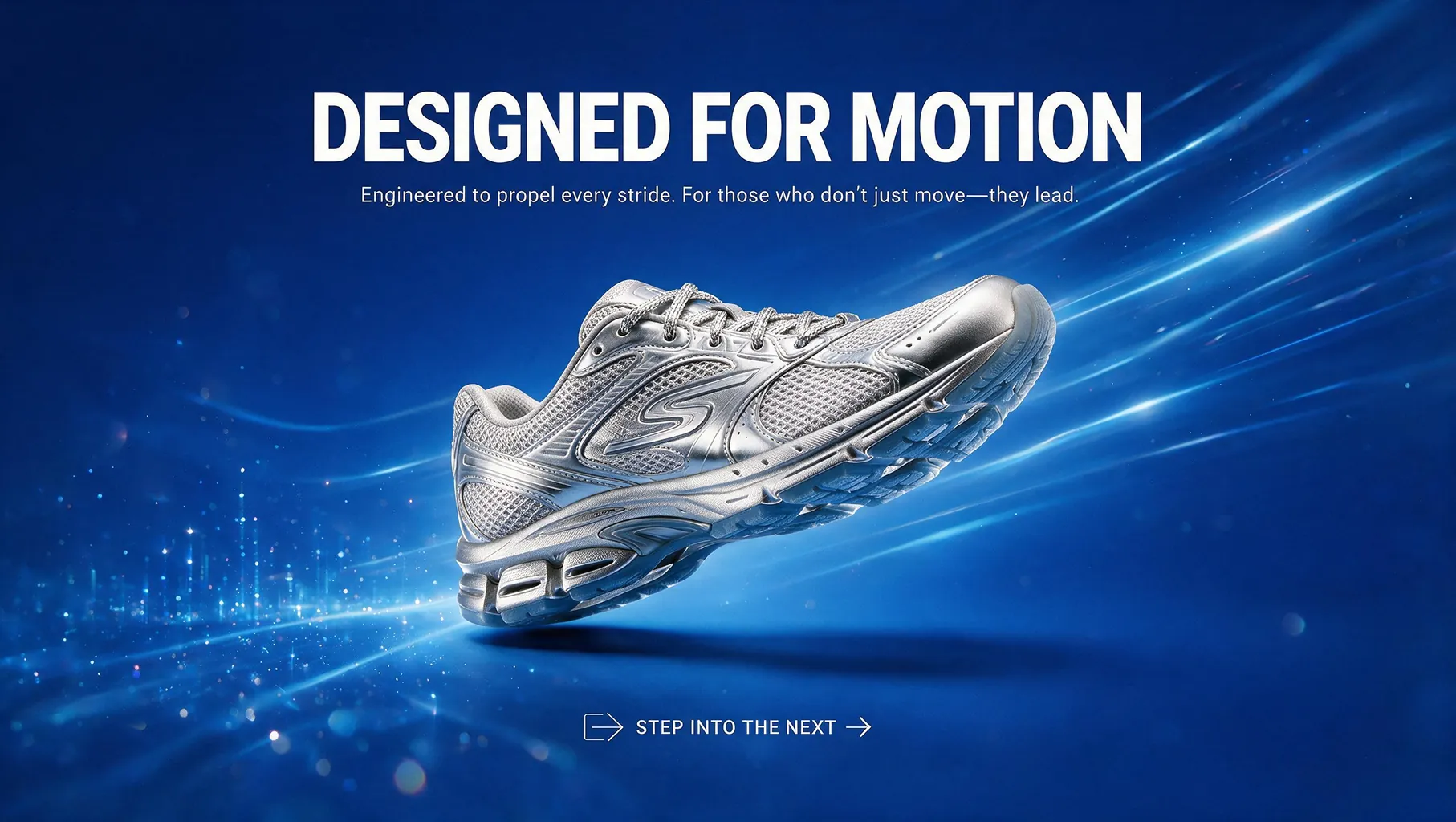
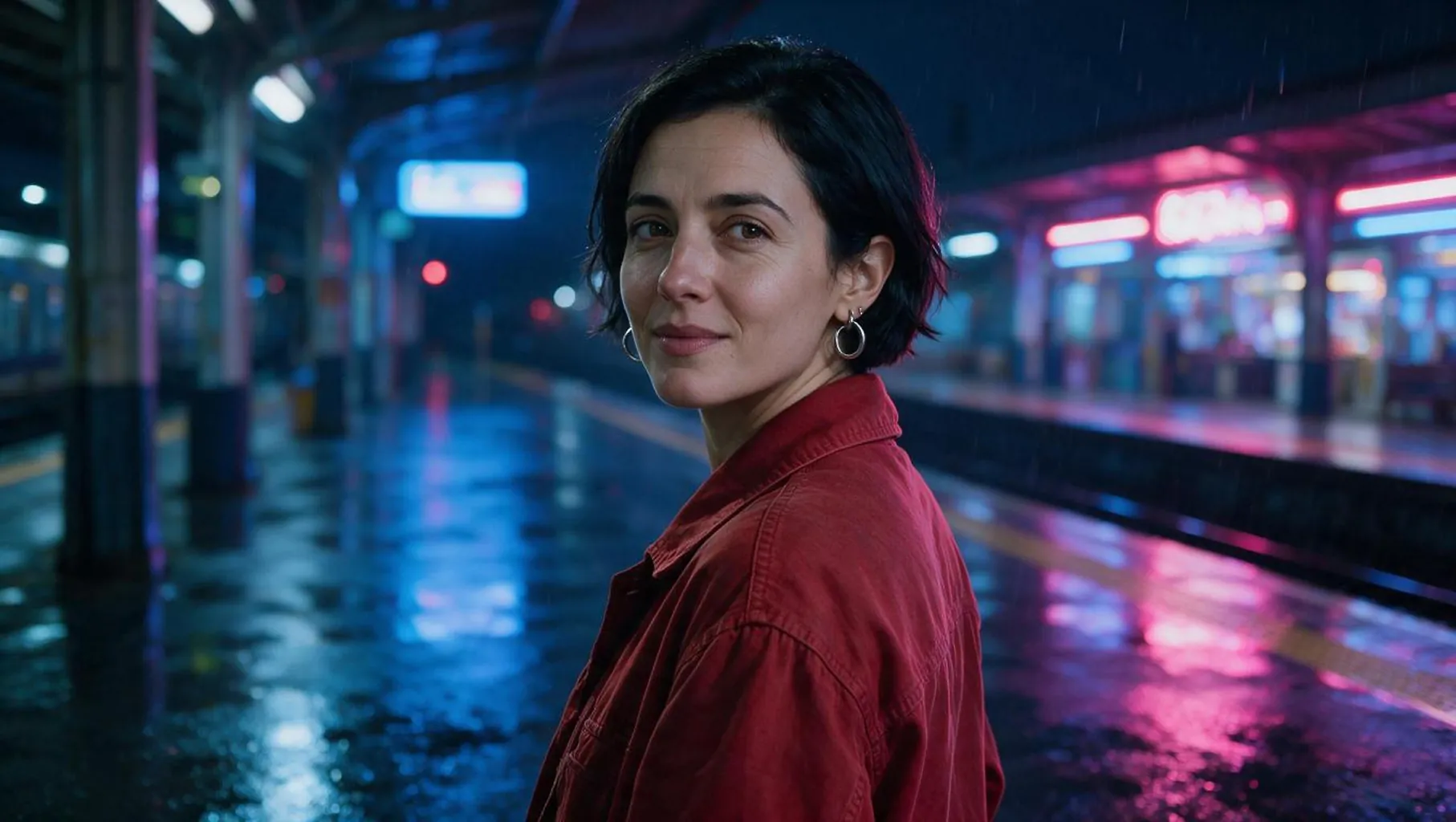
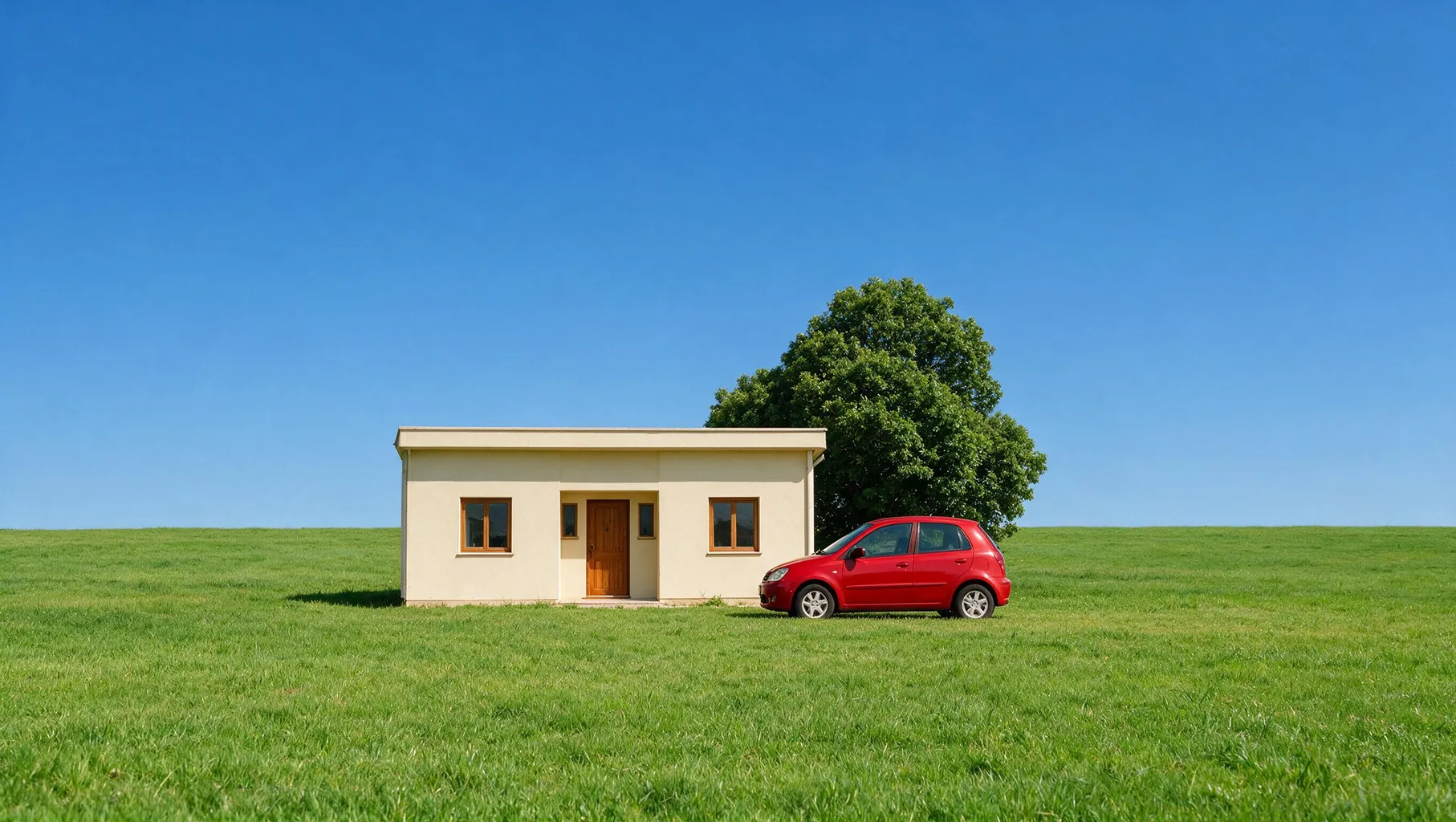
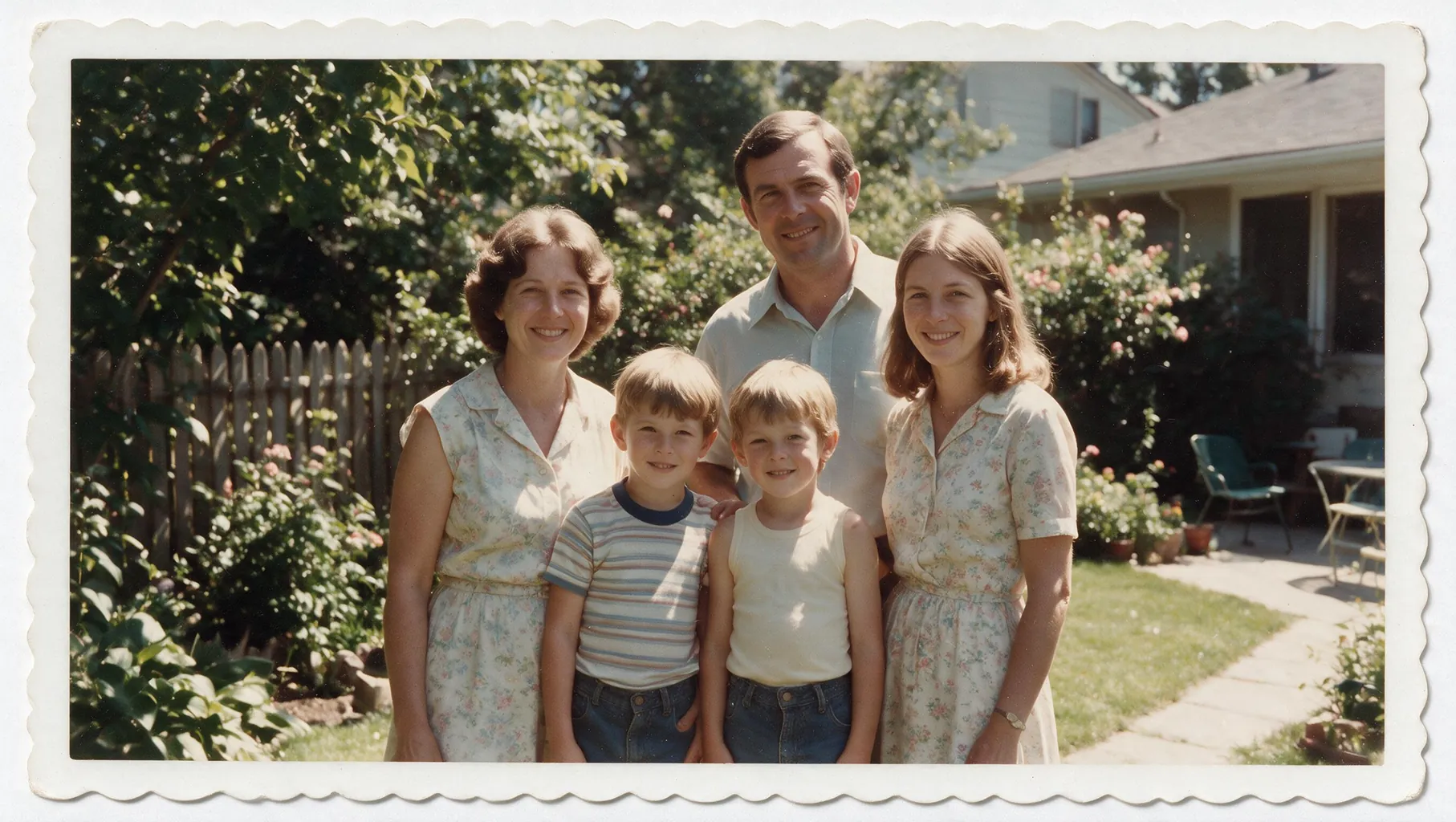
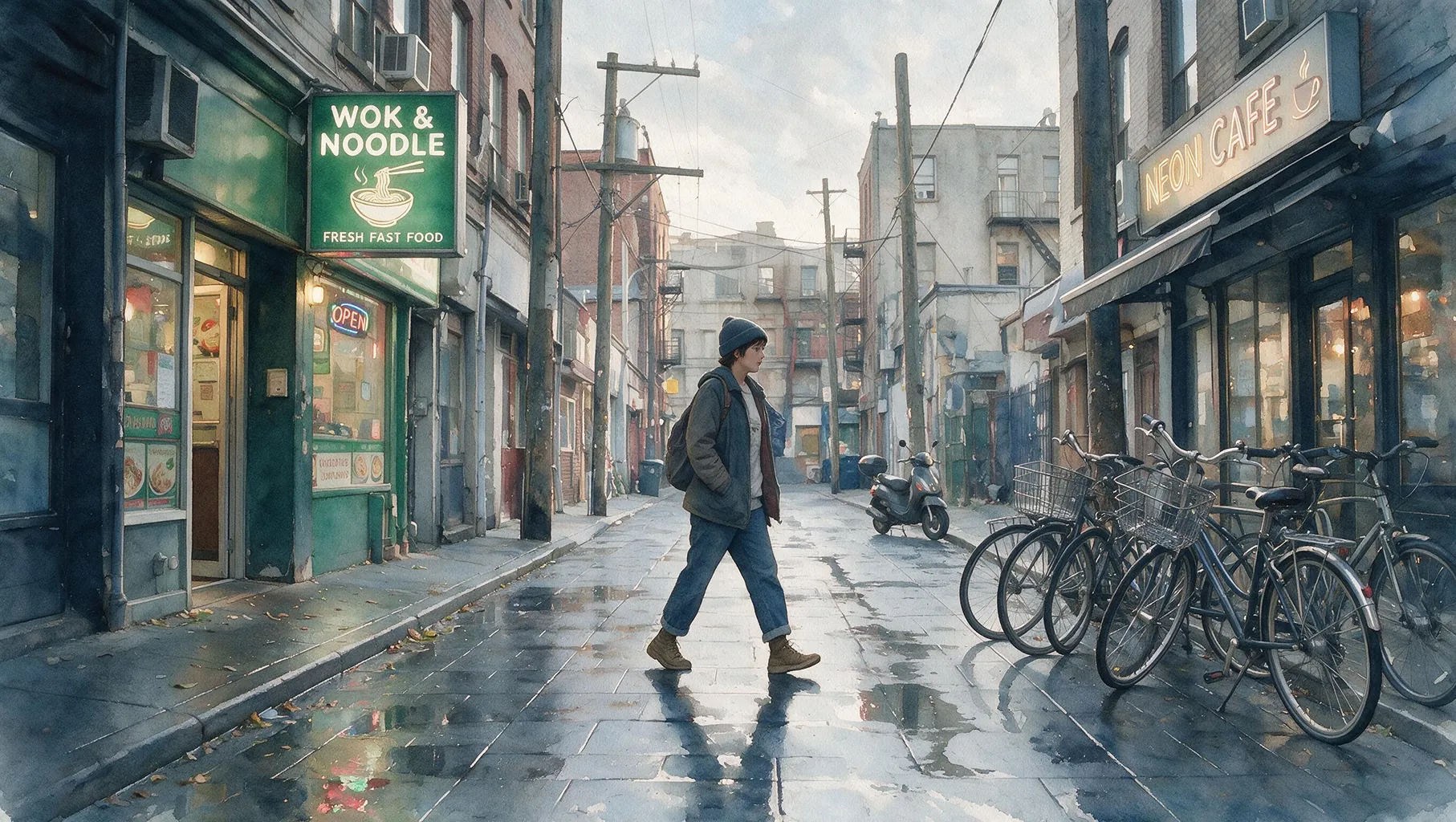
ByteDance Seedream 5.0 Pro Edit API บน Best Image AI มอบการแก้ไขรูปภาพที่พร้อมใช้งานจริงสำหรับนักพัฒนาและทีมครีเอทีฟ API รูปภาพ Seedream ระดับมืออาชีพนี้รวมคำสั่งภาษาธรรมชาติเข้ากับรูปภาพอ้างอิงอย่างน้อยหนึ่งรูป ทำให้สามารถแปลงภาพเดิม ปรับแต่งองค์ประกอบที่เลือก และสร้างองค์ประกอบหลายรูปภาพที่สอดคล้องกันผ่านเวิร์กโฟลว์เดียว ด้วยการรองรับรูปภาพอ้างอิงสูงสุดสิบรูปและรูปแบบเอาต์พุตที่ยืดหยุ่น ทีมจึงเพิ่มการแก้ไขรูปภาพที่ปรับขนาดได้ให้กับแอปพลิเคชันด้านการออกแบบ การตลาด ผลิตภัณฑ์ และเนื้อหาได้โดยไม่ต้องจัดการโครงสร้างพื้นฐานของโมเดล
หมายเหตุ โปรดตรวจสอบว่าพรอมต์และรูปภาพอ้างอิงของคุณเป็นไปตามแนวทางด้านความปลอดภัยของ ByteDance หากเกิดข้อผิดพลาด ให้ตรวจสอบอินพุตว่ามีเนื้อหาที่ถูกจำกัดหรือไม่รองรับหรือไม่ ปรับคำขอ แล้วลองอีกครั้ง
Seedream 5.0 Pro Edit vs. Seedream 5.0 Edit
Seedream 5.0 Edit รองรับการแปลงรูปภาพตามพรอมต์ทั่วไป ส่วน Seedream 5.0 Pro Edit ออกแบบมาสำหรับการแก้ไขตามข้อมูลอ้างอิงระดับมืออาชีพและเวิร์กโฟลว์หลายรูปภาพภายในตระกูล Seedream
Seedream 5.0 Pro Edit vs. Nano Banana 2 Edit
Nano Banana 2 Edit เน้นการแก้ไขรูปภาพที่รวดเร็วผ่านระบบนิเวศ Gemini ของ Google ส่วน Seedream 5.0 Pro Edit เป็นทางเลือกจาก ByteDance สำหรับการสร้างด้วยข้อมูลอ้างอิงหลายรายการและเวิร์กโฟลว์รูปภาพสำหรับการใช้งานจริง
Seedream 5.0 Pro Edit vs. GPT Image 2 Edit
GPT Image 2 Edit มอบความสามารถในการแก้ไขที่หลากหลายผ่านระบบนิเวศ OpenAI ส่วน Seedream 5.0 Pro Edit มอบอีกหนึ่งตัวเลือกแบบมีการจัดการสำหรับนักพัฒนาในการแก้ไขตามคำสั่งด้วยอินพุตอ้างอิงหลายรายการ
Seedream 5.0 Pro Edit vs. Qwen Image 2.0 Edit
Qwen Image 2.0 Edit นำเสนอแนวทางการแปลงรูปภาพและการสร้างภาพของ Alibaba ส่วน Seedream 5.0 Pro Edit เหมาะสำหรับทีมที่สร้างเวิร์กโฟลว์การแก้ไขที่เน้นข้อมูลอ้างอิงโดยใช้ตระกูล Seedream ของ ByteDance
Seedream 5.0 Pro Edit vs. ไปป์ไลน์แก้ไขรูปภาพด้วยตนเอง
เครื่องมือแบบแมนนวลให้การควบคุมในระดับพิกเซลอย่างละเอียด แต่ต้องใช้เวลาในการผลิตโดยตรงมากกว่า Seedream 5.0 Pro Edit ช่วยทำให้การวางแนวคิด การสร้างรูปแบบ และการแปลงตามข้อมูลอ้างอิงเป็นอัตโนมัติผ่านเวิร์กโฟลว์ API ที่ปรับขนาดได้
สำรวจเครื่องมือสร้างสรรค์ด้วย AI หลายรายการสำหรับเวิร์กโฟลว์รูปภาพและวิดีโอที่รวดเร็วในเบราว์เซอร์ แล้วขยายแนวคิดที่ประสบความสำเร็จด้วย API โมเดลที่พร้อมใช้งานจริงจาก Best Image AI โดย Best Image AI มีชั้น API แบบรวมสำหรับทุกโมเดล ทำให้ใช้และขยายเวิร์กโฟลว์ได้ง่าย
สร้างรูปภาพ AI จากพรอมต์ข้อความ

สร้างรูปภาพ AI จากรูปภาพและพรอมต์ข้อความ

สร้างวิดีโอ AI จากพรอมต์ข้อความ

ทำให้รูปภาพเคลื่อนไหวเป็นวิดีโอ AI

สร้างรูปภาพและวิดีโอ AI ในพื้นที่ทำงานเดียว

สร้างวิดีโอที่สอดคล้องกันจากสื่ออ้างอิง

สร้างเวิร์กโฟลว์ภาพและวิดีโอ AI แบบภาพบนแคนวาสไร้ขอบเขต
const response = await fetch('https://api.flaq.ai/api/v1/image/task', {
  method: 'POST',
  headers: {
    'Content-Type': 'application/json',
    'Authorization': 'Bearer YOUR_API_KEY'
  },
  body: JSON.stringify({
    model_name: 'seedream-v5.0-pro-edit',
    prompt: 'Change the hairstyle',
    image_url_list: [
      'https://img.bestimage.ai/test/2026/7/1/ad8e011a-3e9b-49f0-9397-282bf51e2e45_162640331.jpeg'
    ],
    resolution: '1k',
    width: 16,
    height: 9
  })
});

const { data } = await response.json();
const taskId = data.task_id;
// Step 2: Poll for results
const taskId = data.task_id;

const pollResult = async (taskId) => {
  const res = await fetch(`https://api.flaq.ai/api/v1/image/${taskId}`, {
    headers: { 'Authorization': 'Bearer YOUR_API_KEY' }
  });
  return res.json();
};

while (true) {
  const pollResultData = await pollResult(taskId);
  const status = pollResultData.data.task_status;

  if (status === 'succeed') {
    console.log(pollResultData.data.task_result.images[].);
    ;
  }

   (status === ) {
    .(pollResultData..);
    ;
  }

    ( (resolve, ));
}
import requests

response = requests.post(
    'https://api.flaq.ai/api/v1/image/task',
    headers={
        'Content-Type': 'application/json',
        'Authorization': 'Bearer YOUR_API_KEY'
    },
    json={
        'model_name': 'seedream-v5.0-pro-edit',
        'prompt': 'Change the hairstyle',
        'image_url_list': [
            'https://img.bestimage.ai/test/2026/7/1/ad8e011a-3e9b-49f0-9397-282bf51e2e45_162640331.jpeg'
        ],
        'resolution': '1k',
        'width': 16,
        'height': 9
    }
)

task_id = response.json()['data']['task_id']
curl -X POST https://api.flaq.ai/api/v1/image/task \
  -H "Content-Type: application/json" \
  -H "Authorization: Bearer YOUR_API_KEY" \
  -d '{
    "model_name": "seedream-v5.0-pro-edit",
    "prompt": "Change the hairstyle",
    "image_url_list": [
      "https://img.bestimage.ai/test/2026/7/1/ad8e011a-3e9b-49f0-9397-282bf51e2e45_162640331.jpeg"
    ],
    "resolution": "1k",
    "width": 16,
    "height": 9
  }'
# Step 2: Poll for results
# Replace {task_id} with the task_id returned from the submit response
curl -X GET "https://api.flaq.ai/api/v1/image/{task_id}" \
  -H "Authorization: Bearer YOUR_API_KEY"
# Step 2: Poll for results
task_id = response.json()['data']['task_id']
poll_url = f"https://api.flaq.ai/api/v1/image/{task_id}"

while True:
    poll_result = requests.get(poll_url, headers={'Authorization': 'Bearer YOUR_API_KEY'}).json()
    status = poll_result['data']['task_status']
    if status == 'succeed':
        print(poll_result['data']['task_result']['images'][0]['url'])
        break
    if status == 'failed':
        print(poll_result['data']['task_status_msg'])
        break
    time.sleep(10)