

Text to Image
Create AI images from text prompts
Create a video guided by photos, short clips, or both with the Google Gemini Omni 1.2 Flash API. Choose the framing and duration for the scene you want to make. Set 3–15 s.
Gemini Omni 1.2 Flash Reference-to-Video API generates a new video from a prompt and supplied visual references on Best Image AI. Use images, short video clips, or both to accompany the written brief. This workflow suits projects with existing visual materials that should inform a new scene, with separate choices for output duration, resolution, and orientation.
Visual Reference Guidance: Use character, product, or style imagery to guide the appearance of a new scene.
Motion Reference Guidance: Use short video clips to communicate movement alongside the written scene direction.
Combined Image and Video References: Bring still imagery and motion examples into the same brief to guide a new generation.
Prompt-Guided Generation: Describe the intended scene and explain how the supplied materials relate to it.
Input: Provide a prompt and at least one reference image or video. Either reference type can be used alone, or they can be combined in the same request.
Reference Preparation: Keep image and video quantities within their respective limits, and use short reference clips. See the API documentation for current asset-count and reference-video duration limits.
Output Settings: Choose landscape or portrait framing, resolution, and a duration within the supported generation range. The reference clip's length does not set the output length.
Output: Retrieve the newly generated video after processing completes.
Billing: Usage is billed per second of requested output duration at the selected resolution; reference videos do not incur an additional charge.
Visual Pitch Development: Combine a scene brief with selected images or clips to develop a video concept for review.
Campaign Asset Reuse: Bring existing campaign imagery into the brief for a new video scene.
Reference Board Workflows: Let creative teams select materials from an asset library and submit them with a generation prompt.
Motion Concept Exploration: Pair short video references with written direction to explore a new sequence rather than revise the reference clip itself.
Note Reference material is required. Explain the role of each asset in the prompt and distinguish the desired output from the supplied examples. Check reference-video length separately from the requested generation duration.
Compared with Text-to-Video: Reference-to-Video requires visual material in addition to a prompt. Text-to-Video serves briefs that do not need supplied images or clips.
Compared with Image-to-Video: Image-to-Video uses an image as the starting frame and optionally another as the ending frame. Reference-to-Video accepts images and short videos as reference inputs for a new scene.
Compared with Video Edit: Video Edit revises a source video and derives output timing and proportions from it. Reference-to-Video lets the caller select the new clip's duration and orientation independently of the reference footage.
Explore several AI creation tools for quick image and video workflows in your browser, then scale successful ideas with Best Image AI's production-ready model APIs. Best Image AI provides a unified API layer for all models, making it easy to use and scale your workflows.
Create AI images from text prompts
Create AI images from images and text prompts
Create AI videos from text prompts
Animate images into AI videos
Create AI images and videos in one unified workspace
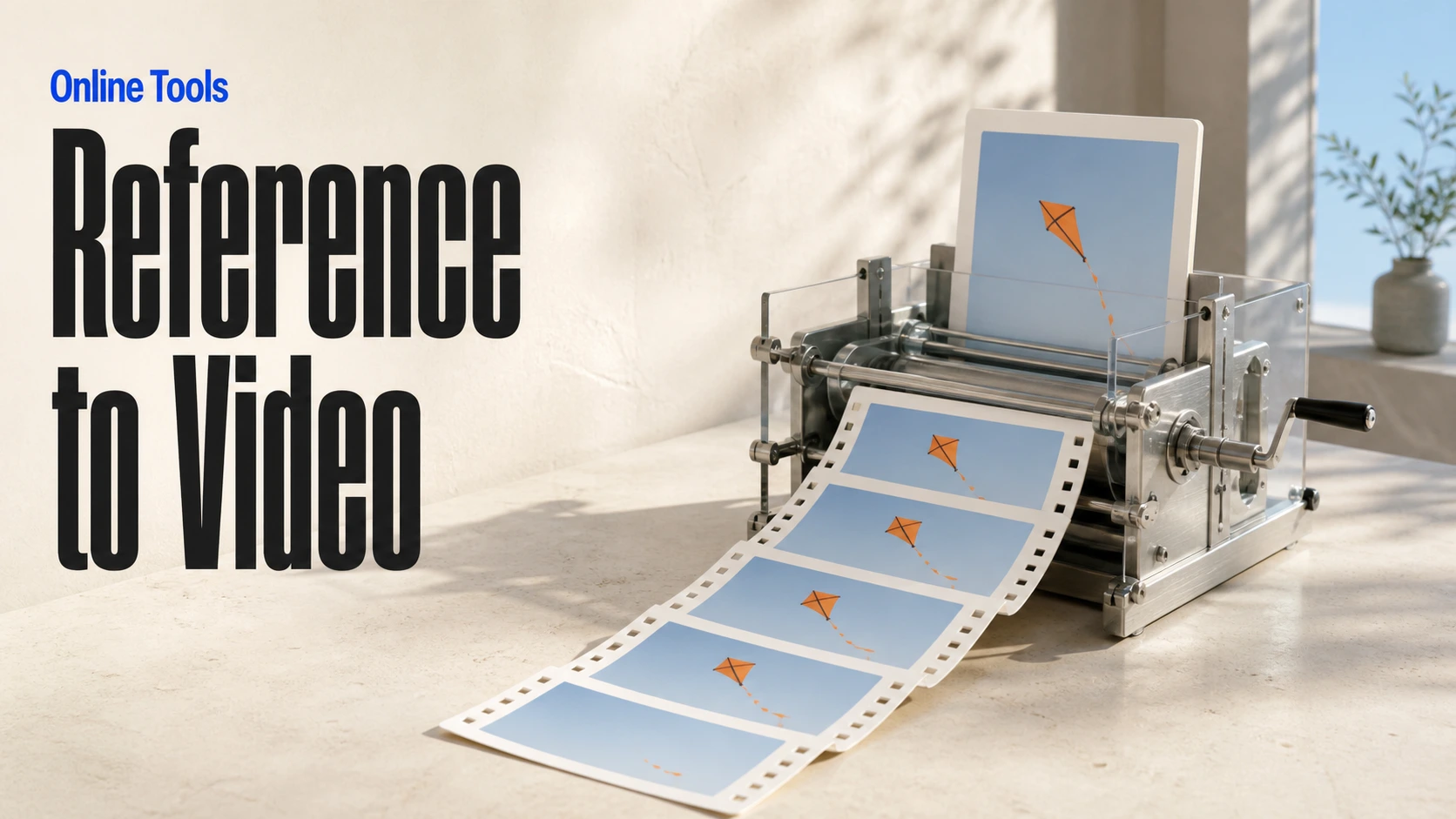
Create consistent videos from reference media
Build visual AI image and video workflows on an infinite canvas
const response = await fetch('https://api.flaq.ai/api/v1/video/task', {
  method: 'POST',
  headers: {
    'Content-Type': 'application/json',
    'Authorization': 'Bearer YOUR_API_KEY'
  },
  body: JSON.stringify({
    model_name: 'gemini-omni-1.2-flash-reference-to-video',
    prompt: 'Use the references to create a cinematic shot of a small boat approaching from the distance',
    aspect_ratio: '16:9',
    resolution: '1080p',
    duration: 12,
    images: ['https://example.com/boat-reference.jpg'],
    videos: ['https://example.com/motion-reference.mp4']
  })
});

const { data } = await response.json();
const taskId = data.task_id;
// Step 2: Poll for results
const taskId = data.task_id;

const pollResult = async (taskId) => {
  const res = await fetch(`https://api.flaq.ai/api/v1/video/${taskId}`, {
    headers: { 'Authorization': 'Bearer YOUR_API_KEY' }
  });
  return res.json();
};

while (true) {
  const pollResultData = await pollResult(taskId);
  const status = pollResultData.data.task_status;

  if (status === 'succeed') {
    console.log(pollResultData.data.task_result.videos[].);
    ;
  }

   (status === ) {
    .(pollResultData..);
    ;
  }

    ( (resolve, ));
}
import requests

response = requests.post(
    'https://api.flaq.ai/api/v1/video/task',
    headers={
        'Content-Type': 'application/json',
        'Authorization': 'Bearer YOUR_API_KEY'
    },
    json={
        'model_name': 'gemini-omni-1.2-flash-reference-to-video',
        'prompt': 'Use the references to create a cinematic shot of a small boat approaching from the distance',
        'aspect_ratio': '16:9',
        'resolution': '1080p',
        'duration': 12,
        'images': ['https://example.com/boat-reference.jpg'],
        'videos': ['https://example.com/motion-reference.mp4']
    }
)

result = response.json()
task_id = result['data']['task_id']
curl -X POST https://api.flaq.ai/api/v1/video/task \
  -H "Content-Type: application/json" \
  -H "Authorization: Bearer YOUR_API_KEY" \
  -d '{
    "model_name": "gemini-omni-1.2-flash-reference-to-video",
    "prompt": "Use the references to create a cinematic shot of a small boat approaching from the distance",
    "aspect_ratio": "16:9",
    "resolution": "1080p",
    "duration": 12,
    "images": ["https://example.com/boat-reference.jpg"],
    "videos": ["https://example.com/motion-reference.mp4"]
  }'
# Step 2: Poll for results
# Replace {task_id} with the task_id returned from the submit response
curl -X GET "https://api.flaq.ai/api/v1/video/{task_id}" \
  -H "Authorization: Bearer YOUR_API_KEY"
# Step 2: Poll for results
task_id = response.json()['data']['task_id']
poll_url = f"https://api.flaq.ai/api/v1/video/{task_id}"

while True:
    poll_result = requests.get(poll_url, headers={'Authorization': 'Bearer YOUR_API_KEY'}).json()
    status = poll_result['data']['task_status']
    if status == 'succeed':
        print(poll_result['data']['task_result']['videos'][0]['url'])
        break
    if status == 'failed':
        print(poll_result['data']['task_status_msg'])
        break
    time.sleep(10)